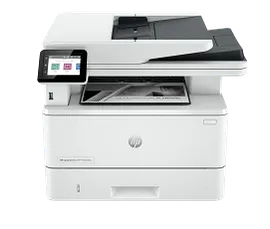
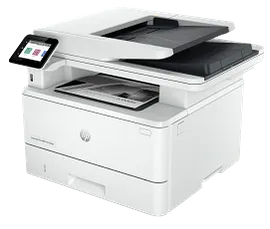
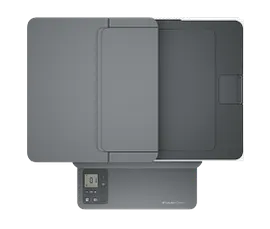
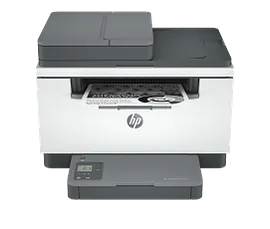
HP LaserJet MFP M234dw Printer


ENERGY STAR | Small Office
Other offers available with the product:
FREE Storewide Shipping
Financing options available for all credit scores
72 Hour Flash Sale
Product # 6GW99F#BGJ
FunctionsPrint, copy, scan
- Print, copy, scan, wireless
- Print speed letter: Up to 30 ppm (black)
- Auto duplex printing; 150-sheet input tray; dual-band wireless 802.11b/g/n; Bluetooth low energy
- Dynamic security enabled printerSee all Specs
Can't find what you are looking for?
3% back in HP Rewards
Engineered for Sustainability
HP LaserJet MFP M234dw Printer
$0.00
A high-productivity MFP with the fastest two-sided printing in its class[2] and the time-saving HP Smart app.[6,7] Count on peace of mind from more reliable connections,[1] and a worry-free experience with simplified setup.
HP Personal Laser Multifunction Printers are designed for individuals or small workteams who need affordable, reliable multifunction performance in a compact and easy-to-use desktop device.
This printer is intended to work only with cartridges that have new or reused HP electronic circuitry, and it uses dynamic security measures to block cartridges using modified or non-HP circuitry. Periodic firmware updates will maintain the effectiveness of these measures and block cartridges that previously worked. Reused HP electronic circuitry enables the use of reused, remanufactured, and refilled cartridges. More at:
http://www.hp.com/learn/ds
HP Personal Laser Multifunction Printers are designed for individuals or small workteams who need affordable, reliable multifunction performance in a compact and easy-to-use desktop device.
This printer is intended to work only with cartridges that have new or reused HP electronic circuitry, and it uses dynamic security measures to block cartridges using modified or non-HP circuitry. Periodic firmware updates will maintain the effectiveness of these measures and block cartridges that previously worked. Reused HP electronic circuitry enables the use of reused, remanufactured, and refilled cartridges. More at:
http://www.hp.com/learn/ds
Built for fast and reliable printing
Deliver multipage documents in a flash with the fastest two-sided printing in class.[10] Rely on consistent, high-quality prints page after page. Get the quality you expect from an industry leader. Stay connected with reliable dual-band Wi-Fi® that automatically reconnects to stay online.[1] Breeze through scan and copy tasks quickly and save time with automatic scanning and copying using the automatic document feeder.
Stay productive from anywhere
Get high-quality scanning and printing from your phone, plus time-saving features with the easiest-to-use HP app.[3,5] Quickly access and print documents and images on your smartphone, even from Dropbox and Google Drive, using the HP app. [2] Eliminate steps in repetitive tasks with Shortcuts. Scan to the cloud, email, and more in just a tap.[2]
Compact and energy efficient design
Save space without sacrificing performance with an award-winning, compact design.[4] Optimize printer energy usage with HP Auto-On/Auto-Off technology.[6] Easily recycle your used Original HP Toner Cartridges for free through the HP Planet Partners program.[7] This HP LaserJet meets ecolabel requirements, including ENERGY STAR® and Blue Angel.[8,9]
Recommended Supplies & Support
Features
Fastest in-class two-sided printing speed
Small size. Big performance.
A LaserJet so compact it can fit almost anywhere.
Your reliable connection
Amazing scanning, now on your smartphone
Printing just got more productive
Printing just got more productive
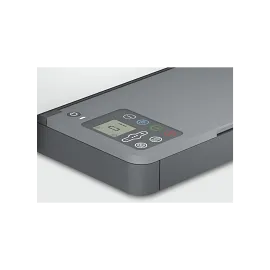
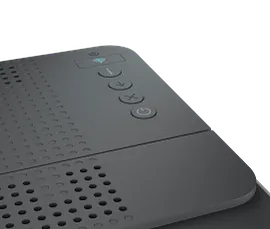
Smart-guided buttons and lighting
Easily manage tasks with smart-guided buttons and lighting for an intuitive experience – buttons appear only when needed.
Ready to help protect business
Get security essentials to help maintain privacy and control, including basic encryption and password protection.
On when you need it, off when you don’t
Help save energy with HP Auto-On/Auto-Off Technology – intelligence that can turn your printer on when you need it and off when you don’t.[8]
Technical Specs
Reviews and Q&A
HP LaserJet MFP M234dw Printer is rated
out of
5 by
269.
Rated 5 out of
5
by
Doodler from
Good and the Bad.
Works great on 5 GHz modem. Having problem with HP continuing to bill for old printers ink replacement contract.
Date published: 2026-04-03
Rated 1 out of
5
by
Harry'sHP from
wasn't 'plug-'n-play'
Frustrating - Pleased - Disappointed. That summarizes my one-month experience with this HP. printer Installation seemed like a haphazard patchwork between HP and Operating System partner. Installation did finally succeed and printer/scanner worked fine. One month later the printer 'decided' to go offline - and stay offline - no matter what I tried. I realize there are hundreds of thousands of Troubleshooting available, but is that volume really necessary? I think HP can do better. Strive for simplicity and 'plug-'n-play with clear and detailed documentation.
Date published: 2026-03-29
Rated 1 out of
5
by
TracyMO69 from
Junk
Printer will not plug and play to 5g internet
Date published: 2026-03-27
Rated 5 out of
5
by
Anonymous from
Best and cheapest Laser Jet printer
Best and cheapest Laser Jet printer that money can buy that will also print on both sides of your printer paper.
Date published: 2026-03-26
Rated 1 out of
5
by
Juliespage from
Awful product
Paper tray and cord to item continually falling out.
Booklet for information on how to work things awful
Kept being inconsistent on performance!
Hooked up my previous one which for some reason you are discontinuing.. WHY…. its great!!!
Date published: 2026-03-24
Rated 5 out of
5
by
Kugler from
Fine m234dw printer
Easy to set up, easy to use.
Date published: 2026-02-01
Rated 5 out of
5
by
Traver from
I like it. Works well for what I need it for.
Overall good printer. It was on sale and I needed a new printer. I love HP products for their reliability and general ease of use. I will say that you have to download the HP app to get the printer to connect to your WIFI as there is no touch screen to do this. Other than that, I like the computer.
Date published: 2026-02-01
Rated 5 out of
5
by
Signe from
Love it.
Love it!! I should have bought a laser printer years ago. Great for home office.
Date published: 2026-01-28
Does this model have scan to email capability?
Thank you for your question! The HP LaserJet MFP M234sdw printer has a scan-to-email feature. To use it, you can:
Place the document on the scanner glass
Close the scanner lid
Go to the Home screen on the printer control panel
Select the Scan icon
Select Scan to E-mail
Select Send an E-mail
Select the From address
Select the To button
Select the address or group to send the file to
Select the Subject button
Select Next
Date published: 2025-10-22
Does it print in color as well
Hello. Thanks for your question. This HP LaserJet MFP M234dw all-in-one laser printer only prints in black and white. There is no color toner in this printer.
Date published: 2023-05-27
Will this printer be recognized by a 5 GHz router?
Hello, Eugene. Thanks for your question. The HP LaserJet MFP M234dw Printer can be recognized by a 5 GHz router due to its dual-band capabilities.
Date published: 2024-11-09
If not compatible with dual internet router can it be returnrd
This HP LaserJet MFP M234dw Printer will be compatible with dual-band wireless 802.11b/g/n and newer wireless standards.
Date published: 2023-10-20
Does dimensions listed include the paper tray?
Thank you for your question! The HP LaserJet MFP M234dw Printer has the following dimensions:
Dimensions (W X D X H)
14.49 x 11.76 x 9.52 in
Dimensions Maximum (W X D X H)
14.49 x 16.52 x 17.18 in
Maximum Dimensions are with the paper trays pulled out to maximum length.
Date published: 2026-01-17
I know this is a black and white printer. Does it scan color documents and save them in color?
Yes, this HP LaserJet MFP M234dw Printer will scan and save in color.
Date published: 2023-12-07
I changed wifi providers and CANNOT figure out how to change the network for the printer
Hello. Thanks for your question. Here are some instructions on how to Restore WiFi setup mode on your HP printer: https://support.hp.com/us-en/document/ish_3967769-3956733-16
Date published: 2026-01-17
does it scan in color even though it is a B&W printer?
Thank you for your question! The HP LaserJet MFP M234dw does support color scanning.
Date published: 2024-12-27
Similar Products
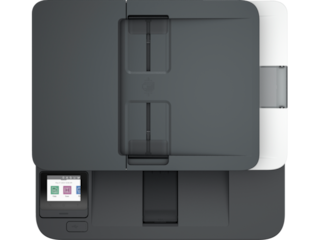
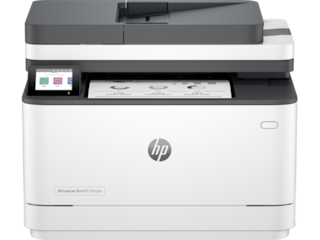

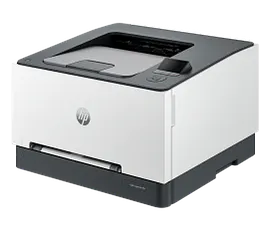
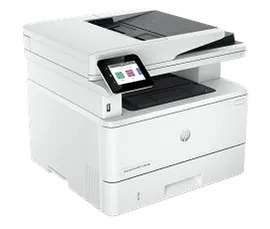
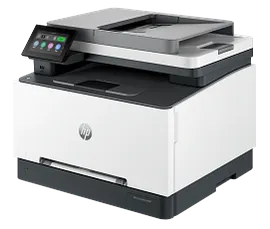
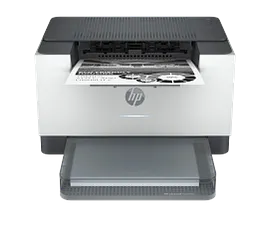
HP LaserJet Pro MFP 3101sdw Printer, AI-Capable
Print, scan, copy wireless and auto 2-sided printingFast speeds for professional quality black & white printsHP Wolf Pro security settingsDynamic security enabled printer
9D2X4F#BGJ
ENERGY STAR | Small medium business
Engineered for Sustainability
3% back in HP Rewards
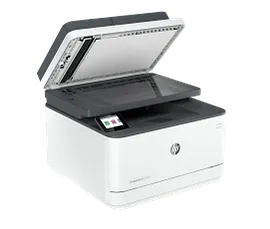
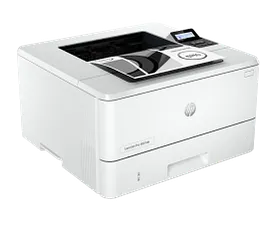
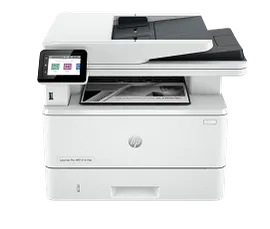
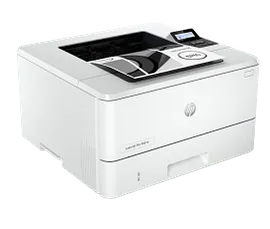
HP LaserJet Pro MFP 3101fdw Wireless Printer with Fax, AI-Capable
Print, scan, copy, fax, wireless and auto 2-sided printingFast speeds for professional quality black & white printsHP Wolf Pro security settings
3G628F#BGJ
ENERGY STAR | Small medium business
Engineered for Sustainability
3% back in HP Rewards
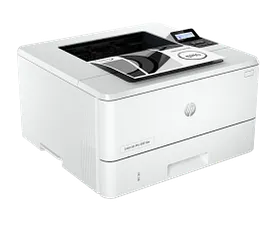

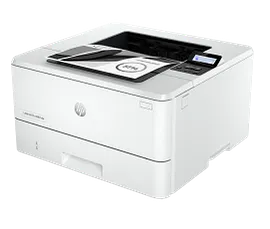
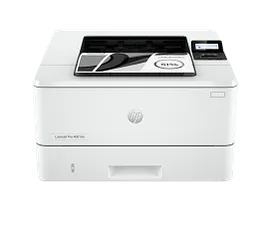
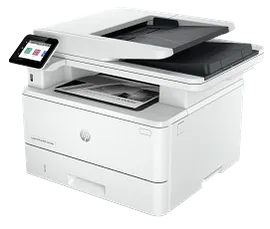
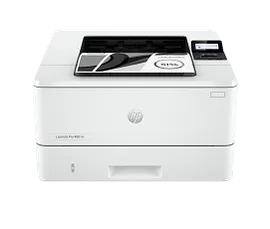
HP LaserJet Pro 4001dw Wireless Printer
Print, wireless and auto 2-sided printingBlazing fast speeds for professional quality black & white printsHP Wolf Pro security settingsDynamic security enabled printer
2Z601F#BGJ
ENERGY STAR | Small medium business
Engineered for Sustainability
3% back in HP Rewards
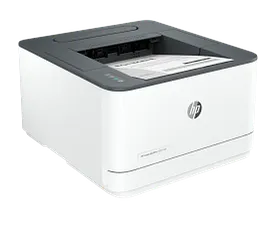
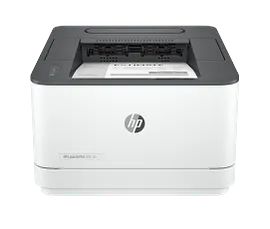
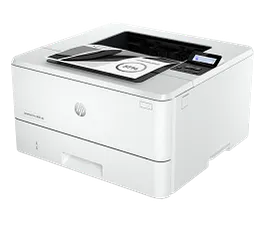
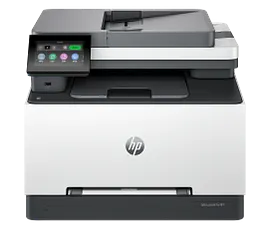
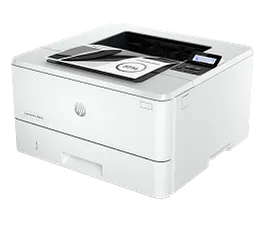
HP LaserJet Pro 3001dw Wireless Printer
Print, wireless and auto 2-sided printingFast speeds for professional quality black & white printsHP Wolf Pro security settings
3G650F#BGJ
ENERGY STAR | Small medium business
Engineered for Sustainability
3% back in HP Rewards

Return and exchange information
Most items may be returned within 30 days of delivery. A restocking fee of up to 15% of the purchase price may be deducted from your refund for returned items, except where prohibited by law. No restocking fee applies to defective or incorrect items. A restocking fee is not applicable for printers, ink, toner, paper, care packs, software and services. For details, please visit: https://www.hp.com/us-en/shop/cv/returnsandexchanges.


