Thank you for visiting the AUSTRALIA HP Store
-
Contact Us
CONTACT USCall us
- Sales (Home, Students, Gamers)
- 1300 540 516
- Sales (Small Business Customers)
- 1800 891 209
- Post-Sales
- 13 23 47
- Technical support
- 13 10 47
Exc. public holidays
Chat with us- Our specialist are here to help
- Live Product Demo
- Sales
- 61288061500 (WhatsApp)
-

- Post Sales
- 61288061700(WhatsApp)
- Technical Support
- 61341594000(WhatsApp)
Exc. public holidays
Live product demo
Submit feedback We value your opinion! - My Account

Search
Printer

-
Posted: June 24, 2026
 Read more »
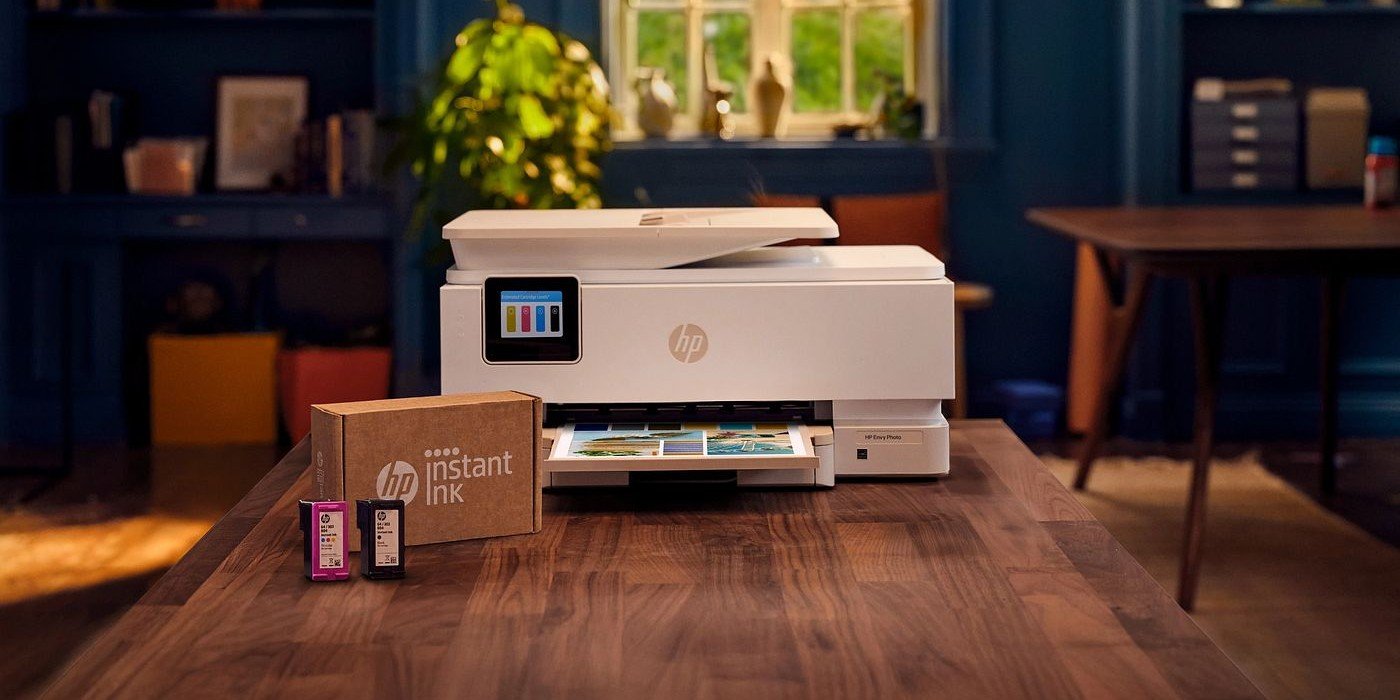
HP Instant Ink vs traditional cartridges (quick answer)
If you’re trying to decide between the two, here’s a fast guide:
-
HP Instant Ink — best for regular printing, predictable monthly use, and people who want automatic ink delivery
-
Traditional cartridges — best for occasional printing, full control over purchases, and users who prefer no subscriptions
-
Compatibility — Instant Ink only works on supported HP printers
-
Sustainability — Instant Ink includes recycling by default; cartridges require user action
-
Convenience — Instant Ink removes the “out of ink” problem; cartridges require manual replacement
The right choice depends on how much you print, how predictable your usage is, and how much you value convenience.
Introduction
Choosing how to keep your printer stocked with ink might seem like a small decision, but it can affect everything from your monthly costs to how often you’re caught printing an urgent document at the worst possible moment.
For HP printer users in Australia, the
-
-
Posted: May 26, 2026
 Read more »
Business printing remains time-consuming and error-prone for many organisations. Manual order processing, fragmented email coordination, and inconsistent workflows create inefficiencies that drain productivity and increase costs.
-
Posted: April 09, 2026Categories: Printer
 Read more »
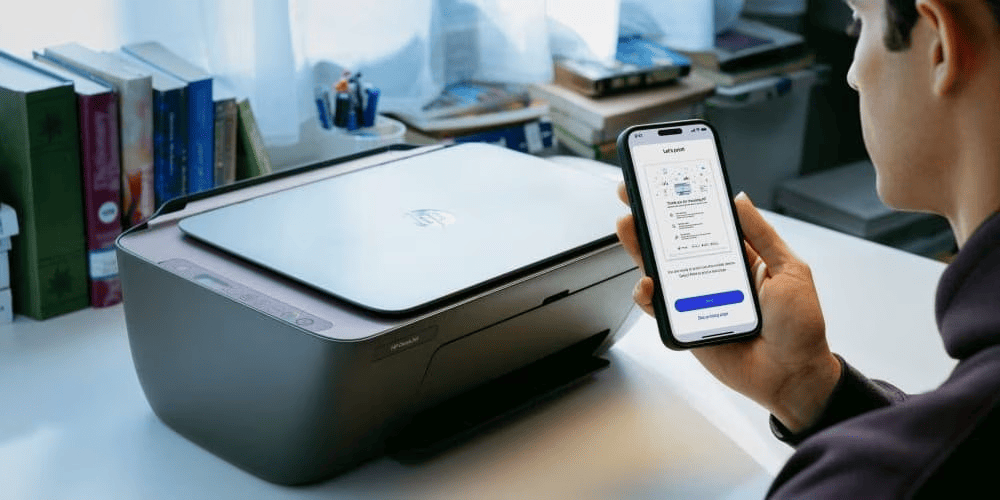
Looking to set up your HP printer? You've come to the right place. In 2025, setting up your HP printer is simpler than ever thanks to the HP app (previously known as HP Smart). Whether you're in a home office in Melbourne or a small workplace in Brisbane, this guide walks you through the entire setup process for Windows, macOS, iOS, Android, and Chromebook, so you can start printing with ease.
You'll discover how to connect to Wi-Fi, install drivers, print a test page, and resolve common problems in just a few minutes. We'll also cover alternative setup methods and provide essential security advice to keep your printer reliable, whether you're using it at home or in a small workplace.
Before You Begin: What You Will Need
Before powering on your new HP printer, gather a few essentials for a smooth setup:
-
Your printer, unboxed and positioned in its intended location
-
A power outlet nearby
-
Your Wi-Fi network name (SSID) and password
-
A connected device (like an HP ENVY laptop, HP EliteBook
-
-
 Read more »
Every connected device in your home is a potential entry point for hackers. Your wireless printer, while often overlooked, can create a significant security gap in your network—especially if left with factory-default settings and unpatched firmware. For Australian households increasingly working from home, securing your printer is no longer optional—it’s essential.
-
Posted: February 03, 2026
 Read more »
As remote work becomes standard practice across Australia, having a reliable home printer has evolved from luxury to necessity. However, this widespread adoption has made choosing the right printer more challenging for Aussie households. With numerous options flooding the market and factors like budget, printing needs, and evolving technologies to consider, the selection process can feel overwhelming.
-
Posted: January 09, 2026Categories: Printer
 Read more »
In world’s dynamic work-from-home culture and education landscape, having a reliable all-in-one printer has become essential for families, students, and professionals alike. Creating photo memories, the HP ENVY printer series offers smart solutions designed for modern Indian households and small offices.
-
Posted: January 07, 2026
 Read more »
Office printers have evolved far beyond simple peripheral devices in today’s Australian workplaces. They’ve become sophisticated networked gateways that handle sensitive business information daily. With cyber threats increasingly targeting Australian businesses of all sizes, securing your office printer is no longer optional—it’s critical to protecting confidential data and ensuring business continuity. This article explores the risks associated with unsecured printers, outlines best practices to safeguard your device, and provides recommendations for secure, high-performance office printers available in Australia.
-
Posted: December 01, 2025Categories: Printer
 Read more »
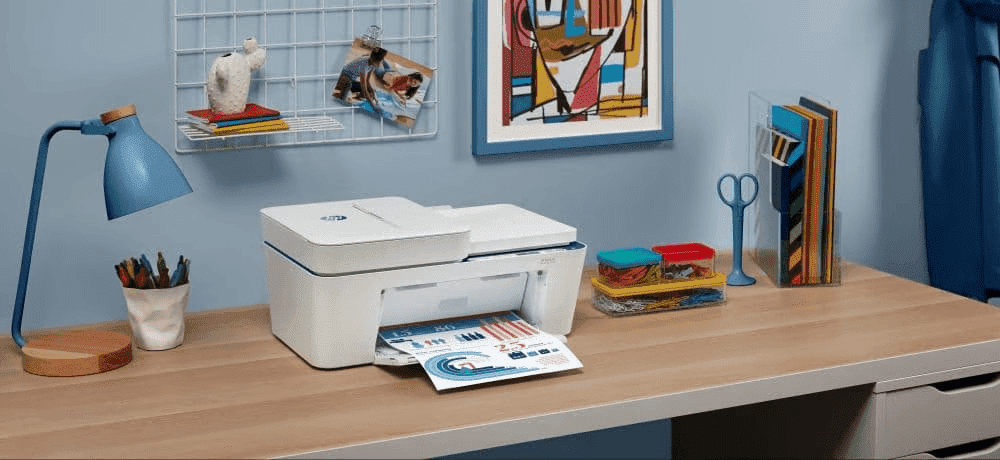
In 2025, printing from your iPhone shouldn't be complicated, especially for users managing everything greeting cards to important business documents. Whether you're a student needing to print assignments, a small business owner handling administrative tasks, or working remotely, AirPrint® printers make it simple to print directly from your device without the hassle of cable connections or complicated setups.
-
 Read more »
This holiday season, why not align your gift-giving with your values? More than ever, we’re all seeking ways to make sustainable choices. Whether you're shopping for family or friends, eco-conscious tech gifts are a way to spread kindness to the planet and your loved ones alike.
-
Posted: September 03, 2025Categories: Printer
 Read more »
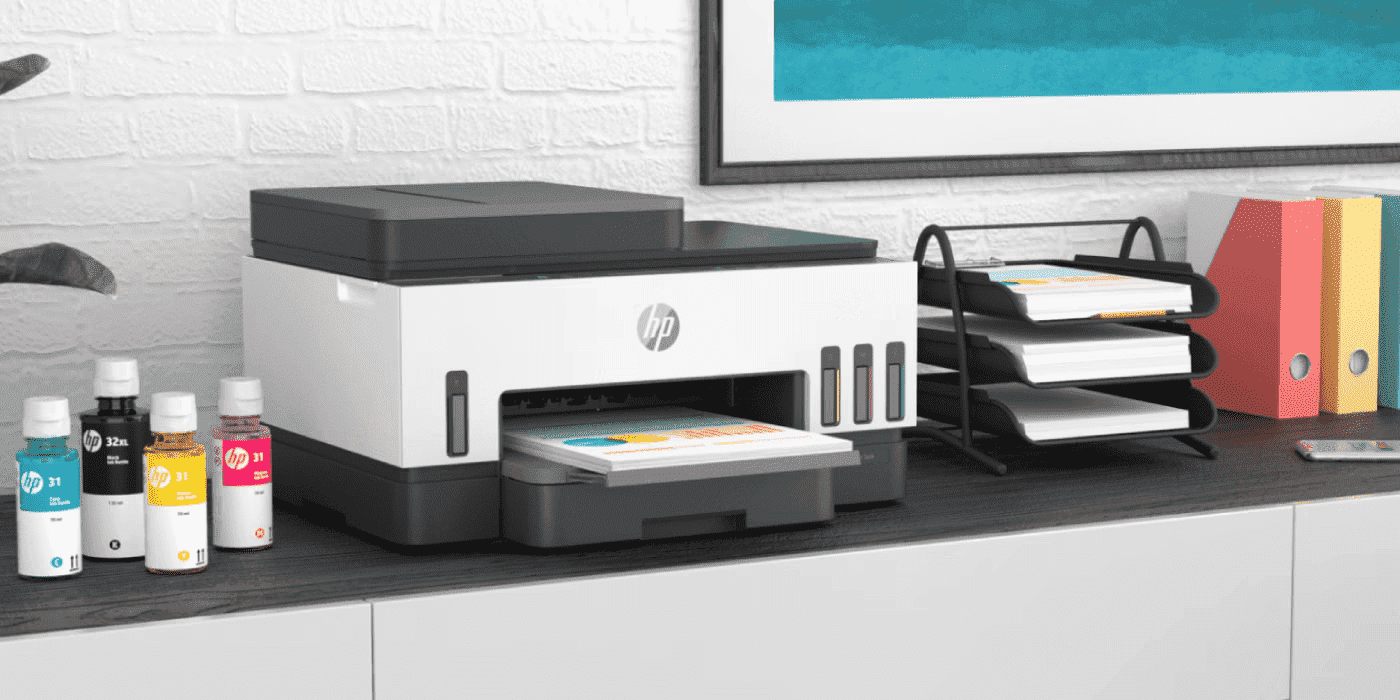
When facing the choice between original HP ink cartridges and cheaper third-party alternatives, the decision might seem obvious from a cost perspective. However, this apparent savings often leads to significantly higher costs over time, poor print quality, potential printer damage, and voided warranty protection. Understanding the true value proposition of genuine HP ink reveals why it’s not just the better choice—it’s the only smart choice for protecting your printer investment and ensuring professional-quality results.
Recent Posts


Popular Posts







Products purchased through this store are sold and fulfilled by Ingram Micro Pty Limited

CONTACT US
Call us
- Sales (Home, Students, Gamers)
- 1300 540 516
- Sales (Small Business Customers)
- 1800 891 209
- Post-Sales
- 13 23 47
- Technical support
- 13 10 47
Exc. public holidays
Chat with us
- Our specialist are here to help
- Live Product Demo
- Sales
- 61288061500 (WhatsApp)
-
- Post Sales
- 61288061700(WhatsApp)
- Technical Support
- 61341594000(WhatsApp)
Exc. public holidays
Live product demo
Submit feedback
We value your opinion!