Thank you for visiting the AUSTRALIA HP Store
-
Contact Us
CONTACT USCall us
- Sales (Home, Students, Gamers)
- 1300 540 516
- Sales (Small Business Customers)
- 1800 891 209
- Post-Sales
- 13 23 47
- Technical support
- 13 10 47
Exc. public holidays
Chat with us- Our specialist are here to help
- Live Product Demo
- Sales
- 61288061500 (WhatsApp)
-

- Post Sales
- 61288061700(WhatsApp)
- Technical Support
- 61341594000(WhatsApp)
Exc. public holidays
Live product demo
Submit feedback We value your opinion! - My Account

Search
Accessories

-
Posted: June 23, 2026Categories: Accessories
 Read more »An efficient and streamlined workspace is essential in today's rapidly evolving digital landscape, and HP docking stations play a crucial role in achieving this. Acting as central hubs, HP docking stations transform laptops into powerful desktop workstations. With just a single point of connection to your laptop, they enable the integration of multiple devices such as monitors, keyboards, mice, and more, effortlessly optimising your workspace.
 -
Posted: February 17, 2026
 Read more »
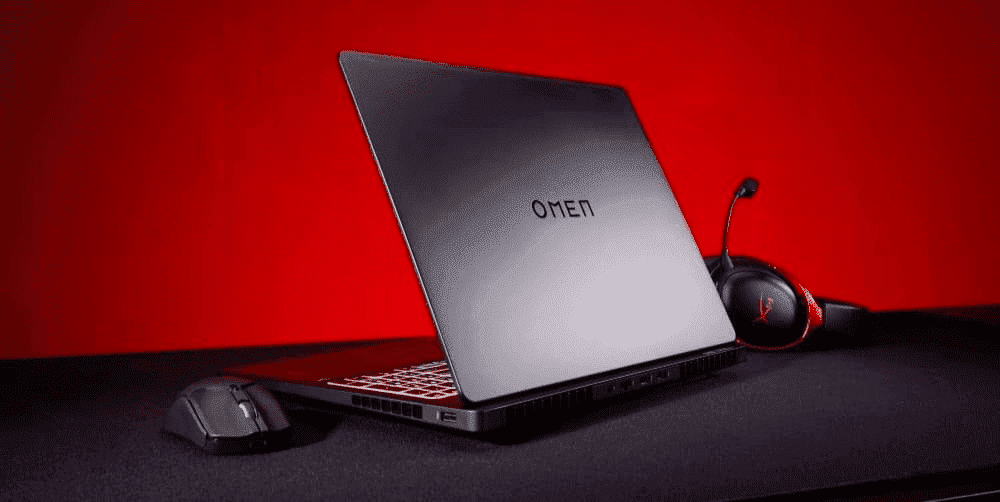
Streaming has transformed how Australians game, create, and connect with audiences worldwide. Whether you’re going live on Twitch from your Brisbane bedroom, uploading gaming content to YouTube from your Melbourne studio, or recording a podcast in your Sydney home office, one thing is clear: hitting “go live” is just the beginning. Behind every successful stream is a setup powerful enough to handle it all without breaking a sweat.
-
Posted: January 10, 2026
 Read more »
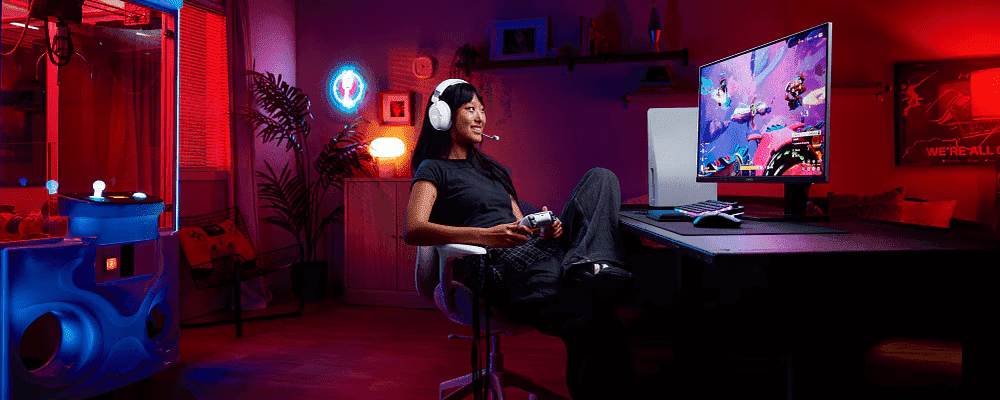
For Aussie gamers, a quality headset isn’t just an accessory—it’s a tool that delivers competitive advantage. In FPS games especially, audio cues and footstep detection often determine winners and losers. Combined with clear communication through a high-quality microphone, an excellent headset creates immersion and team coordination that separates casual players from competitive ones.
-
Posted: December 05, 2025
 Read more »
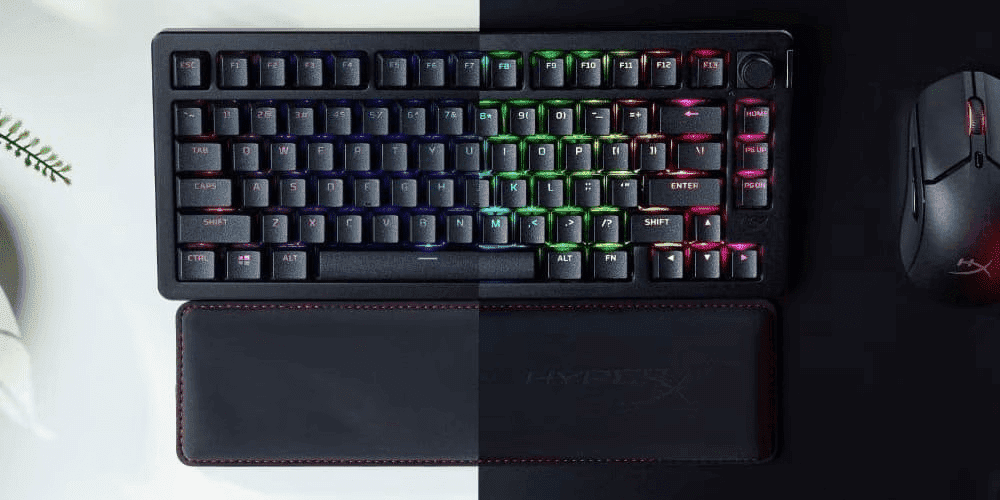
You don't just play first-person shooters—you dominate them. Every millisecond, every pixel, every micro-click matters in the intense world of competitive gaming. For Australian gamers looking to climb the ranked ladder in Valorant, Counter-Strike 2, Call of Duty: Warzone, or Rainbow Six Siege, victory isn't just about skill—it's about having the right peripherals that respond as fast as you think.
In Australia's rapidly growing esports scene, where gaming cafés in Sydney, Melbourne, Brisbane, and Perth are filled with aspiring professionals, having the competitive edge means investing in peripherals that deliver precision, speed, and reliability. This comprehensive guide explores the best HyperX gaming accessories—mouse, keyboard, and headset—that give Australian gamers the tools they need to dominate FPS games, whether you're battling through humid Brisbane summers or crisp Melbourne winters.
Why FPS Gaming Demands Specialised Peripherals
You wouldn't compete in a cricket match with substandard
-
Posted: October 09, 2025Categories: Accessories
 Read more »
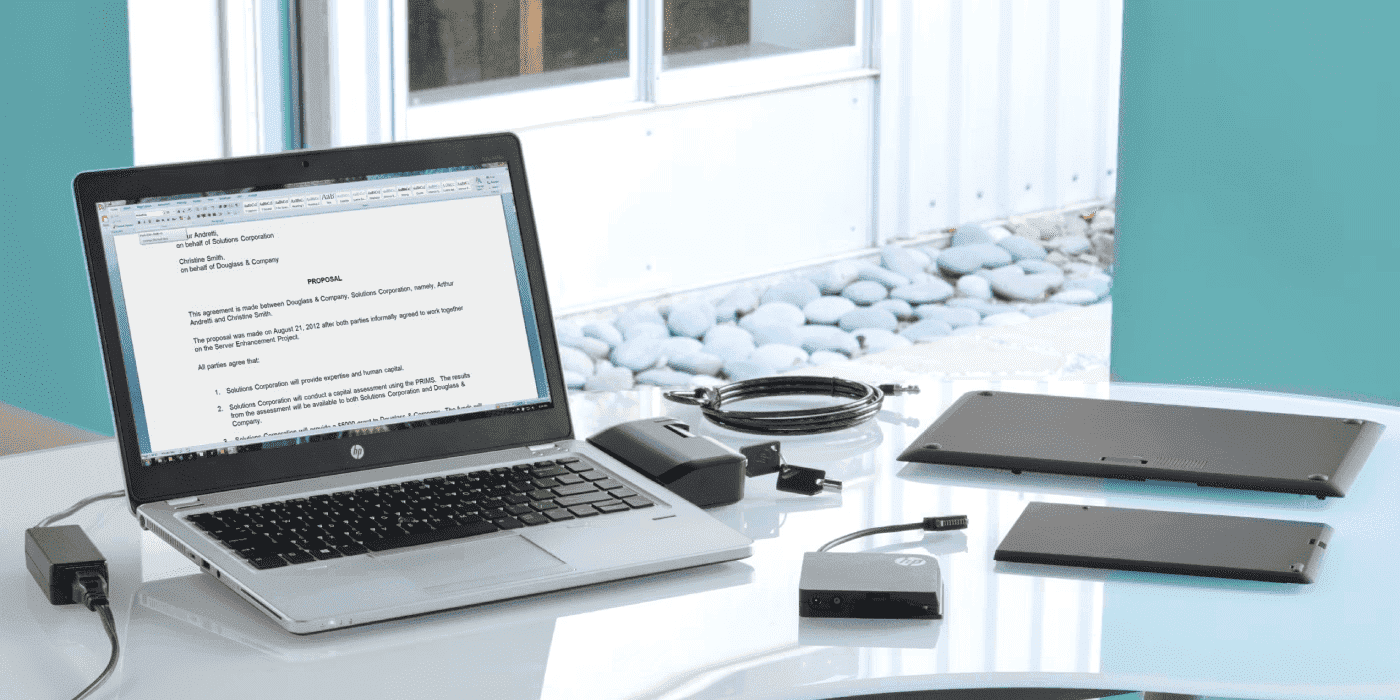
What Charger Does My HP Laptop Need?
-
Check your laptop’s bottom label for model number
-
Match the voltage exactly (usually 18.5V or 19.5V)
-
Meet or exceed the wattage (45W, 65W, 90W, or higher)
-
Verify connector type: USB-C or barrel (4.5mm or 7.4mm)
-
Use genuine HP chargers for safety and compatibility
At a Glance: HP Charger Types
Laptop Type Common Wattage Connector Type Typical Use Cases in India Ultrabooks 45W-65W USB-C or 4.5mm Students, professionals, travel Business Laptops 65W-90W 4.5mm Smart Pin Corporate offices, SMEs Workstations 90W-150W 7.4mm or USB-C Engineering, design firms Gaming Laptops 150W-230W 7.4mm proprietary Gaming enthusiasts, esports Choosing the right charging cord for an HP laptop is one of the best things you can do for your battery’s life, especially in Australia’s varied climate conditions. Whether you’re working from a Brisbane office during summer humidity or using your laptop in air-conditioned spaces across Sydney and Melbourne, a mismatched or low-quality
-
-
Posted: October 04, 2025Categories: Accessories
 Read more »
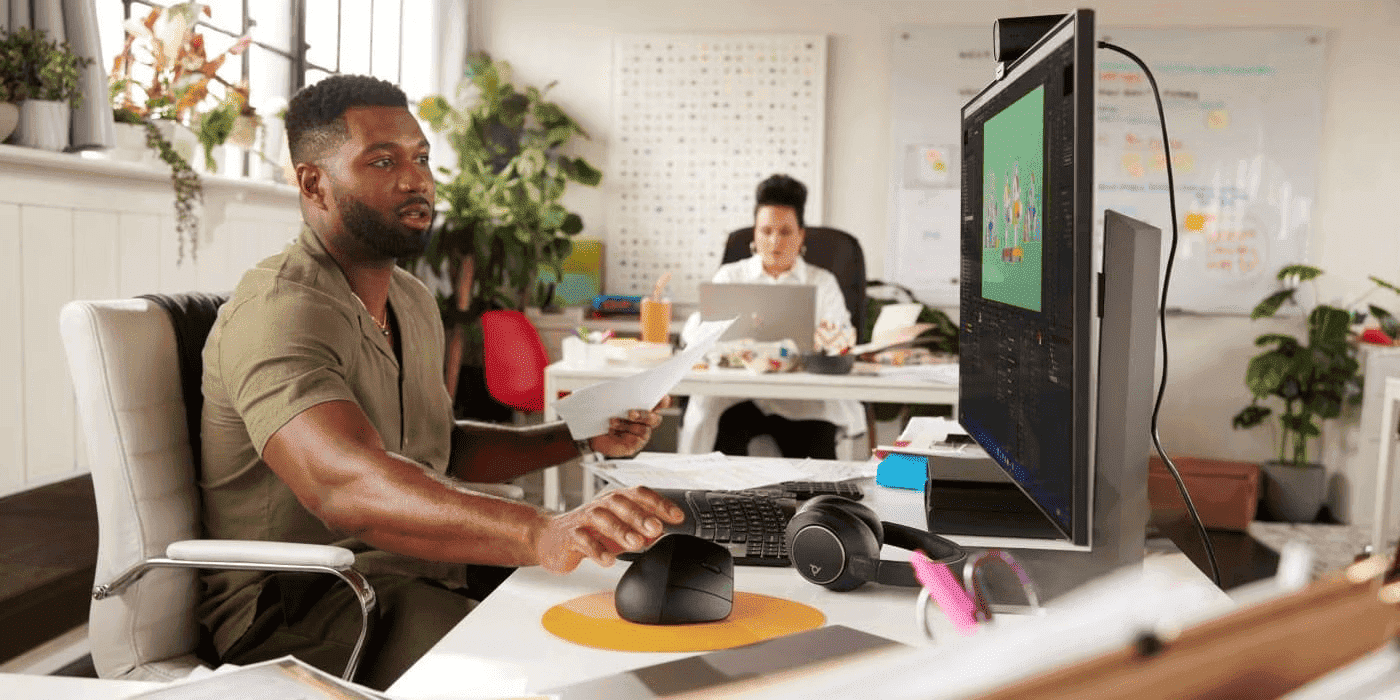
Hybrid work has become the new normal for Australian professionals, with many splitting their time between home offices, corporate workspaces, and flexible environments across our major cities. A reliable wireless mouse has emerged as essential kit for maintaining productivity across multiple workspaces. HP’s wireless mouse lineup addresses the unique challenges of hybrid work with features like multi-device connectivity, extended battery life, and ergonomic designs that support all-day comfort.
-
Posted: September 12, 2025Categories: Accessories
 Read more »
The mobile professional headset market reveals that 78% of business professionals require reliable wireless headsets for hybrid work, with road warriors averaging 9+ hours of daily usage. Investment ranges typically fall between $150-$400 for professional-grade wireless headsets, with studies showing up to 40% productivity improvement when using noise-cancelling communication technology. The key decision factors that determine optimal headset selection for mobile professionals across Australia include battery life, call clarity, comfort during extended use, and multi-device connectivity.
-
Posted: September 12, 2025
 Read more »
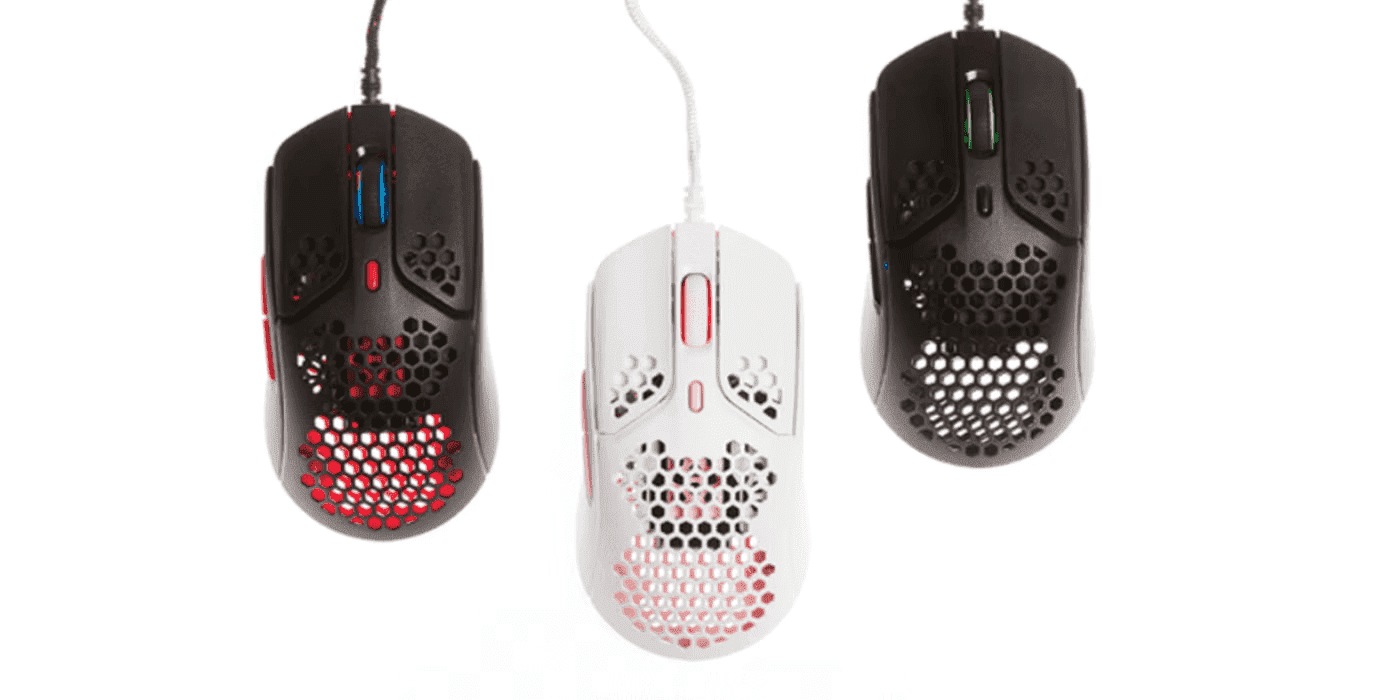
For years, wireless gaming mice were largely avoided by Australian gamers due to concerns about input lag, low polling rates, and the general perception that wired mice were superior for competitive gaming. Since the 2000s, gamers across Australia had two main options: a standard wired mouse or a Bluetooth one. The Bluetooth option gave convenience but fell short on performance—they felt sluggish during gaming, and cursor tracking was choppy. So wired mice remained the preferred choice for serious gamers throughout Melbourne’s gaming cafes and Sydney’s esports venues.
-
Posted: August 20, 2025
 Read more »
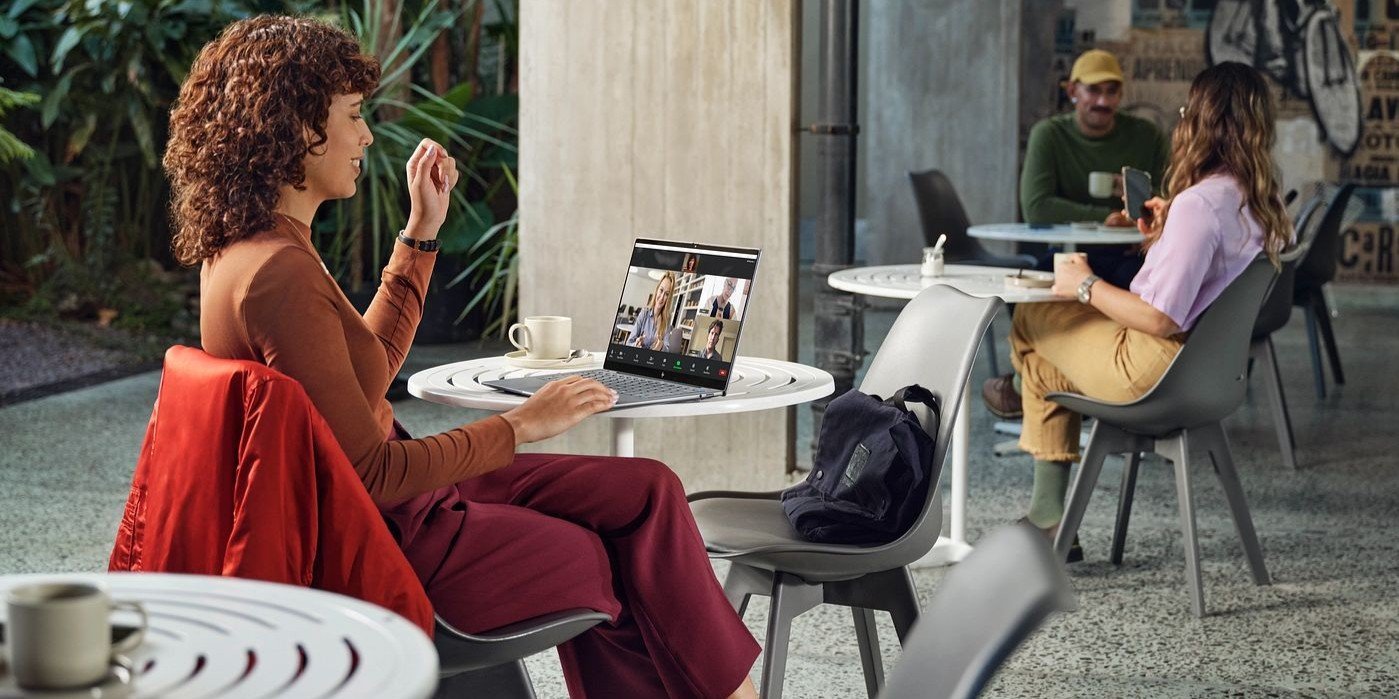
Remote work and online learning have become integral to Australian life, making video call malfunctions particularly frustrating when they occur just before important Zoom meetings or virtual classes. Whether you’re joining a meeting from your Melbourne office or attending online uni lectures from Perth, camera issues can disrupt your day.
-
Posted: August 08, 2025
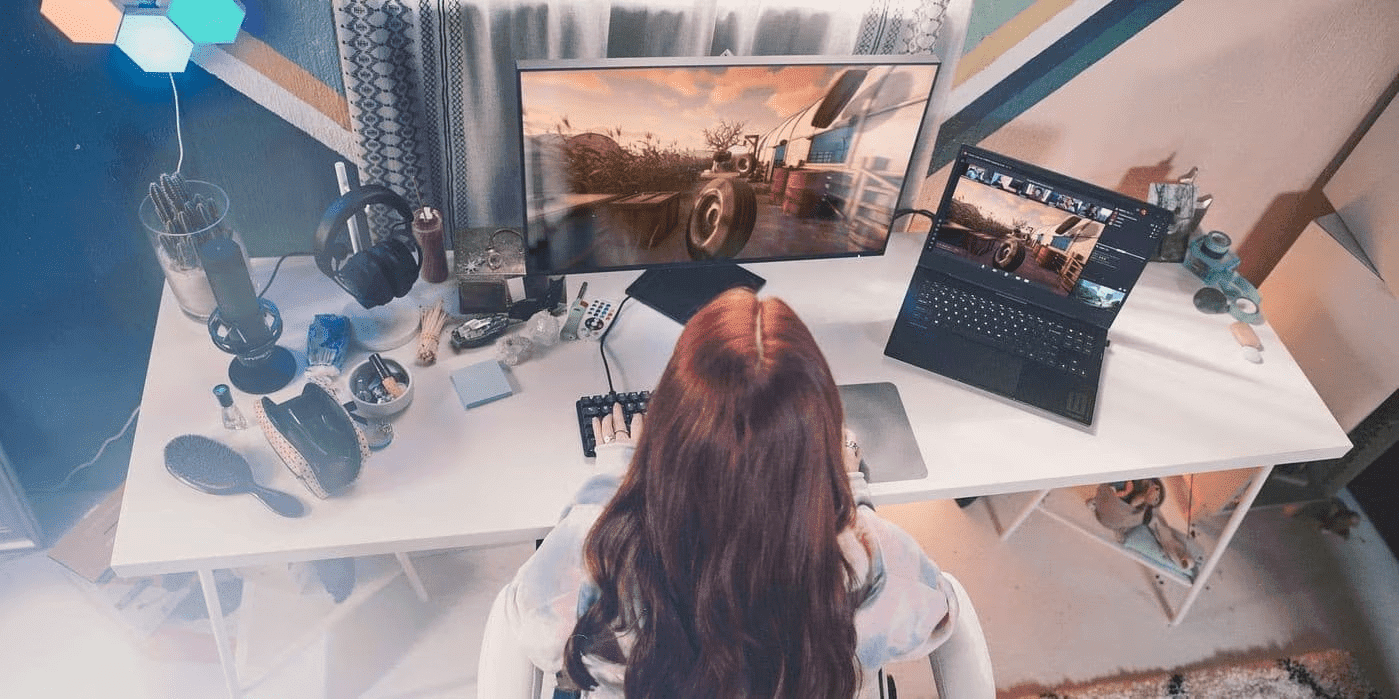 Read more »Modern gaming transcends simple play: it’s an integrated ecosystem where cutting-edge hardware and intelligent software converge effortlessly. This evolution encompasses everything from competitive esports to immersive open-world adventures, requiring not just powerful components, but the seamless integration of intelligent and user-friendly technology to deliver a cohesive and enriching gaming experience.
Recent Posts




Popular Posts








Products purchased through this store are sold and fulfilled by Ingram Micro Pty Limited

CONTACT US
Call us
- Sales (Home, Students, Gamers)
- 1300 540 516
- Sales (Small Business Customers)
- 1800 891 209
- Post-Sales
- 13 23 47
- Technical support
- 13 10 47
Exc. public holidays
Chat with us
- Our specialist are here to help
- Live Product Demo
- Sales
- 61288061500 (WhatsApp)
-
- Post Sales
- 61288061700(WhatsApp)
- Technical Support
- 61341594000(WhatsApp)
Exc. public holidays
Live product demo
Submit feedback
We value your opinion!