Thank you for visiting the AUSTRALIA HP Store
-
Contact Us
CONTACT USCall us
- Sales (Home, Students, Gamers)
- 1300 540 516
- Sales (Small Business Customers)
- 1800 891 209
- Post-Sales
- 13 23 47
- Technical support
- 13 10 47
Exc. public holidays
Chat with us- Our specialist are here to help
- Live Product Demo
- Sales
- 61288061500 (WhatsApp)
-

- Post Sales
- 61288061700(WhatsApp)
- Technical Support
- 61341594000(WhatsApp)
Exc. public holidays
Live product demo
Submit feedback We value your opinion! - My Account

Search
Laptops

-
Posted: June 23, 2026Categories: Laptops
 Read more »
Tired of continuously charging your laptop every few hours? A laptop’s battery life can be a deal breaker, especially if you travel a lot. HP laptops come with long battery life and built-in fast charging software for maximum productivity. However, there is always more that you can do to maximise performance.
-
Posted: June 23, 2026
 Read more »Booting from a USB device can be incredibly useful for various tasks, such as installing a new operating system, running diagnostic tools, recovering data, or trying out a live Linux distribution. This comprehensive guide, tailored for Indian users, will walk you through the process of booting from a USB drive on Windows 10 PCs, including how to prepare your USB drive, change BIOS settings, and troubleshoot common issues.
 -
 Read more »
Computers are an essential part of our modern lives. Be it a custom-built PC or a personal laptop, they provide seamless solutions for many of our needs, like online shopping, web-based classrooms, virtual meetings, and so much more.
-
Posted: May 22, 2026Categories: Laptops
 Read more »
If you own an iPhone and use a Windows laptop for work or personal tasks, you are probably familiar with the frustration of dealing with iTunes. The application can be slow, buggy, and resource-heavy on Windows machines. The good news is that you have several effective alternatives to back up your iPhone to a Windows laptop without ever opening iTunes.
Whether you are working from a home office in Melbourne, studying in Brisbane, or commuting between Sydney meetings, keeping your iPhone backed up is one of those habits that pays off the moment something goes wrong. In this guide, we will walk you through multiple methods for backing up your iPhone data using iCloud, the Windows Phone Link app, the Apple Devices app, and reliable third-party tools. Each method has different strengths, so you can choose the approach that best fits your needs and workflow.
Why Back Up Your iPhone Regularly?
When you back up your iPhone on a Windows laptop, you avoid the possibility of losing your precious
-
 Read more »
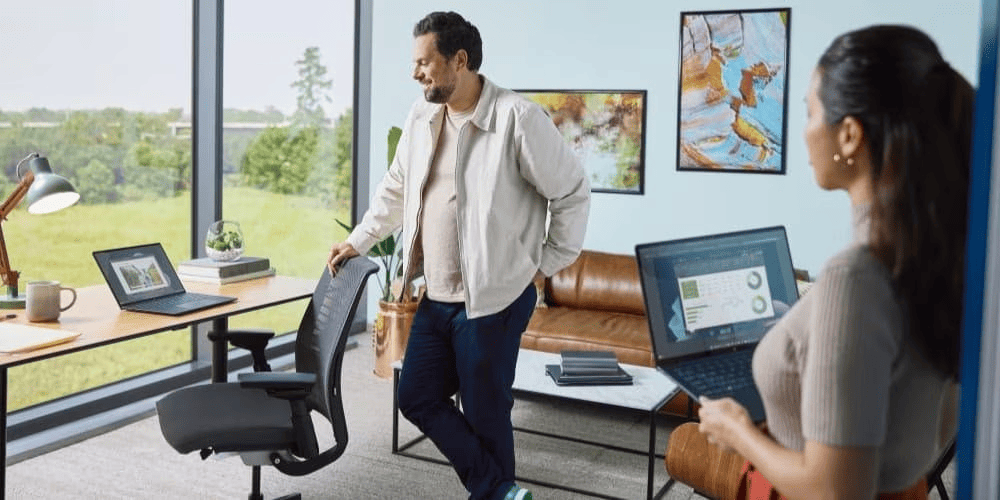
Many laptops today are advertised as AI-ready, to the point where it now feels like a marketing gimmick. They often frame Artificial Intelligence (AI) as an all-in-one futuristic tool without specifying what it actually represents. In this guide, we'll evaluate the benefits of AI PCs for college students, those seeking entry, and postgraduates. We'll also explore key features in the latest HP AI PCs, cost considerations, and their real academic uses.
-
 Read more »
Quick Answer: HP Copilot+ PCs feature dedicated NPUs with 40+ TOPS performance, Intel® Core™ Ultra processors, deep Microsoft Copilot+ integration, and optimised battery life—running advanced AI tasks on-device without cloud dependency, unlike regular AI laptops that rely on CPUs/GPUs and cloud processing.
-
Posted: May 08, 2026Categories: Laptops
 Read more »
HP x360 laptops redefined laptop flexibility by enabling users to work, create, and collaborate using one device. The same design philosophy continues under a new name: HP Flip. This evolution represents HP's next chapter in convertible laptops designed for modern workflows, hybrid lifestyles, and AI-powered productivity.
-
Posted: May 07, 2026Categories: Laptops
 Read more »
Choosing a laptop these days can be overwhelming with all the options out there. For many older Australians — whether you're enjoying retirement in the Blue Mountains, keeping in touch with grandkids in Queensland, or managing your affairs from home — what really matters is a device that's simple to use, comfortable on the eyes, and reliable for everyday tasks like web browsing, email, video calls, or enjoying videos and pictures. We believe the best HP laptops for seniors focus on large, easy-to-read screens, straightforward setup, and helpful customer support — so you (or your loved one) can get started quickly and confidently without fuss. Here, we'll highlight HP models that deliver just that.
What Makes a Great Laptop for Seniors?
When looking for easy-to-use laptops for seniors, focus on features that make everyday tasks simple and comfortable.
Large, Clear Display
Typically, bigger screens (14 to 17 inches) make text, photos, emails, and video calls much easier to see without squinting
-
Posted: April 30, 2026Categories: Laptops
 Read more »
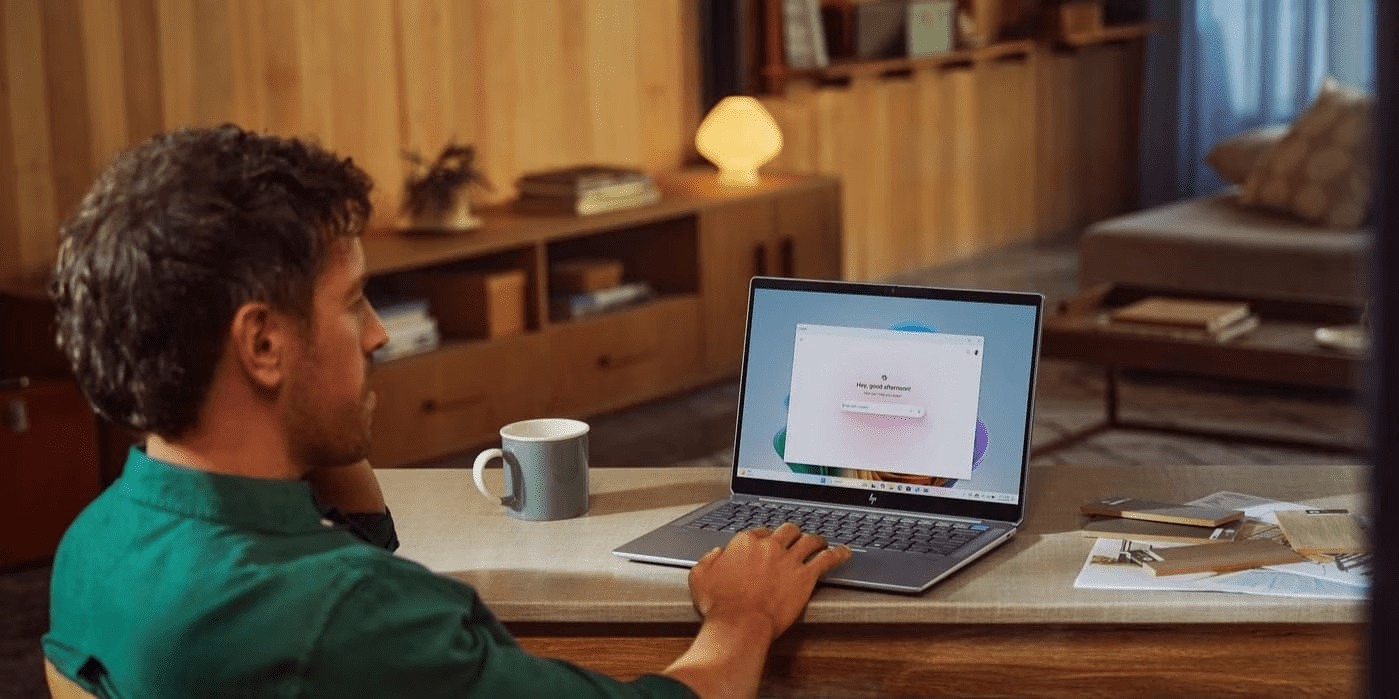
We’ve entered a new era of AI-powered computing, and the HP OmniBook Ultra leads the way. For professionals and creators across the world — from fast-moving business districts to creative studios — next-generation technology is setting a higher standard for performance and intelligence. Continuing the legacy of the HP Spectre, the OmniBook Ultra combines top-tier performance, adaptive AI, and portable elegance into a single machine.
-
Posted: April 28, 2026Categories: Laptops
 Read more »
Definition: The HP OmniBook 7 is a high-performance AI laptop series designed for professionals, featuring Intel® Core™ Ultra processors, dedicated NPUs delivering up to 48 TOPS, optional NVIDIA® RTX™ 4050 graphics, and military-grade durability (MIL-STD-810H certified).
Recent Posts





Popular Posts








Products purchased through this store are sold and fulfilled by Ingram Micro Pty Limited

CONTACT US
Call us
- Sales (Home, Students, Gamers)
- 1300 540 516
- Sales (Small Business Customers)
- 1800 891 209
- Post-Sales
- 13 23 47
- Technical support
- 13 10 47
Exc. public holidays
Chat with us
- Our specialist are here to help
- Live Product Demo
- Sales
- 61288061500 (WhatsApp)
-
- Post Sales
- 61288061700(WhatsApp)
- Technical Support
- 61341594000(WhatsApp)
Exc. public holidays
Live product demo
Submit feedback
We value your opinion!