Thank you for visiting the AUSTRALIA HP Store
-
Contact Us
CONTACT USCall us
- Sales
- 1300 540 516
- Technical support
- 13 23 47
Exc. public holidays
Chat with us- Our specialist are here to help
- Live Product Demo
- Sales
- 61288061500 (WhatsApp)
-

- Post Sales
- 61288061700(WhatsApp)
Exc. public holidays
Live product demo
Submit feedback We value your opinion! - My Account

Search
Page 2 - Gaming

-
Posted: November 05, 2025
 Read more »
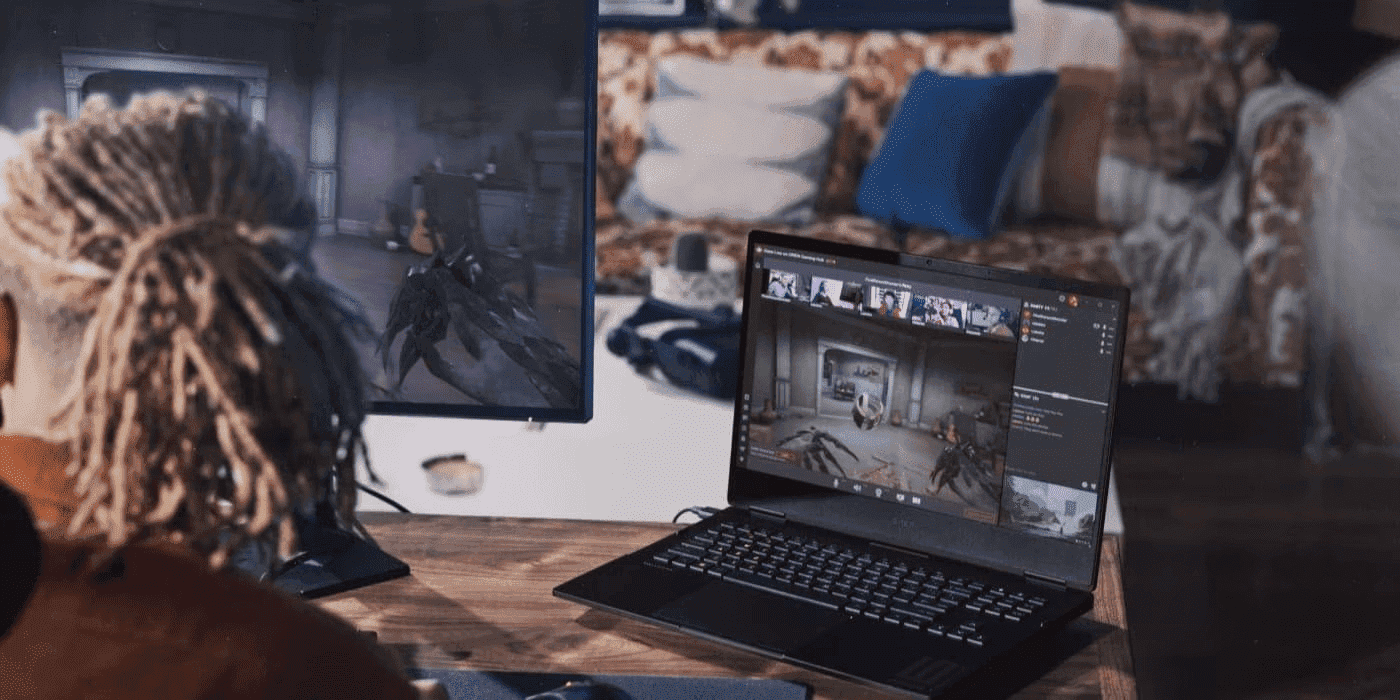
If you’ve purchased an HP OMEN laptop, you’re ready to tackle the latest games. But before you embark on your gaming adventures across Australia’s competitive scene, why not optimise your system and take advantage of OMEN Gaming Hub features for a seamless experience? With a properly optimised system, you’ll enjoy superior performance whether you’re gaming in Sydney, Melbourne, or anywhere across the country.
-
Posted: November 04, 2025Categories: Gaming
 Read more »
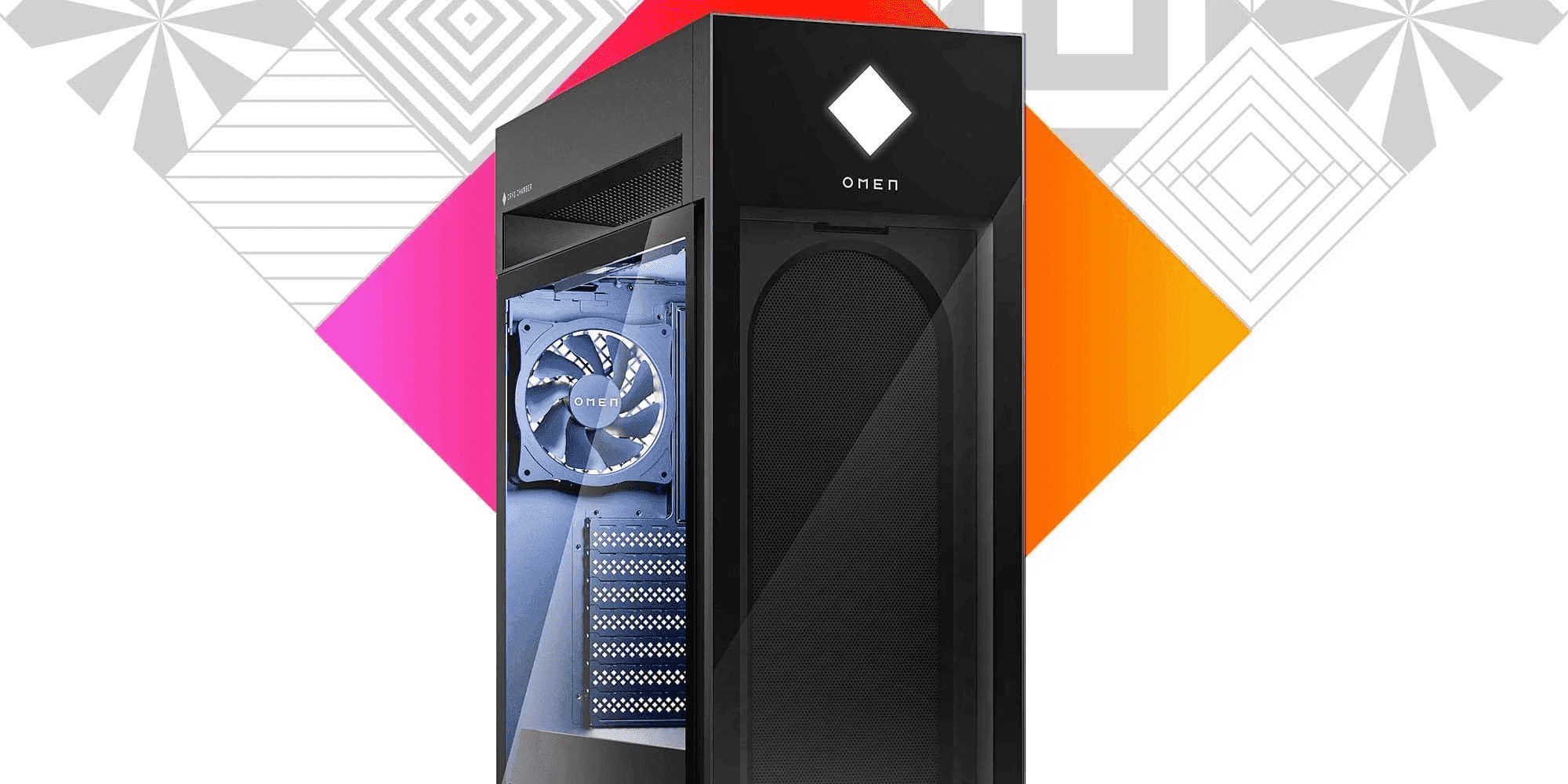
The OMEN Cryo Chamber is HP’s patented cooling innovation in the 45L desktop that creates a dedicated thermal zone, funneling the coolest ambient air directly to the CPU. This hybrid cooling approach combines ambient airflow with liquid cooling capacity, keeping components 8-10°C cooler than traditional designs and maintaining peak boost clocks for extended gaming sessions.
-
Posted: November 04, 2025Categories: Gaming
 Read more »
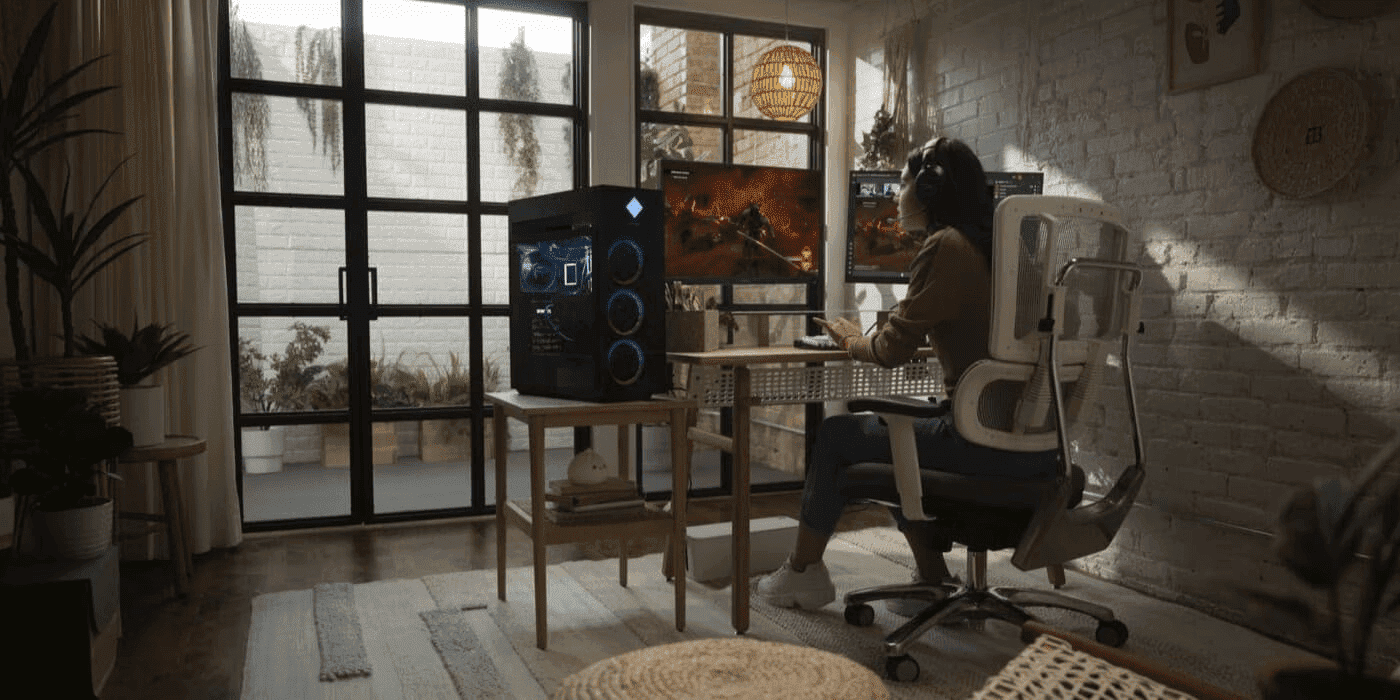
In world's vibrant creative scene, from the bustling production houses in Kwun Tong to the design studios scattered, content creators need powerful systems that can handle both professional workflows and entertainment. Whether you’re editing 4K footage of Victoria Harbour, creating motion graphics for advertising campaigns targeting audiences, or streaming your gaming sessions after hours, the right hardware makes all the difference. This comprehensive guide explores how HP OMEN gaming systems deliver exceptional Adobe Creative Suite performance forhybrid creator-gamers.
-
Posted: November 02, 2025Categories: Gaming
 Read more »
Power state management has become a real asset for today’s gaming and creative workflows, particularly for Australian gamers and content creators working across different time zones and energy tariffs. It’s not just a background setting, but a true edge for performance. As games, streaming, and content creation push hardware harder than ever, knowing how to optimise your HP OMEN’s power modes helps you achieve smoother frame rates, faster previews, and better energy efficiency. With support from leading partners like Intel, NVIDIA, AMD, Microsoft, and Adobe, HP OMEN brings together powerful hardware and smart software for an adaptive, flexible experience.
-
Posted: October 20, 2025Categories: Gaming
 Read more »
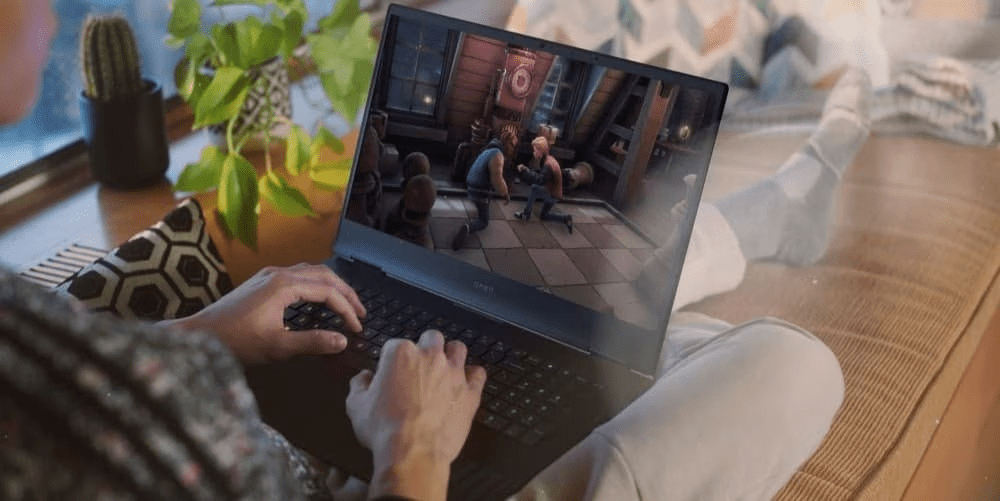
For Australian gamers, content creators, and tech enthusiasts, improving your system’s performance can dramatically enhance your overall computing experience. Whether you’re competing in esports tournaments, editing 4K video content, or designing intricate 3D models, enabling Resizable BAR can provide faster load times, increased picture quality, enhanced gameplay, and more.
-
Posted: October 17, 2025
 Read more »
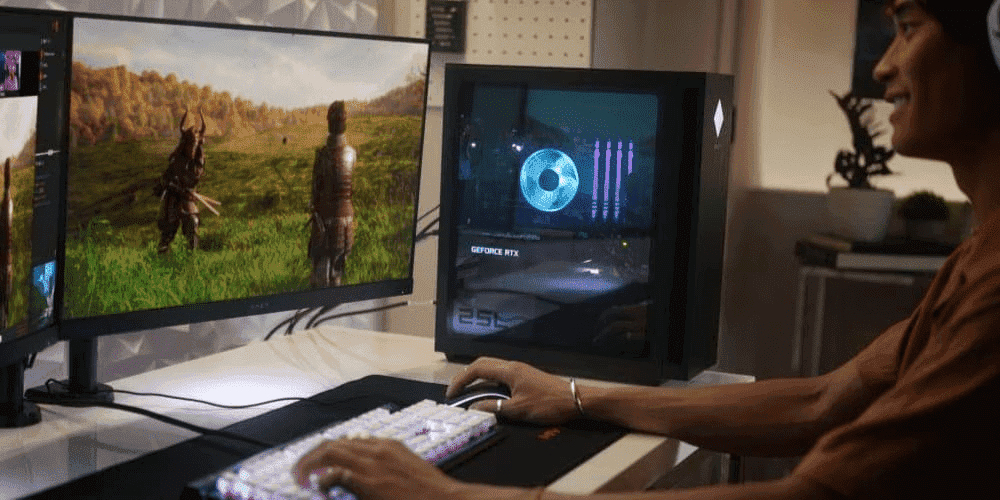
For Australian gamers seeking every competitive edge, your HP OMEN desktop has serious gaming power built in. But it also includes the potential for even more performance through the BIOS.
With just a few setting adjustments, you can optimise CPU, memory, graphics, and power management. This delivers smoother frame rates, faster load times, and more consistent performance—a dream trifecta for gamers whether you’re in Sydney, Melbourne, or anywhere across Australia.
-
Posted: October 16, 2025Categories: Gaming
 Read more »
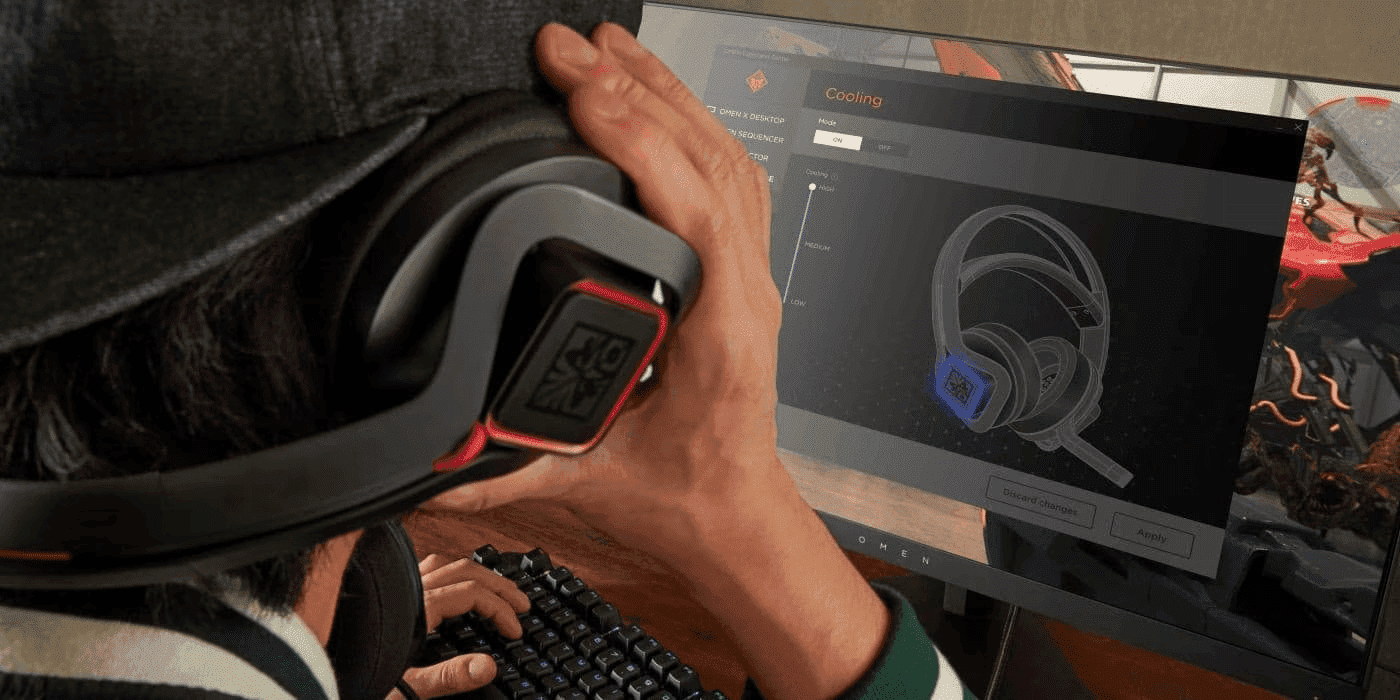
OMEN Gaming Hub transforms your gaming PC into an intelligent performance machine that automatically adapts to every game you play. Through custom profiles, AI-driven optimisation, and advanced automation workflows, you can achieve consistent frame rates, reduced latency, and optimal thermals without manual tweaking—perfect for Australian gamers who demand peak performance.
-
Posted: October 14, 2025
 Read more »
For Australian gamers and content creators, storage capacity has become a critical concern. Modern AAA games regularly exceed 150 GB in size, whilst high-resolution video projects can quickly consume hundreds of gigabytes. Whether you’re in Sydney editing 4K footage or in Melbourne downloading the latest releases, having adequate storage is essential for maintaining productivity and enjoyment.
-
Posted: October 13, 2025Categories: Gaming
 Read more »
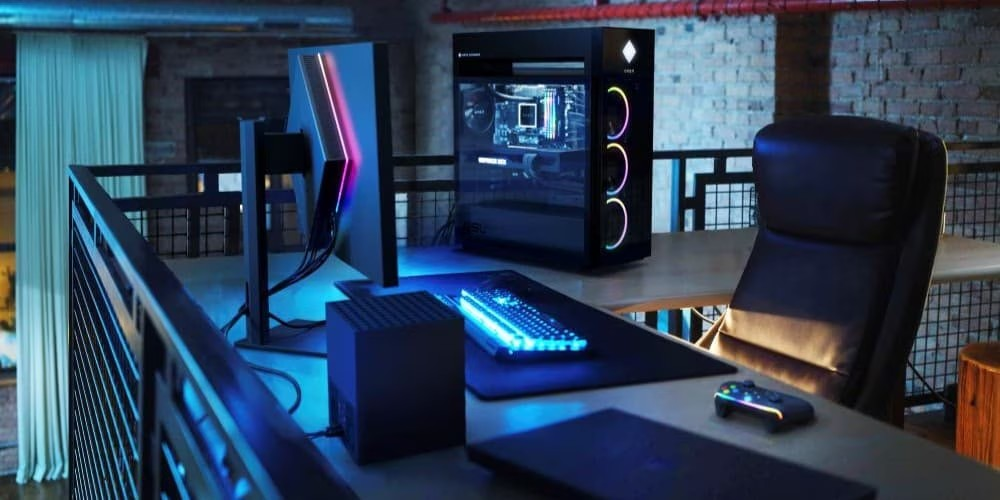
For serious gamers across Australia, raw power isn’t enough—you need sustained performance through marathon gaming sessions. Your HP OMEN laptop delivers this with sophisticated cooling systems and powerful hardware. But here’s the reality: even the best cooling system fails when clogged with dust.
-
 Read more »
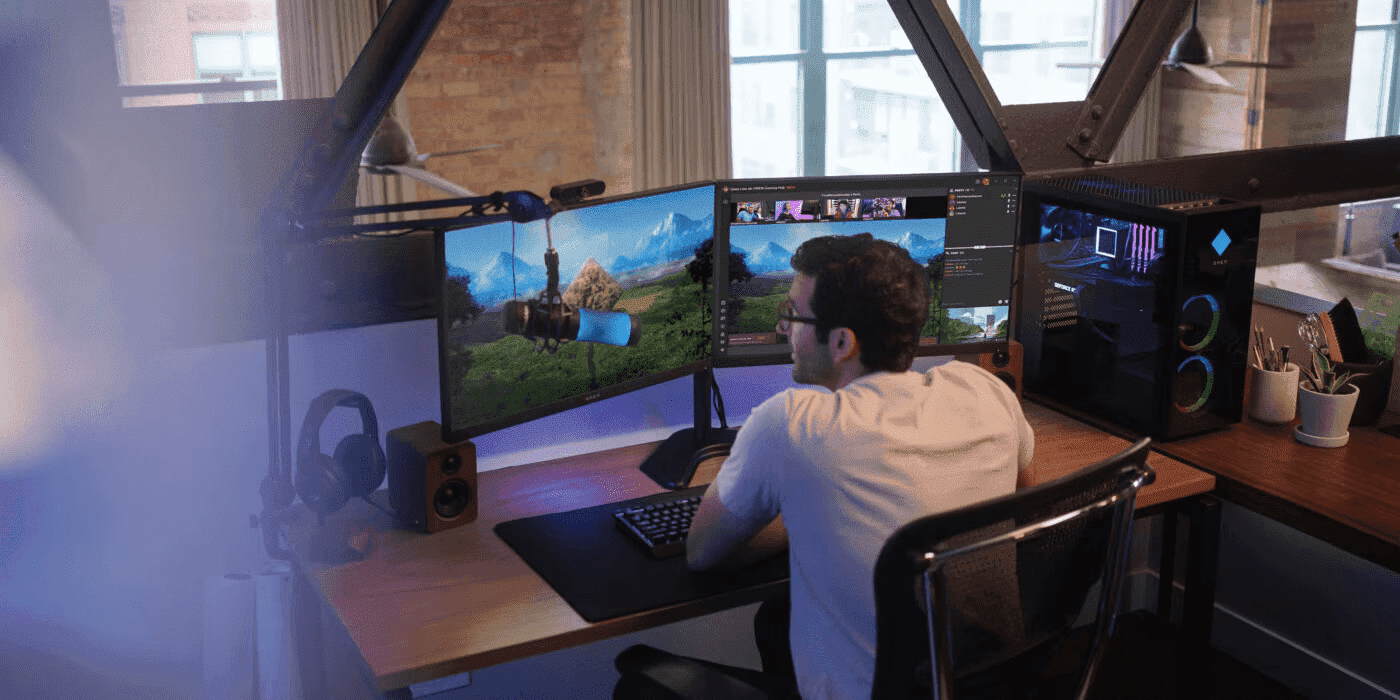
Understanding the upgrade paths for your OMEN gaming system is the single most important step towards ensuring its longevity and peak performance for years to come. For Australian gamers looking to maximise their investment, strategic upgrades not only boost frame rates and slash loading times but also represent a smart decision in your passion for gaming. This comprehensive guide covers the HP OMEN upgrade compatibility for our leading OMEN desktops and laptops, empowering you to make informed decisions that keep your rig at the cutting edge. By exploring these pathways, you can extend your gaming system’s lifespan and continue to dominate the competition, whether you’re battling it out in the latest triple-A (AAA) titles or creating content for your growing audience.
Recent Posts


Popular Posts





Products purchased through this store are sold and fulfilled by Ingram Micro Pty Limited

CONTACT US
Call us
- Sales
- 1300 540 516
- Technical support
- 13 23 47
Exc. public holidays
Chat with us
- Our specialist are here to help
- Live Product Demo
- Sales
- 61288061500 (WhatsApp)
-
- Post Sales
- 61288061700(WhatsApp)
Exc. public holidays
Live product demo
Submit feedback
We value your opinion!