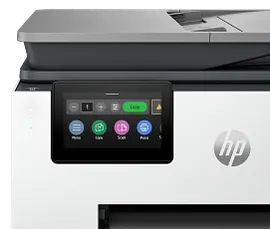
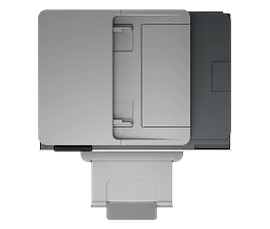
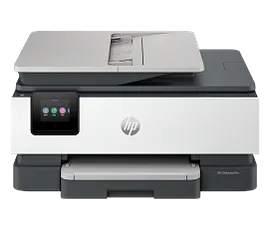
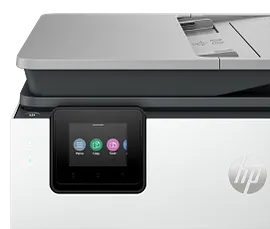
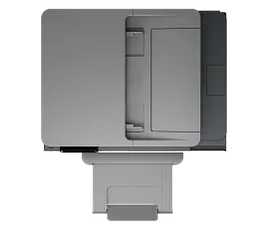
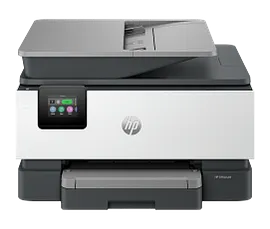
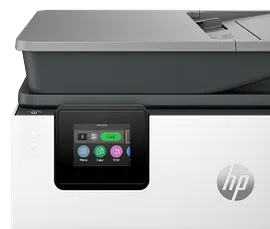
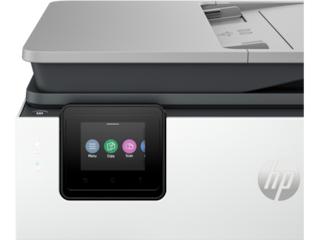
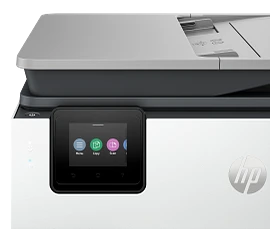
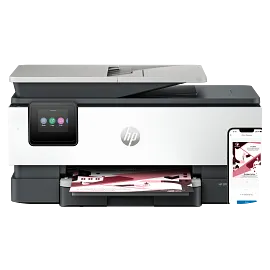
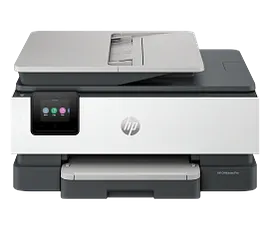
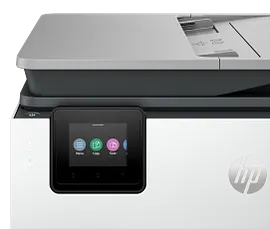
HP OfficeJet Pro 8135e Wireless All-in-One Printer with 3 Months of Instant Ink for free with HP+, AI-enabled


ENERGY STAR | Home and home office
Other offers available with the product:
FREE Storewide Shipping
$5 Instant Ink ecard on select printers
Financing options available for all credit scores
Weekly Deals
Product # 40Q35A#B1H
FunctionsPrint, copy, scan, fax
- Supercharged performance for home office
- Fast color print, copy, scan, fax, 2-sided prints, mobile/wireless/ethernet
- Get perfectly formatted prints with HP AI
- HP's most reliable wi-fi and HP Wolf Essential Security
- Dynamic security enabled printerSee all Specs
Can't find what you are looking for?
3% back in HP Rewards
Engineered for Sustainability
HP OfficeJet Pro 8135e Wireless All-in-One Printer with 3 Months of Instant Ink for free with HP+, AI-enabled
$0.00
Say hello to the professional color inkjet printer for your home office from America’s most trusted printer brand,[15] paired with the easiest-to-use print app. Enjoy easy printing designed to make you succeed at work. Fax included.[1,2]
For professionals who work from home and want a professional color inkjet printer that enhances their productivity, just like in the office.
This printer is intended to work only with cartridges that have a new or reused HP chip, and it uses dynamic security measures to block cartridges using a non-HP chip. Periodic firmware updates will maintain the effectiveness of these measures and block cartridges that previously worked. A reused HP chip enables the use of reused, remanufactured, and refilled cartridges. More at:
http://www.hp.com/learn/ds
This is an HP+ enabled printer. Choose HP+ at product setup to activate benefits. HP+ requires an HP account, ongoing connection to the internet, and exclusive use of Original HP Ink cartridges for the life of the printer. More at:
http://www.hp.com/plus
For professionals who work from home and want a professional color inkjet printer that enhances their productivity, just like in the office.
This printer is intended to work only with cartridges that have a new or reused HP chip, and it uses dynamic security measures to block cartridges using a non-HP chip. Periodic firmware updates will maintain the effectiveness of these measures and block cartridges that previously worked. A reused HP chip enables the use of reused, remanufactured, and refilled cartridges. More at:
http://www.hp.com/learn/ds
This is an HP+ enabled printer. Choose HP+ at product setup to activate benefits. HP+ requires an HP account, ongoing connection to the internet, and exclusive use of Original HP Ink cartridges for the life of the printer. More at:
http://www.hp.com/plus
Reliable technology uniquely built to work at home
Say goodbye to noisy printing and stay focused on your work with quiet mode. Stay connected with our most reliable Wi-Fi® - dual-band, self-healing - that automatically reconnects.[3] Print confidently and securely over VPN with work-from-home technology from the Most Reliable A4 Brand.[4] Help keep your home office protected from cyberthreats with HP Wolf Essential Security.[3]
Print from your couch with the best print app[2]
Always be ready to print. Never run out of ink.[6]
Recommended Supplies & Support
Technical Specs
Reviews and Q&A
HP OfficeJet Pro 8135e Wireless All-in-One Printer with 3 Months of Instant Ink for free with HP+, AI-enabled is rated
out of
5 by
1025.
Rated 4 out of
5
by
C Farr from
All is top-shelf except slow spooling when used wireless.
Fast delivery from HP. Good looking compact device. Easy unpack and set-up. Sharp printing. But very slow spooling when used wireless.
Date published: 2026-05-10
Rated 3 out of
5
by
Linda W. from
HP OJPro 8139e
I have never had so many problems with an HP printer as I have had with this one -- the connection was difficult, keeping it connected and working is difficult, would never buy this model.
Date published: 2026-05-06
Rated 5 out of
5
by
RBWhi from
Works Great
The printer works great out of the box.
Date published: 2026-05-02
Rated 1 out of
5
by
runi from
print request to this printer takes forever
Most of the time , it doesn't work at all or takes too long to print
Date published: 2026-05-01
Rated 2 out of
5
by
Anonymous from
HP 8130e (Not 8135e as noted)
I regret purchasing this printer! At this time, I still haven't been able to load the scan app, the printer will not print on both sides, it frequently goes into "error mode", etc. Calling for help? After an hour or so on hold, if you're able to talk to someone, English is a third language with a poor connection...at least the AI help is understandable. Virtually no instructions accompany the printer. The paper drawer is flimsy...and that's being generous and difficult to adjust for different paper sizes. I'm attempting to repair my old HP 8740 printer and if I'm successful, I'm going to junk the 8130, even with a 3 year warranty. If not, I'm going to Best Buy, purchase another version and still junk the 8130. HP can do better.
Date published: 2026-04-30
Rated 3 out of
5
by
Crazy guy. from
How do I get it set up to be wireless printer?
How do I get it to be a wireless printer?
Date published: 2026-04-24
Rated 1 out of
5
by
Anonymous from
HP OfficeJet Pro 8139e
Your product doesn't work. I returned one and you sent me another instead of refunding my money. I spend over an hour on the phone with you on March 27 and no solution was provided. I want my money back.
Date published: 2026-04-22
Rated 4 out of
5
by
Anonymous from
Great Printer
When I was talking to tech support about my old printer, which we could not repair, the tech suggested this unit as a replacment. I told him I n eeded an AIO unit that duples printed, Duplex scanned and duples copied. The 8139e does two side print, but scan & copy are manual duplex.
Date published: 2026-04-19
I need a printer that is compatible with my Lenovo laptop .
That will depend on the OS of the laptop. The current printer models are compatible with Windows 10 and 11. Microsoft is scheduled to end Windows 10 support in October. Thank you for your interest.
Date published: 2026-05-01
cherche imprimante A3 et A4 avec scanner préciser type cartouches encre et prix
Bonjour. Merci pour votre question. L'imprimante HP OfficeJet Pro 9730e est une imprimante tout-en-un grand format prenant en charge les formats A3 et A4. Il utilise des cartouches d'encre HP 936 ou 936e. Nous vous recommandons de consulter le site Web de HP pour connaître les prix les plus récents.
Date published: 2025-10-13
office jet 8135e will not go past firmware updates what to do? everything else seems fine blue light blinking
We are sorry to hear about your challenges. We recommend reaching out to HP Support for further assistance: https://support.hp.com
Date published: 2024-05-04
how do you connect to router?
Hello. Thanks for your question. You can set up your HP printer by going to http://123.hp.com/setup for the most current printer drivers. The website will prompt you through the setup process.
If you need further assistance, we recommend reaching out to HP Support: https://support.hp.com
Date published: 2024-04-28
Is there a high yield ink, particularly for the black, that's compatible?
Thank you for your question, the HP OfficeJet Pro 8135e uses HP 923e cartridges which yield about 1000 pages for black.
Date published: 2025-02-14
Does the feeder work
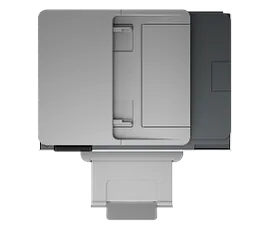
Hello. Thanks for your question. The ADF (Auto Document Feeder) on top of this HP OfficeJet Pro 8135e Printer allows you to scan or copy up to 35 pages.
Date published: 2024-08-17
Do you have to sign up and use only instant ink?
Hello. Thanks for your question. You are not obligated to do the 3-month trial with HP Instant Ink that comes with the HP OfficeJet Pro 8135e. You can still buy the HP 923 or 923e black, cyan, magenta, and yellow ink cartridges.
Date published: 2024-05-02
What is a setup cartridge? If I don’t want to use the subscription service will I need to purchase cartridges?
Thank you for your question! For information on setup cartridges, please visit this link: https://support.hp.com/us-en/document/ish_12393863-12393925-16
Date published: 2025-11-29
Similar Products

1/7
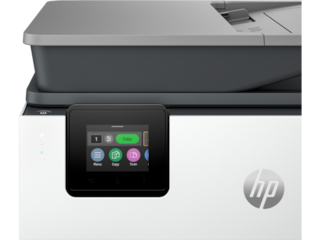
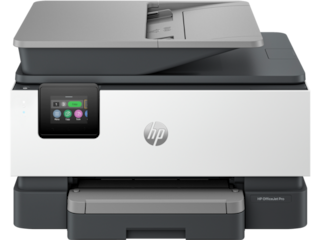
HP OfficeJet Pro 9135e Wireless All-in-One Printer with 3 Months of Instant Ink for free with HP+, AI-enabled
Next-Gen – Print for your business like a ProSupercharged performance for small businessFast color print, copy, scan, fax, 2-sided prints, 2-sided scan, mobile/wireless/ethernetGet perfectly formatted prints with HP AIHP's most reliable wi-fi and HP Wolf Pro SecurityDynamic security enabled printer
404M0A#B1H
ENERGY STAR | Small medium business
Engineered for Sustainability
3% back in HP Rewards
1/7
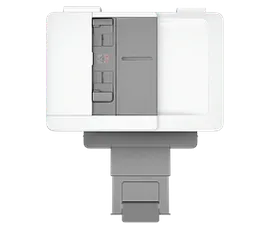
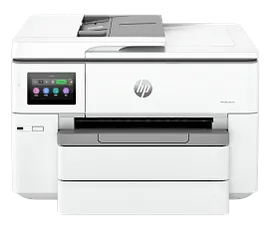
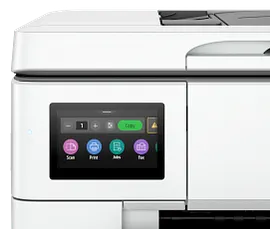
HP OfficeJet Pro 9125e All-in-One Printer with 3 Months of Instant Ink for free with HP+, AI-enabled
Next-Gen – Print for your business like a ProSupercharged performance for home or small businessFast color print, copy, scan, fax, 2-sided prints, 2-sided scan, mobile/wireless/ethernetGet perfectly formatted prints with HP AIHP's most reliable wi-fi and HP Wolf Pro SecurityDynamic security enabled printer
403X0A#B1H
ENERGY STAR | Small medium business
Engineered for Sustainability
3% back in HP Rewards
1/7
HP OfficeJet Pro 9730 Wide Format All-in-One Printer with 3 months free Instant Ink, AI-capable
Print up to 11 X 17, A3; Scan and copy up to 11 x 14, LegalPrint up to 22 pages per minute + 500 sheet paper capacityIncludes 3 months of Instant Ink for free with HP+Simplify tasks with HP AIDynamic security enabled printer
C2WH0A#B1H
ENERGY STAR | NEW | Small medium business
Engineered for Sustainability
3% back in HP Rewards

1/7
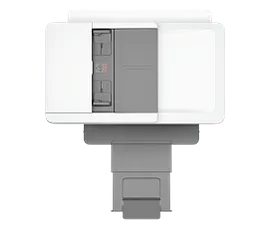
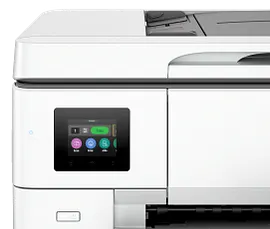
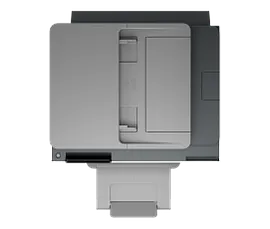
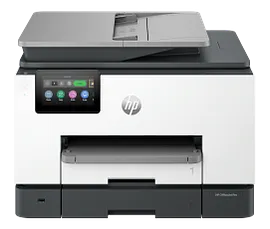
HP OfficeJet Pro 9720 Wide Format All-in-One Printer with 3 months free Instant Ink, AI-capable
Print up to 11 X 17, A3; Scan and copy up to 11 x 14, LegalPrint up to 22 pages per minute + 250 sheet paper capacityIncludes 3 months of Instant Ink for free with HP+Simplify tasks with HP AIDynamic security enabled printer
C2XF9A#B1H
ENERGY STAR | NEW | Small medium business
Engineered for Sustainability
3% back in HP Rewards




Return and exchange information
Most items may be returned within 30 days of delivery. A restocking fee of up to 15% of the purchase price may be deducted from your refund for returned items, except where prohibited by law. No restocking fee applies to defective or incorrect items. A restocking fee is not applicable for printers, ink, toner, paper, care packs, software and services. For details, please visit: https://www.hp.com/us-en/shop/cv/returnsandexchanges.


