HP LaserJet MFP M235sdw Printer
Small Office
Other offers available with the product:
FREE Storewide Shipping
Financing options available for all credit scores
Extra $30 off select printers with any PC
Early Black Friday Sale
Product # 8J9K7F#A62
FunctionsPrint, copy, scan
- Print, copy, scan, wireless
- Print speed letter: Up to 28 ppm (black)
- Auto document feeder, duplex printing; 150-sheet input tray; dual-band wireless 802.11a/b/g/n
- Dynamic security enabled printerSee all Specs
Can't find what you are looking for?
3% back in HP Rewards
Sustainability features
HP LaserJet MFP M235sdw Printer
$0.00
Similar Products
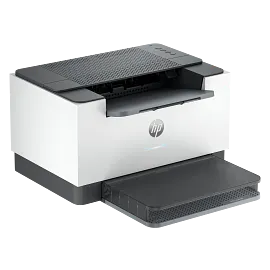
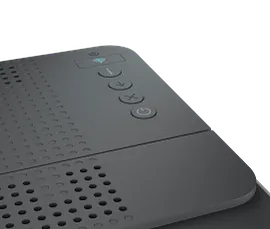
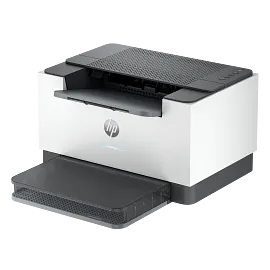
1/7
HP LaserJet M207dw Printer
Print only, wirelessPrint speed letter: Up to 28 ppm (black)Auto duplex printing; 150-sheet input tray; dual-band wireless 802.11a/b/g/nDynamic security enabled printer
8J9K9F#A62
ENERGY STAR | Small Office
Sustainability features
3% back in HP Rewards

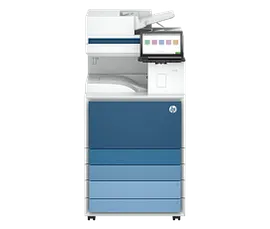

1/6
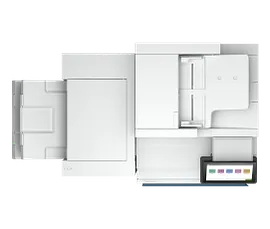
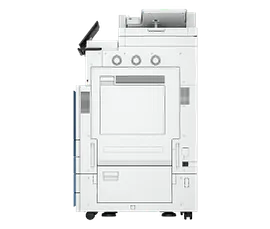
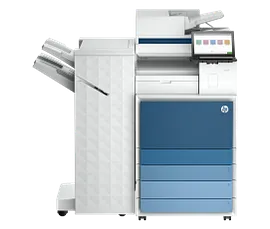
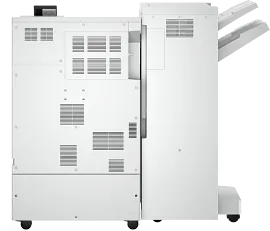
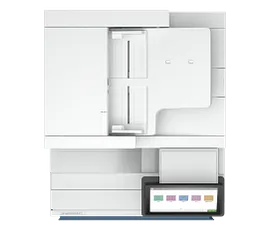
HP LaserJet Enterprise Flow MFP 8601z, AI-capable
Print up to A3, copy, scan, faxPrint speed letter: Up to 70 ppm (black)Up to 4x520 sheet input trays; Auto duplex printing; 300 sheet ADF; two-sided, single-pass scanningFCC Class A emissions - for use in commercial environments, not residential environmentsDynamic security enabled printer
9S185A#BGJ
ENERGY STAR | Enterprise
3% back in HP Rewards
1/6
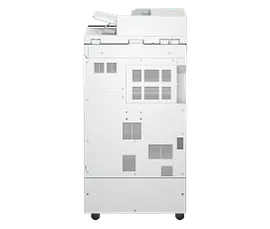
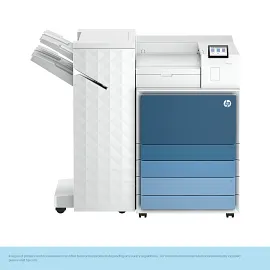
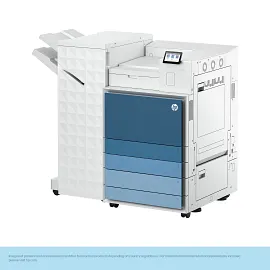
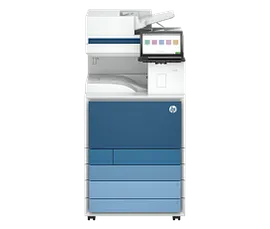
HP LaserJet Enterprise Flow MFP 8601z+, AI-capable
Print up to A3, copy, scan, faxPrint speed letter: Up to 70 ppm (black)Up to 4x520 sheet input trays; 300 sheet ADF; two-sided, single-pass scanning; Stapler/Stacker FinisherFCC Class A emissions - for use in commercial environments, not residential environmentsDynamic security enabled printer
AQ1E3A#BGJ
ENERGY STAR | Enterprise
3% back in HP Rewards

1/6
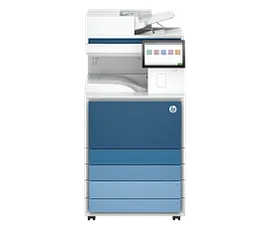
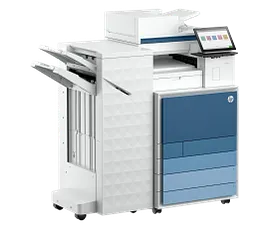
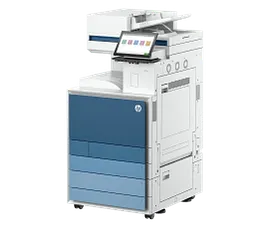
HP LaserJet Enterprise Flow MFP 8601dn, AI-capable
Print up to A3, copy, scanPrint speed letter: Up to 70 ppm (black)Up to 4x520 sheet input trays; Auto duplex printing; 200 sheet ADF; two-sided, single-pass scanningFCC Class A emissions - for use in commercial environments, not residential environmentsDynamic security enabled printer
9S186A#BGJ
ENERGY STAR | Enterprise
3% back in HP Rewards
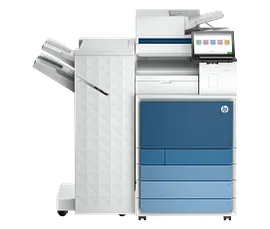
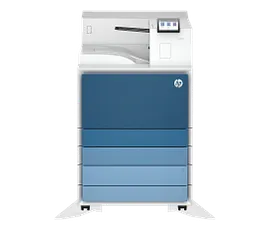
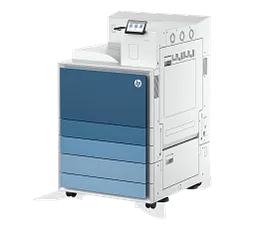
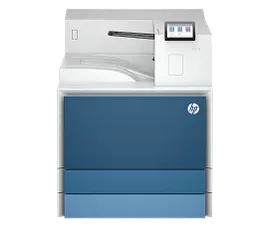
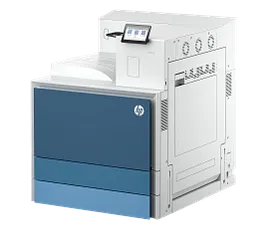
Increase productivity with this high-performance black-and-white printer in an award-winning compact design.[4] Experience the fastest two-sided printing in class[10] with copying and scanning, reliable Wi-Fi with self-reset,[1] and a 40-page automatic document feeder, plus simplified setup and time-saving features on the HP app.[3]
HP Personal Laser Multifunction Printers are designed for individuals or small workteams who need affordable, reliable multifunction performance in a compact and easy-to-use desktop device.
This printer is intended to work only with cartridges that have a new or reused HP chip, and it uses dynamic security measures to block cartridges using a non-HP chip. Periodic firmware updates will maintain the effectiveness of these measures and block cartridges that previously worked. A reused HP chip enables the use of reused, remanufactured, and refilled cartridges. More at:
http://www.hp.com/learn/ds
HP Personal Laser Multifunction Printers are designed for individuals or small workteams who need affordable, reliable multifunction performance in a compact and easy-to-use desktop device.
This printer is intended to work only with cartridges that have a new or reused HP chip, and it uses dynamic security measures to block cartridges using a non-HP chip. Periodic firmware updates will maintain the effectiveness of these measures and block cartridges that previously worked. A reused HP chip enables the use of reused, remanufactured, and refilled cartridges. More at:
http://www.hp.com/learn/ds
Built for fast and reliable printing
Deliver multipage documents in a flash with the fastest two-sided printing in class.[10] Rely on consistent, high-quality prints page after page. Get the quality you expect from an industry leader. Stay connected with reliable dual-band Wi-Fi® that automatically reconnects to stay online.[1] Breeze through scan and copy tasks quickly and save time with automatic scanning and copying using the automatic document feeder.
Stay productive from anywhere
Get high-quality scanning and printing from your phone, plus time-saving features with the easiest-to-use HP app.[3,5] Quickly access and print documents and images on your smartphone, even from Dropbox and Google Drive, using the HP app. [2] Eliminate steps in repetitive tasks with Shortcuts. Scan to the cloud, email, and more in just a tap.[2]
Easy to set up, easy to use
Get started fast with easy setup guidance from the HP app.[2] Quickly setup and get back to business. Easily manage tasks with smart-guided buttons for an intuitive experience – buttons appear only when needed. Help protect the information that matters most. Get security essentials to help maintain privacy and control.
Compact and energy efficient design
Save space without sacrificing performance with an award-winning, compact design.[4] Optimize printer energy usage with HP Auto-On/Auto-Off technology.[6] Easily recycle your used Original HP Toner Cartridges for free through the HP Planet Partners program.[7] This HP LaserJet meets ecolabel requirements, including ENERGY STAR® and Blue Angel.[8,9]
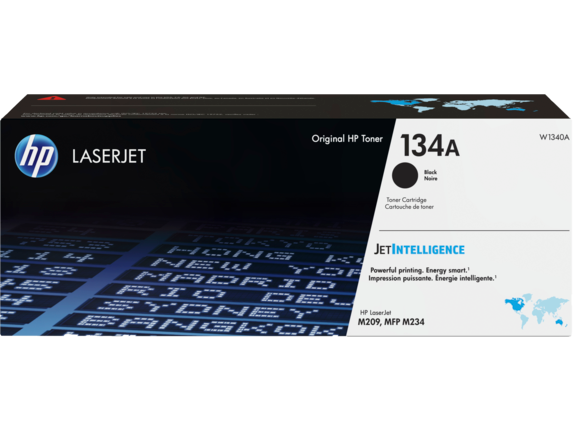
Recommended Supplies & Support
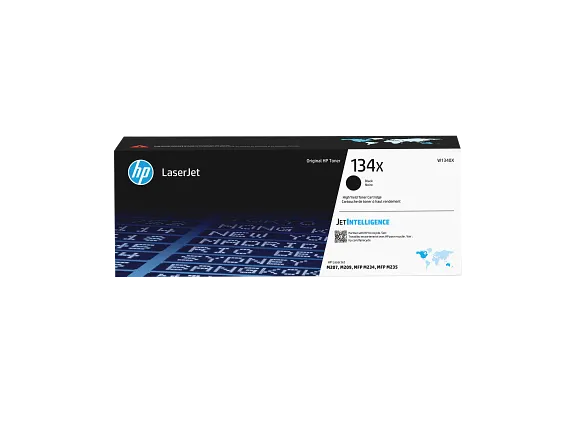

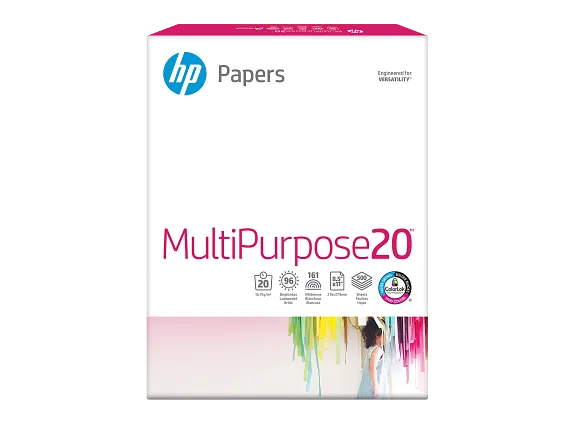
Features
Fast two-sided printing
Deliver multipage documents in a flash with fast, automatic two-sided printing.
Small size. Big performance.
A LaserJet so compact it can fit almost anywhere.
Reliable Wi-Fi®
Increase productivity
Breeze through tasks with automatic scanning and copying.
Seamless setup
Amazing scanning, now on your smartphone
Get high-quality scanning and share to Dropbox, Google Drive, or cloud – from your phone with the HP app.[2]
Printing just got more productive
Customizable shortcuts on your phone
Uncompromising laser quality
Rely on consistent, high-quality prints page after page. Get the quality you expect from an industry leader.
Smart-guided buttons
Easily manage tasks with smart-guided buttons for an intuitive experience – buttons appear only when needed.
Ready to help protect business
Help protect the information that matters most. Get security essentials to help maintain privacy and control.
Technical Specs
Reviews and Q&A
Return and exchange information
Most items may be returned within 30 days of delivery. Eligible returns do not include a restocking fee which may apply only in limited situations, such as purchases made for unauthorized resale or orders that do not meet our terms and conditions. For full details, please visit: https://www.hp.com/us-en/shop/cv/returnsandexchanges


