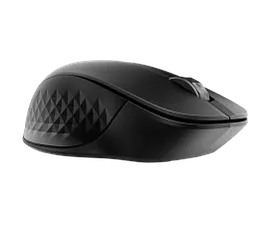
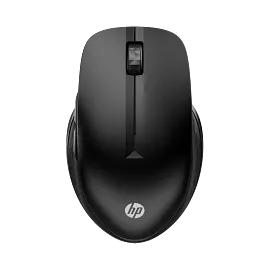
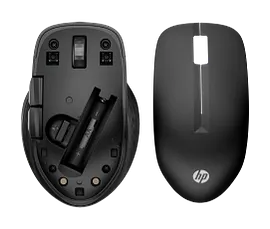
HP 420 Programmable Bluetooth Mouse


Other offers available with the product:
FREE Storewide Shipping
Financing options available for all credit scores
HP Anniversary Sale
Product # 7M1D3AA#ABA
- Up to 24 months of battery life[2]
- Instant connection across multiple devices[3]
- Six programmable buttons[4]
- Contains 50% recycled materials[5]See all Specs
Can't find what you are looking for?
3% back in HP Rewards
Sustainability features
HP 420 Programmable Bluetooth Mouse
$0.00
Similar Products
1/7
HP 430 Multi-Device Wireless Mouse
Bluetooth® or USB-A nano dongle24 month battery life4 customizable buttonsAdjustable-speed scroll wheel and cursor tracking
3B4Q2AA#ABL
Sustainability features
25% off with code ANNIVERSARY25 Anniversary deal!
3% back in HP Rewards
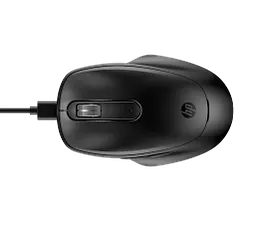
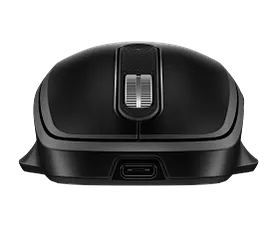
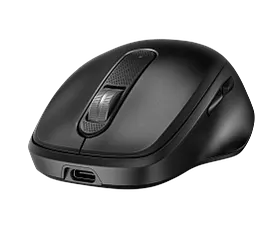
HP 510 Ultra-Fast Rechargeable Wireless Mouse
Up to 30 days of use[3] from a three-minute charge[1]4000 dpi and 2D scroll wheelMulti-OS[4] and 4 programmable buttonsMade with at least 70% post-consumer recycled materials[6]
9C2F6AA#ABA
Sustainability features
3% back in HP Rewards


HP 700 Rechargeable Wireless Mouse
Access to HP Shortcut Wheel[2] and 7 programmable buttons[3]Quick 3-minute charge,[1] 6000 DPI, and dual mode connectivityDesigned with soft, durable liquid siliconeMade with at least 50% post-consumer recycled materials[5]
AZ7B0AA#ABA
Sustainability features
3% back in HP Rewards
1/6
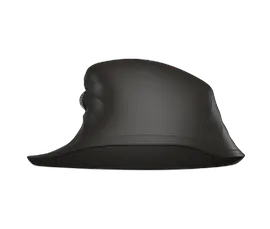
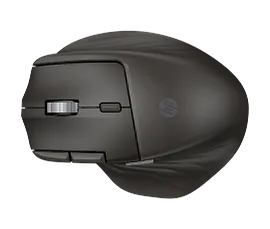
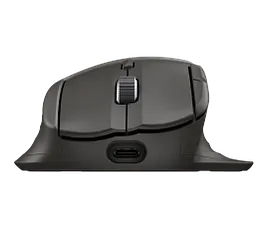
HP Ultra-Fast-Scroll Wireless Mouse 780M
Ultra-fast, dual metal scroll wheelsQuick charge,[1] dual-mode, 6 programmable buttons[2]Made with a contoured design and HP Comfort SiliconeMade with at least 60% post-consumer recycled materials[4] and FSC®-certified packaging[5]
B8YX3AA#ABA
Sustainability features
25% off with code ANNIVERSARY25 Anniversary deal!
3% back in HP Rewards
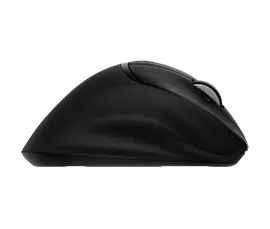


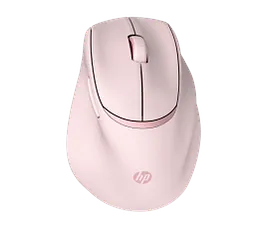

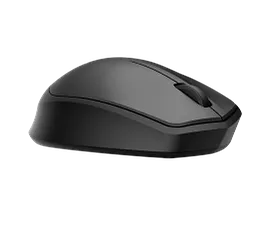
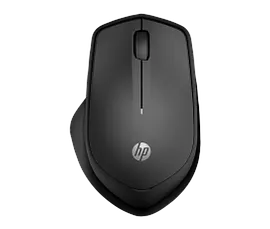




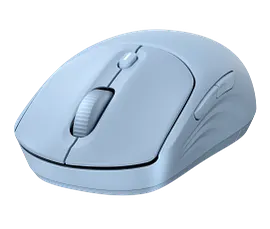
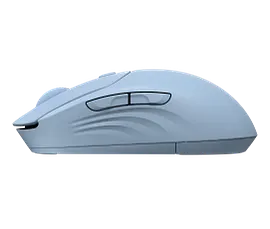


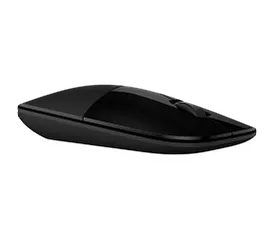
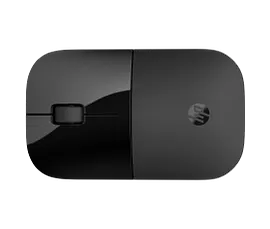
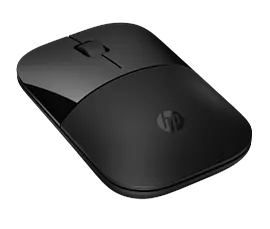
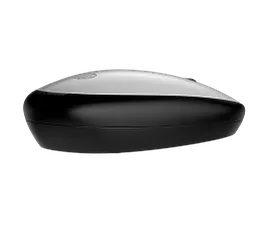
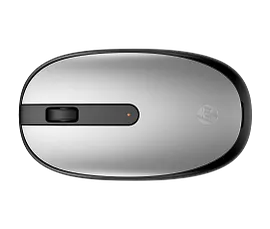
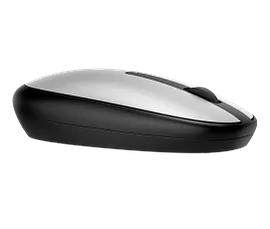
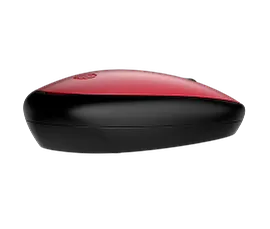
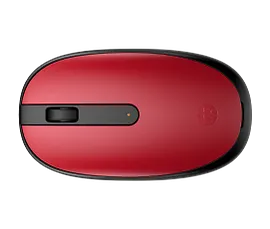
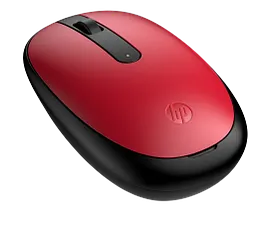
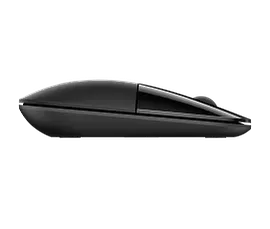
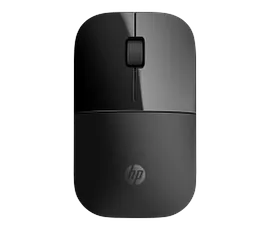
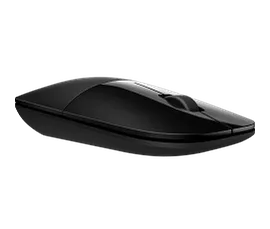
A portable Bluetooth mouse that works wherever you do with instant, seamless connectivity to up to three devices. Plus, program up to six buttons with app-specific functions and your favorite shortcuts to simplify your workflow. Made for you and whatever it is you do.
Performance. Simplified.
Move. Connect. Work. Repeat.
Regardless of what device or OS you use[3], stay connected to up to three devices with just one mouse. Work seamlessly wherever you go with instant, dongle-free, connection via low-energy Bluetooth® 5.3 wireless card and Microsoft Swift Pair.
Customize to Optimize
Customize your mouse to how you work best. Simply download the HP Accessory Center app and you’ll be able to program six buttons[4] to your workflow and maximize productivity. A 4-D tilt wheel delivers effortless horizontal scrolling.
Designed with purpose
Designed without compromise, this mouse contains 65% post-consumer recycled materials[5].
Features
Quieter Clicks
With its quiet click feature, you can create a peaceful wherever workspace while reducing distractions and without disturbing others.
Bluetooth Swift Pair Connectivity
Connect quickly and easily to almost any device. With Microsoft Swift Pair and Bluetooth®, avoid having to navigate the settings menu.
Enhanced 4-way Scrolling
Perfect for viewing wide documents or Web pages, the customizable 4-way tilt wheel provides left/right and up/down scrolling, as well as programmable features.[4]
All Day, Everyday Comfort
This sleek, lightweight mouse with rubber side grips delivers everyday comfort and precision, even after long hours of use.
Technical Specs
Reviews and Q&A
Return and exchange information
Most items may be returned within 30 days of delivery. Eligible returns do not include a restocking fee which may apply only in limited situations, such as purchases made for unauthorized resale or orders that do not meet our terms and conditions. For full details, please visit: https://www.hp.com/us-en/shop/cv/returnsandexchanges


