Thank you for visiting the AUSTRALIA HP Store
-
Contact Us
CONTACT USCall us
- Sales (Home, Students, Gamers)
- 1300 540 516
- Sales (Small Business Customers)
- 1800 891 209
- Post-Sales
- 13 23 47
- Technical support
- 13 10 47
Exc. public holidays
Chat with us- Our specialist are here to help
- Live Product Demo
- Sales
- 61288061500 (WhatsApp)
-

- Post Sales
- 61288061700(WhatsApp)
- Technical Support
- 61341594000(WhatsApp)
Exc. public holidays
Live product demo
Submit feedback We value your opinion! - My Account

Search
Page 4 - Tech Takes

-
Posted: May 08, 2026Categories: Laptops
 Read more »
HP x360 laptops redefined laptop flexibility by enabling users to work, create, and collaborate using one device. The same design philosophy continues under a new name: HP Flip. This evolution represents HP's next chapter in convertible laptops designed for modern workflows, hybrid lifestyles, and AI-powered productivity.
-
Posted: May 07, 2026Categories: Laptops
 Read more »
Choosing a laptop these days can be overwhelming with all the options out there. For many older Australians — whether you're enjoying retirement in the Blue Mountains, keeping in touch with grandkids in Queensland, or managing your affairs from home — what really matters is a device that's simple to use, comfortable on the eyes, and reliable for everyday tasks like web browsing, email, video calls, or enjoying videos and pictures. We believe the best HP laptops for seniors focus on large, easy-to-read screens, straightforward setup, and helpful customer support — so you (or your loved one) can get started quickly and confidently without fuss. Here, we'll highlight HP models that deliver just that.
What Makes a Great Laptop for Seniors?
When looking for easy-to-use laptops for seniors, focus on features that make everyday tasks simple and comfortable.
Large, Clear Display
Typically, bigger screens (14 to 17 inches) make text, photos, emails, and video calls much easier to see without squinting
-
Posted: May 05, 2026
 Read more »
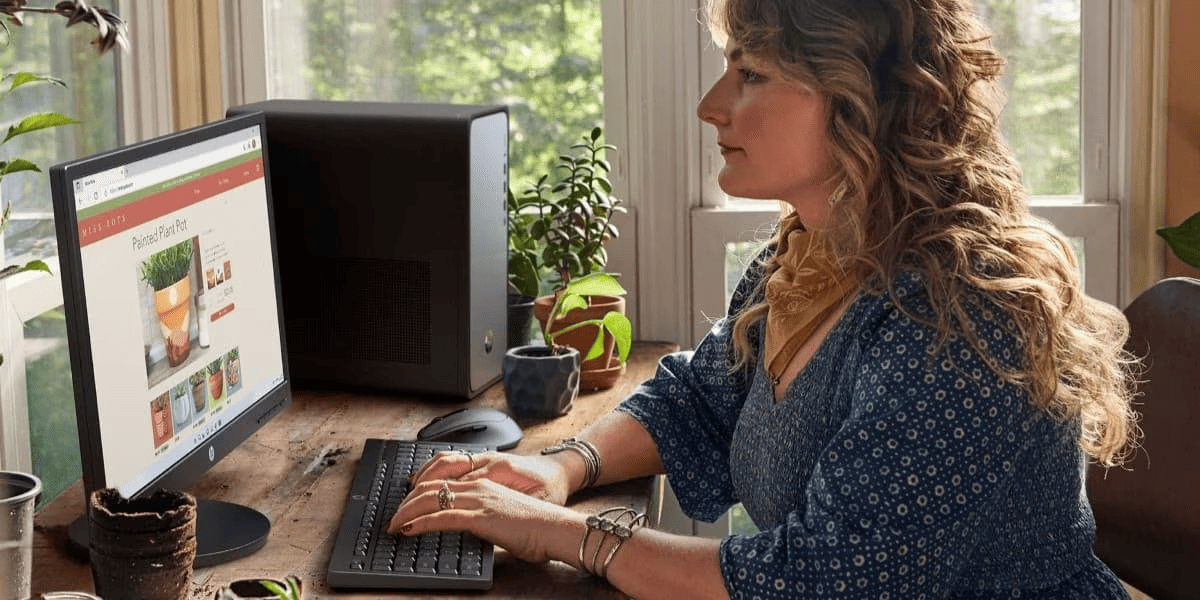
Quick Answer: HP OmniDesk Desktop PCs combine elegant wood-inspired design with powerful performance — featuring DDR5 memory, Wi-Fi 6, PCIe Gen4 SSDs, and Microsoft Copilot integration. Available in Intel, AMD Ryzen, and compact Slim variants, built with recycled materials and EPEAT Gold certified for sustainable home offices.
-
Posted: April 30, 2026Categories: Laptops
 Read more »
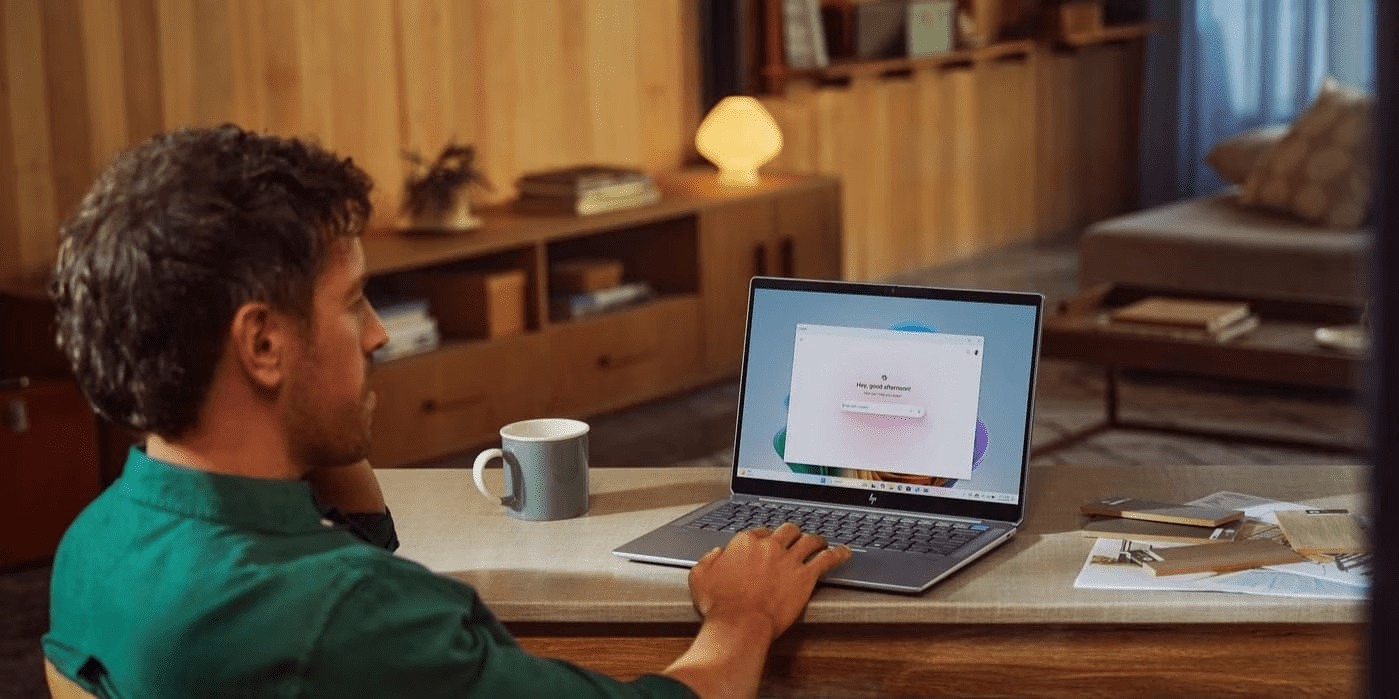
We’ve entered a new era of AI-powered computing, and the HP OmniBook Ultra leads the way. For professionals and creators across the world — from fast-moving business districts to creative studios — next-generation technology is setting a higher standard for performance and intelligence. Continuing the legacy of the HP Spectre, the OmniBook Ultra combines top-tier performance, adaptive AI, and portable elegance into a single machine.
-
Posted: April 28, 2026Categories: Miscellaneous
 Read more »
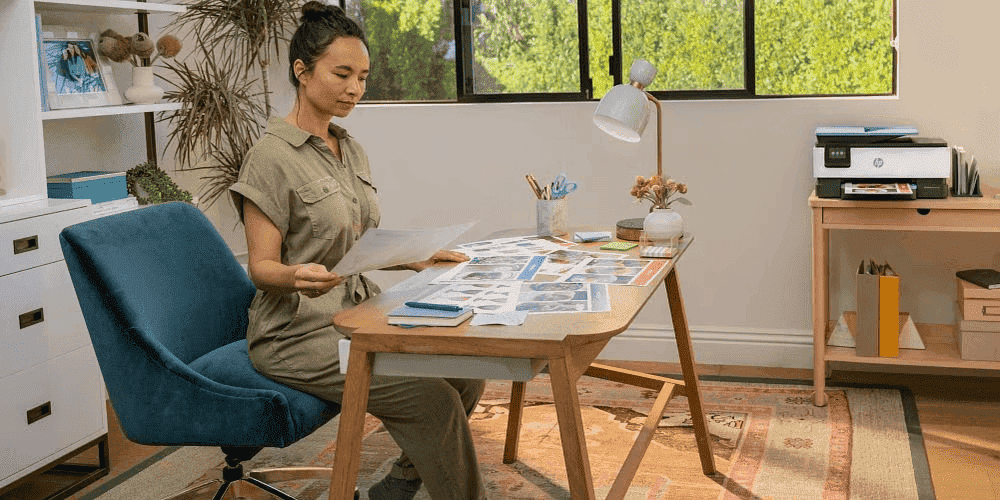
Whether you’re working from a flat in Sydney or a suburban home in Melbourne, the challenge is the same: notifications pinging, a child darting across your video call, or the neighbour’s lawnmower drowning out your focus. These interruptions break concentration and disrupt workflow entirely. Setting up a distraction-free home office involves multiple factors: environment, ergonomics, habits, and technology.
-
Posted: April 28, 2026Categories: Laptops
 Read more »
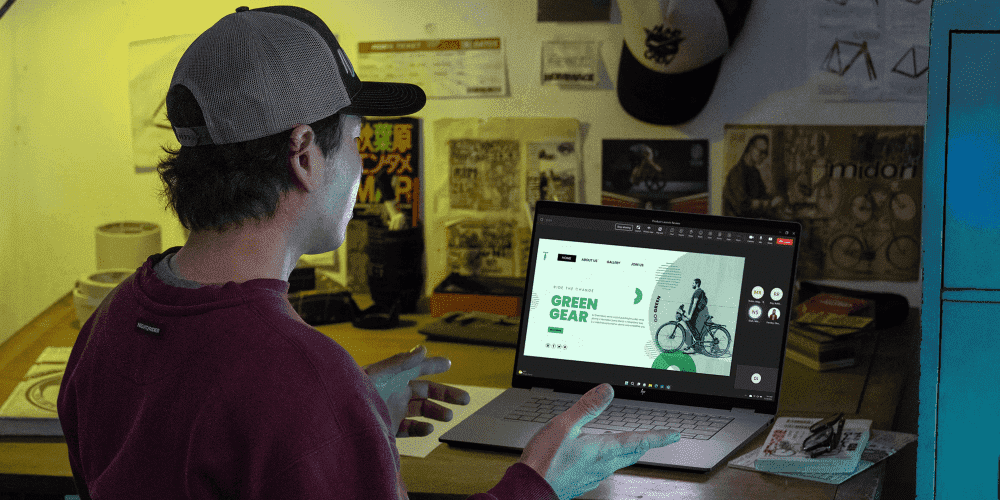
Definition: The HP OmniBook 7 is a high-performance AI laptop series designed for professionals, featuring Intel® Core™ Ultra processors, dedicated NPUs delivering up to 48 TOPS, optional NVIDIA® RTX™ 4050 graphics, and military-grade durability (MIL-STD-810H certified).
-
Posted: April 22, 2026Categories: Laptops
 Read more »
The HP OmniBook 7 is a high-performance AI laptop series designed for professionals, featuring Intel® Core™ Ultra processors, dedicated NPUs delivering up to 48 TOPS, optional NVIDIA® RTX™ 4050 graphics, and military-grade durability (MIL-STD-810H certified).
-
Posted: April 21, 2026Categories: Laptops
 Read more »
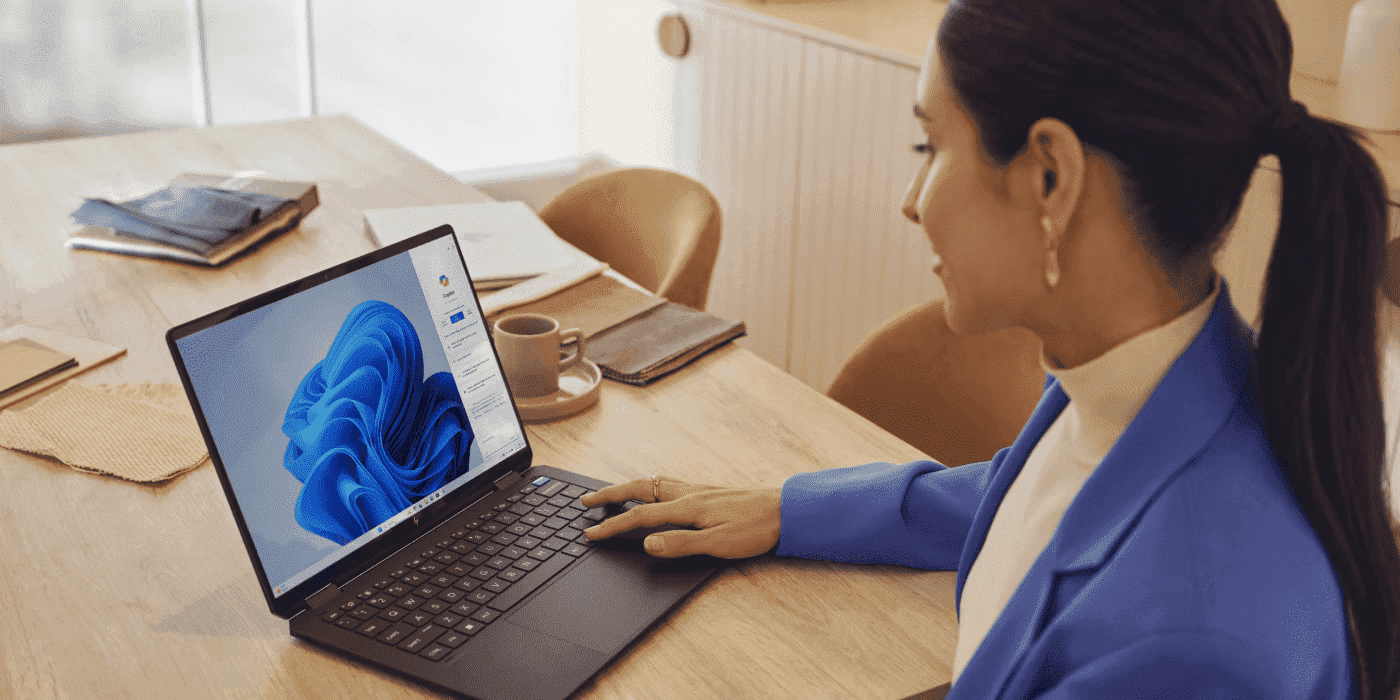
Whether you’re a uni student hitting the library in Melbourne, a remote worker on the road in regional Queensland, or a creative professional in Sydney, finding the right laptop matters. At HP, we’ve been shaping the future of modern work with our comprehensive lineup of AI-enhanced laptops across different price points. Now unified under the OmniBook name, each model offers something unique and different.
-
Posted: April 21, 2026Categories: Laptops
 Read more »
OmniBook 5 vs. OmniBook 7: What Do I Need to Know?
Still pushing your HP Pavilion laptop hard? It’s time to discover what you’re missing. The series that mastered the balance of price and performance has now levelled up with AI capabilities and enhanced features.
This guide will help you navigate the new HP OmniBook series to find the perfect upgrade from your current device, whether you’re a student, professional, or everyday user seeking exceptional value.
Choosing between the HP OmniBook 5 and HP OmniBook 7 isn’t about finding the “best” laptop — it’s about finding the right one for you. The OmniBook 5 is an all-day endurance champion, while the OmniBook 7 is a creative powerhouse.
Think of it this way: the HP OmniBook 5 is your incredibly efficient and reliable everyday companion, perfect for tackling your to-do list from sunrise to well past sunset. The HP OmniBook 7, on the other hand, is built for heavy lifting, offering serious graphics for creators and demanding professionals.
-
Posted: April 14, 2026Categories: Miscellaneous
 Read more »
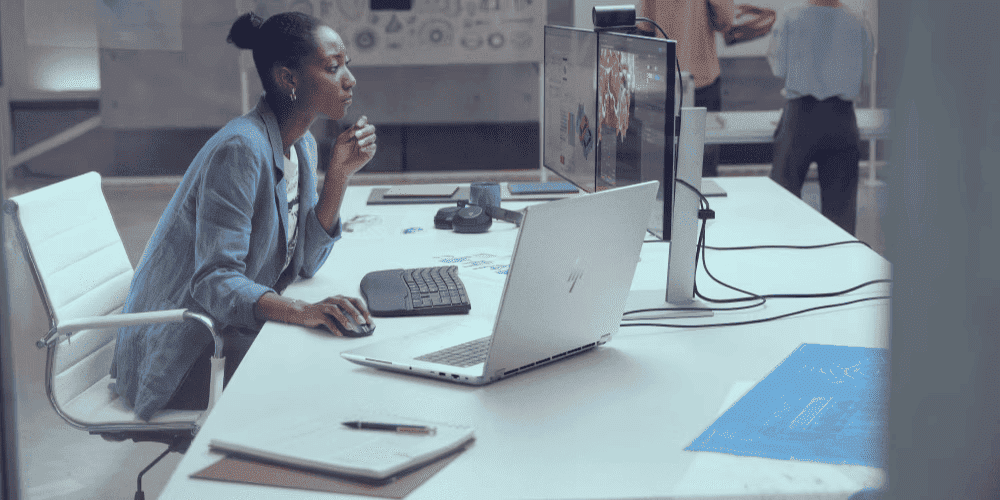
Quick Answer: HP Migration Tools transfer user profiles, application settings, documents, and personal data to your new HP PC — but not installed applications themselves. For full app migration, use trusted third-party solutions like Laplink PCmover, Zinstall WinWin, or EaseUS Todo PCTrans.
Recent Posts





Popular Posts








Products purchased through this store are sold and fulfilled by Ingram Micro Pty Limited

CONTACT US
Call us
- Sales (Home, Students, Gamers)
- 1300 540 516
- Sales (Small Business Customers)
- 1800 891 209
- Post-Sales
- 13 23 47
- Technical support
- 13 10 47
Exc. public holidays
Chat with us
- Our specialist are here to help
- Live Product Demo
- Sales
- 61288061500 (WhatsApp)
-
- Post Sales
- 61288061700(WhatsApp)
- Technical Support
- 61341594000(WhatsApp)
Exc. public holidays
Live product demo
Submit feedback
We value your opinion!