Thank you for visiting the AUSTRALIA HP Store
-
Contact Us
CONTACT USCall us
- Sales (Home, Students, Gamers)
- 1300 540 516
- Sales (Small Business Customers)
- 1800 891 209
- Post-Sales
- 13 23 47
- Technical support
- 13 10 47
Exc. public holidays
Chat with us- Our specialist are here to help
- Live Product Demo
- Sales
- 61288061500 (WhatsApp)
-

- Post Sales
- 61288061700(WhatsApp)
- Technical Support
- 61341594000(WhatsApp)
Exc. public holidays
Live product demo
Submit feedback We value your opinion! - My Account

Search
Page 3 - Tech Takes

-
Posted: June 02, 2026
 Read more »
In this guide, we break down the top seven emerging cybersecurity risks affecting real consumers and explain how to protect your devices from hackers using practical steps.
-
Posted: May 31, 2026Categories: Desktops
 Read more »
The HP OmniDesk lineup offers four desktop PC configurations designed for home office and remote work, ranging from space-saving slim models to AI-enhanced powerhouses. Each features sustainable materials and modern design, tailored to different user needs and budgets.
As remote work becomes increasingly common, finding the right desktop PC for a home office setup has become more essential. If you're in the market for something that looks great and delivers reliable performance, take a look at the HP OmniDesk. We've put together four versions - a super-slim model, one with AI, one with an AMD chip and one with Intel. They all share modern stylish designs but differ in power, size and features. Let's go through them together and figure out which one's right for you.
What Is the HP OmniDesk Desktop PC?
The HP OmniDesk Desktop PC is a thoughtfully crafted everyday desktop for home office use. It blends reliable performance with a modern design fitting easily into your living space. All models
-
Posted: May 26, 2026
 Read more »
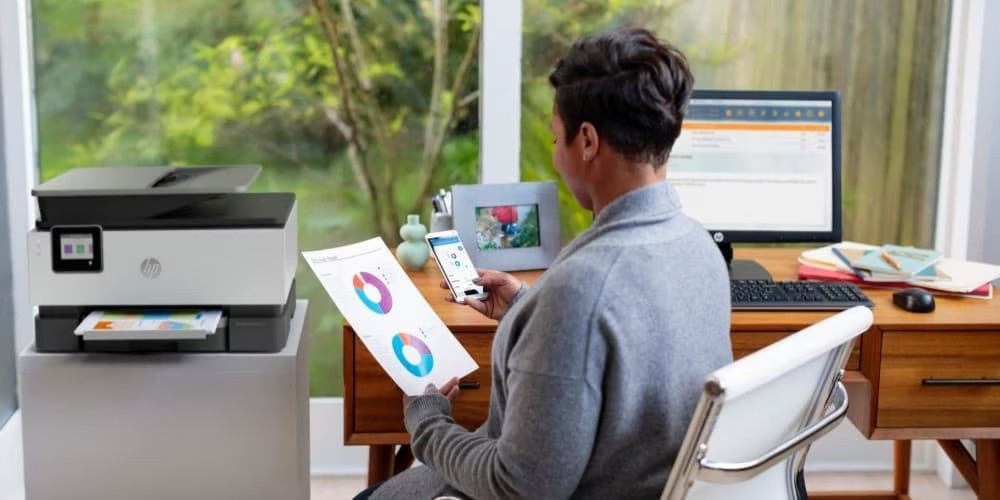
Business printing remains time-consuming and error-prone for many organisations. Manual order processing, fragmented email coordination, and inconsistent workflows create inefficiencies that drain productivity and increase costs.
-
Posted: May 22, 2026Categories: Laptops
 Read more »
If you own an iPhone and use a Windows laptop for work or personal tasks, you are probably familiar with the frustration of dealing with iTunes. The application can be slow, buggy, and resource-heavy on Windows machines. The good news is that you have several effective alternatives to back up your iPhone to a Windows laptop without ever opening iTunes.
Whether you are working from a home office in Melbourne, studying in Brisbane, or commuting between Sydney meetings, keeping your iPhone backed up is one of those habits that pays off the moment something goes wrong. In this guide, we will walk you through multiple methods for backing up your iPhone data using iCloud, the Windows Phone Link app, the Apple Devices app, and reliable third-party tools. Each method has different strengths, so you can choose the approach that best fits your needs and workflow.
Why Back Up Your iPhone Regularly?
When you back up your iPhone on a Windows laptop, you avoid the possibility of losing your precious
-
Posted: May 19, 2026
 Read more »
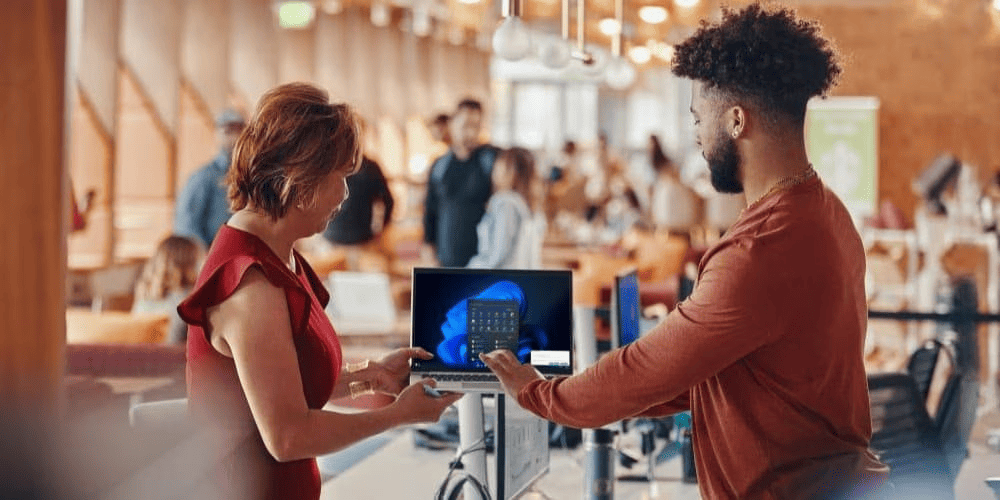
Hackers cannot compromise your software, organisation, or hardware without interacting with your devices, online accounts, and internet connection. Whether you’re working from a home office in Sydney, a café in Melbourne, or a co-working space in Brisbane, your digital entry points are always in play. While “attack surface” sounds technical, it is a practical security concept everyone should understand.
-
 Read more »
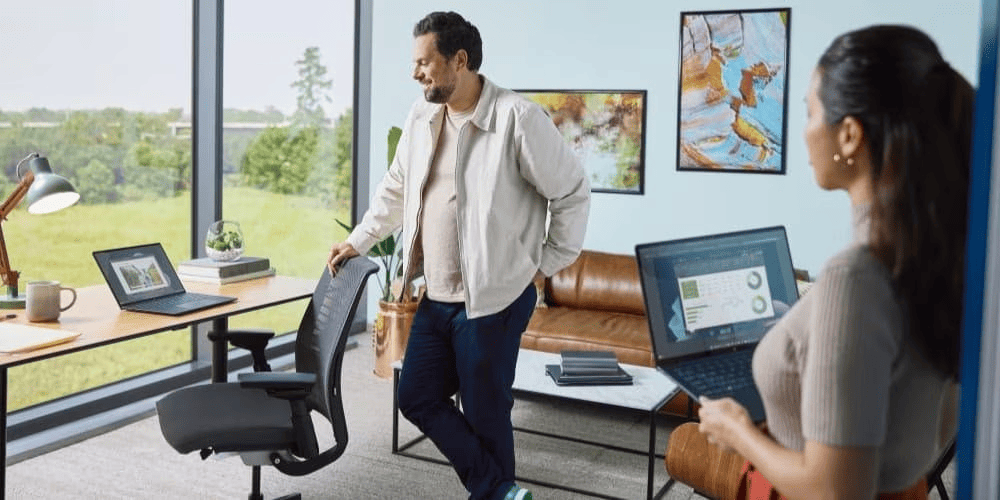
Many laptops today are advertised as AI-ready, to the point where it now feels like a marketing gimmick. They often frame Artificial Intelligence (AI) as an all-in-one futuristic tool without specifying what it actually represents. In this guide, we'll evaluate the benefits of AI PCs for college students, those seeking entry, and postgraduates. We'll also explore key features in the latest HP AI PCs, cost considerations, and their real academic uses.
-
 Read more »
Quick Answer: HP Copilot+ PCs feature dedicated NPUs with 40+ TOPS performance, Intel® Core™ Ultra processors, deep Microsoft Copilot+ integration, and optimised battery life—running advanced AI tasks on-device without cloud dependency, unlike regular AI laptops that rely on CPUs/GPUs and cloud processing.
-
Posted: May 13, 2026Categories: Miscellaneous
 Read more »
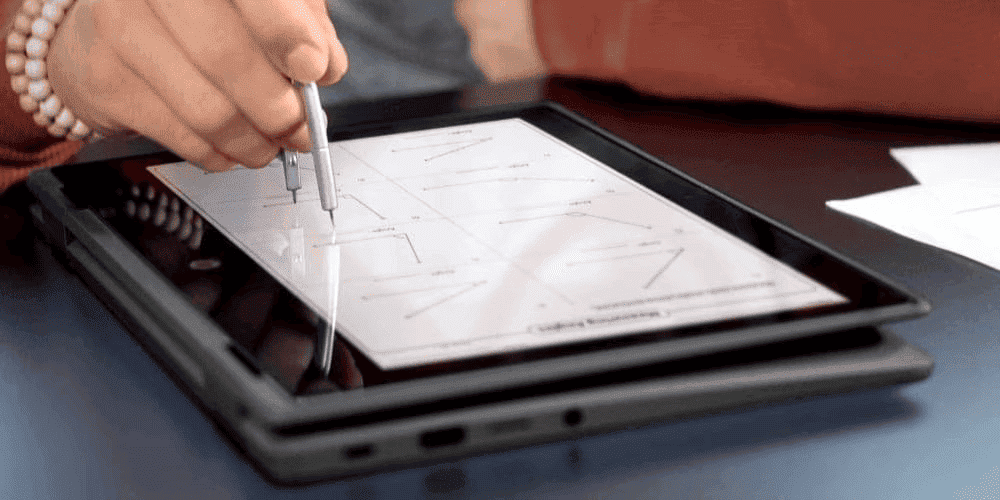
In 2025, Microsoft announced the discontinuation of support for Windows Subsystem for Android users. This meant that full-fledged Android apps would no longer be functional on Windows 11. Unfortunately, users who relied on these apps for communication or recreation would be most affected by the change.
-
Posted: May 12, 2026
 Read more »
Quick Answer: Intel AI Boost is an NPU (Neural Processing Unit) in Intel® Core™ Ultra processors delivering 13 TOPS performance for Windows 11 AI features. The HP OmniDesk Desktop AI PC (M03 series) uses this technology for faster video calls, AI photo editing, Live Captions, and Copilot integration — without taxing the CPU.
-
Posted: May 09, 2026Categories: Miscellaneous
 Read more »
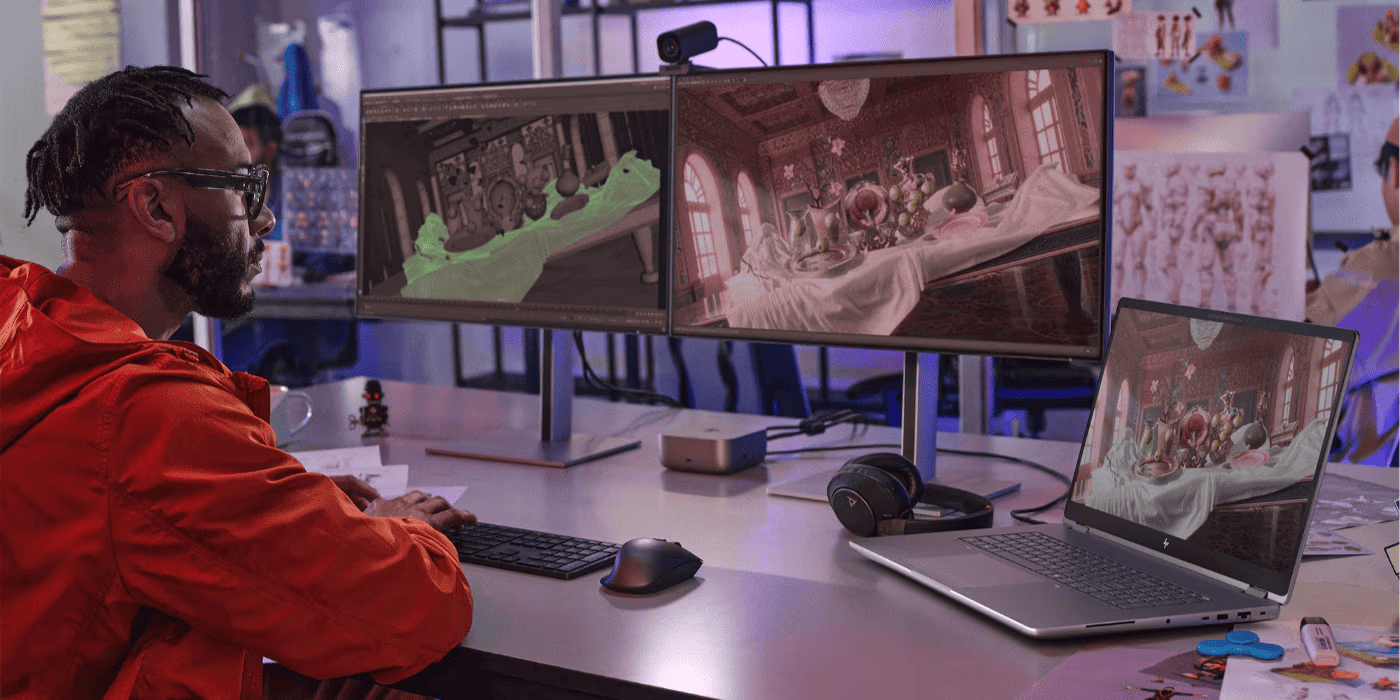
Physical AI integrates artificial intelligence with real-world physical systems, moving AI beyond digital screens into tangible reality. A common example is the robot vacuum that uses physical AI to navigate furniture, avoid stairs, and self-charge—a capability that extends beyond simple programming.
This technology represents a major evolution from software-only systems like chatbots and recommendation algorithms. Applications include surgical robots performing precise operations and autonomous vehicles driving on public roads.
This article explores the key differences between physical AI and software-based AI, focusing on deployed, real-world systems currently transforming industries.
What Is Physical AI?
Physical AI, also known as embodied AI, integrates artificial intelligence with devices that perceive, move, and engage with the physical environment. Unlike software-only AI, physical AI systems sense their surroundings and perform actions that alter those environments.
Physical AI
Recent Posts





Popular Posts








Products purchased through this store are sold and fulfilled by Ingram Micro Pty Limited

CONTACT US
Call us
- Sales (Home, Students, Gamers)
- 1300 540 516
- Sales (Small Business Customers)
- 1800 891 209
- Post-Sales
- 13 23 47
- Technical support
- 13 10 47
Exc. public holidays
Chat with us
- Our specialist are here to help
- Live Product Demo
- Sales
- 61288061500 (WhatsApp)
-
- Post Sales
- 61288061700(WhatsApp)
- Technical Support
- 61341594000(WhatsApp)
Exc. public holidays
Live product demo
Submit feedback
We value your opinion!