Thank you for visiting the AUSTRALIA HP Store
-
Contact Us
CONTACT USCall us
- Sales (Home, Students, Gamers)
- 1300 540 516
- Sales (Small Business Customers)
- 1800 891 209
- Post-Sales
- 13 23 47
- Technical support
- 13 10 47
Exc. public holidays
Chat with us- Our specialist are here to help
- Live Product Demo
- Sales
- 61288061500 (WhatsApp)
-

- Post Sales
- 61288061700(WhatsApp)
- Technical Support
- 61341594000(WhatsApp)
Exc. public holidays
Live product demo
Submit feedback We value your opinion! - My Account

Search
Page 5 - Miscellaneous

-
Posted: September 12, 2025Categories: Miscellaneous
 Read more »
This comprehensive guide covers 7 proven solutions to fix charging issues with HP laptops and wireless accessories. Most problems can be resolved in under 15 minutes using these DIY methods that are particularly relevant for users, where power fluctuations and environmental factors can affect device charging.
-
Posted: September 12, 2025Categories: Miscellaneous
 Read more »
The external graphics processing unit (eGPU) revolution is transforming laptop computing across Australia, from the bustling tech hubs of Sydney and Melbourne to the growing creative communities in Perth and Brisbane. Before these innovative devices arrived, gamers, creative professionals, and other high-performance computer users had to turn to desktops for intensive computing needs. Now, eGPUs allow laptop users to achieve desktop-class performance for gaming, 4K video rendering, and AI workloads, but at a considerable cost.
-
Posted: September 11, 2025
 Read more »
We’ve all experienced it: You settle in to work, power up your laptop, and suddenly it seems like a tiny jet engine has come to life. Whether you’re working from your home office in Melbourne or studying at university in Brisbane, a noisy laptop fan, a clicking hard drive, or unusual mechanical sounds can quickly break concentration and increase concerns about your hardware’s condition.
-
Posted: September 10, 2025Categories: Miscellaneous
 Read more »
The artificial intelligence landscape is rapidly evolving from simple task automation to sophisticated human-machine collaboration, particularly relevant as India emerges as a global technology leader. While traditional AI focuses on replacing human workers, augmented intelligence (AuI) represents a fundamentally different approach—one that enhances human capabilities rather than eliminating them. This paradigm shift recognises that the most powerful outcomes emerge when AI amplifies human intelligence instead of attempting to replicate it entirely.
-
Posted: September 09, 2025Categories: Miscellaneous
 Read more »
In today’s interconnected digital landscape across India, data security has become more critical than ever. With cyber threats evolving rapidly and attackers using sophisticated AI-powered techniques, protecting personal and business information requires a comprehensive, multi-layered approach. From advanced phishing campaigns targeting users to ransomware attacks that can cripple entire organisations, the stakes have never been higher.
-
Posted: September 04, 2025Categories: Miscellaneous
 Read more »
Losing Chrome tabs can feel like a digital disaster, especially when they contain important research, work documents, or that perfect article you planned to read later. Whether caused by accidental closure, browser crashes, system restarts, or unexpected shutdowns, losing your carefully curated browsing session is frustrating and potentially costly for users across Australia who rely on their browsers for work, education, and entertainment. From busy Melbourne offices to remote Queensland study sessions, Australians depend on stable browser performance for their daily digital tasks.
Fortunately, Google Chrome includes multiple built-in recovery mechanisms designed to restore your browsing sessions. From simple keyboard shortcuts to advanced sync features across devices, Chrome provides several reliable methods to recover lost tabs. This comprehensive guide covers immediate recovery techniques, preventive measures, and advanced troubleshooting to ensure you never permanently lose important
-
Posted: September 03, 2025Categories: Miscellaneous
 Read more »
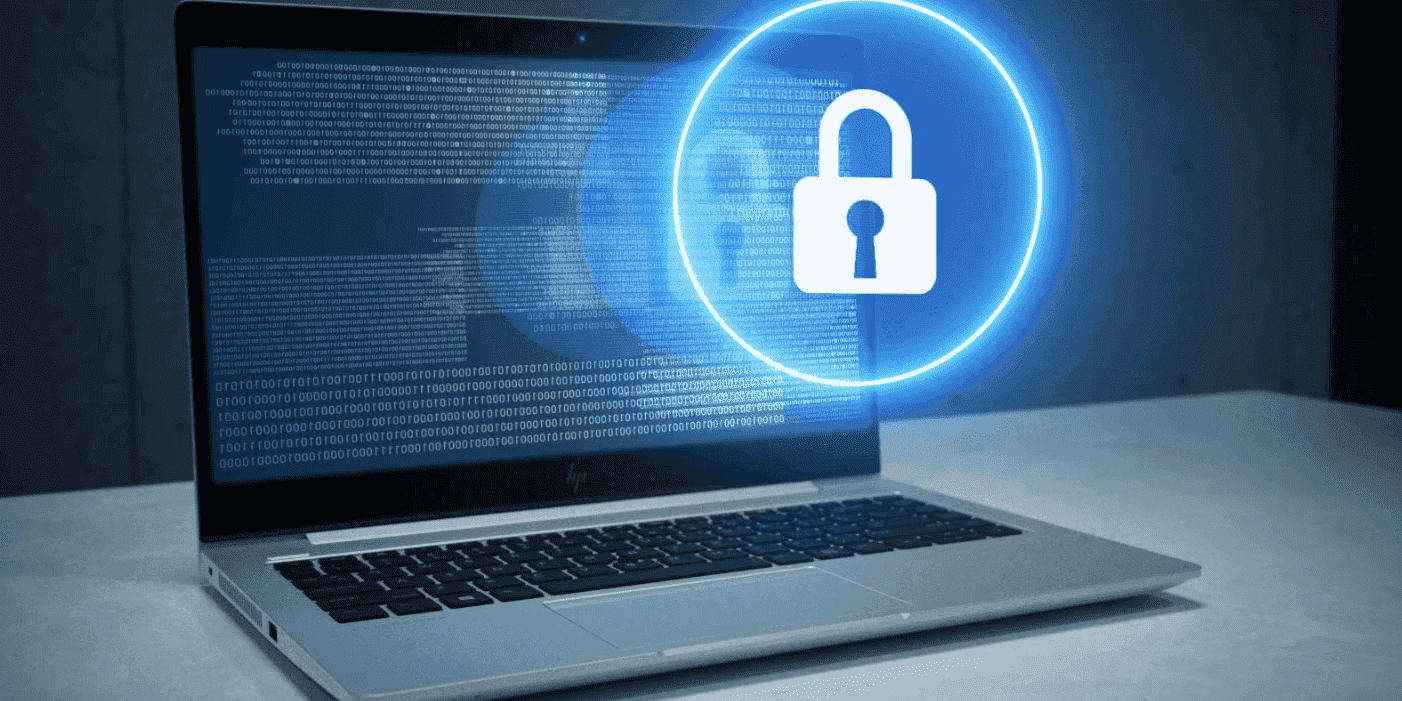
Artificial Intelligence is revolutionising business operations across Australia, from mining automation in Western Australia to financial services in Sydney’s CBD. Yet as Australian organisations embrace AI capabilities, they’re discovering that traditional cybersecurity measures simply aren’t sufficient for protecting these sophisticated systems. With 75% of organisations worldwide reporting AI-specific security incidents in the past year and an average cost of $4.45 million for AI-related data breaches, the stakes for proper AI security have never been higher.
-
Posted: August 20, 2025
 Read more »
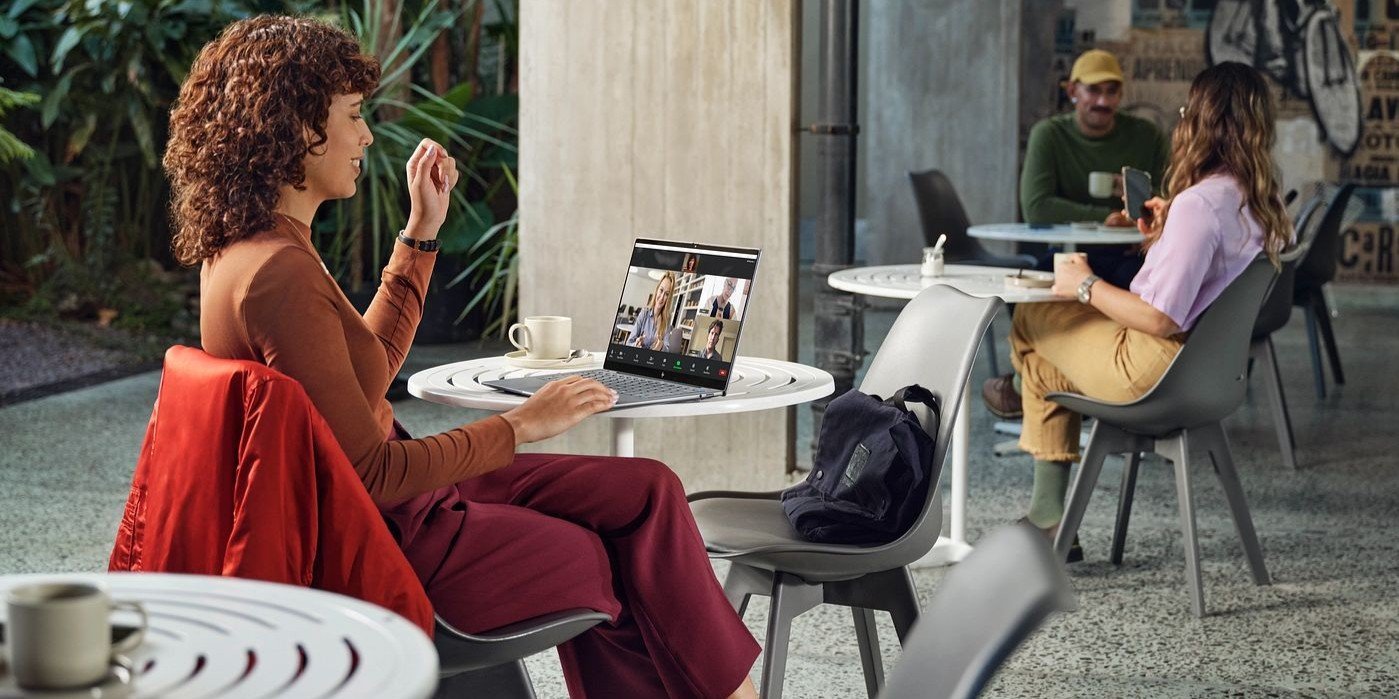
Remote work and online learning have become integral to Australian life, making video call malfunctions particularly frustrating when they occur just before important Zoom meetings or virtual classes. Whether you’re joining a meeting from your Melbourne office or attending online uni lectures from Perth, camera issues can disrupt your day.
-
Posted: August 20, 2025Categories: Miscellaneous
 Read more »
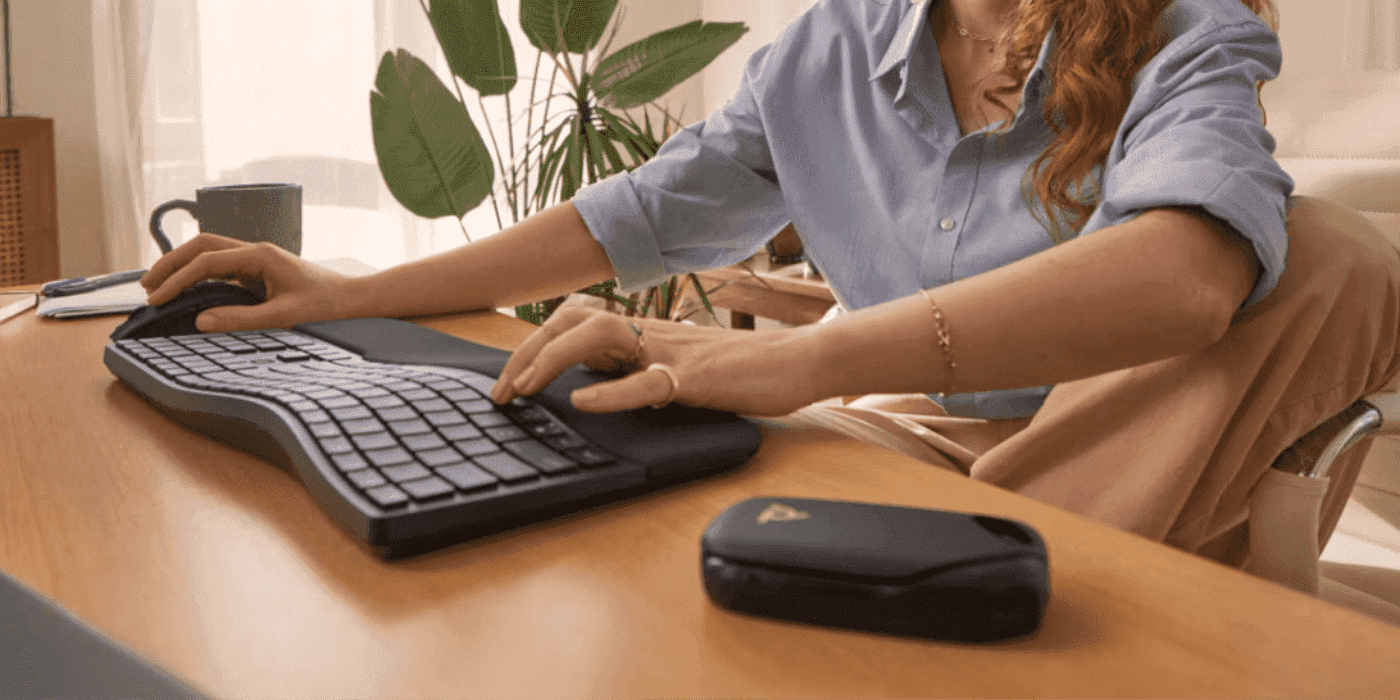
Whether you’re dealing with a frozen mouse, unresponsive touchpad, or simply prefer keyboard efficiency, knowing how to control your Windows PC’s power states using only keyboard shortcuts is an essential skill for Australian computer users. These methods work across Windows 10 and Windows 11, providing reliable alternatives when traditional point-and-click methods fail or when you want to streamline your workflow in your home office or workplace.
-
Posted: August 13, 2025
 Read more »
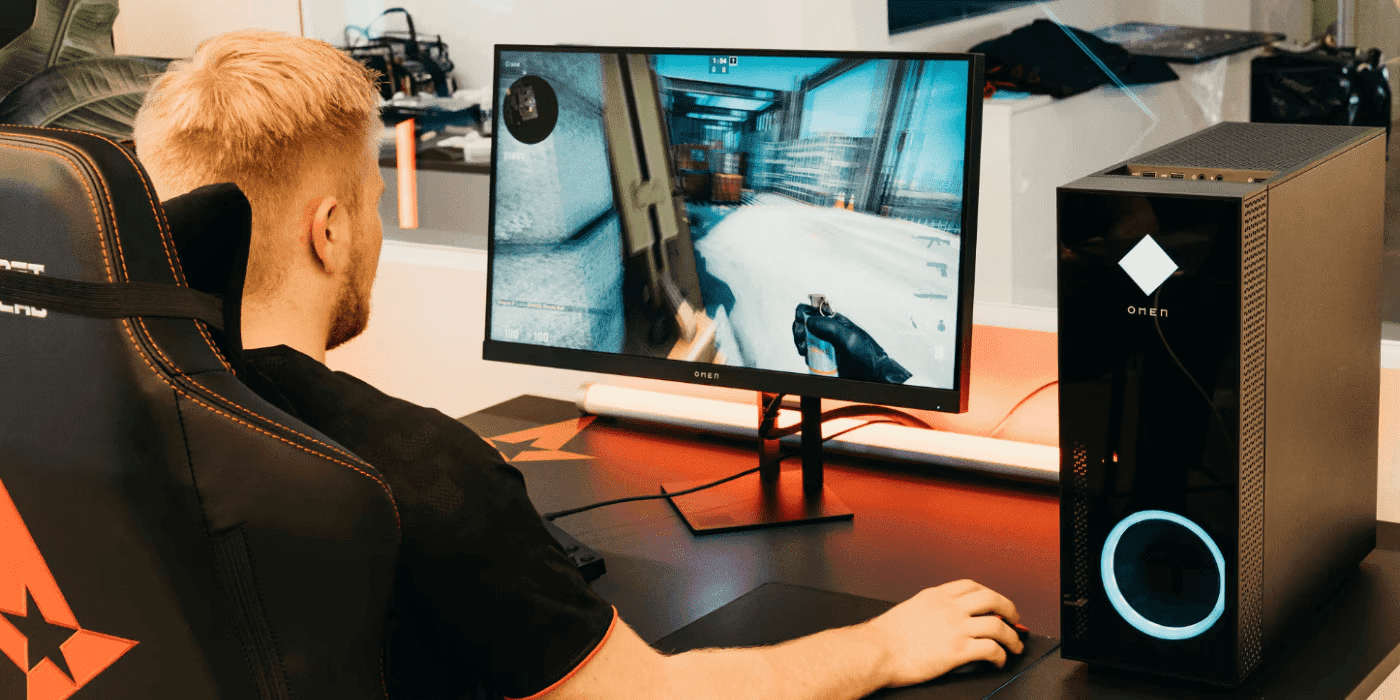
HP OMEN AI represents a revolutionary approach to gaming optimisation, leveraging artificial intelligence to deliver personalised performance adjustments based on your specific hardware configuration, gaming preferences and real-world usage patterns.
Recent Posts



Popular Posts





Products purchased through this store are sold and fulfilled by Ingram Micro Pty Limited

CONTACT US
Call us
- Sales (Home, Students, Gamers)
- 1300 540 516
- Sales (Small Business Customers)
- 1800 891 209
- Post-Sales
- 13 23 47
- Technical support
- 13 10 47
Exc. public holidays
Chat with us
- Our specialist are here to help
- Live Product Demo
- Sales
- 61288061500 (WhatsApp)
-
- Post Sales
- 61288061700(WhatsApp)
- Technical Support
- 61341594000(WhatsApp)
Exc. public holidays
Live product demo
Submit feedback
We value your opinion!