Thank you for visiting the AUSTRALIA HP Store
-
Contact Us
CONTACT USCall us
- Sales (Home, Students, Gamers)
- 1300 540 516
- Sales (Small Business Customers)
- 1800 891 209
- Post-Sales
- 13 23 47
- Technical support
- 13 10 47
Exc. public holidays
Chat with us- Our specialist are here to help
- Live Product Demo
- Sales
- 61288061500 (WhatsApp)
-

- Post Sales
- 61288061700(WhatsApp)
- Technical Support
- 61341594000(WhatsApp)
Exc. public holidays
Live product demo
Submit feedback We value your opinion! - My Account

Search
Page 3 - Miscellaneous

-
Posted: February 01, 2026Categories: Miscellaneous
 Read more »
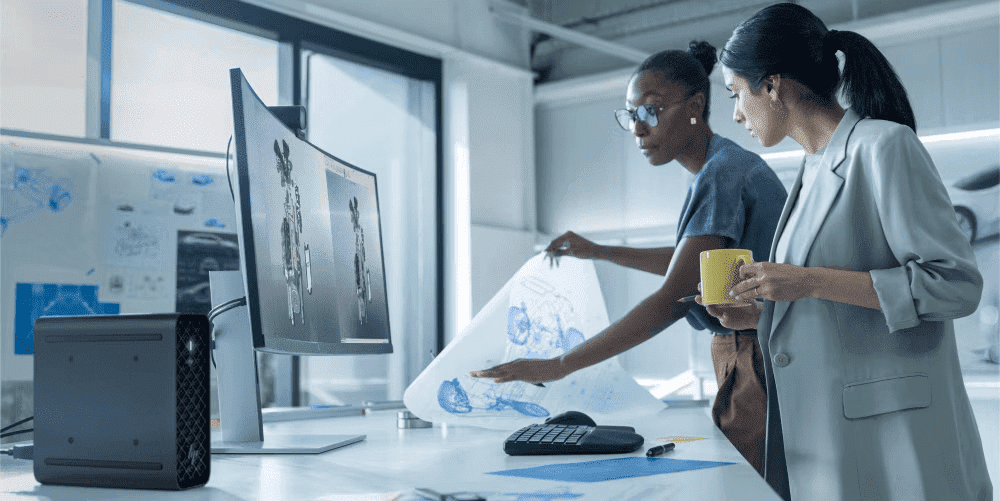
The AI era has arrived—and this transformative technology is now standard in laptops across the market. As AI becomes embedded in everyday computing, understanding the difference between NPUs and GPUs is increasingly important. This distinction matters especially for consumers shopping for new laptops where AI performance is a deciding factor.
-
Posted: January 20, 2026
 Read more »
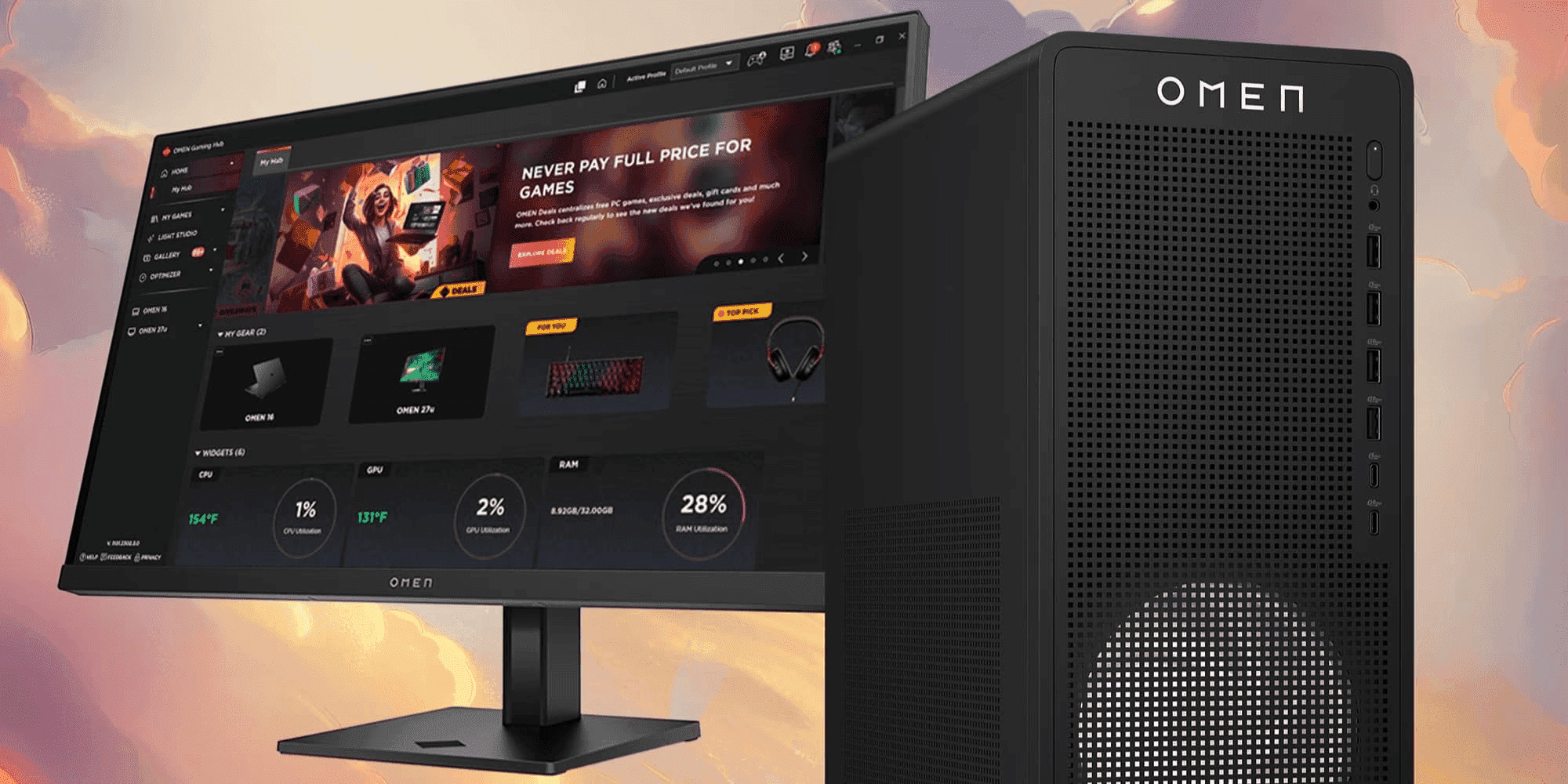
In competitive gaming, milliseconds determine victory. Whether you’re battling in esports tournaments across Sydney, grinding ranked matches in Melbourne, or streaming from Brisbane, one element stands out as immediately noticeable and measurably impactful: display refresh rate. The difference between a standard 60Hz monitor and a high refresh rate display isn’t just technical—it’s the difference between seeing your opponent first or reacting too late.
-
Posted: January 15, 2026Categories: Miscellaneous
 Read more »
HP OMEN PCs are engineered to harness the power of some of the most powerful GPUs available today. Cards like the NVIDIA® GeForce RTX™ 5090 and RTX 5080 deliver ultra-high frame generation for 4K gaming and high-end creative workloads. However, despite being engineering marvels, their sheer size and weight create a physics-based challenge that many experience: GPU sag.
-
Posted: January 13, 2026
 Read more »
AI laptops are fundamentally changing how Australians work and create. These devices feature built-in Neural Processing Units (NPUs) that handle artificial intelligence tasks directly on the device, making them faster, more efficient, and less dependent on cloud connectivity—particularly valuable for Australian professionals working across vast distances or in areas with limited internet infrastructure.
-
Posted: January 09, 2026Categories: Miscellaneous
 Read more »
For decades, the computer processor landscape was dominated by Intel and AMD as the only significant players. But recently, a new name has emerged on high-profile laptop builds: Snapdragon. As world's business landscape becomes increasingly mobile-focused, with professionals working across world's dynamic districts and beyond, understanding this emerging processor technology becomes essential for making informed computing decisions.
-
Posted: January 07, 2026
 Read more »
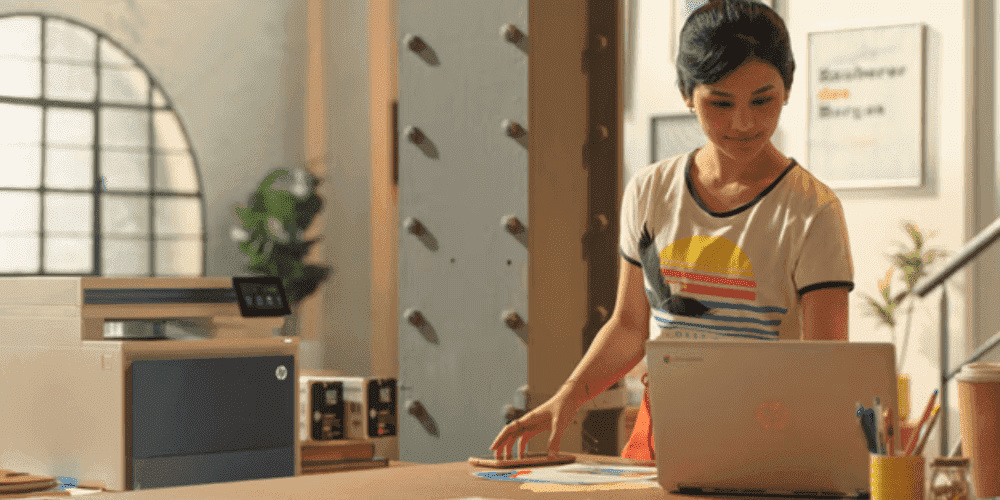
Office printers have evolved far beyond simple peripheral devices in today’s Australian workplaces. They’ve become sophisticated networked gateways that handle sensitive business information daily. With cyber threats increasingly targeting Australian businesses of all sizes, securing your office printer is no longer optional—it’s critical to protecting confidential data and ensuring business continuity. This article explores the risks associated with unsecured printers, outlines best practices to safeguard your device, and provides recommendations for secure, high-performance office printers available in Australia.
-
Posted: December 02, 2025
 Read more »
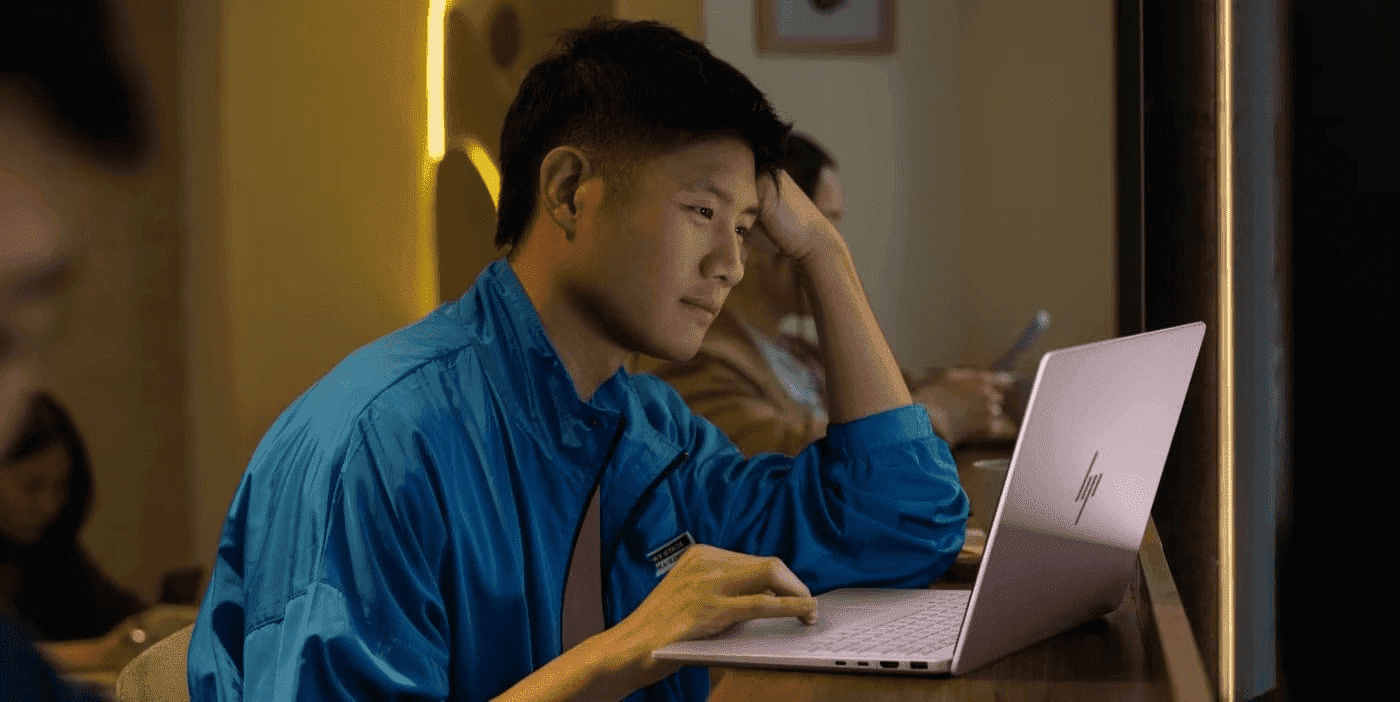
Resetting BIOS on your HP laptop helps resolve performance issues, hardware glitches, and boot errors without touching personal files. Whether you’re in Sydney, Melbourne, or anywhere across Australia, if you’re wondering “how can I reset BIOS on your device”, this guide will walk you through when a BIOS reset is required, how to perform it, and provide helpful tips along the way. Rest assured, resetting the BIOS preserves your data and maintains system integrity, so your laptop remains secure and functional throughout the process.
-
Posted: December 02, 2025Categories: Miscellaneous
 Read more »
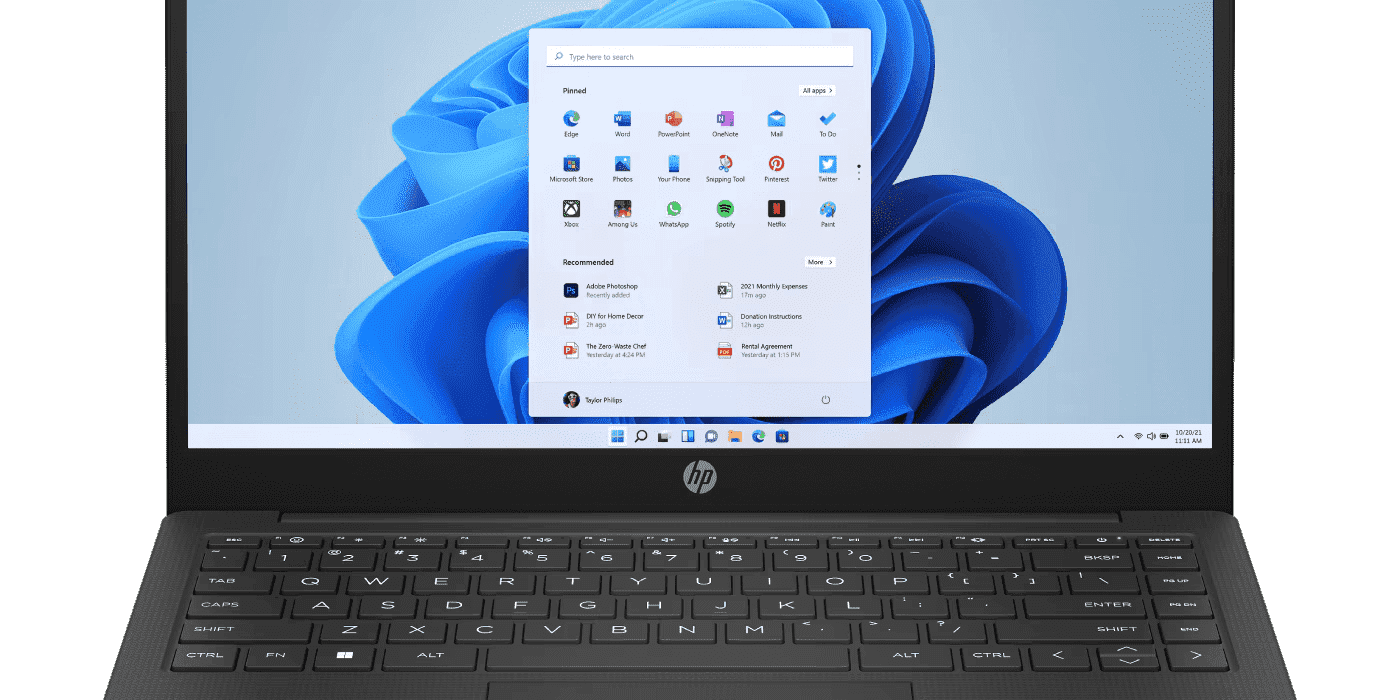
Microsoft has announced that support for Windows 10 will end on 14 October 2025. After this date, Windows 10 will no longer receive feature updates, security updates, and technical support for Windows 10 will no longer be provided. For Australian users, whether you’re working from home in Brisbane or running a business in Perth, Microsoft recommends that users still on Windows 10 upgrade to Windows 11, and considering the new features this operating system offers, this upgrade makes practical sense.
-
Posted: November 06, 2025
 Read more »
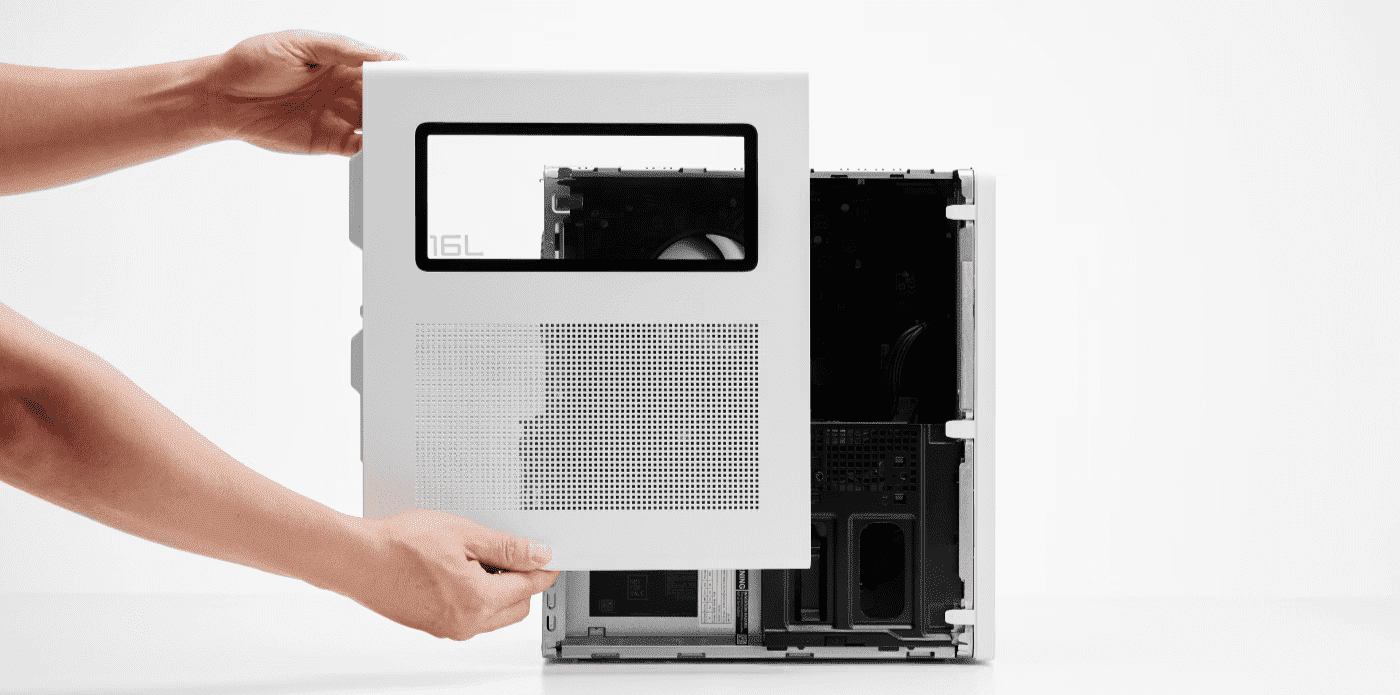
The world of technology is rapidly evolving, and Australian gamers need desktops that can handle the latest triple-A titles and creative workloads. Whether you’re gaming in Sydney, Melbourne, or Perth, keeping your system performance at its peak is essential. HP OMEN desktops are designed with upgradeability in mind, allowing gamers to enhance graphics performance without replacing the entire system.
-
Posted: November 06, 2025
 Read more »
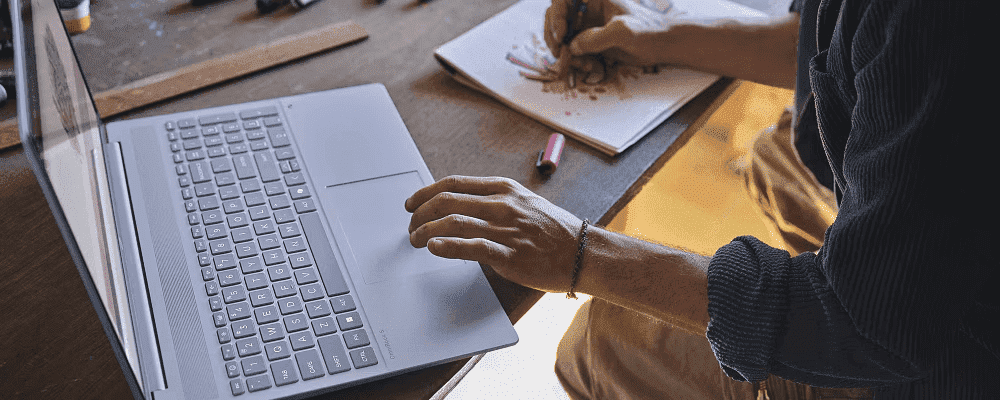
Selecting the ideal laptop for university in 2025 is more challenging than ever for Australian students. Given the many choices on the market, students and parents need a guide that balances performance, portability, and long-lasting value whilst staying within budget.
Recent Posts

Popular Posts





Products purchased through this store are sold and fulfilled by Ingram Micro Pty Limited

CONTACT US
Call us
- Sales (Home, Students, Gamers)
- 1300 540 516
- Sales (Small Business Customers)
- 1800 891 209
- Post-Sales
- 13 23 47
- Technical support
- 13 10 47
Exc. public holidays
Chat with us
- Our specialist are here to help
- Live Product Demo
- Sales
- 61288061500 (WhatsApp)
-
- Post Sales
- 61288061700(WhatsApp)
- Technical Support
- 61341594000(WhatsApp)
Exc. public holidays
Live product demo
Submit feedback
We value your opinion!