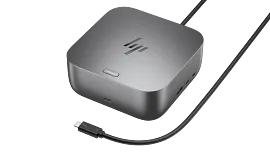
HP Thunderbolt Dock 120W G4

Other offers available with the product:
FREE Storewide Shipping
Financing options available for all credit scores
Extra $30 off select printers with any PC
Clear the Warehouse Sale
Product # 4J0A2AA#ABA
- The Dock that Protects your Connected Devices.
- Expanded Compatibility. Easy Connectivity.
- The Power To Be Productive.
- Device Management Made EasySee all Specs
Can't find what you are looking for?
3% back in HP Rewards
HP Thunderbolt Dock 120W G4
$0.00
Similar Products


1/8
HP Thunderbolt 4 100W G6 Dock
Power your everydayHands-off manageabilityEverything, securedDesigned with purpose
9X472UT#ABA
Sustainability features
3% back in HP Rewards
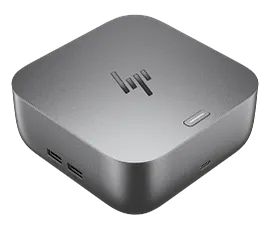
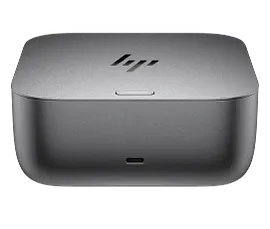

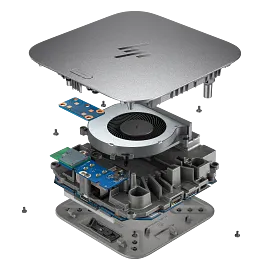
HP Thunderbolt 4 Ultra 280W G6 Dock
Powerful connections in an instantHands-off manageabilityEverything, securedDesigned with purpose
AW5M5UT#ABA
Sustainability features
Top deal!
3% back in HP Rewards

1/6
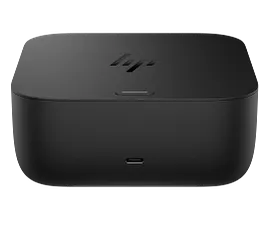
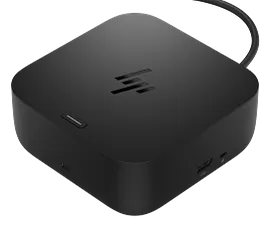
HP Thunderbolt 4 Ultra 180W G6 Dock
Powerful connections in an instantHands-off manageabilityEverything, securedDesigned with purpose
9X481UT#ABA
Sustainability features
Top deal!
3% back in HP Rewards
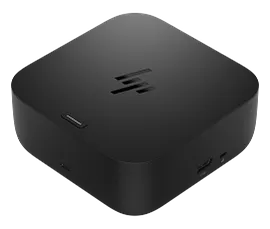
HP USB-C 100W G6 Dock US for business
Power up before you sit downHands-off manageabilityEverything, securedDesigned with purpose
9X3V1UT#ABA
Sustainability features
Top deal!
3% back in HP Rewards
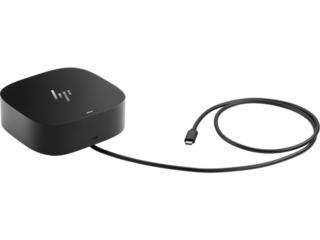
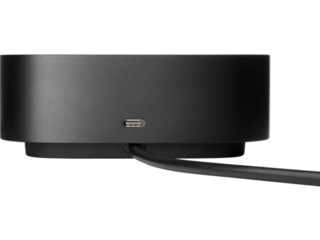
Boost your security, productivity, and connectivity with this Thunderbolt™ 4 dock. It protects your network and devices from the moment you log in, supports multi-OS compatibility[1], and can support up to four 4K displays[2]. Ideal for ITDMs and hybrid workers, this dock also makes home or office device management easy.
The Dock that Protects your Connected Devices.
Feel safe and secure from the moment you log in. The HP Thunderbolt G4 Dock with HP Sure Start[3] prevents hackers from using the dock to attack the network and the attached notebook. Everything connected to this dock is protected and meets full NIST 800-193 requirements.
Expanded Compatibility. Easy Connectivity.
The Power To Be Productive.
Device Management Made Easy
Manage your mixed fleet more efficiently with wired Intel® vPro™ support that allows authorized administrators to remotely access and manage vPro™ enabled notebooks using wired connections to make updates. IT Managers can also plan dock firmware updates anytime, even after the user disconnects through a one click installer[6].
Technical Specs
Reviews and Q&A
Return and exchange information
Most items may be returned within 30 days of delivery. Eligible returns do not include a restocking fee which may apply only in limited situations, such as purchases made for unauthorized resale or orders that do not meet our terms and conditions. For full details, please visit: https://www.hp.com/us-en/shop/cv/returnsandexchanges


