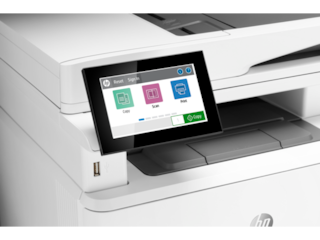
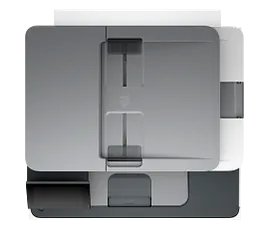
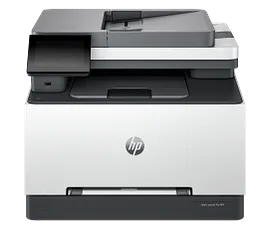
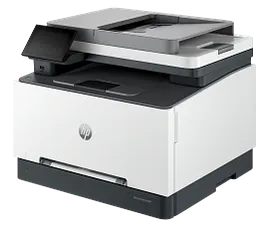
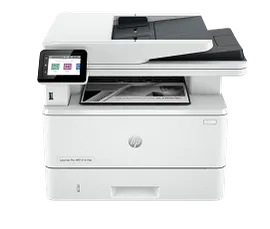
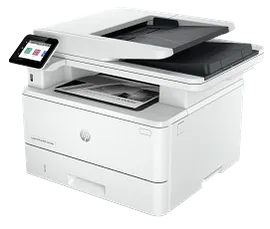
HP Color LaserJet Pro MFP 4301fdw Wireless Printer, AI-capable


ENERGY STAR | Small medium business
Other offers available with the product:
FREE Storewide Shipping
Financing options available for all credit scores
72 Hour Flash Sale
Product # 4RA82F#BGJ
FunctionsPrint, copy, scan, fax
- Blazing fast speeds for professional quality color prints
- Color printing, scan, copy, fax, wireless, ethernet, auto 2-sided printing
- Advanced network protection with Wolf Pro security
- Dynamic security enabled printerSee all Specs
Can't find what you are looking for?
3% back in HP Rewards
Engineered for Sustainability
HP Color LaserJet Pro MFP 4301fdw Wireless Printer, AI-capable
$0.00
Get a blazing fast color printer and easy management tools with LaserJet Pro.
HP Office Laser Multifunction Printers are designed for SMBs and small workteams in larger companies, delivering enhanced productivity, simplified workflows and reduced costs.
This printer is intended to work only with cartridges that have a new or reused HP chip, and it uses dynamic security measures to block cartridges using a non-HP chip. Periodic firmware updates will maintain the effectiveness of these measures and block cartridges that previously worked. A reused HP chip enables the use of reused, remanufactured, and refilled cartridges. More at:
HP Office Laser Multifunction Printers are designed for SMBs and small workteams in larger companies, delivering enhanced productivity, simplified workflows and reduced costs.
This printer is intended to work only with cartridges that have a new or reused HP chip, and it uses dynamic security measures to block cartridges using a non-HP chip. Periodic firmware updates will maintain the effectiveness of these measures and block cartridges that previously worked. A reused HP chip enables the use of reused, remanufactured, and refilled cartridges. More at:
Maximum productivity in full color
Support your business workteam with this compact, high-performing, color printer, ideal for up to 10 users. Step up your workflow with blazing fast speed to meet high-demand environments. Avoid interruptions with Wi-Fi® that intelligently looks for the most stable connection to stay on-line. [6]
Seamless management
Centralize your print management. HP Web Jetadmin easily adds and updates devices and solutions.[3] Set up your printers quickly so you can focus more on your business. Make it easy for your team to set up and get back to what matters.
HP Wolf Pro Security
Get printer fleet security out of the box. Preconfigured settings mean it's ready when you are. Add a layer of security. PIN/pull option authenticates your print jobs only when you're present. Strengthen and simplify compliance. This upgrade applies your business policies across the fleet.[7]
Sustainable printing [4,12,13]
Redesigned Original HP TerraJet Cartridge for reduced plastic use and energy consumption when printing.[12,13] Trim your paper use. Default duplex setting prints on both sides of each page. Meet the industry standard for efficiency with Energy Star® rating.[4] Reduce your footprint. HP Auto-On/Auto-Off technology optimizes printer energy usage and costs.[5]
Recommended Supplies & Support
Features
Business team solution
Support your business workteam with this compact, high-performing, color printer, ideal for up to 10 users.
Blazing fast speed
Step up your workflow with blazing fast speed to meet high-demand environments.
Self-healing Wi-Fi.[6]
True-to-life colors [14]
HP Web Jetadmin [3]
Simple set up
Streamlined set up makes it easy for your team to set up and get back to what matters.
Technical Specs
Reviews and Q&A
HP Color LaserJet Pro MFP 4301fdw Wireless Printer, AI-capable is rated
out of
5 by
385.
Rated 1 out of
5
by
I just got ripped off from
Buyer's Remorse
I purchased the Pro4301fdw to replace my m477fnw. Five days prior to my purchase, I ordered 5 toner cartridges for my m477fnw machine. I was told that they would exchange them for toner cartridges for the 4301fdw. Instead of a one for one exchange, HP sent me 4 toner cartridges netting me a loss of $225 plus an additional $83 to ship them back. Product might be good but customer service is terrible. For this reason, I would not recommend any HP product.
Date published: 2026-05-19
Rated 5 out of
5
by
Mrs. Drew from
Excellent product!
Wonderfully useful
Date published: 2026-05-16
Rated 2 out of
5
by
JJBBH from
Failed Auto Feed
two weeks after I purchased this printer the automatic feed failed and it hasn't worked since - very disappointing!
Date published: 2026-04-17
Rated 5 out of
5
by
Rich-Marine Corps League from
Printer for my home office space
The HP Color LJ Pro MFP 4301fdn provides fast, 2-sided printing with high quality color. It's more printer than I really needed but I wanted a workhorse. My last HP LaserJet worked beautifully for upward of ten years. I'm looking forward to the same extraordinary performance from my new one.
Date published: 2026-04-13
Rated 3 out of
5
by
ST210 from
Printer Good, Custom Set-Up Service Miserable
I am enjoying my printer, but had an awful and extremely time-consuming experience at the beginning. I ordered and paid for custom set-up in my home. When the printer was delivered, I expected HP to contact me about set-up. That never happened. It took me and my assistant several hours just to get in touch with someone who could help us. Our customer service person was great, but he was foiled in his attempts to help by HP's procedures. He told us we had to jump through a lot of hoops, including verifying delivery when we had HP's own notice that the printer had been delivered! After a couple more days of waiting around, we gave up. I asked for my money back and asked my son to set it up for me. Highly unsatisfactory.
Date published: 2026-04-12
Rated 1 out of
5
by
Anonymous from
HP Customer Service refused to initiate an exchange of a newly purchased printer
I am employed by BASF Chemical Company in Geismar, Louisiana which offered special pricing on printers and other HP products to their associates. I purchased an HP Color LaserJet Pro MFP 4301fdn, AI-enabled printer on 02/26/26. It was delivered on 03/01/26, because of my travel and work obligations I was not able to open and setup the printer until 4/09/26. During setup I realized this particular model was not designed for wireless connections. After further research I realized that I should have purchased the HP Color LaserJet Pro MFP 4301 FDW, AI-enabled printer. I called the HP support line and was told I was not eligible for a refund or exchange. I explained that printer has not been used and has only been out of the box for less than 12 hours, the time it took for me to contact HP Support during their normal business hours. I explained that I did not want a refund just an exchange for the correct work tool thats required. I also relayed that I had no idea that I had 30 days to refund or exchange. I explained if I had known that I would have had one of my colleagues set the printer up in an effort to ensure that it was working and could accommodate my needs well within the required time period. Still to no avail. My question! Is this how HP does business with it's business partners/customers? I am truly unhappy with this situation. Please advise on a sensible resolution for my unsavory position.
Date published: 2026-04-10
Rated 4 out of
5
by
RJPotts from
Great product, but it runs through ink quickly
Great product, but it runs through ink quickly
Date published: 2026-03-30
Rated 5 out of
5
by
Anonymous from
Good looking , fast, and easy to use.
Good looking, fast, easy to use. The document scanner is awesome, it scans both sides of the page in one quick pass. The front paper tray is handy when you have a short run of a different paper. The setup is easy as all HP printers, just plug in and go.
Date published: 2026-03-27
Trying to scan to a USB drive. The directions state to enter the PIN on the toner door. There is the part number and serial number but no PIN number. One of the main selling points of this was the ability to scan to a USB drive. . .
We are sorry to hear about your challenges. We recommend reaching out to HP Support for further assistance: https://support.hp.com
Date published: 2024-01-29
Does this printer allow you to make two sided copies?
Hello. Thanks for your question. Yes, you can make double-sided (or two-sided) copies with this HP Laserjet Pro 4301fdw printer.
Date published: 2023-08-16
1. I am looking at this printer but it appears as though it may not have the ability to copy two-sided documents. Can it? 2. Can I set up to scan direct to computer without using the HP Smart App - hate that App.
Hello. Thanks for your question. You can do double-sided copying through the ADF (Auto Document Feeder) on top of this HP Laserjet Pro 4301fdw printer. You need to use some software to scan with this printer. We recommend using the HP Smart app. You can scan to a USB flash drive on the printer.
Date published: 2024-02-18
1. Is the price in US dollars, 2. how long it takes to get it, 3. should I need to buy all toners to make b/w printing work or can I just use black toner only without other toners for b/w printing
Hello. Thanks for your question. If you want to print black and white only, we recommend looking at the HP LaserJet Pro MFP 4101fdw Printer.
If you choose to go with this HP Laserjet Pro 4301fdw printer, the printer may not print if there is no toner in the toner cartridges.
If you need further assistance, we recommend reaching out to the HP customer service team, https://www.hp.com/us-en/contact-hp/contact.html
Date published: 2024-03-08
does this printer support printing cardstock from a main tray or bypass tray? how about double-sided cardstock printing?
Hello. Thanks for your question. This HP Color LaserJet Pro MFP 4301fdw Printer can support up to 60 to 163 g/m² (up to 176 g/m² postcards) in trays 1 and 2.
Date published: 2024-10-31
Does the scanning tray offer 2-sided scanning?
Hello. Thanks for your question. The ADF (Auto Document Feeder) on top of this Laserjet Pro 4301fdw printer allows to do 2-sided scanning.
Date published: 2023-11-28
Can you print to the printer over the internet?
Thank you for your question! Yes, use this HP Color LaserJet Pro MFP 4301fdw Wireless Printer with the HP Smart App on your mobile device.
Date published: 2024-05-29
Can this print on 11x17
Hello. Thanks for your question. This HP Laserjet Pro 4301fdw printer supports up to 8.5 x 14 inch paper.
Date published: 2023-12-08
Similar Products
1/6
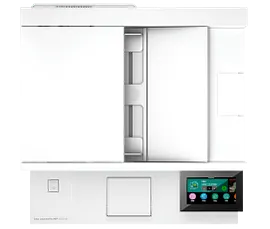
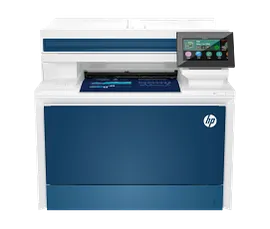
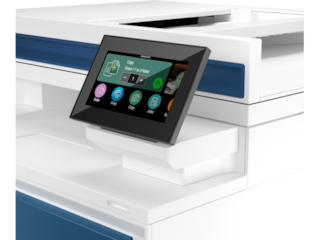
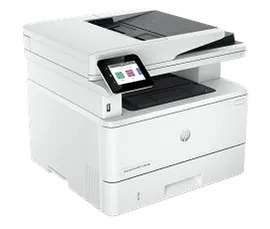
HP Color LaserJet Pro MFP 4301fdn Printer, AI-capable
Blazing fast speeds for professional quality color printsColor printing, scan, copy, fax, ethernet & USB connectivity, auto 2-sided printingAdvanced network protection with Wolf Pro securityDynamic security enabled printer
4RA81F#BGJ
ENERGY STAR | Small medium business
Engineered for Sustainability
3% back in HP Rewards
1/7
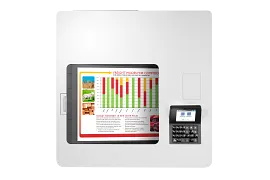
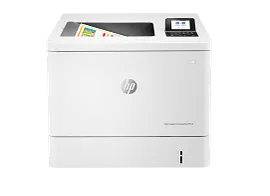
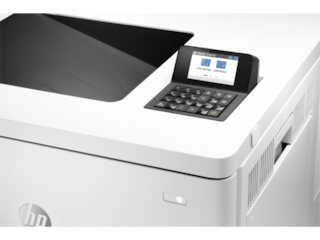
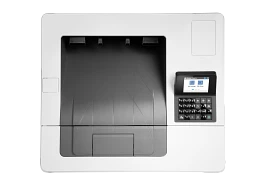
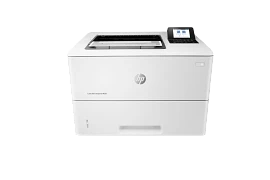
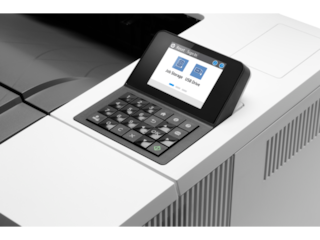
HP Color LaserJet Enterprise M554dn Printer
Print onlyPrint speed letter: Up to 35 ppm (black and color)Auto duplex printing; 2 paper trays (standard); 2.7-in color displayFCC Class A emissions - for use in commercial environments, not residential environmentsDynamic security enabled printer
7ZU81A#BGJ
ENERGY STAR | Business
Engineered for Sustainability
3% back in HP Rewards
1/7
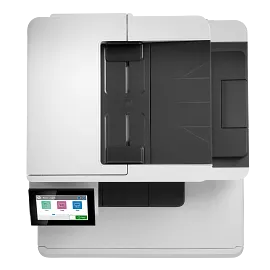
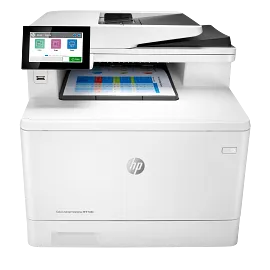
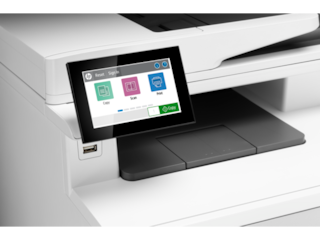
HP Color LaserJet Enterprise MFP M480f
Print, copy, scan, faxPrint speed letter: Up to 29 ppm black and colorAuto duplex printing; 50-sheet ADF; 4.3-inch color touchscreenThe world’s most secure printingDynamic security enabled printer
3QA55A#BGJ
ENERGY STAR | Business
Engineered for Sustainability
3% back in HP Rewards
1/6
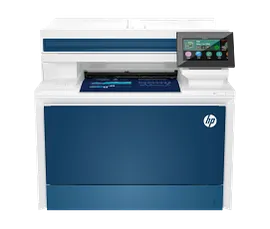
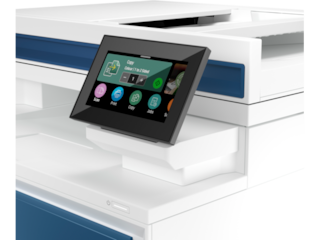
HP Color LaserJet Pro MFP 4301fdw Certified Refurbished, AI-capable
Blazing fast speeds for professional quality color printsColor printing, scan, copy, fax, wireless, ethernet, auto 2-sided printingAdvanced network protection with Wolf Pro securityDynamic security enabled printer
4RA82FR#BGJ
ENERGY STAR | Small medium business
3% back in HP Rewards


Return and exchange information
Most items may be returned within 30 days of delivery. A restocking fee of up to 15% of the purchase price may be deducted from your refund for returned items, except where prohibited by law. No restocking fee applies to defective or incorrect items. A restocking fee is not applicable for printers, ink, toner, paper, care packs, software and services. For details, please visit: https://www.hp.com/us-en/shop/cv/returnsandexchanges.


