Thank you for visiting the NEW ZEALAND HP Store
-
Contact Us
CONTACT USCall us
- Sales
- 0800 854 848
- Technical support
- +64 9884 8600
Mon-Fri 9.00am - 6.00pm
(exc. Public Holidays)
Chat with us- Our specialist are here to help
- Live chat
Mon-Fri 9.00am - 6.00pm
(exc. Public Holidays)
Submit feedback We value your opinion! - My Account

Search
Page 4 - Tech Takes

-
Posted: May 06, 2026Categories: Laptops
 Read more »
Choosing a laptop these days can be overwhelming with all the options out there. For many older adults across New Zealand — whether you’re based in Auckland, Wellington, or a quiet rural town — what really matters is a device that’s simple to use, comfortable on the eyes, and reliable for everyday tasks like web browsing, email, video calls, or enjoying videos and pictures. We believe the best HP laptops for seniors focus on large, easy-to-read screens, straightforward setup, and helpful customer support — so you (or your loved one) can get started quickly and confidently without fuss. Here, we’ll highlight HP models that deliver just that.
-
Posted: May 05, 2026
 Read more »
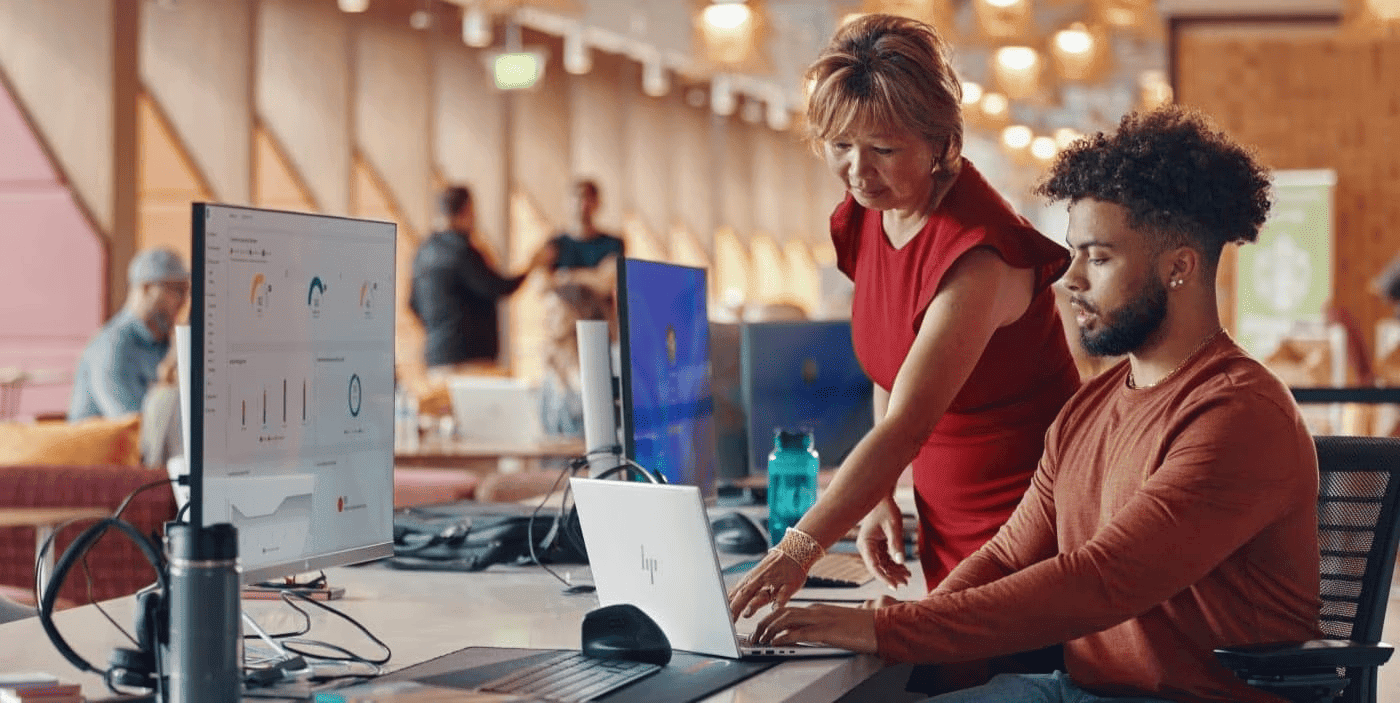
Quick Answer: HP Wolf Security is an AI-powered endpoint protection suite combining deep learning malware detection (Sure Sense), hardware-enforced micro-VM isolation (Sure Click), and self-healing BIOS protection (Sure Start) to stop threats from firmware to cloud in real time.
-
 Read more »
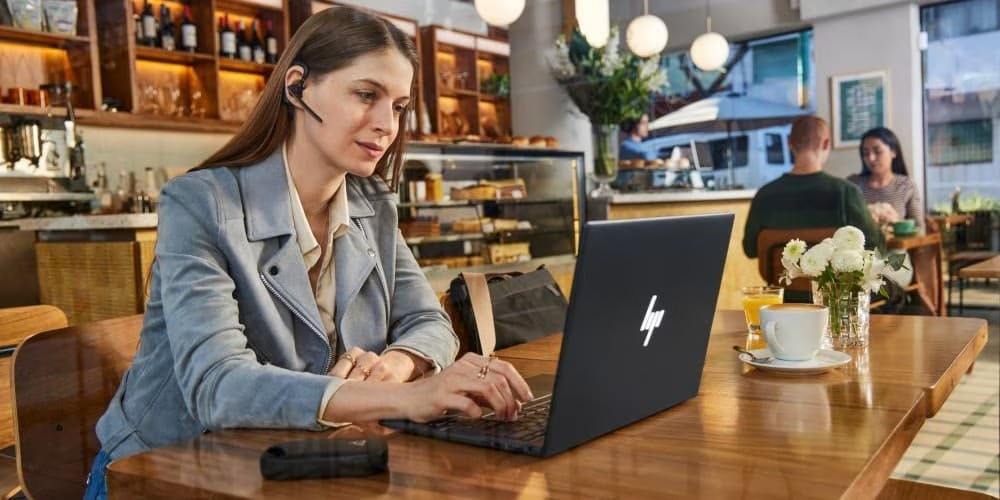
Quick Answer: Biometric security on laptops uses unique physical features — fingerprints, facial structure, or iris patterns — to authenticate users. Windows Hello creates encrypted templates stored locally in secure chips, making it more secure than passwords while offering faster, more convenient access.
-
Posted: April 28, 2026Categories: Miscellaneous
 Read more »
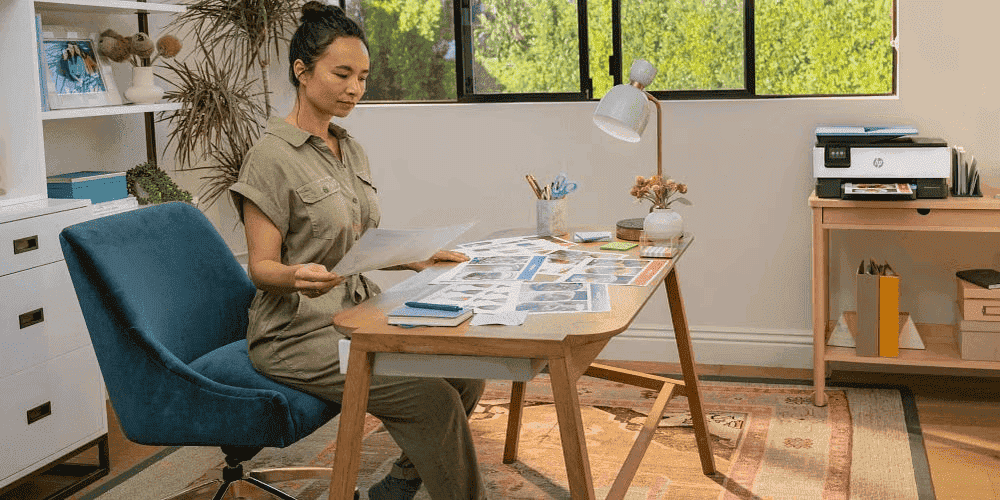
Imagine working from home while notifications go off constantly and your child runs across the camera view calling for attention. Whether you’re based in Auckland, Wellington, or working remotely from the regions, these interruptions make you lose focus, disrupting your concentration and workflow entirely. Setting up a distraction-free home office involves multiple factors: environment, ergonomics, habits, and technology.
-
Posted: April 21, 2026Categories: Laptops
 Read more »
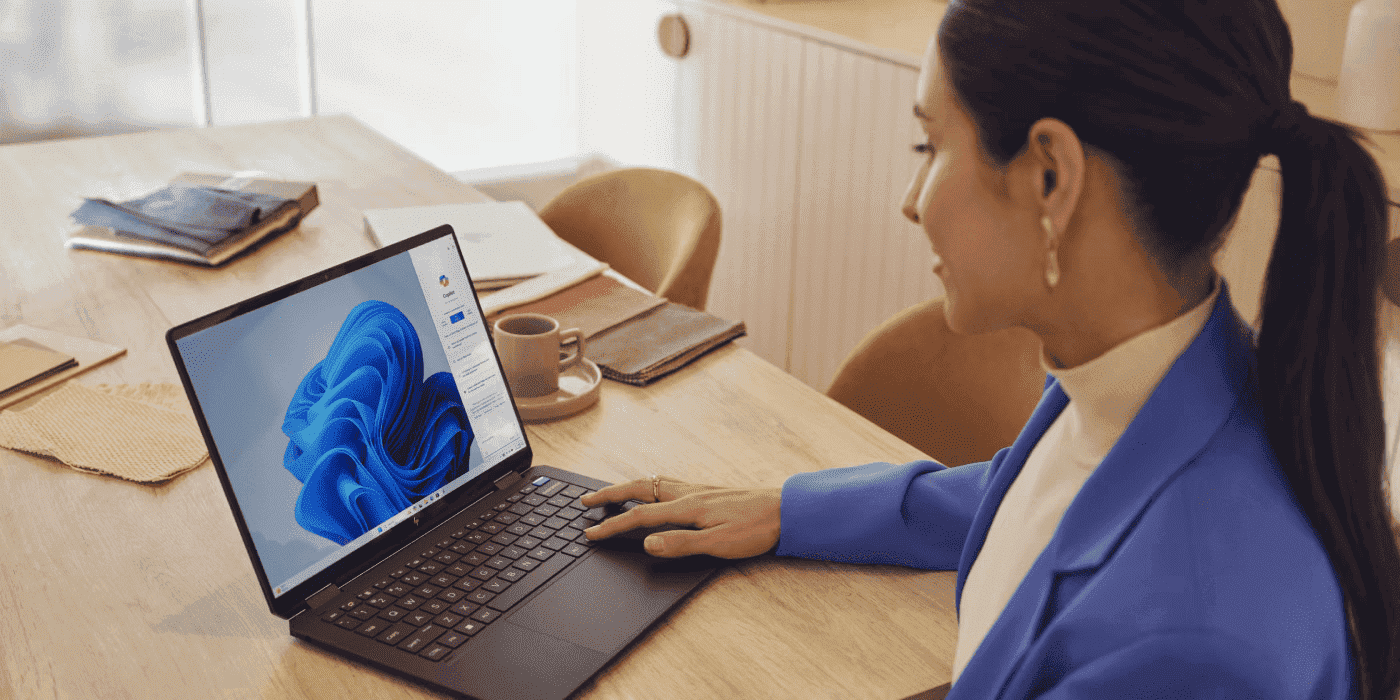
At HP, we’ve been shaping the future of modern work with our comprehensive lineup of AI-enhanced laptops across different price points. Now unified under the OmniBook name, each model offers something unique and different.
-
Posted: April 15, 2026Categories: Miscellaneous
 Read more »
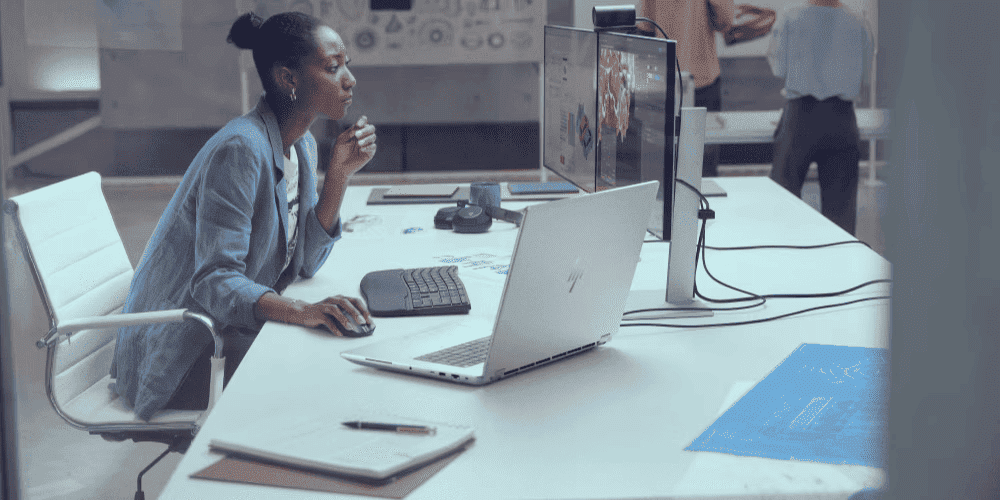
Quick Answer: HP Migration Tools transfer user profiles, application settings, documents, and personal data to your new HP PC — but not installed applications themselves. For full app migration, use trusted third-party solutions like Laplink PCmover, Zinstall WinWin, or EaseUS Todo PCTrans.
-
Posted: April 15, 2026Categories: Laptops
 Read more »
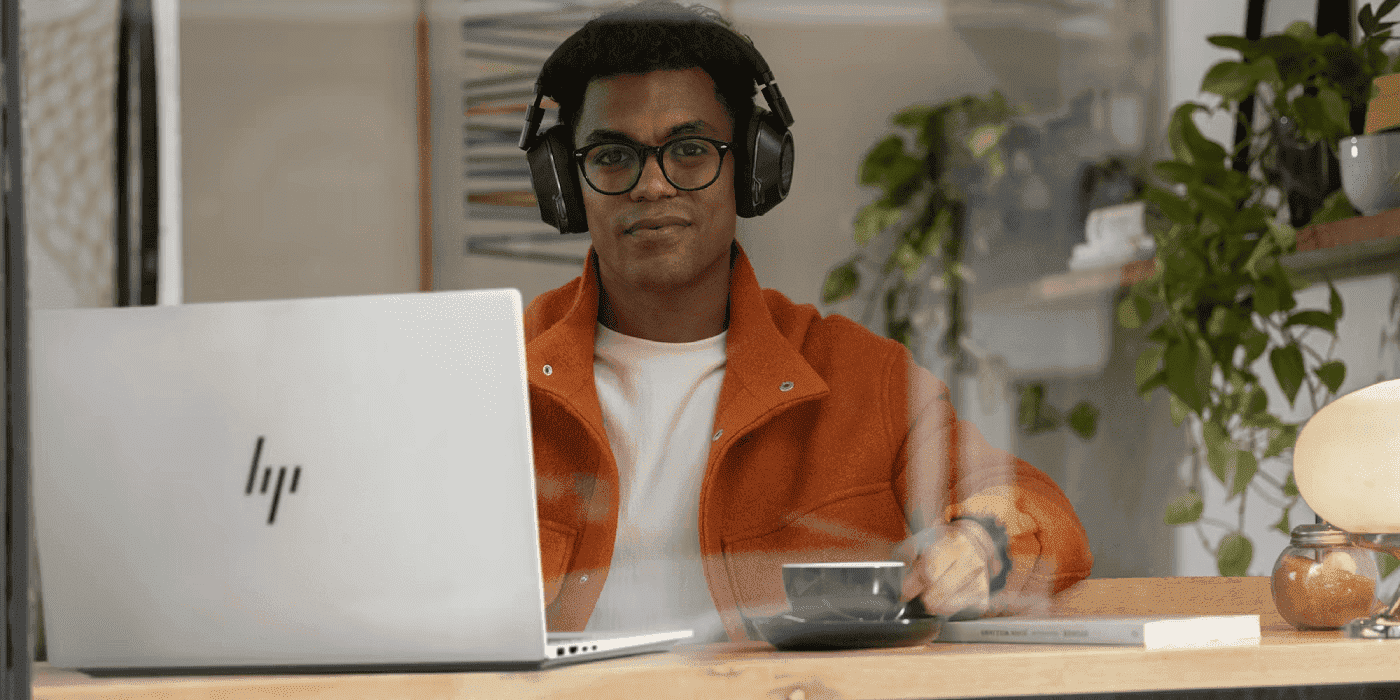
Whether you’re a student hitting the books in Auckland, a remote worker on the Kapiti Coast, or a C-suite executive flying between Wellington and Christchurch, there’s an HP OmniBook model designed with you in mind. Finding an HP OmniBook that fits your budget and needs is straightforward — but pinpointing the ideal choice for your specific situation can be a little more challenging.
-
Posted: April 10, 2026Categories: Printer
 Read more »
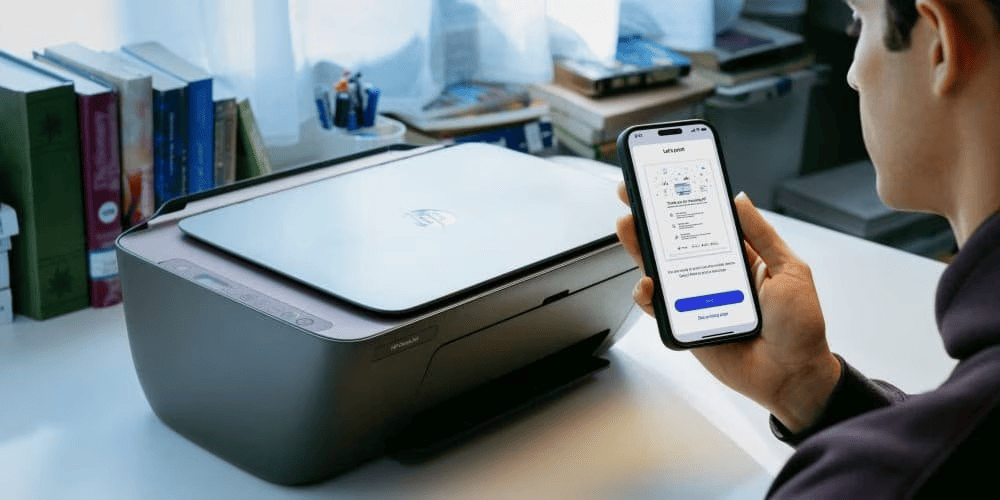
Looking to set up your HP printer? You’ve come to the right place. In 2025, setting up your HP printer is simpler than ever, thanks to the HP app (previously known as HP Smart). This guide walks you through the entire setup process for Windows, macOS, iOS, Android, and Chromebook, so you can start printing with ease.
-
Posted: April 09, 2026Categories: Laptops
 Read more »
If you’re a Kiwi professional, student, or creative who’s been relying on the HP Pavilion Plus, you already know what it means to get strong performance, vibrant visuals, and reliable design at great value. The Pavilion Plus has served professionals, creators, and students well across New Zealand, combining speed, portability, and battery life for everyday productivity.
-
Posted: April 09, 2026Categories: Laptops
 Read more »
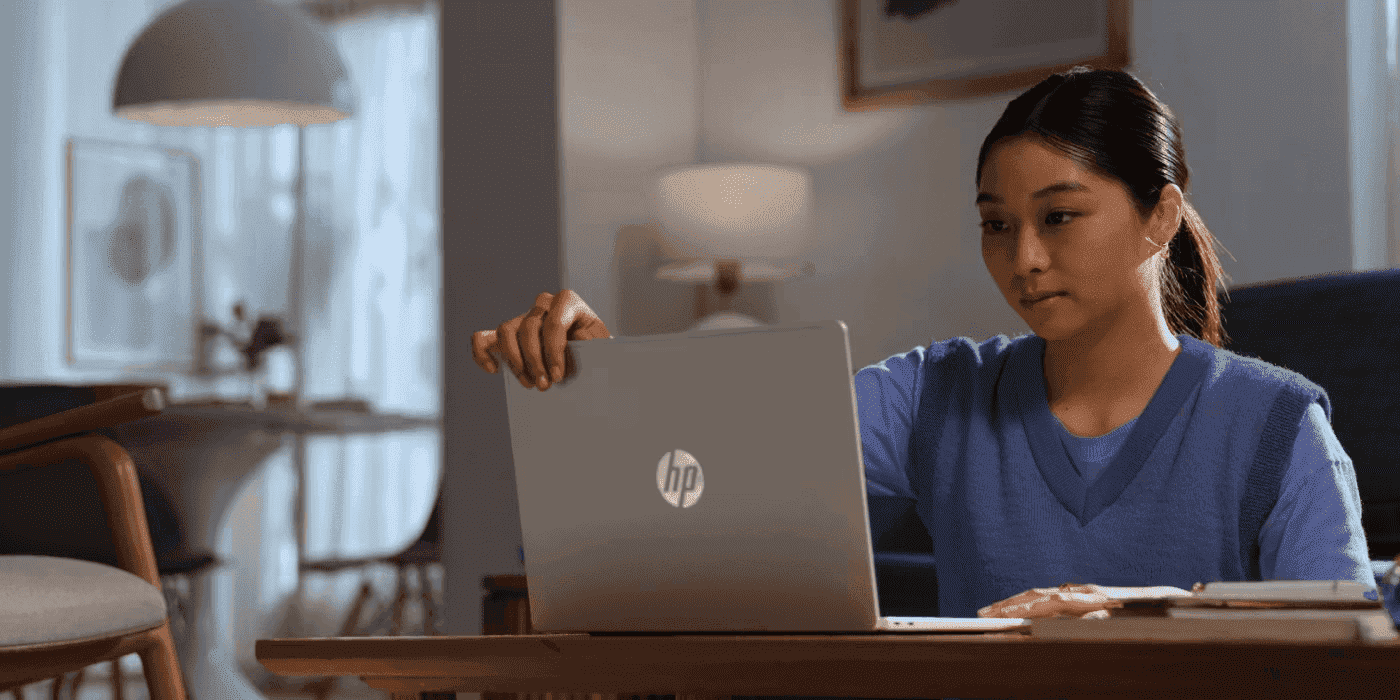
Still pushing your HP Pavilion laptop hard? Whether you’re studying in Wellington, working remotely from Auckland, or on the go across New Zealand’s stunning landscapes, it’s time to discover what you’re missing. The series that mastered the balance of price and performance has levelled up with artificial intelligence (AI) capabilities and enhanced features.
Recent Posts


Popular Posts




Products purchased through this store are sold and fulfilled by Ingram Micro (NZ) LTD

CONTACT US
Call us
- Sales
- 0800 854 848
- Technical support
- +64 9884 8600
Mon-Fri 9.00am - 6.00pm
(exc. Public Holidays)
Chat with us
- Our specialist are here to help
- Live chat
Mon-Fri 9.00am - 6.00pm
(exc. Public Holidays)
Submit feedback
We value your opinion!