Thank you for visiting the NEW ZEALAND HP Store
-
Contact Us
CONTACT USCall us
- Sales
- 0800 854 848
- Technical support
- +64 9884 8600
Mon-Fri 9.00am - 6.00pm
(exc. Public Holidays)
Chat with us- Our specialist are here to help
- Live chat
Mon-Fri 9.00am - 6.00pm
(exc. Public Holidays)
Submit feedback We value your opinion! - My Account

Search
Page 2 - Tech Takes

-
Posted: June 17, 2026Categories: Miscellaneous
 Read more »
A Powerwash is Chrome OS's term for a factory reset. This process removes all local data from your Chromebook and returns it to its out-of-box state—exactly as it was when you first turned it on.
-
Posted: June 17, 2026Categories: Miscellaneous
 Read more »
Remote and hybrid work are a permanent part of 2026. That means home networks now handle company data, meetings, and credentials every day. A home Wi-Fi setup once only needed to support streaming. Now, it functions as an extension of the workplace.
-
Posted: June 17, 2026Categories: Miscellaneous
 Read more »
This guide explores how AI influences each stage of video production and where human oversight remains essential—marking the distinction between creative assistance and complete control.
-
Posted: June 16, 2026Categories: Miscellaneous
 Read more »
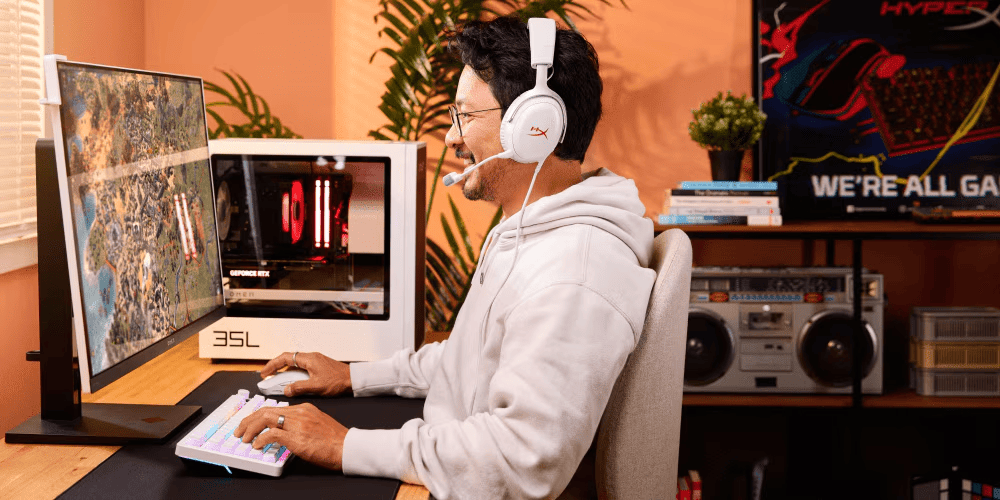
Modern games like Resident Evil 4 often create the impression that difficulty is perfectly matched to a player's skill as they advance. This change in gameplay is achieved through adaptive AI, a technology that constantly monitors actions—analyzing every shot fired and every hit taken—to dynamically adjust the game's difficulty in the background.
-
Posted: June 15, 2026Categories: Miscellaneous
 Read more »
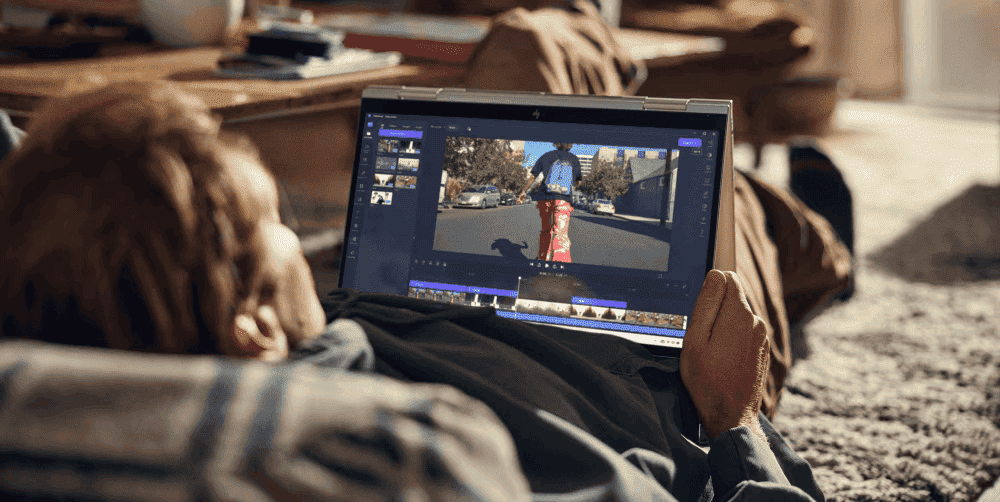
Quick Answer: What Causes Screen Discolouration?
Screen discolouration appears as yellowing, shadows, or uneven colours on your display. Common causes include:
- Software issues: Colour profile problems, outdated graphics drivers (easiest to fix)
- Hardware ageing: LCD panel degradation, backlight wear (may require repair)
- Physical damage: Pressure marks, heat exposure (sometimes temporary)
- Settings problems: Incorrect calibration, brightness/contrast issues (simple reset)
-
Posted: June 15, 2026
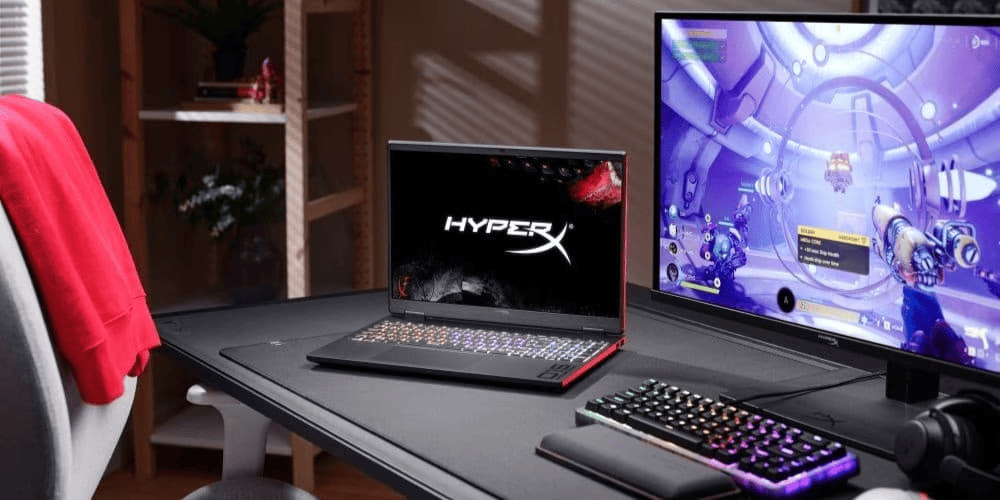 Read more »Quick Answer: What Makes a Game "Indie"?An indie game is a video game created by independent developers without the financial or creative control of a major publisher. At its core, it's about creative independence—not budget size, art style, or team size.
 -
Posted: June 10, 2026Categories: Miscellaneous
 Read more »
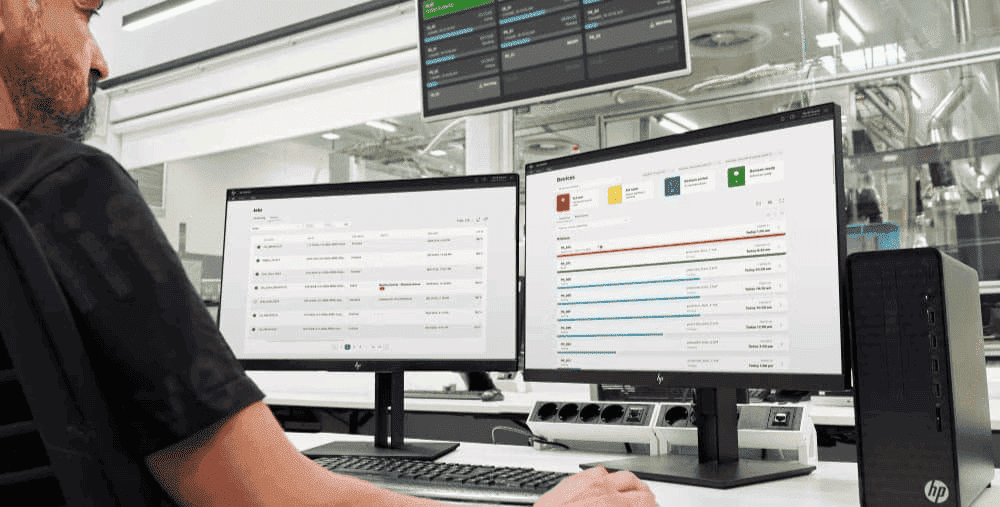
AI hardware accelerators are specialised processors that handle AI workloads faster and more efficiently than general-purpose CPUs. The three main types — NPUs for on-device AI in laptops and PCs, TPUs for large-scale machine learning in the cloud, and GPUs for versatile AI development and graphics rendering — each serve different users and different needs. Understanding how they differ will help you determine which one is right for you, or whether you need one at all.
-
Posted: June 10, 2026Categories: Miscellaneous
 Read more »
In this guide, we'll explain the meaning of NPU from scratch. We will explain what an NPU is in comparison to CPUs and GPUs, show you real-world examples of what an NPU actually does, and help you determine whether you should consider one for your next laptop. No technical knowledge is necessary.
-
Posted: June 03, 2026
 Read more »
In this guide, we break down the top seven emerging cybersecurity risks affecting real consumers and explain how to protect your devices from hackers using practical steps.
-
Posted: May 27, 2026
 Read more »
Business printing remains time-consuming and error-prone for many organisations. Manual order processing, fragmented email coordination, and inconsistent workflows create inefficiencies that drain productivity and increase costs.
Recent Posts


Popular Posts


Products purchased through this store are sold and fulfilled by Ingram Micro (NZ) LTD

CONTACT US
Call us
- Sales
- 0800 854 848
- Technical support
- +64 9884 8600
Mon-Fri 9.00am - 6.00pm
(exc. Public Holidays)
Chat with us
- Our specialist are here to help
- Live chat
Mon-Fri 9.00am - 6.00pm
(exc. Public Holidays)
Submit feedback
We value your opinion!