Thank you for visiting the NEW ZEALAND HP Store
-
Contact Us
CONTACT USCall us
- Sales
- 0800 854 848
- Technical support
- +64 9884 8600
Mon-Fri 9.00am - 6.00pm
(exc. Public Holidays)
Chat with us- Our specialist are here to help
- Live chat
Mon-Fri 9.00am - 6.00pm
(exc. Public Holidays)
Submit feedback We value your opinion! - My Account

Search
Monthly Archives: February 2026

-
Posted: February 25, 2026
 Read more »
Quick Answer
No, modern laptops use Battery Management Systems (BMS) that prevent overcharging by cutting power to the battery at 100% charge. However, keeping batteries at extreme charge levels (0% or 100%) and exposing them to heat can accelerate degradation over time
-
Posted: February 20, 2026Categories: Laptops
 Read more »
Upgrading to a new machine is exciting, especially when eyeing one of the latest HP laptops. For Kiwis looking to make the most of their technology investments, selling or recycling your old device is both economically sensible and environmentally responsible. But it’s also a little daunting. You want to participate in the circular economy by selling or recycling your old device, but you’re wary of handing it over with sensitive information still on it.
-
Posted: February 18, 2026Categories: Printer
 Read more »
Every connected device in your home is a potential entry point for hackers. Your wireless printer, whilst often overlooked, can create a significant security gap in your network—especially if left with factory-default settings and unpatched firmware. For Kiwi households increasingly reliant on home office setups, understanding printer security has never been more crucial.
-
Posted: February 16, 2026Categories: Miscellaneous
 Read more »
The AI era has arrived—and this transformative technology is now standard in laptops across the market. For New Zealand professionals, students, and tech enthusiasts, understanding the difference between NPUs and GPUs is increasingly important as we embrace AI-powered computing in our daily lives. This distinction matters especially for consumers shopping for new laptops where AI performance is a deciding factor.
-
Posted: February 12, 2026
 Read more »
Artificial intelligence is rapidly transforming how we work, learn, and connect in our daily lives, from virtual reality programmes to self-driving vehicles. For Kiwis navigating the demands of modern work and study, AI-powered technology offers practical solutions that can genuinely simplify your routine. Whether you’re video conferencing from home in Auckland, presenting from a Wellington café, or managing coursework in Christchurch, laptops equipped with AI can make your life considerably easier.
-
Posted: February 11, 2026Categories: Miscellaneous
 Read more »
When your PC crashes, freezes, randomly restarts, or displays a Blue Screen of Death (BSOD), Safe Mode is your go-to diagnostic tool. For Kiwi users working from home or managing business systems, understanding how Safe Mode works helps you recover your PC when standard troubleshooting fails—often saving a trip to the repair shop.
-
Posted: February 10, 2026Categories: Miscellaneous
 Read more »
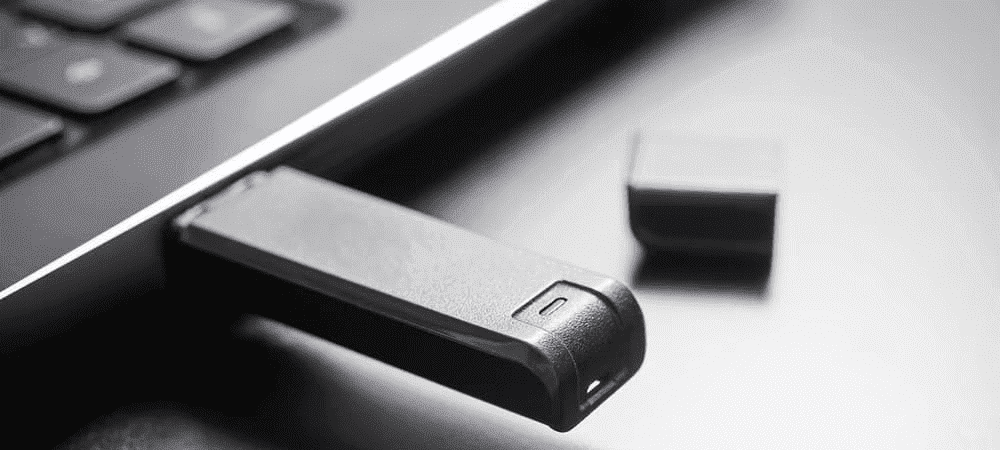
Windows 11 brings a host of new features and improvements to the Windows operating system. For Kiwis looking to upgrade their devices, installing it from a USB drive gives you more control and faster installation times compared to waiting for automatic updates. Whether you’re setting up a new system or refreshing an existing one, this comprehensive guide will walk you through the entire process with confidence.
Before you begin, you’ll need some essential equipment to ensure a smooth installation process.
-
Posted: February 09, 2026Categories: Laptops
 Read more »
Imagine this: You give your laptop to your seven-year-old for a maths game, but when you return, there’s a new game installed, your desktop is disorganised, and a sticky fingerprint smudges the webcam. Or perhaps your toddler uses your tablet as a temporary dinner tray. If these scenarios sound familiar to Kiwi parents juggling work from home and remote learning, you’re not alone. The critical question is: How can you make a laptop or tablet both safe for children and durable enough for daily use?
-
Posted: February 05, 2026Categories: Miscellaneous
 Read more »
Waiting for your Windows PC to boot can feel frustrating, especially when you’re pressed for time—whether you’re rushing to a meeting in Auckland’s CBD or starting your workday from home in Wellington. Fortunately, there’s a feature called Fast Startup (also known as Hybrid Boot) that can significantly reduce those startup times. In this guide tailored for New Zealand users, we’ll explain exactly how Microsoft’s Windows Fast Startup works, walk you through the setup process, and show you when (and why) you might want to disable it.
-
Posted: February 05, 2026Categories: Miscellaneous
 Read more »
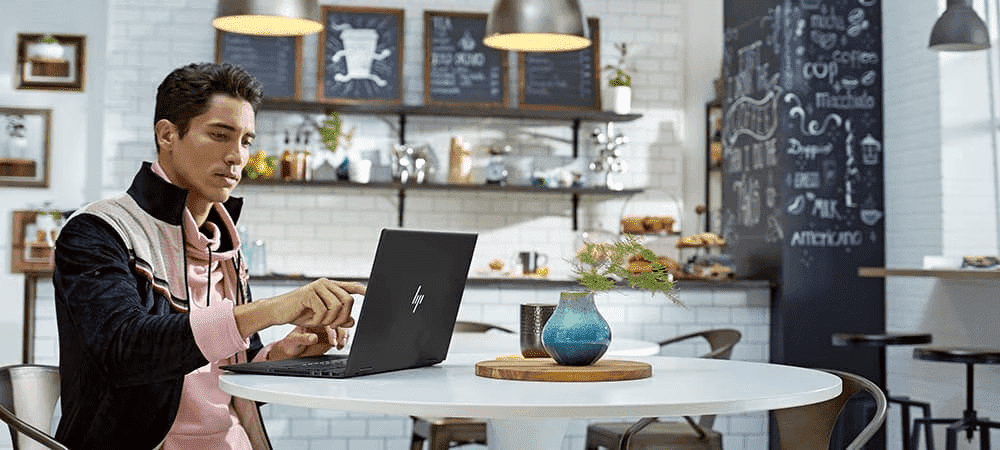
When your laptop or smartphone battery runs low and you’re in a pinch, fast charging can make or break your workflow. Whether you’re catching up on emails at a Wellington café or preparing a presentation before a meeting in Auckland, the ability to quickly recharge your device is invaluable. New standards have led to dramatically faster charging speeds, transforming how Kiwis work and stay connected on the go.
Recent Posts


Popular Posts




Products purchased through this store are sold and fulfilled by Ingram Micro (NZ) LTD

CONTACT US
Call us
- Sales
- 0800 854 848
- Technical support
- +64 9884 8600
Mon-Fri 9.00am - 6.00pm
(exc. Public Holidays)
Chat with us
- Our specialist are here to help
- Live chat
Mon-Fri 9.00am - 6.00pm
(exc. Public Holidays)
Submit feedback
We value your opinion!