Thank you for visiting the NEW ZEALAND HP Store
-
Contact Us
CONTACT USCall us
- Sales
- 0800 854 848
- Technical support
- +64 9884 8600
Mon-Fri 9.00am - 6.00pm
(exc. Public Holidays)
Chat with us- Our specialist are here to help
- Live chat
Mon-Fri 9.00am - 6.00pm
(exc. Public Holidays)
Submit feedback We value your opinion! - My Account

Search
Monthly Archives: August 2025

-
Posted: August 20, 2025
 Read more »
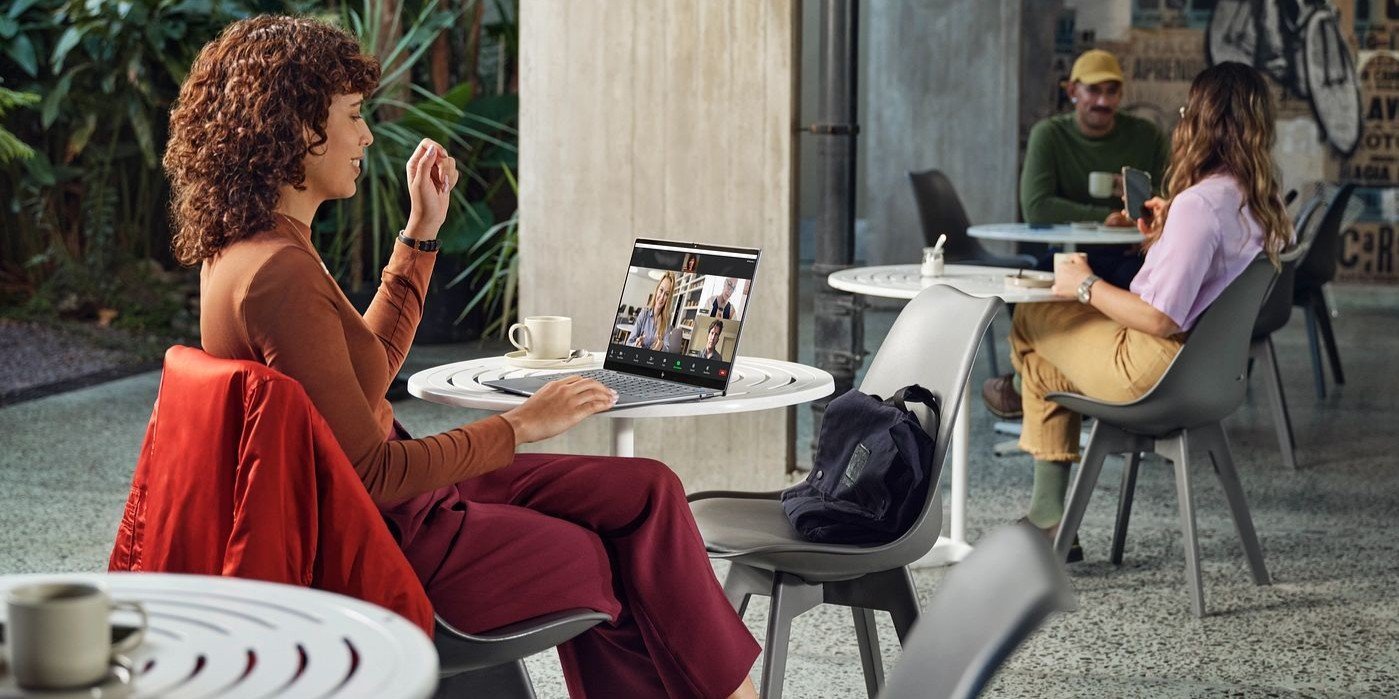
Remote work and online education have become integral parts of life across New Zealand, from Auckland’s bustling business district to Dunedin’s university campuses. This makes camera malfunctions particularly frustrating when they occur just before critical Zoom meetings or virtual lectures. If your HP laptop camera suddenly stops working with Zoom, you’re not alone—this is one of the most common technical issues Kiwi professionals and students face.
-
Posted: August 20, 2025Categories: Miscellaneous
 Read more »
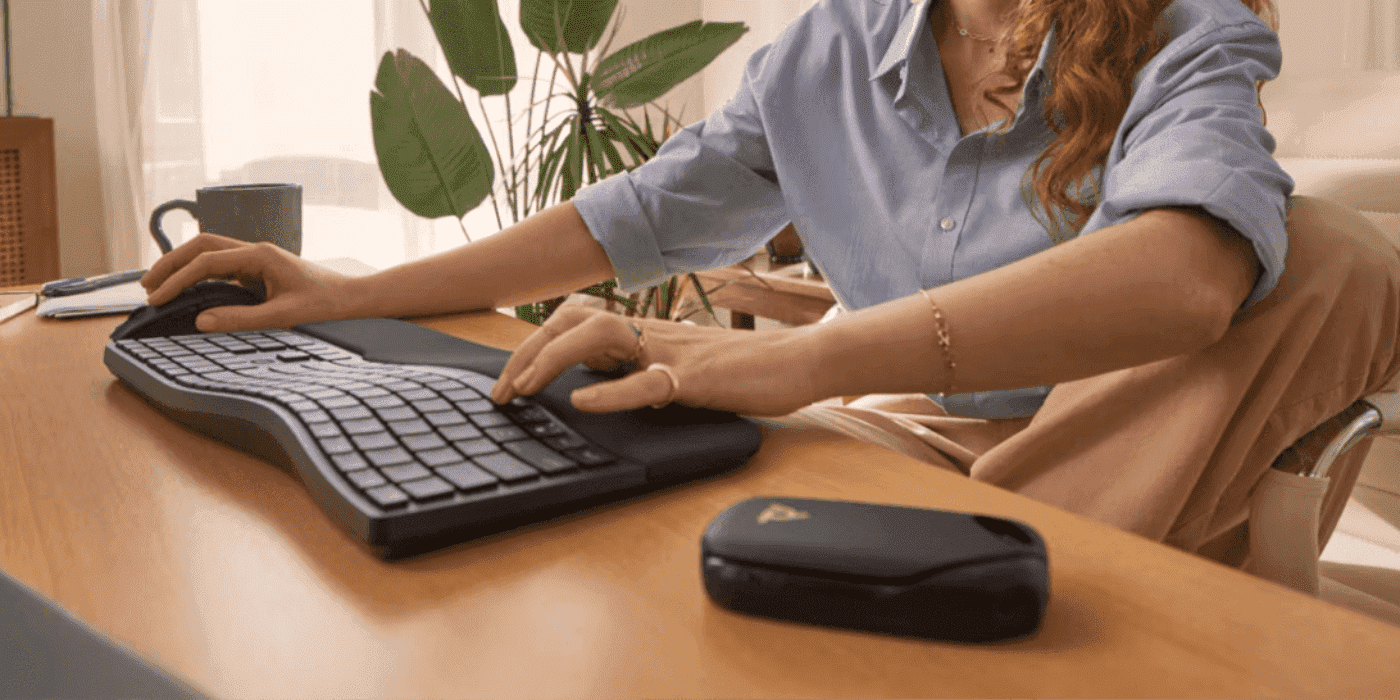
Whether you’re dealing with a frozen mouse, unresponsive touchpad, or simply prefer keyboard efficiency, knowing how to control your Windows PC’s power states using only keyboard shortcuts is an essential skill for Kiwi computer users. These methods work across Windows 10 and Windows 11, providing reliable alternatives when traditional point-and-click methods fail or when you want to streamline your workflow.
-
Posted: August 20, 2025Categories: Printer
 Read more »
Whether you’re working from your Auckland home office, managing a Wellington business, or studying in Christchurch, finding the correct ink cartridge for your HP printer is essential for maintaining optimal print quality and avoiding compatibility issues. Using the wrong cartridge can result in error messages, poor print quality, and potentially damage your printer over time. For Kiwi users who rely on reliable printing for everything from work documents to family photos, identifying the right cartridge ensures professional results every time.
-
Posted: August 18, 2025Categories: Gaming
 Read more »
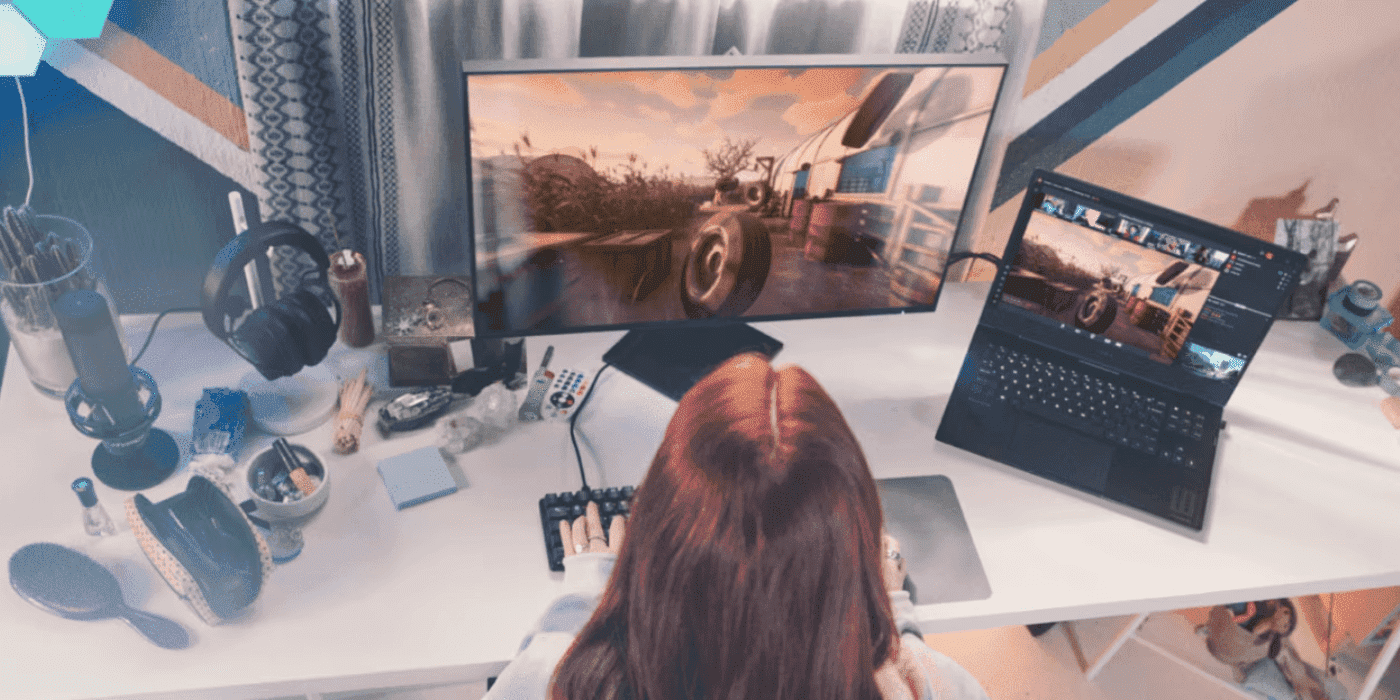
In professional esports, raw talent and countless hours of practice are just the foundation. The difference between victory and defeat often comes down to hardware—specifically, systems that can deliver maximum frame rates, instantaneous response times, and unwavering stability when championships are on the line.
-
 Read more »
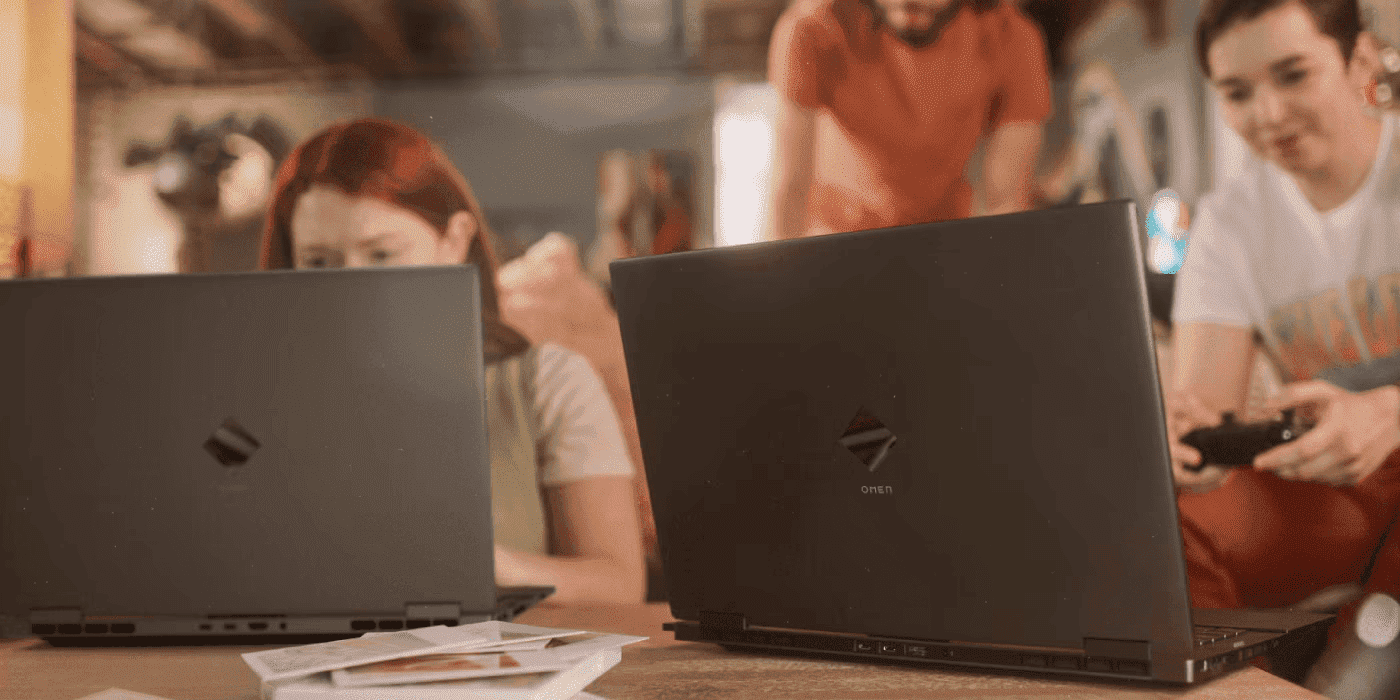
The gaming landscape across New Zealand has been fundamentally transformed by free-to-play (F2P) titles, removing financial barriers and creating massive, accessible competitive communities. Games like Fortnite, Valorant, and League of Legends have proven that exceptional gaming experiences don’t require upfront costs. However, this accessibility has revealed a complex new dynamic: whilst the games themselves are free, the hardware required to play them competitively is not.
-
Posted: August 13, 2025Categories: Desktops
 Read more »
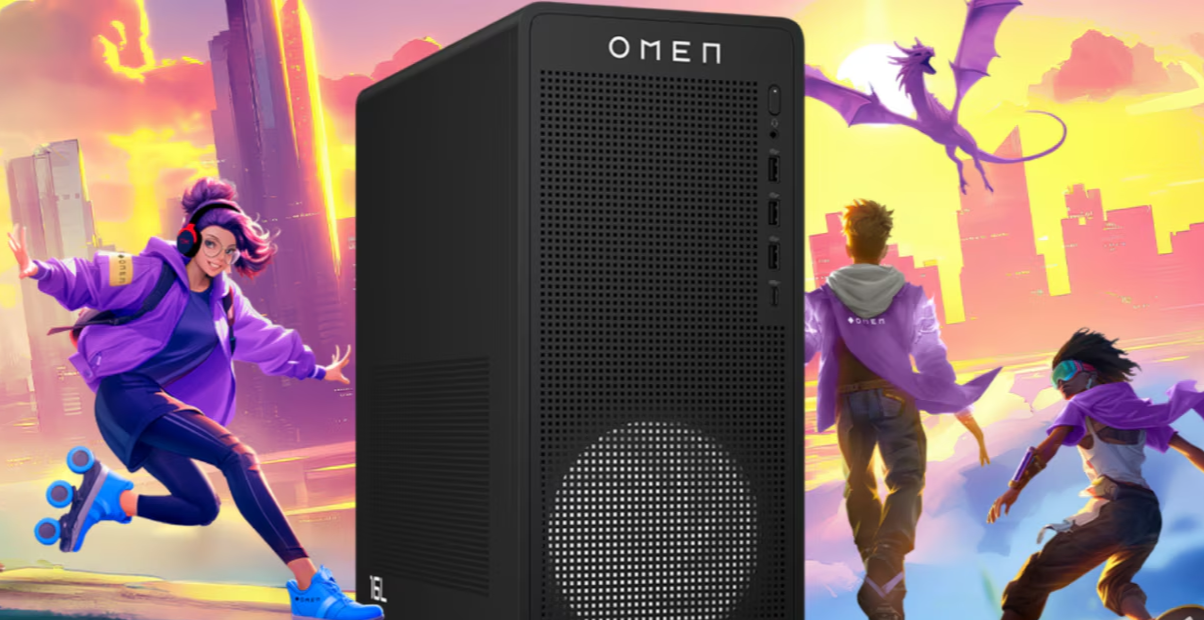
Last Epoch has emerged as one of the most demanding Action RPGs of 2024, captivating New Zealand gamers with its complex environments like the Arena and Monolith of Fate that push gaming hardware to its limits. The game’s robust crafting system, deep character customisation, and intensive skill tree navigation require both processing power and graphical performance to deliver the smooth, responsive gameplay that ARPG enthusiasts across New Zealand demand.
-
Posted: August 13, 2025
 Read more »
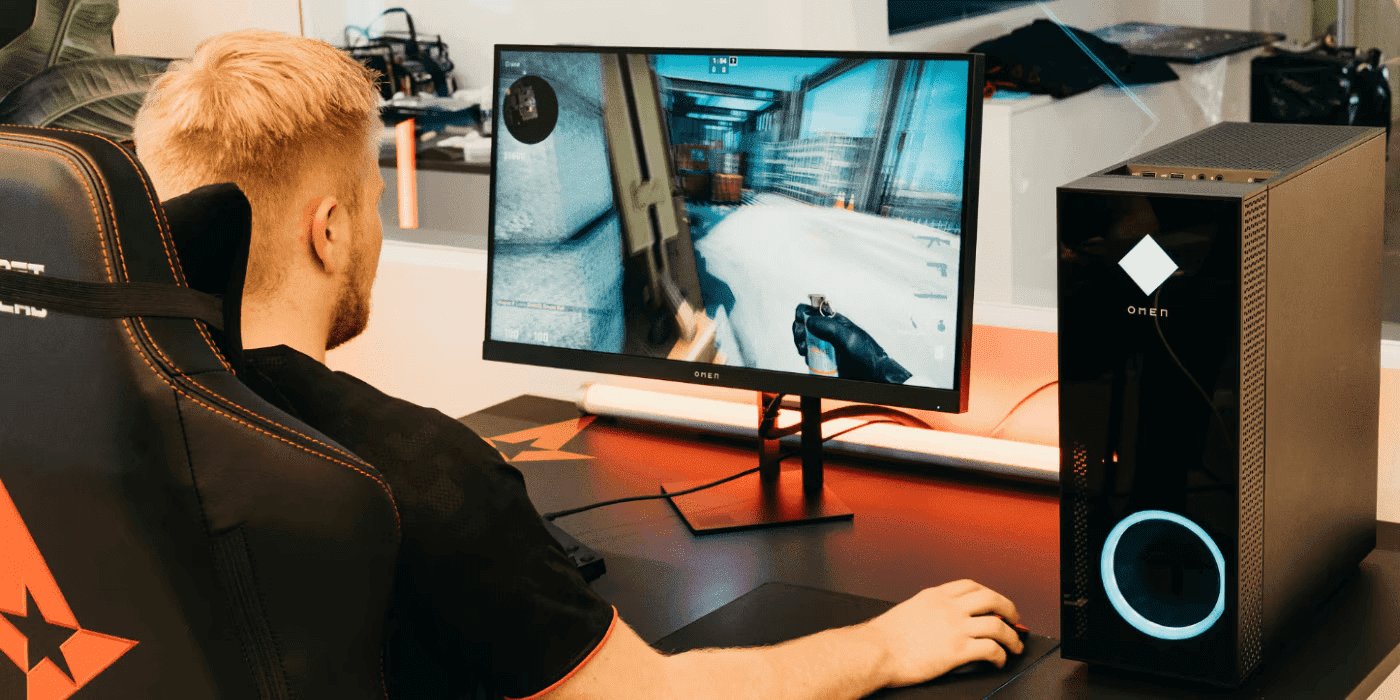
For Kiwi gamers, every frame and every millisecond can determine whether you climb the leaderboards or fall deeper into the MMR trenches. From Auckland esports cafes to Wellington gaming communities, New Zealand’s competitive gaming scene demands peak performance. Traditionally, achieving optimal gaming performance meant countless hours wrestling with manual optimisations, setting tweaks, and performance monitoring—all in pursuit of that perfect balance between visual quality and smooth gameplay.
-
Posted: August 12, 2025Categories: Laptops
 Read more »
HP and Qualcomm’s partnership to integrate the Snapdragon X Elite into HP’s line of selected laptops represents a fresh chapter in mobile computing technology, particularly relevant for New Zealand’s mobile-first professional landscape. Qualcomm’s Snapdragon isn’t your typical processor, but a system-on-chip that includes a CPU, graphics card, and AI processing all in one efficient package. Mobile devices like smartphones and tablets are constantly evolving, thanks to new advancements in AI processors.
-
 Read more »
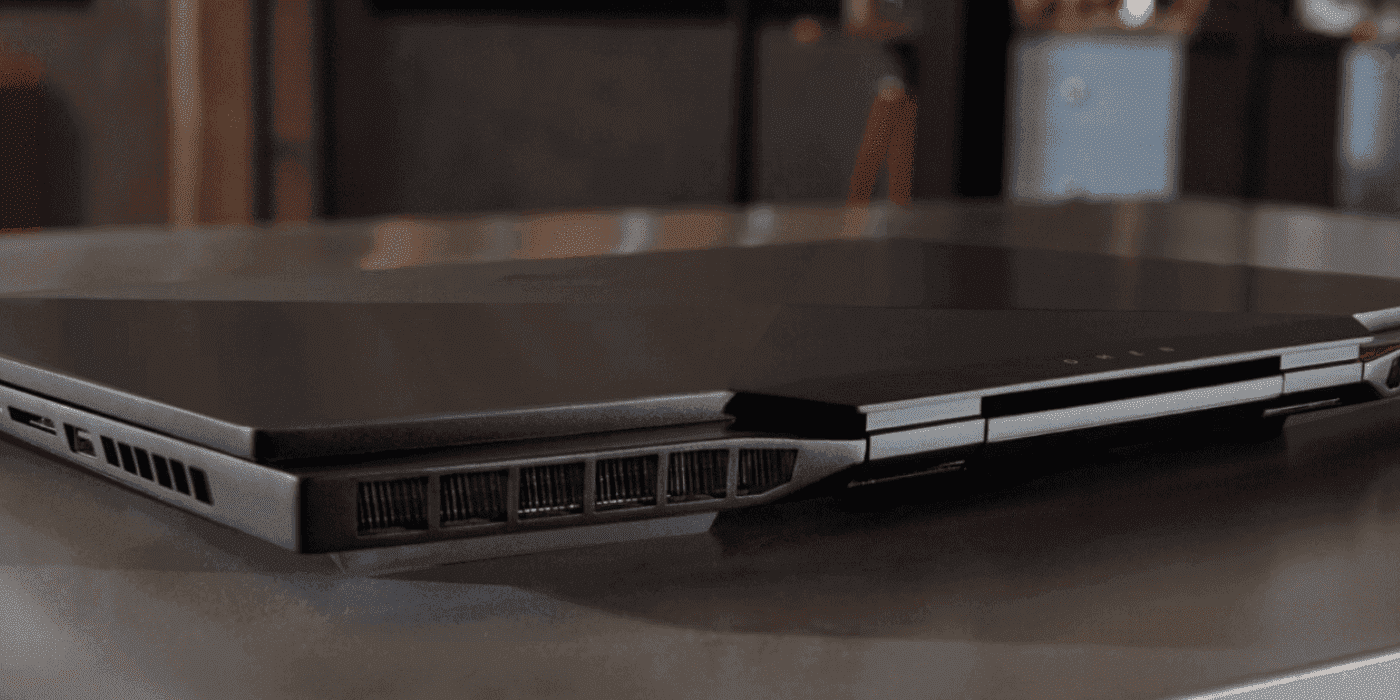
Gaming laptops have transformed portable gaming across New Zealand, with HP OMEN leading the charge in delivering desktop-level performance in compact form factors. Whether you’re gaming in Auckland’s humid summers or Christchurch’s variable climate, packing high-performance hardware into tight spaces creates significant thermal challenges that require smart cooling solutions to maintain peak performance and prevent hardware damage.
-
Posted: August 08, 2025Categories: Laptops
 Read more »
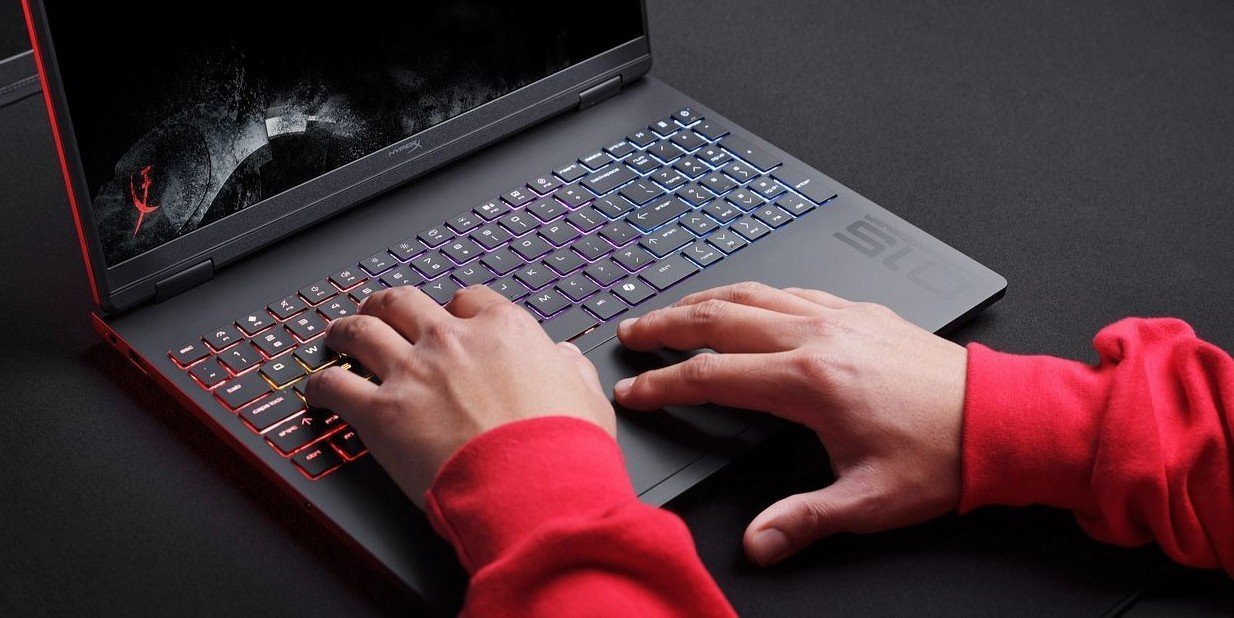
Finding a reliable laptop that balances portability with power is increasingly important for today’s mobile workforce across New Zealand. As many Kiwi businesses continue to embrace hybrid and remote work environments, it’s essential to find devices that can keep up with demanding workloads without weighing you down during your daily commute through Auckland, Wellington, or Christchurch.
Recent Posts



Popular Posts




Products purchased through this store are sold and fulfilled by Ingram Micro (NZ) LTD

CONTACT US
Call us
- Sales
- 0800 854 848
- Technical support
- +64 9884 8600
Mon-Fri 9.00am - 6.00pm
(exc. Public Holidays)
Chat with us
- Our specialist are here to help
- Live chat
Mon-Fri 9.00am - 6.00pm
(exc. Public Holidays)
Submit feedback
We value your opinion!