Thank you for visiting the MALAYSIA HP Store
-
Contact Us
CONTACT USCall us
- Sales
- 1800 88 4889
- Technical support
- 1800 88 4889
Mon-Fri 8:30AM to 5:30PM
(exc. Public Holidays)
Chat with us- Our specialist are here to help
- Live chat
- Sales
- 60166999350(WhatsApp)
-

Mon-Fri 8.30am - 5.30pm
(exc. Public Holidays)
Live product demo
Store finder Locate our storesSubmit feedback We value your opinion! - Location
- My Account

Search
Monthly Archives: August 2023

-
Posted: August 03, 2023Read more »While some artists may choose to use a tablet for drawing by connecting it directly to a PC, the truth is that you can gain a lot more accuracy with your work by drawing directly on your laptop screen. Not only is the process simpler, but laptops are now designed with higher-resolution screens that can compete with graphics tablets. Along with more sensitive pens, artists now have a competitive alternative to a separate tablet.On the other hand, not all of these laptops are created equal, and there are some essential features you need to consider before you make a purchase. Not all new laptops come with a color-accurate display, and a graphics tablet can’t be connected to every device. If you want to be able to create on your laptop, there are going to be certain specifications you need to look for.
What makes a good drawing laptop?
A drawing laptop needs -
Posted: August 03, 2023Categories: Desktops
 Read more »IOGEAR HUB-C - USB-C to 4-port USB-A HubIOGEAR HUB-C - USB-C to 4-port USB-A HubIf you’ve owned a PC, you may already be familiar with the computer ports and connections available on your device.
 -
Posted: August 03, 2023Categories: Printer
 Read more »Whether you’re a long-time HP printer user or you’re in the market for a new printer, you’ve probably seen HP Instant Ink mentioned in printer product descriptions. While it started as an HP ink subscription service for Inkjet printers, it now also covers compatible toner printers as well.
 -
Posted: August 03, 2023Categories: Printer
 Read more »Wireless printers offer a number of benefits. First and foremost, they give you the ability to print from wherever you are without a direct connection to your computer, freeing you to install them virtually anywhere. You’ll also be able to use and share them between multiple devices that lack built-in cable or interfaces - such as smartphones and tablets - eliminating the need to run a series of wires or cables to them. They’re easy, convenient, and functional.
 -
Posted: August 03, 2023Categories: Desktops
 Read more »Whether you’re a professional with a thriving photography business or a hobbyist experimenting with your first camera, nothing takes your photos to the next level like a good photo editing program. While there are many programs available to help you touch up your best shots, none of them will work well without the right computer for photo editing.
 -
Posted: August 03, 2023Categories: Monitor
 Read more »Today’s monitors have made dramatic improvements in colour accuracy. Displays that only a decade ago would not only cost thousands of dollars but also take up your entire desktop space can now be found for just a couple hundred dollars and can easily fit into your workspace.
 -
Posted: August 02, 2023Categories: Laptops
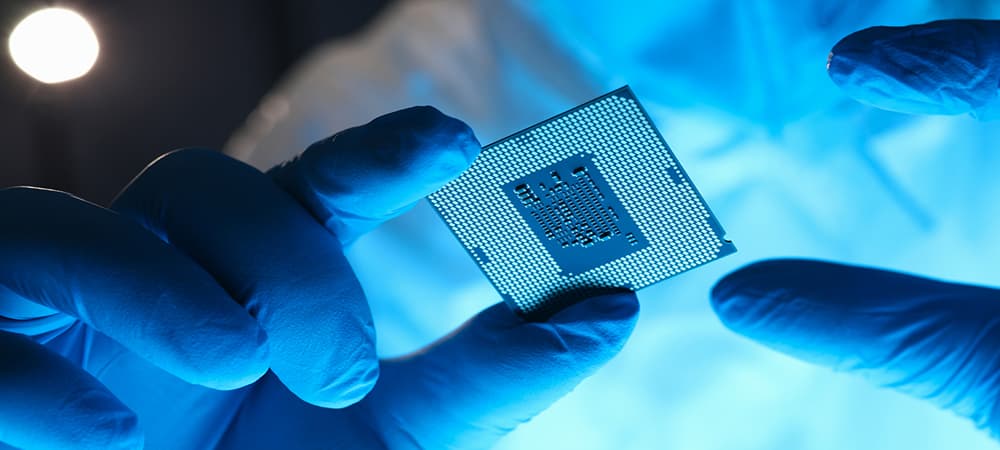
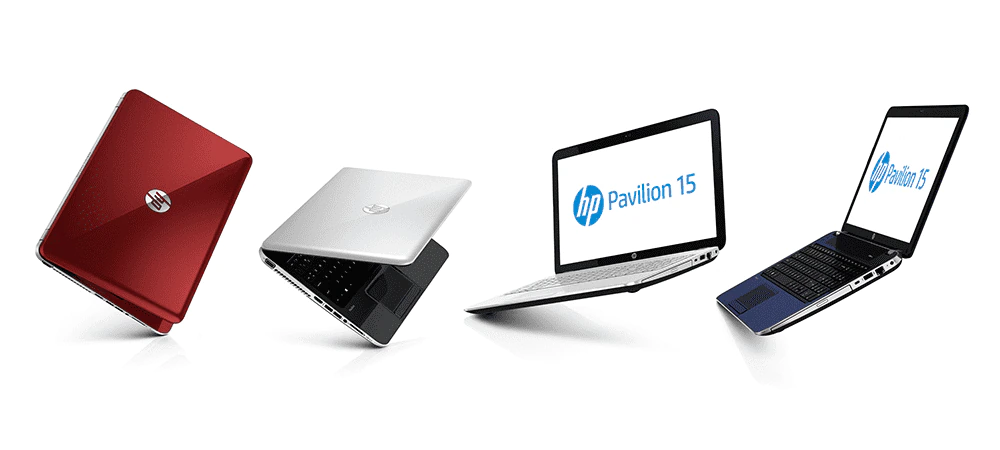
 Read more »These days, laptops are increasingly used in ways that make them a substitute for more traditional desktop setups. The effort to miniaturize critical components centres on finding the right balance of portability and performance to give consumers a product that’s versatile and easy to move around with them.
 -
Posted: August 02, 2023Categories: Accessories
 Read more »Cloning a hard drive comes with several benefits that make it an easy way to get the most out of your storage solutions. Cloning allows you to create a 1-to-1 copy of your hard drive, which is useful when you need to backup or transfer data. Even better, it also allows you to copy over your Windows 10 installation with your preferences and settings completely intact.
 -
Posted: August 02, 2023Categories: Monitor
 Read more »Setting up an extra display or replacing an older monitor with a new multiscreen configuration is an excellent way to improve your overall computing experience. A second monitor adds substantial screen real estate; a serious perk for both work and play.
 -
Posted: August 02, 2023Categories: Laptops
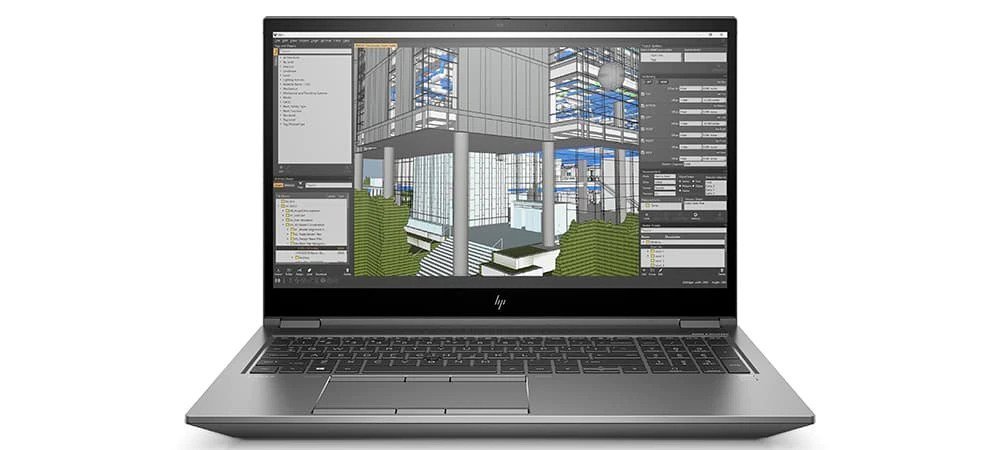
 Read more »Whether you’re an architect or architecture student, having the right laptop is essential to successful architectural design work and studies.These laptops must be able to not only run powerful modeling software and computer-aided design (CAD) applications, but also be portable yet sturdy and secure enough to use on-the-go.
Recent Posts


Popular Posts




CONTACT US
Call us
- Sales
- 1800 88 4889
- Technical support
- 1800 88 4889
Mon-Fri 8:30AM to 5:30PM
(exc. Public Holidays)
Chat with us
- Our specialist are here to help
- Live chat
- Sales
- 60166999350(WhatsApp)
-
Mon-Fri 8.30am - 5.30pm
(exc. Public Holidays)
Live product demo
Store finder
Locate our stores
Submit feedback
We value your opinion!