Thank you for visiting the AUSTRALIA HP Store
-
Contact Us
CONTACT USCall us
- Sales (Home, Students, Gamers)
- 1300 540 516
- Sales (Small Business Customers)
- 1800 891 209
- Post-Sales
- 13 23 47
- Technical support
- 13 10 47
Exc. public holidays
Chat with us- Our specialist are here to help
- Live Product Demo
- Sales
- 61288061500 (WhatsApp)
-

- Post Sales
- 61288061700(WhatsApp)
- Technical Support
- 61341594000(WhatsApp)
Exc. public holidays
Live product demo
Submit feedback We value your opinion! - My Account

Search
Page 57 - Tech Takes

-
Posted: February 09, 2023Categories: Printer
 Read more »
Reusing and recycling office supplies extends the useful life of materials and prevents the need for further resource use and company expense. A company's environmentalism is also increasingly becoming a branding commodity and a point of corporate praise. Studies have shown that employee satisfaction is increased when they feel that their employer supports environmental initiatives. And bringing green policies to a business is an opportunity for eco-friendly education to influence workers' behaviors well beyond the walls of the office.
-
Posted: February 09, 2023Categories: Laptops
 Read more »
The Intel® Evo™ platform is an exciting game changer in the laptop market, bringing higher benchmarks for micro-mobility, speed, and processing power to your workflow. The upgraded components are integrated to work together seamlessly, making your computing for work and play easier in dozens of big ways.
-
Posted: February 09, 2023Categories: Miscellaneous
 Read more »
Keep reading to learn how to rotate your screen manually, enable or disable the auto-rotation feature, and how to use keyboard shortcuts to easily flip your PC screen. Before you know it, you’ll be flipping screens and rotating to portrait mode like a pro.
-
Posted: February 09, 2023Categories: Miscellaneous
 Read more »
Your computer’s BIOS, short for Basic Input/Output System, is a critical part of how your hardware operates from its first day of use to the last. BIOS helps manage the various components that add up to a modern computer, providing a stable and consistent way for devices to start up.
-
Posted: February 08, 2023Categories: Printer
 Read more »
If you’re in the market for a new printer or just trying to save ink when printing with your current printer, here are some of the easiest ways to reduce what you spend without giving up high-quality, colorful print results.
-
Posted: February 08, 2023Categories: Accessories
 Read more »
Whether you’re a power PC user or simply want more flexibility in your home office setup, you should understand the different uses of these two popular connector cables. It’ll make your computing experience vastly more enjoyable. Take a look at the various pros and cons of DisplayPort vs HDMI with us to get a firm grasp on their varying capabilities.
-
Posted: February 07, 2023Categories: Desktops
 Read more »
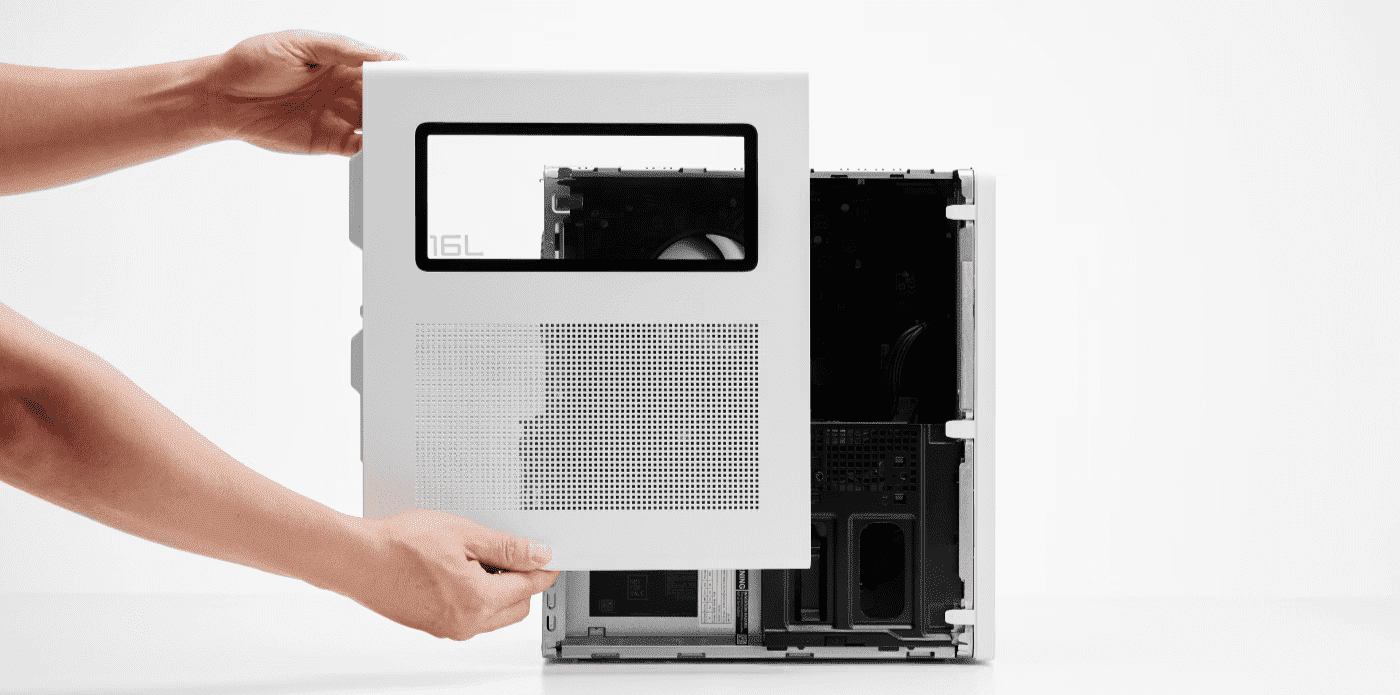
Virtually every business needs to invest in a computer. Just what form that computer takes will, of course, vary across industries and requirements. The portability, compactness, and weight of a laptop computer is sometimes the answer.
But many times, the high-performance power, cost-efficiency, and upgradability of a desktop computer – not to mention the specialized form factors – is exactly the right choice.
Powerful, secure desktop computers still reign supreme for running a small- or medium-sized business. Here are the best 5 desktop computers for business from HP. But first, we’ll clarify what a desktop computer is in 2020, then get into some of the features to look for as you shop for your top desktop computer.What is a desktop business computer?
Desktop business computers fall into three form factors. There is the traditional tower, the all-in-one (AiO), and the mini PC.
1. The traditional tower is the one we all think of as a “desktop computer” with a standing, rectangular-shaped -
Posted: February 02, 2023Categories: Laptops
 Read more »
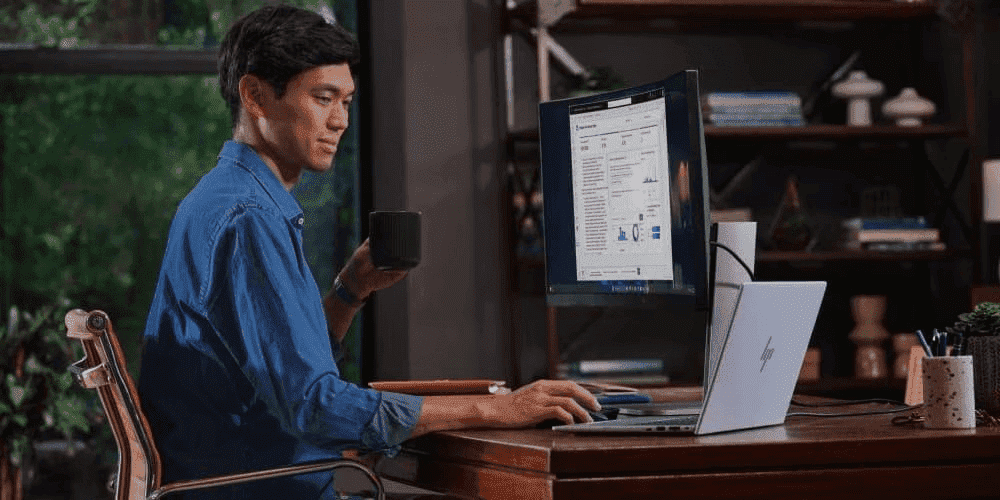
While the push for portability has improved most of our lives, a compact notebook won’t always cover all of your computing needs. For gamers, artists, devoted streamers, or anyone who favors their visual experience, a 17-inch laptop is a good standard for comfortable viewing. It’s still portable enough to travel well, but also big enough to bring life to the latest PC games, design software, and new movies. While the latest graphics card and processor paired with ample memory and storage are important for visual performance, it definitely doesn’t hurt to have a good 17-inch laptop’s generous display. It helps to make the most of those other specs, too. Here’s our list the five best HP 17-inch laptop models, with full reviews to follow.
-
Posted: February 02, 2023Categories: Laptops
 Read more »
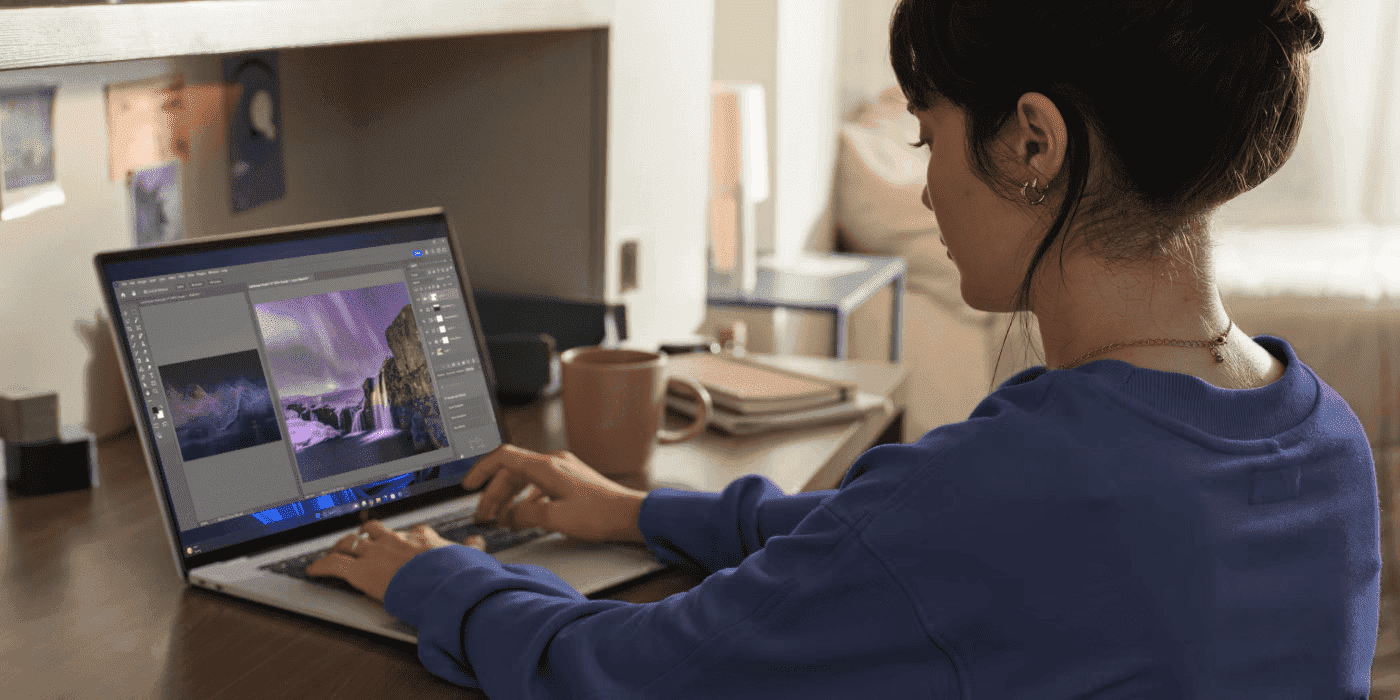
Whether you are a creative professional or enjoy dabbling at home with the photos you take, there’s a growing interest in making your pictures look their best through editing software.
Almost all photographers will use one or two photo editing software products that will use an incredible amount of memory and storage space, so it’s best to pick a computer designed to meet the challenge head-on.
What equipment will you need to transfer, edit, and store those beautiful photo projects for years to come?
Although some laptop computers aren’t equipped to handle the significant strain that the most powerful programs can place on a PC, find out which models are considered the best laptops for photo editing in our curated list. -
Posted: February 01, 2023Categories: Laptops
 Read more »
The HP OMEN 16 gaming laptop features a 16.1-inch diagonal display and many of the same processing, graphics, and memory components as its desktop PC counterparts. Other notable features include an advanced cooling system, finely tuned speakers, and a full keyboard, all of which were designed to meet the unique needs of professional and hobbyist gamers alike.
Recent Posts





Popular Posts







Products purchased through this store are sold and fulfilled by Ingram Micro Pty Limited

CONTACT US
Call us
- Sales (Home, Students, Gamers)
- 1300 540 516
- Sales (Small Business Customers)
- 1800 891 209
- Post-Sales
- 13 23 47
- Technical support
- 13 10 47
Exc. public holidays
Chat with us
- Our specialist are here to help
- Live Product Demo
- Sales
- 61288061500 (WhatsApp)
-
- Post Sales
- 61288061700(WhatsApp)
- Technical Support
- 61341594000(WhatsApp)
Exc. public holidays
Live product demo
Submit feedback
We value your opinion!