Thank you for visiting the AUSTRALIA HP Store
-
Contact Us
CONTACT USCall us
- Sales (Home, Students, Gamers)
- 1300 540 516
- Sales (Small Business Customers)
- 1800 891 209
- Post-Sales
- 13 23 47
- Technical support
- 13 10 47
Exc. public holidays
Chat with us- Our specialist are here to help
- Live Product Demo
- Sales
- 61288061500 (WhatsApp)
-

- Post Sales
- 61288061700(WhatsApp)
- Technical Support
- 61341594000(WhatsApp)
Exc. public holidays
Live product demo
Submit feedback We value your opinion! - My Account

Search
Page 54 - Tech Takes

-
Posted: March 11, 2023Categories: Printer
 Read more »
If you are an engineer, architect, city planner, and other professional who uses computer-aided design (CAD) software, high-quality large format printing is vital to your work flow. As projects grow in size and complexity, so does your dependence on specs like print quality and available print sizes.
-
Posted: March 11, 2023Categories: Monitor
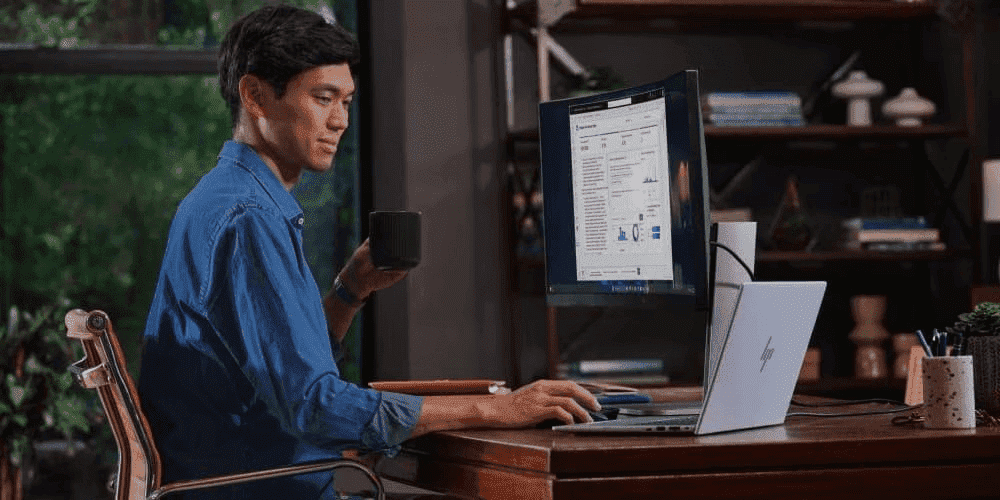
 Read more »Whether you’re shifting to remote work permanently or just setting up a temporary home office, it’s crucial that you create a sustainable setup that mirrors or exceeds traditional office workspaces. One of the best, and easiest, ways to do this is by investing in a new monitor.
 -
Posted: March 07, 2023Categories: Printer
 Read more »
Are you a business owner with ambitious print production goals? If so, you may have been told that you can only achieve them by lowering print quality. Or, if you depend on the most professional printing output, you may think that slower printing times are simply the norm. What if you didn’t have to choose between excellence and speed? With HP PageWide printers, it’s possible to get quality and quantity in a single, secure, and affordable printer. Here’s how HP PageWide technology is changing the game for small and medium businesses everywhere.
-
Posted: March 07, 2023Categories: Desktops
 Read more »
While you may be familiar with how a laptop differs from a traditional desktop, the difference between a desktop and an all-in-one is not as straightforward. Here are the major perks and downsides of each type of computer, along with the best models on the market today.
-
Posted: March 07, 2023Categories: Desktops
 Read more »
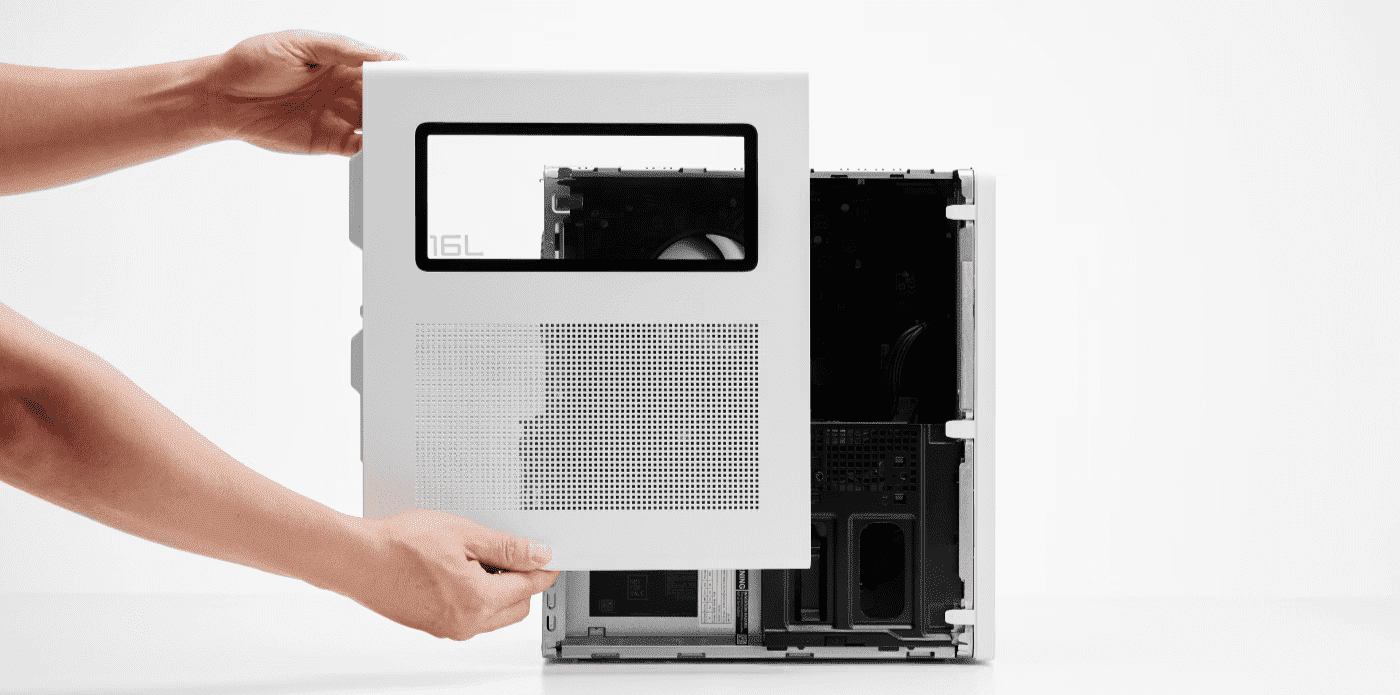
The differences between microtower PCs and SFFs come down to size and positional configuration. Microtowers are typically slightly larger in size and designed to stand upright like a standard desktop tower, whereas small form factor PCs are more compact machines that lay flat or attach to the back of a monitor.
But what is a small form factor computer? What are the benefits of upgrading to a micro PC, and what does HP® bring to the realm of microcomputing?
-
Posted: March 07, 2023Categories: Desktops
 Read more »
Laptops are conveniently portable, but what if you need a huge screen to watch your favorite movies in stunning detail? What if you need a full mechanical keyboard for fast typing or better ventilation to handle the graphics on the demanding triple-A (AAA) video games? As convenient as laptops can be, desktop computers are optimal for gamers, creative professionals, and users who need a wide digital interface.
-
Posted: March 06, 2023Categories: Laptops
 Read more »
Finding a computer that packs enough power for your needs but is also portable can be challenging. And that’s exactly why HP ProBook laptops have become a popular choice over the past few years. Plus, with so many options available, you can find one that can handle the tasks you have now and still fit you well into the future.
What is an HP ProBook laptop?
The HP ProBook was designed specifically for those who need a functional, lightweight device that also packs a lot of power. HP® took into account a number of needs that users would want from their computers when they have to run multiple applications at once. They also considered battery life as an important factor, which is why these laptops can run for up to 14 hours without a charge.
Another defining feature is the fact that they can be used for a number of purposes. While they’re great for business purposes, you can also customize them into gaming computers that feature a super-stylish design.
Some of the most popular models available -
Posted: March 03, 2023Categories: Accessories
 Read more »
The modern computer user demands power, speed, and efficiency from all of their smart devices, and living in an age where the standard is constantly being reset, the bar levels up as each year passes.
Today, the expectation for computers is no exception to this rapid progression. Fortunately, the opportunities for upgrading PCs without the need to purchase a new product has opened doors for those looking to make good with the tech they already have.
Solid-state drives (SSDs) have taken the computing world by storm since their consumer market introduction. Unlike their hard-disk drive (HDD) siblings, solid-state drives depend on non-volatile memory to store and retrieve data.
They use considerably less energy while offering high-speed functionality that far outperforms traditional HDDs. It’s these exact reasons that have PC performance enthusiasts racing to upgrade their HDDs to SSDs.
Using this guide, we’ll walk you through everything you need to know about solid-state drives, how to install -
Posted: March 02, 2023Categories: Laptops
 Read more »
The HP Spectre x360 line of convertible laptops offer exceptional performance, reliability, stability, and durability within a thin, light, and portable frame. They’re also sleekly designed as well as reasonably priced, so they're ideal for the consumer and professional alike. If you’re looking to boost your creativity and functionality with a laptop offering unparalleled performance and true craftsmanship, then the HP Spectre x360 is the one for you. To learn more about the features and available models, read on for our HP Spectre x360 review.
First, we'll look at some of the features that round out the series, and then we'll visit some of the actual models.HP Spectre x360 laptops: Stand-out features
OFFERING FOUR CONFIGURATION MODES, BUILT FOR RESILIENCE
Gaming headsets lead the way when it comes to exceptional sound quality, but they're also useful at work. The best gaming headsets are ideal for a broad range of work tasks, from conference calling to audio processing jobs such as music
-
Posted: February 23, 2023Categories: Laptops
 Read more »
If you’re looking for a laptop with great performance at an affordable price, the HP Pavilion is the laptop for you. Many of the models of this brand are built for gaming, with gamers in mind, even though they each have distinct differences and advantages. Check out this HP Pavilion laptop review for more details.
Excel at any task with the HP Pavilion laptop line
The HP Pavilion laptop line is part of a trusted brand with both performance and mainstream features designed to help you excel at any task; be it gaming, content creation, or entertainment. The line includes HP Pavilion Gaming, HP Pavilion 15, and HP Pavilion x360.
HP Pavilion laptops: Features that stand out
POWERFUL PROCESSORS
HP Pavilion laptops help you effortlessly keep up with the most intensive games, streaming video, and serious multi-tasking using the latest Intel® Core™ processors. These laptops offer from 8th Generation Intel Core i3 and i5 processors up to powerful hexa-core 9th Generation Intel Core i7 processors
Recent Posts





Popular Posts







Products purchased through this store are sold and fulfilled by Ingram Micro Pty Limited

CONTACT US
Call us
- Sales (Home, Students, Gamers)
- 1300 540 516
- Sales (Small Business Customers)
- 1800 891 209
- Post-Sales
- 13 23 47
- Technical support
- 13 10 47
Exc. public holidays
Chat with us
- Our specialist are here to help
- Live Product Demo
- Sales
- 61288061500 (WhatsApp)
-
- Post Sales
- 61288061700(WhatsApp)
- Technical Support
- 61341594000(WhatsApp)
Exc. public holidays
Live product demo
Submit feedback
We value your opinion!