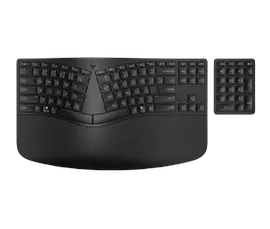
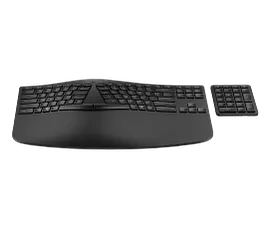
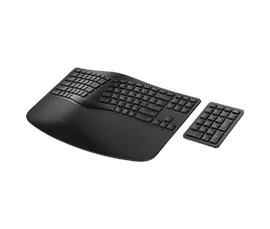
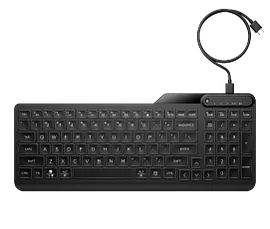
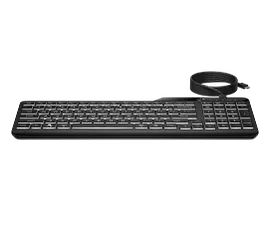
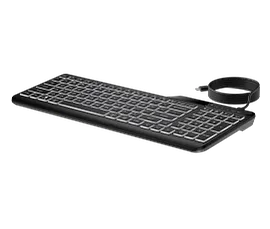
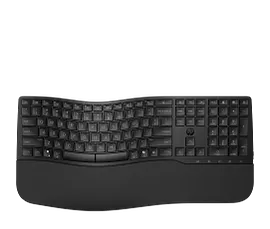
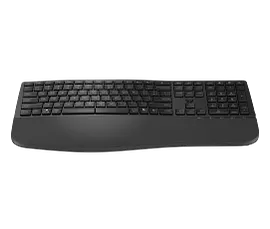
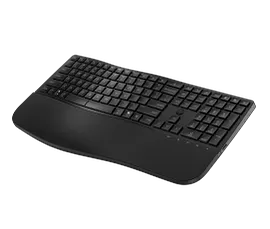
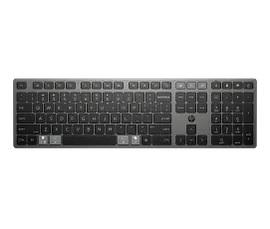
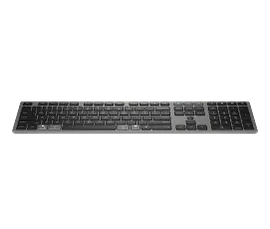
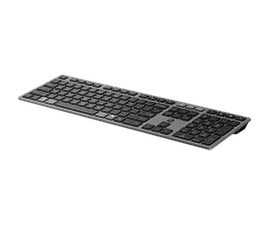
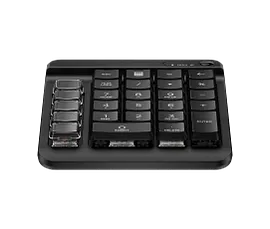
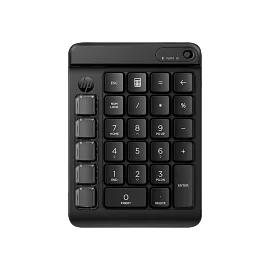
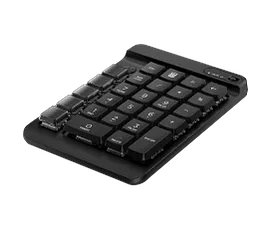
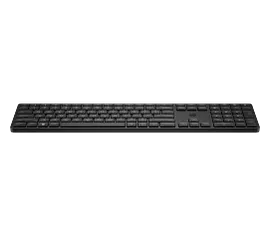
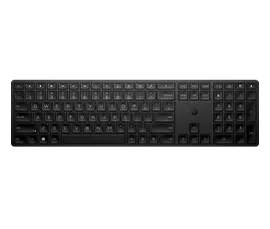
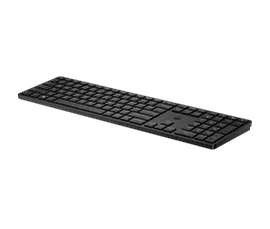
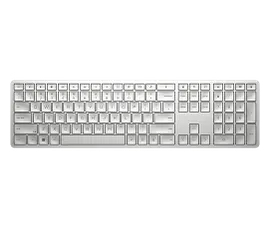
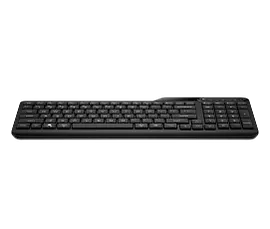
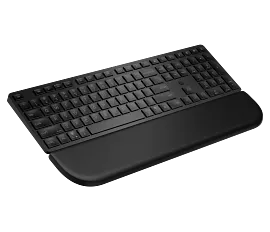
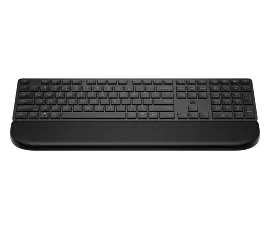
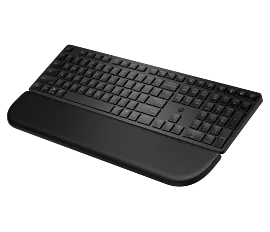
HP 230 Wireless Keyboard
Other offers available with the product:
FREE Storewide Shipping
10% off w/code 10OFFACCY
Red Tag deals!
10% off select monitors and accessories with code 10OFFACCY
Product # 3L1E7AA#ABA
Can't find what you are looking for?
3% back in HP Rewards
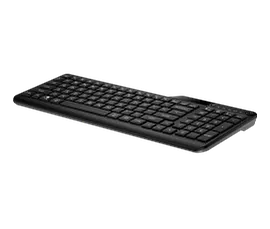
HP 230 Wireless Keyboard
$0.00
Experience a keyboard that’s comfortable, sleek and quiet. With a chiclet keyboard you can be at your most efficient with the least amount of noise. Also, enjoy a clutter-free environment and the freedom to roam with a 2.4G Hz wireless connection.[1] Plus, with keyboard shortcuts and long-lasting batteries, you can stay productive all day long.
Stylish design with comfort in mind
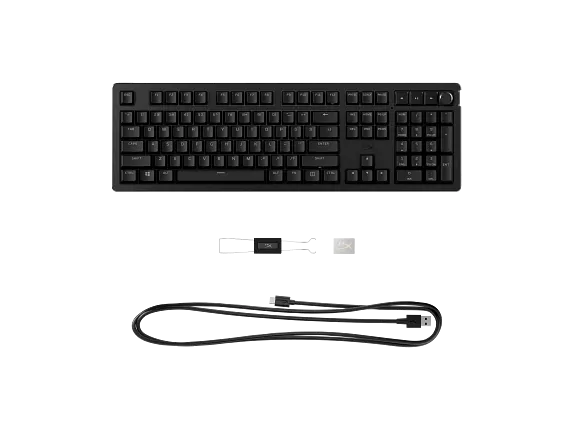
The chiclet keyboard design lets you enjoy comfortable, more accurate typing with less noise.
Free yourself from the wires
Reduce clutter and enjoy the freedom to move around lag-free with a 2.4 GHz wireless connection.[1]
Productivity at your fingertips
Increase productivity with a keyboard that easily activates all 12 function keys with just one click.
Technical details
HP 230 Wireless Keyboard is rated
out of
5 by
83.
Rated 5 out of
5
by
Tikko from
Khico
Great key board i just think it is a little too small, would have been nice if a nicer one was included with the New WorkStation
Date published: 2025-08-12
Rated 1 out of
5
by
L Chewning from
Wireless keyboard
I do not know how to set up, going to return I don’t know how to set up my wireless mouse either.
Date published: 2025-06-16
Rated 5 out of
5
by
ChiNY711 from
JoeWireless
Nice…would have opted for a backlit keyboard next time
Date published: 2025-06-05
Rated 5 out of
5
by
Bluskyryder from
Great keyboard, quality brand, best price
For around $20, you get an HP keyboard with light-touch keying and more quality construction than those retailing at a higher price. Look no further, this is the best buy, period!
Date published: 2024-06-24
Rated 2 out of
5
by
A. Hall from
HP 230 Wireless Keyboard
At first I was pleased by the looks and the size of this keyboard. It fit me perfectly. The stroke of the keys are just right for my style of typing. I soon learned, however, that all was not to my liking. The "L" key does not always type the letter. Also, the Number Lock turns off each time I turn my computer off. I have to remember turn it back on every morning. Other than this, the keyboard is solid and the price was good.
Date published: 2024-03-29
Rated 5 out of
5
by
Country Lady from
Hewlett Packard PC keyboard
I had a keyboard that was cumbersome for a new desk and wanted a smaller light-weight HP board to match my PC. I started my shopping at Staples and found the prices a littler high. I had the idea to check the HP site (thought that it would be even higher). To my surprise, the HP prices were LOWER! Delivery was really good and tracking was easy.
Date published: 2024-02-13
Rated 5 out of
5
by
JJBs from
Great Wireless Keyboard for the money!
Very happy with the keyboard. Delivery was earlier than expected. Price was right. Would do it again.
Date published: 2024-02-11
Rated 3 out of
5
by
p9448625 from
HP 230 BLK Wireless Keyboard
The instructions print is way to small to read. Also the print for the warranty is to small to read. Why?
Date published: 2024-02-10
I had HP 230 Wireless keyboard & mouse set and wanted to turn the keyboard off when I travel. How can do that? Thanks.
Hello Jennie, and thank you for your question! While traveling, it is recommended to remove the AAA batteries so that the keyboard does not accidentally power on in transit and drain the batteries.
Date published: 2024-06-11
how to pair with my desktop
Thank you for your question regarding the HP 230 Wireless Keyboard. Plugging the USB dongle into the desktop will usually download the drivers you need in order to pair with the unit. This is the link https://h10032.www1.hp.com/ctg/Manual/c07621136.pdf for the setup guide.
Date published: 2024-05-14
Will this keyboard work with a Dell laptop?
This HP 230 Wireless Keyboard will be compatible with Windows 10 and 11 PCs and macOS devices as well.
Date published: 2023-11-08
Just bought in December from Amazon and now the keyboard doesn’t work can HP do anything for me?
We are sorry to hear about your issue. We recommend reaching out to HP Support for further assistance: https://support.hp.com
Date published: 2025-04-15
Is there a way to keep the Num Lock on? Every morning when I turn on my computer and my keyboard "wakes" I have to press Num Lock.
Our apologies for the issues with this HP product! Please visit our HP Support Page for help in resolving this technical issue. Online Support: For technical support with this product, visit HP Customer Support http://support.hp.com. Social Media Support: To find solutions, ask questions, and share tips, join us on the HP Support Community at community.hp.com, on Twitter at twitter.com/HPSupport, and on Facebook at facebook.com/HPSupport.
Date published: 2023-05-27
where is the power button?
Thank you for your question! The HP 230 Wireless Keyboard does not have a power button. The Keyboard will be in sleep mode until needed while the device it is connected to is on.
Date published: 2024-05-08
I had HP 230 Wireless keyboard & mouse set and wanted to turn the keyboard off when I travel. How can do that? Thanks.
Hello Jennie, and thank you for your question! While traveling, it is recommended to remove the AAA batteries so that the keyboard does not accidentally power on in transit and drain the batteries.
Date published: 2024-06-11
Does it have back light
Thank you for your question, the HP 230 Wireless Keyboard does not have a backlight.
Date published: 2025-01-15
SIMILAR PRODUCTS
Return and exchange information
Eligible purchases from Nov 1 - Dec 25, 2025, can be returned or exchanged until Jan 15, 2026, or 30 days after delivery, whichever is later. A 15% restocking fee may apply. For details, please visit: https://www.hp.com/us-en/shop/cv/returnsandexchanges