Thank you for visiting the AUSTRALIA HP Store
-
Contact Us
CONTACT USCall us
- Sales (Home, Students, Gamers)
- 1300 540 516
- Sales (Small Business Customers)
- 1800 891 209
- Post-Sales
- 13 23 47
- Technical support
- 13 10 47
Exc. public holidays
Chat with us- Our specialist are here to help
- Live Product Demo
- Sales
- 61288061500 (WhatsApp)
-

- Post Sales
- 61288061700(WhatsApp)
- Technical Support
- 61341594000(WhatsApp)
Exc. public holidays
Live product demo
Submit feedback We value your opinion! - My Account

Search
Page 48 - Tech Takes

-
Posted: September 21, 2023Categories: Miscellaneous
 Read more »Have you ever thought about the types of trash that make up landfills? It can be discouraging to see recyclables end up there, especially obvious ones like paper cups, plastic bags, and aluminum cans.
 -
Posted: September 21, 2023Categories: Miscellaneous
 Read more »In the past, it was usually fairly simple to know what type of computer cable you needed for your devices. The most common type of port was a VGA output, which allowed you to connect your analog computer monitor to other monitors or televisions. At the inception of HDTV, VGA was used in order to provide a higher quality picture through an HD15 connector. But as technology advanced, new solutions were created.
 -
Posted: September 21, 2023Categories: Miscellaneous
 Read more »
5G networks are coming and they’ll change your life in lots of ways. But there are burning questions. What is 5G internet? When will it be here and on what devices? What’s the difference between 5G phones and 5G WiFi, and how will they impact your world?
-
Posted: September 21, 2023Categories: Miscellaneous
 Read more »If you’re considering clearing the data from your solid-state drive (SSD), a secure erase is a relatively simple procedure that you can perform through relevant software. How you actually secure erase an SSD mostly depends on the type of drive, but there are other factors that come into play as well, including its age.
 -
Posted: September 21, 2023Categories: Desktops
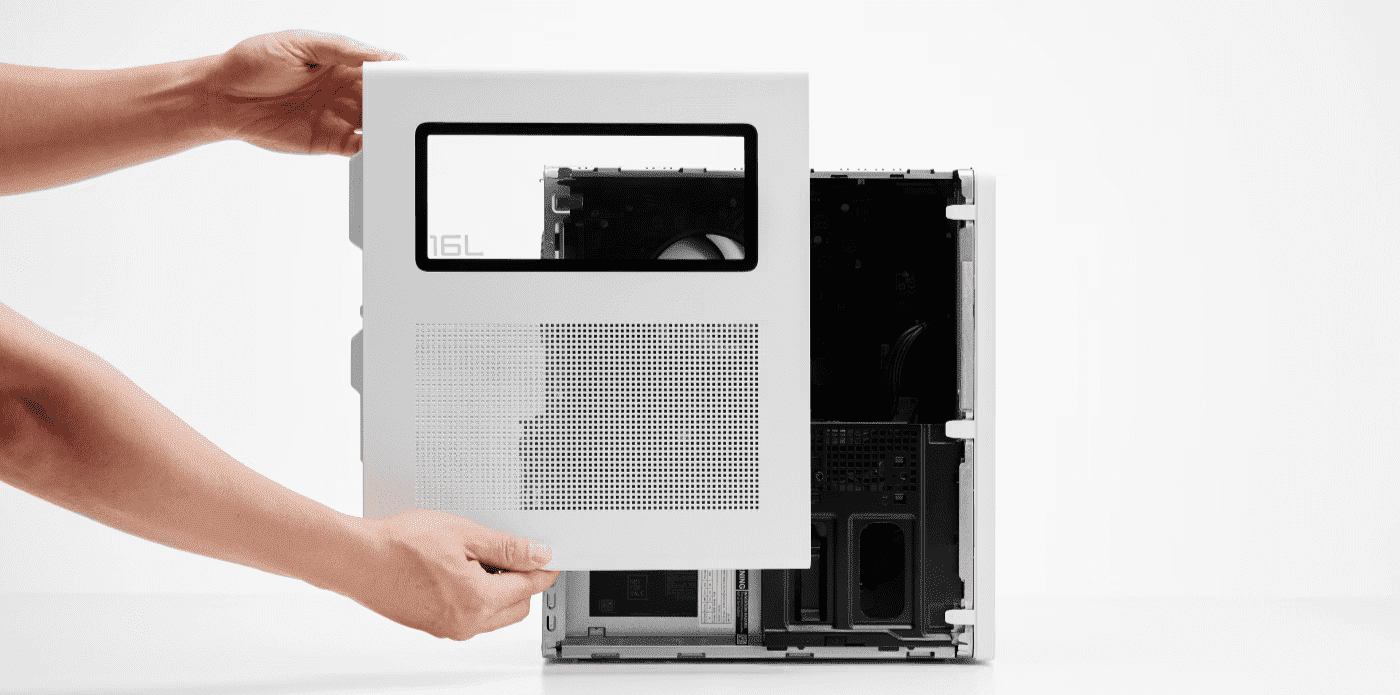
 Read more »While boxy computer designs were once the norm - and yes, there are plenty of solid desktop towers being designed today - PC technology has improved to the point that cost and performance are no longer an obstacle with smaller computers.There is now a growing selection of mini desktop PC designs that come with the potential to save energy, effort, and huge amounts of space.As part of the HP Elite family of business desktops, the HP EliteDesk mini PC is among the smallest full-powered personal computers available on the market today. Despite its small size and obvious differences from a standard tower, this computer has become increasingly affordable and is well-equipped for any office, even for those not looking to save space.
What is a mini PC?
Broadly speaking, mini PCs are designed to offer all the advantages of a PC with a much smaller impact on your space and resources, although we’ll talk more about specific advantages below.
A mini PC is generally smaller than a small form -
Posted: September 21, 2023Categories: Monitor
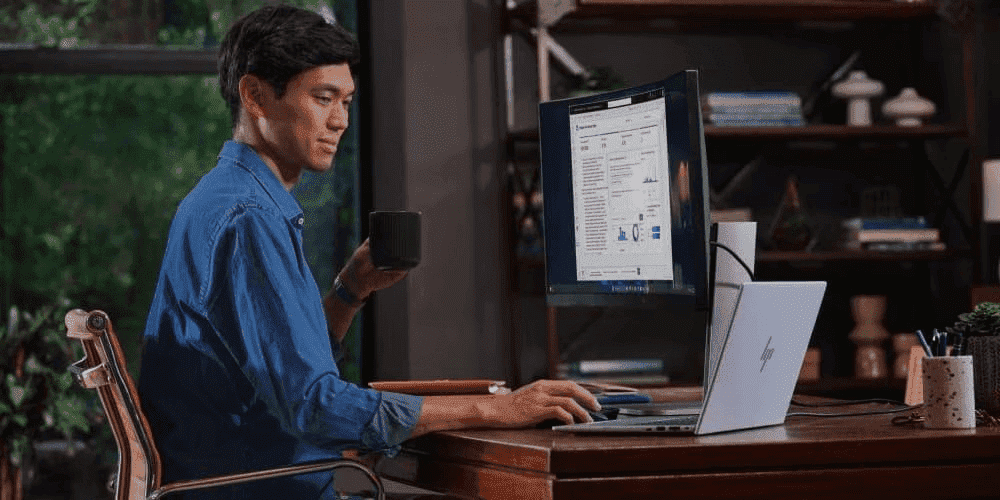
 Read more »Your monitor is your window to the world, the hub of your entertainment system, a tool for work, and a way to visualize your projects. The right display is paramount to the full enjoyment of your PC. But if you’re in the market for a new monitor, you might not be certain what features to focus on.
Frames per second, resolution, controls - there’s a lot to consider when you’re trying to find the best PC monitor. With that in mind, let’s dive into the most important aspects of a monitor and which HP displays best fit your home office requirements.The best PC monitor features
Before you purchase a new monitor, take some time to learn about the features that can enhance your workflow or make your streaming session more enjoyable. The best computer monitor for home users depends on your particular needs. Listed below are some of the top specs you can expect to see listed in a display description that might give you an idea of whether or not the monitor is right for you.
RESOLUTIONThe resolution -
Posted: September 21, 2023Categories: Computer Maintenance
 Read more »Computer monitors and laptop screens have varying specs that determine what your games, movies, and even web browsers look like. But how exactly do screen resolutions affect your experience? What can you do to change it? How can you find out what resolution you currently have? We’ll answer these questions in the following guide.
What is screen resolution?
The things you see on your computer screen are comprised of millions of tiny pieces called “pixels.” These pixels form the colors, lines, and videos you see on your monitor. Resolution is a measurement of these pixels, specifically how many there are in a grid when measured horizontally and vertically. The higher the number of pixels in the grid, the clearer or better your resolution is.For example, a screen with a resolution of 1024 x 768 will have fewer pixels in the grid than a screen with a resolution of 1920 x 1080. Which one looks better? You might assume that the 1920 x 1080 resolution will be crisper, and that would be true on -
Posted: September 21, 2023
 Read more »Each year, 8 million metric tons of discarded water bottles and other plastic litter blankets our ocean floors and circulates through ocean currents – that’s equivalent to the weight of 57,000 blue whales. What’s more, that single-use plastic bottle someone just purchased will take 450 years to decompose.
But all is not lost. Some companies, like HP, are stepping in to help. Because of the overwhelming global plastic pollution problem, HP is working to divert ocean-bound plastic into our circular supply chain, where it can be recycled into new, high value products.Recycling can make an impact
Imagine you are headed out to your local trail for a hike. You forgot to bring water so, on the way, you stop by a gas station to pick up a plastic bottle of water. You know that plastic is harmful to the environment, but you decide that it’s okay to purchase a single-use bottle since you’re an avid recycler. -
Posted: September 21, 2023Categories: Miscellaneous
 Read more »Saving the princess (or prince), successfully completing a mission objective, beating the last boss, venturing through a side quest - these are just a few of the exhilarating, addicting aspects of playing a PC game.
Gaming has evolved into a sophisticated art form over the last few decades and spans a variety of genres. From traditional first-person shooters, strategy games, walking simulators, massively multiplayer online role-playing games (MMORPGs), multiplayer online battle arena (MOBA), adventure games, and many, many more subgenres, the choices for gamers are ever-expanding. Virtual reality has further transformed the gaming landscape and set a new bar for entertainment.As a gamer, you expect the best when it comes to your gaming experience. Immersive visuals, smooth gameplay, and cinematic sound are all important facets to making gaming more engaging and fun. Don’t cheat yourself out of amazing gameplay by settling for less than you deserve. The HP Virtual Reality (VR) -
Posted: September 21, 2023Categories: Laptops
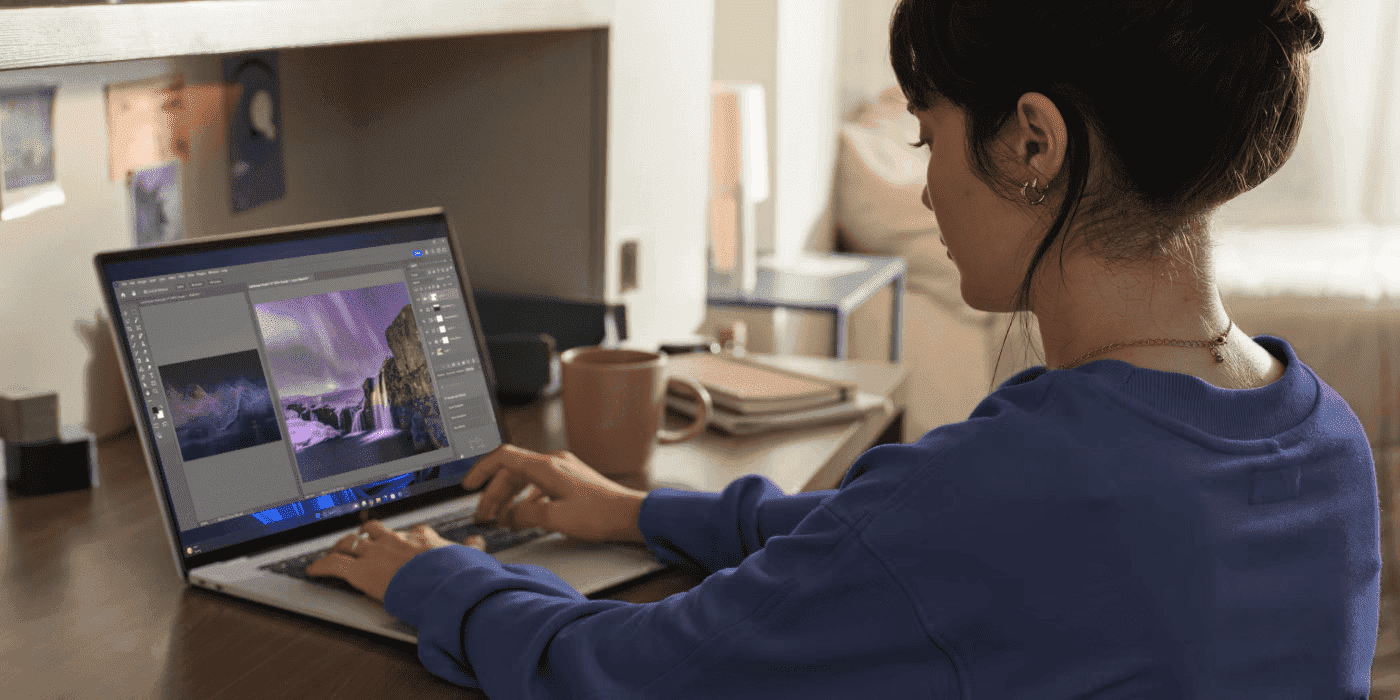
 Read more »There are many things to keep in mind when purchasing a new laptop, particularly when looking for one that you can take with you wherever you go. While there are numerous options available, you want to be certain that your computer will handle whatever you throw at it.You’ll need to put some research and thought into finding the right model that gives you the power you need while also being lightweight.Thankfully, HP® has well-designed and powerful laptops that are also extremely portable. While many of them are light and easy to carry, it’s well worth taking a deep look into your personal needs to figure out which model can offer you the specs you want.
Here are some things to keep in mind when searching for the best light laptops.
What to consider when choosing a lightweight laptop
SIZE
The size of the computer you want can be a major determining factor in its weight. While you can find plenty of tablets that are lightweight, they won’t offer you the same functionality as a larger
Recent Posts





Popular Posts







Products purchased through this store are sold and fulfilled by Ingram Micro Pty Limited

CONTACT US
Call us
- Sales (Home, Students, Gamers)
- 1300 540 516
- Sales (Small Business Customers)
- 1800 891 209
- Post-Sales
- 13 23 47
- Technical support
- 13 10 47
Exc. public holidays
Chat with us
- Our specialist are here to help
- Live Product Demo
- Sales
- 61288061500 (WhatsApp)
-
- Post Sales
- 61288061700(WhatsApp)
- Technical Support
- 61341594000(WhatsApp)
Exc. public holidays
Live product demo
Submit feedback
We value your opinion!