Thank you for visiting the AUSTRALIA HP Store
-
Contact Us
CONTACT USCall us
- Sales (Home, Students, Gamers)
- 1300 540 516
- Sales (Small Business Customers)
- 1800 891 209
- Post-Sales
- 13 23 47
- Technical support
- 13 10 47
Exc. public holidays
Chat with us- Our specialist are here to help
- Live Product Demo
- Sales
- 61288061500 (WhatsApp)
-

- Post Sales
- 61288061700(WhatsApp)
- Technical Support
- 61341594000(WhatsApp)
Exc. public holidays
Live product demo
Submit feedback We value your opinion! - My Account

Search
Page 17 - Tech Takes

-
Posted: August 06, 2025
 Read more »
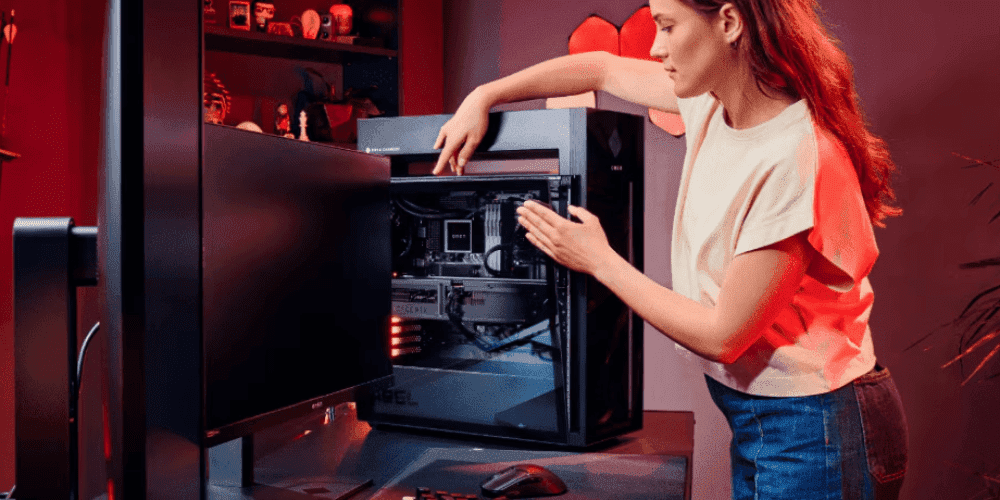
If you reckon you need more space for games or believe it’s time to boost system performance, upgrading to an SSD may be the smartest investment you can make. For Australian gamers, this upgrade means faster load times and more room for your growing library of titles. Modern games can require a substantial amount of storage space. For example, the Call of Duty series requires around 120-150 GB of space to install, and with updates this can increase to up to 200 GB.
-
Posted: August 05, 2025Categories: Laptops
 Read more »
In today’s demanding Australian business landscape, where remote work and flexible arrangements are increasingly common, an ordinary laptop simply won’t cut it for many professionals. Design, engineering, data science, and 3D modelling professionals across Australia require hardware that can deliver workstation-class performance whilst maintaining the mobility needed for hybrid work environments.
-
Posted: August 05, 2025Categories: Laptops
 Read more »
Artificial intelligence development and machine learning require extremely powerful hardware capable of handling large datasets, complex computations, and intensive model training. The best computers for AI development should have high-performance GPUs, ample RAM, and fast storage. Using an ordinary computer or laptop for heavy AI workloads will not only be slow but also frustrating and time-consuming. Whether you’re a data scientist, AI engineer, or researcher dealing with professional AI projects, a specialised laptop is essential for a smooth workflow in rapidly growing tech sector.
-
Posted: August 05, 2025Categories: Laptops
 Read more »
Finding a reliable laptop that balances portability with power has become increasingly crucial for Australia’s growing mobile workforce. As more Aussie businesses embrace hybrid and remote work environments, it’s essential to find devices that can keep up with demanding workloads without weighing you down during your daily commute across Sydney, Melbourne, or Brisbane.
-
 Read more »
When should you invest in a workstation for your Australian business, and when will a desktop computer deliver the performance you need? Understanding the difference between a desktop and workstation can significantly impact your team’s productivity and your company’s bottom line. With Australia’s competitive business landscape demanding maximum efficiency, choosing the right computing solution becomes even more critical for organisations across Sydney, Melbourne, Brisbane, and beyond.
-
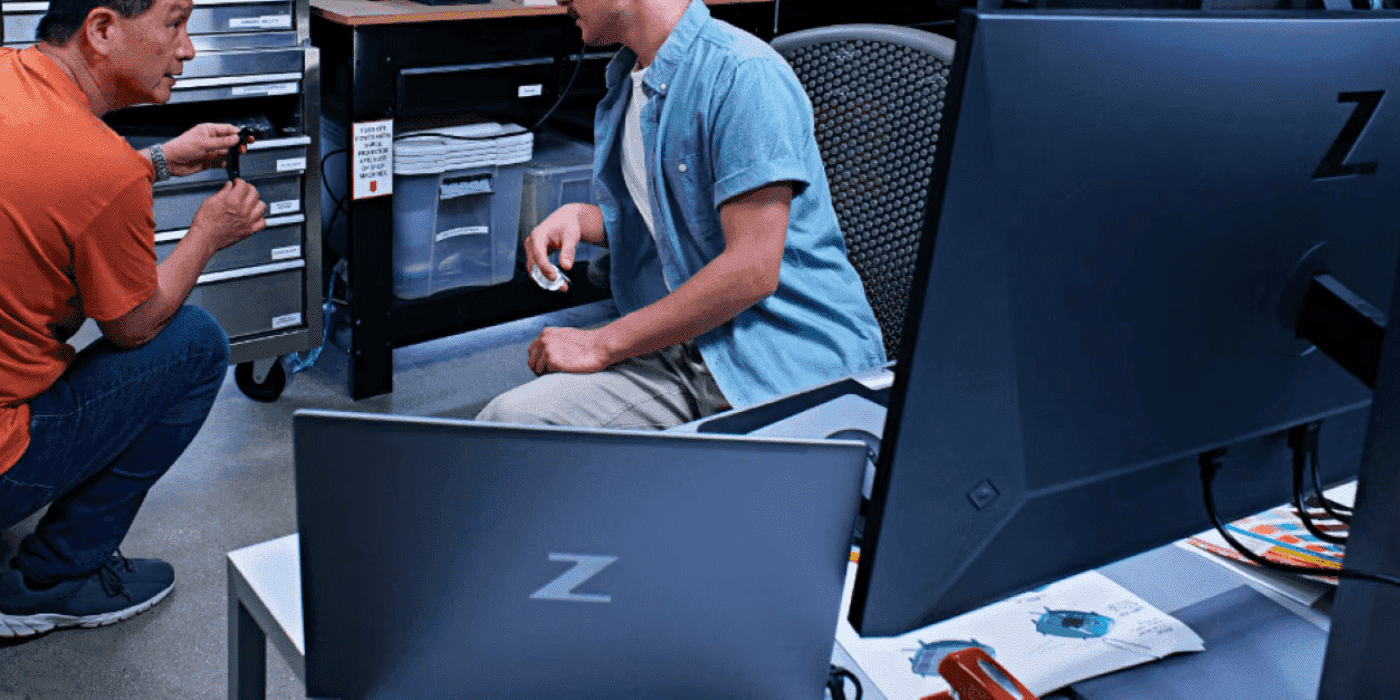 Read more »For Australian professionals working across diverse industries from mining to media production, mobile workstations play a crucial role when powerful performance is demanded where traditional laptops simply can’t deliver. Whether you’re a 3D modeller in Melbourne’s creative quarter or a data scientist in Sydney’s tech hub, a mobile workstation can easily keep up with professional standards whilst providing desktop-grade capabilities in portable form factors.
 -
Posted: July 19, 2025Categories: Miscellaneous
 Read more »
AI is not experimental any longer. It’s become essential. From training neural networks to running real-time inference across billions of data points, today’s AI workloads demand more than just raw power. They require speed, scalability, and the ability to handle complex tasks on the fly. And they need to fit into India’s agile, hybrid work environments.
-
Posted: July 17, 2025Categories: Business
 Read more »
In today’s rapidly evolving digital landscape, Australian businesses are increasingly seeking computing solutions that can keep pace with their ambitious goals. Whether you’re a Melbourne-based design studio, a Sydney tech startup, or a mining company in Perth, the demand for high-performance computing has never been greater. Enter AI workstations—the next generation of professional computing that’s transforming how Australian organisations approach complex challenges.
-
Posted: July 17, 2025Categories: Laptops
 Read more »
In today’s fast-paced business environment, professionals require computing solutions that can keep pace with demanding work schedules and security requirements. Business laptops are designed specifically for work environments where uptime and data protection are paramount. Professionals, small business owners, and corporate IT departments consider them for their sturdy construction, enhanced security features, and long-term value. But what exactly defines a business laptop, and how do you know if you need one?
-
Posted: July 16, 2025Categories: Desktops
 Read more »
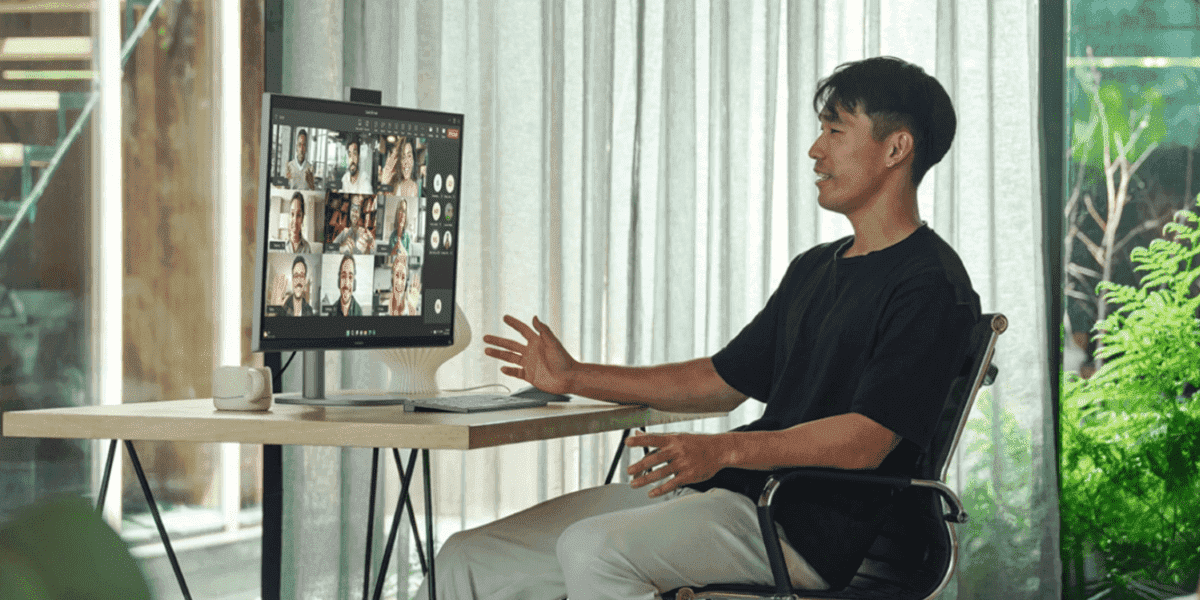
The desktop computing landscape in Australia is evolving rapidly, with all-in-one systems leading the charge towards more intelligent, efficient, and beautifully designed workspaces. As Australian professionals increasingly embrace hybrid work arrangements and creative endeavours, the demand for sophisticated desktop solutions that combine power, elegance, and smart features has never been higher.
Recent Posts





Popular Posts








Products purchased through this store are sold and fulfilled by Ingram Micro Pty Limited

CONTACT US
Call us
- Sales (Home, Students, Gamers)
- 1300 540 516
- Sales (Small Business Customers)
- 1800 891 209
- Post-Sales
- 13 23 47
- Technical support
- 13 10 47
Exc. public holidays
Chat with us
- Our specialist are here to help
- Live Product Demo
- Sales
- 61288061500 (WhatsApp)
-
- Post Sales
- 61288061700(WhatsApp)
- Technical Support
- 61341594000(WhatsApp)
Exc. public holidays
Live product demo
Submit feedback
We value your opinion!