

Benefits of the HP Poly Studio Room Compute

AI performance that keeps meetings moving. Built for AI-driven collaboration, HP Poly Studio 5 and 7 Room Compute deliver reliable, efficient Microsoft Team1 and Zoom Rooms2 meeting experiences.

Simple to deploy. Easy to scale. Simplify room setup with fast auto-pairing to the HP Poly TC103 and a modular design that makes it easy to reconfigure rooms as needs evolve.

Meeting room management at your fingertips. Configure, monitor, and update meeting rooms remotely with device health monitoring, alerts, and analytics through Poly Lens Cloud4.
Which HP Poly Studio Room Compute is best for you?
HP Poly Studio 5 Room Compute with Microsoft Teams Rooms
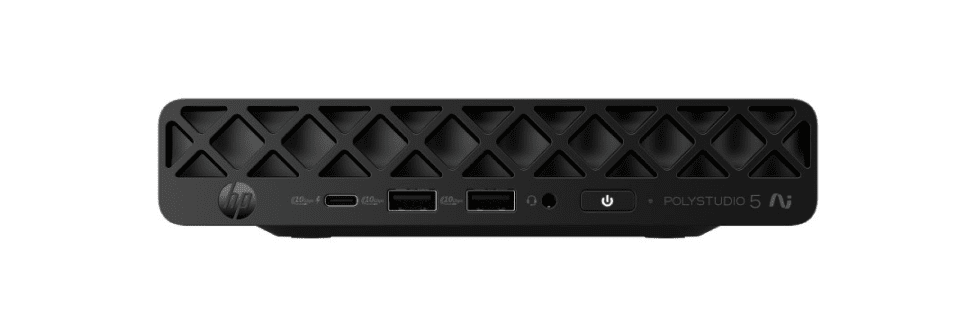
Microsoft Teams Rooms
Room Compute for standard setups (1-2 cameras) in various sized Microsoft Teams Rooms
Key Specifications
Processor
Intel® Core™ Ultra 5-3355 with up to 47 NPU TOPS5
RAM
16GB
Recommended USB Audio/Video bar
HP Poly Studio V12 (Small rooms)
HP Poly Studio V52 (Medium rooms)
HP Poly Studio V72 (Large rooms)
Recommended USB camera (no audio)
HP Poly Studio E60 (Large rooms)
HP Poly Studio E70 (Large rooms)
HP Poly Studio 7 Room Compute with Microsoft Teams Rooms
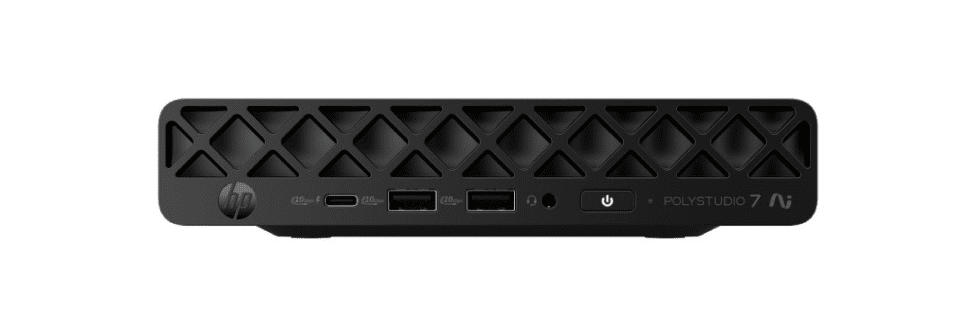
Microsoft Teams Rooms
Room Compute for large sized (multiple cameras) and customizable Microsoft Teams Rooms
Key Specifications
Processor
Intel® Core™ Ultra 7-366H5 with up to 50 NPU TOPS5
RAM
32GB
Recommended USB Audio/Video bar
HP Poly Studio V12 (Small rooms)
HP Poly Studio V52 (Medium rooms)
HP Poly Studio V72 (Large rooms)
Recommended USB camera (no audio)
HP Poly Studio E60 (Large rooms)
HP Poly Studio E70 (Large rooms)
HP Poly Studio 7 Room Compute with Zoom Rooms
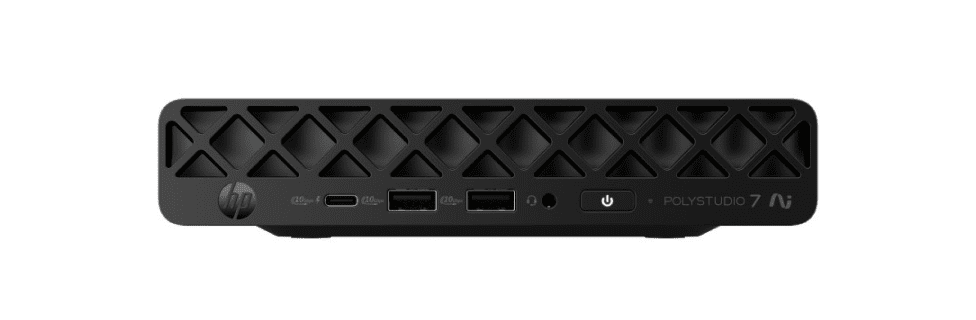
Zoom Rooms
Room Compute for large sized (multiple cameras) and customizable Zoom Rooms
Key Specifications
Processor
Intel® Core™ Ultra 7-366H5 with up to 50 NPU TOPS5
RAM
32GB
Recommended USB Audio/Video bar
HP Poly Studio V12 (Small rooms)
HP Poly Studio V52 (Medium rooms)
HP Poly Studio V72 (Large rooms)
Recommended USB camera (no audio)
HP Poly Studio E60 (Large rooms)
HP Poly Studio E70 (Large rooms)


Explore HP Poly Studio Room Compute features
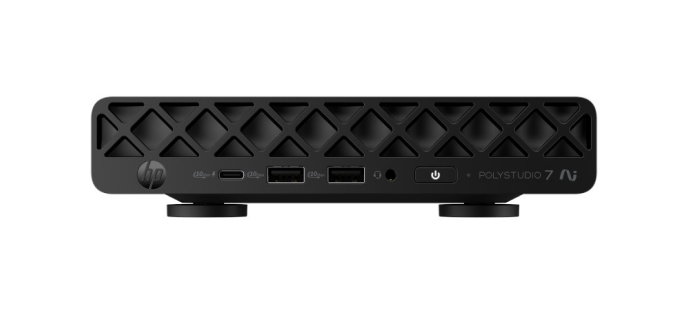
Model front shown HP Poly Studio 7 Room Compute.

Smooth setup out of the box
Easily set up the HP Poly Studio Room Compute with color-coded ports, automatic touch controller3 pairing and magnetic mounts.

Built-in durability
Rest easy with a Room Compute that undergoes the HP Total Test Process9 and MIL-STD 810 testing10.
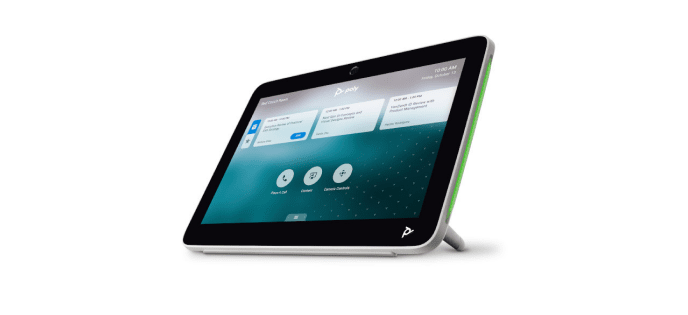
HP Poly TC103 touch controller
Auto-pairs with HP Poly Studio Room Compute for setup. Connect up to four touch controllers via a local PoE8 switch for access anywhere in the room sold separately.
Automatic recovery from firmware attacks
Firmware attacks can completely devastate your compute. Stay protected with HP Sure Start11, the self-healing BIOS that automatically recovers itself from attacks or corruption.

Resources
Learn about the features, benefits, and technical specifications of the HP Poly Studio Room Compute devices.


Frequently asked questions
What is the HP Poly Studio 5 & 7 Room Compute?
Which models and room platforms are supported?
Who is this solution designed for?
How easy is it to deploy and scale?
How are rooms managed and protected?
Disclaimers