Suggested Search Results

HYPERX OMEN 16
QUICKNESS BEYOND POWER.
VICTORY BEYOND DOUBT.


INTRODUCING THE HYPERX OMEN 16
A lot of laptops say they are "built for victory," but very few are engineered specifically to give gamers the competitive advantage. The new HyperX OMEN 16 performance story starts with NVIDIA® 50 Series GPUs and the latest Intel® Processors, but with the addition of our new high polling rate keyboard, faster and sharper display options, and one-click FPS maximization with OMEN AI, you're not only guaranteed the power, but also the speed to give you the upper hand in any situation.

UNLEASHED MODE
Up to 200W TPP

LAPTOP GPU
Up to NVIDIA®
GeForce RTX™ 5070

CPU
UP TO AN AMD RYZEN™
9 9955HX3D

RAM
UP TO 32 GB DDR5-5600
MT/S (1 X 32 GB)

STORAGE
UP TO 2TB PCIe™
GEN 4 SSD

DISPLAY
UP TO 2.5K
165HZ OLED


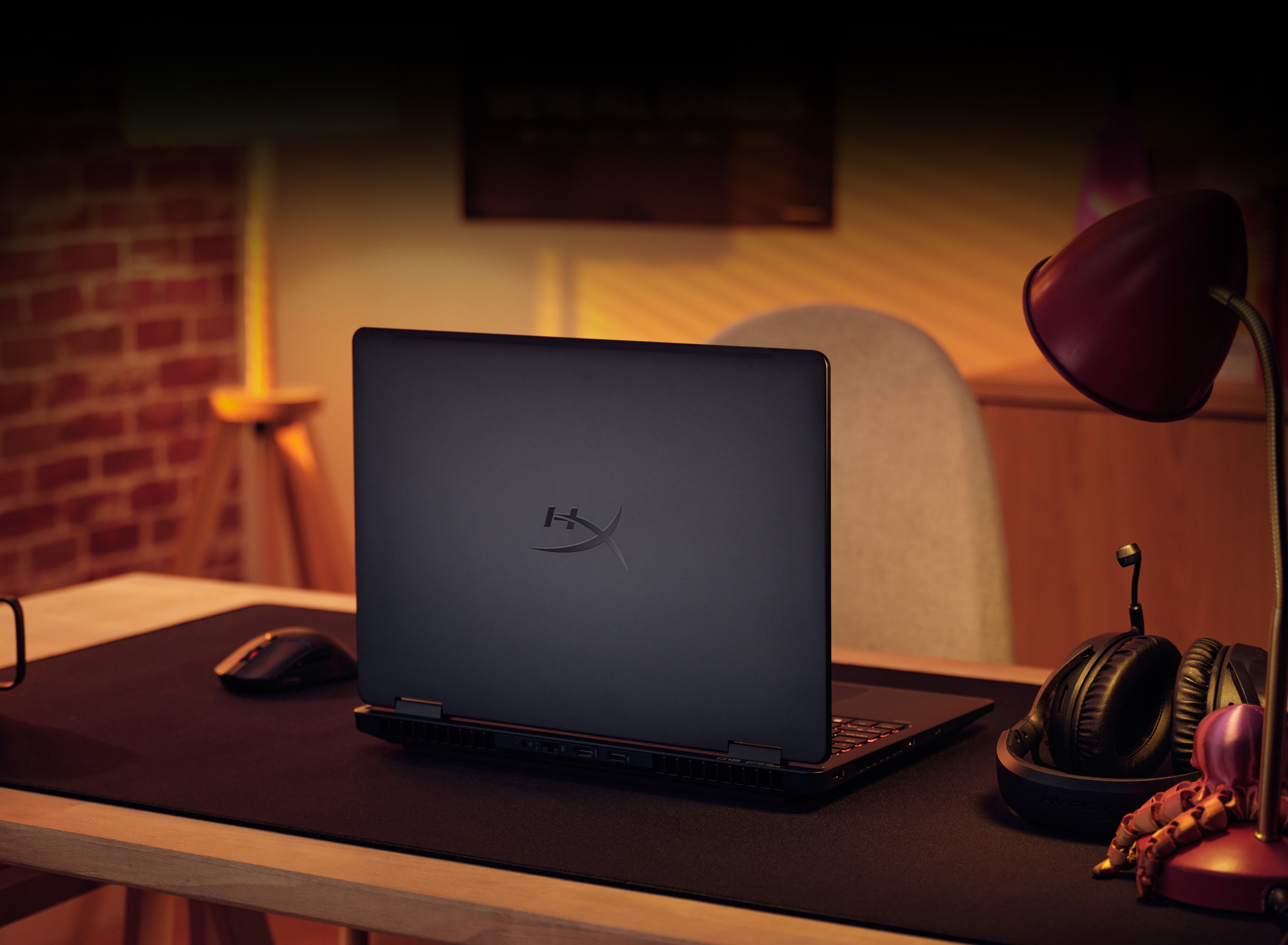
MAXIMIZED AIRFLOW, MAXIMIZED WINS
When it comes to a premium gaming machine, it all starts with cooling, particularly when buying a laptop. There’s nothing worse than spending your hard-earned cash on a sweet rig with top-of-the-line components, only to get hit with frame drops because your internals keep overheating. That’s why we designed the HyperX OMEN 16 from the cooling up, and what we ended up with was our brand-new OMEN Tempest Cooling architecture

OMEN TEMPEST COOLING PRO
The design philosophy is simple: How can we maximize heat dissipation and reduce performance drop-off over time as much as possible, so gamers can maintain peak performance for their entire gaming session, whether that be a 24-hour livestream or a 2-hour session after a long day of school/work
This was largely solved with one thing (in very simplified terms). Space. We started by increasing the fan gap by 1.6mm and the gap between the motherboard and keyboard by another 1.5mm. This allows for air to move more freely through the chassis. We then reduced the distance/space between the components, heat sinks, and thermal vents. This means our unique vapor chamber + heat pipe design doesn’t have to work near as hard to expel all the heat from pushing the device, keeping your keyboard cool and your fans quiet no matter where you’re dropping
FAN CLEANER
One of the biggest silent killers of any gaming laptop is the slow buildup of dust over time. For the ‘lucky’ ones that are aware of this problem, they are rewarded with constant maintenance sessions to keep the internals dust-free. The rest are left wondering why their laptop is slowly getting hotter and louder with worsening performance over time
As self-proclaimed dust-haters ourselves, we decided to create a groundbreaking new self-cleaning fan technology called Fan Cleaner, which is the first of its kind in-market. With this new tech, you'll be able to go into OGH and manually run your fans in reverse whenever you want, so you don’t have to take your laptop apart and do it manually

UNLEASH YOUR PERFORMANCE
With our upgraded OMEN Tempest Cooling architecture ensuring your device stays cool no matter the situation, we were able to equip the new OMEN16 with the latest next-gen components in the market. This starts with up to a brand-new NVIDIA® RTX™ 5070 Laptop GPU, a beefy gen-over-gen upgrade with up to twice the performance than the 4070 with DLSS 4 on titles like Cyberpunk and Black Myth: Wukong. We also have the latest AMD Ryzen™ 9 9955HX3D CPU, which ensures you can work smarter, faster and lighter, and up to 32GB of DDR5 RAM with 2 upgradeable slots so you can always remain at the peak of performance
UP TO 200W TPP
W/ UNLEASHED MODE

UP TO AN NVIDIA® GEFORCE RTX™ 5070
W/ DLSS 4.5 AND REFLEX 2

UP TO AMD RYZEN™ 9 9955HX3D
W/ 16 CORES AND 32 THREADS

UP TO 32 GB
DDR5-5600 MT/S
UP TO 280 W
AC POWER ADAPTER
OMEN AI FOR
ONE-CLICK MAX FPS


DLSS 4
DLSS 4 massively increases performance and improves image quality for top games using the power of AI. Using a new frame generation model that’s 40% faster and uses 30% less VRAM, DLSS 4 only needs to run once to generate multiple frames, compared to DLSS3 which had to run for each generated frame. This is only made possible with the new 5ith generation Tensor Cores, which have 2.5x more processing power gen-over-gen

New RTX™ Technologies
RTX’s new Neural Shaders can compress textures by up to 7x, greatly reducing stress on the GPU, while simultaneously producing cinematic-quality textures and advanced lighting in your games

NVIDIA REFLEX 2
Reflex technologies optimize the graphics pipeline for ultimate responsiveness, providing faster target acquisition, quicker reaction times, and improved aim precision in competitive games. Reflex 2 introduces Frame Warp, which further reduces latency based on the game’s latest mouse input


UNLOCK TRANSFORMATIONAL AI EXPERIENCES

PUSH PAST LIMITS
While the raw output of these new CPU and GPUs are already great, we knew we could push them even further. Introducing Unleashed Mode, a new performance feature in OMEN Gaming Hub that allows you to manually “overclock” your components up to a whopping 200W TPP without having to touch the BIOS. And while you may be trepidatious, fearing permanent damage to your device, rest assured that we included measures to prohibit that from happening, so stop capping your performance and start unleashing it
MAXIMIZE PERFORMANCE WITH A SINGLE CLICK
As gamers, we know that every frame, action, and millisecond can be the difference between victory and defeat. Yet, achieving peak performance isn’t easy. There are countless settings menus with endless combinations and no centralized location, no single “right” answer as everyone has different setups, and you’re constantly having to adjust your settings for different games. That’s why we created OMEN AI. A one-click solution that provides and automatically implements personalized settings unique to your setup for maximum possible FPS. So stop troubleshooting and take back your game time with OMEN AI

CLAIM THE COMPETITIVE ADVANTAGE
You can have the best components in the world, but if you have a dull display with a painfully low refresh rate, your games are going to feel slow and lifeless. That’s why we’ve equipped the new HyperX OMEN 16 with a 16:10 2.5k OLED display with a 165hz refresh rate and a .2 ms response time. Not only ensuring your worlds are brighter and more immersive with 500 nits and 100% DCI-P3 but also guaranteeing you’ll always have the edge in a gun fight. You can also safely marathon your games without speed-running macular degeneration with Low Blue Light technology
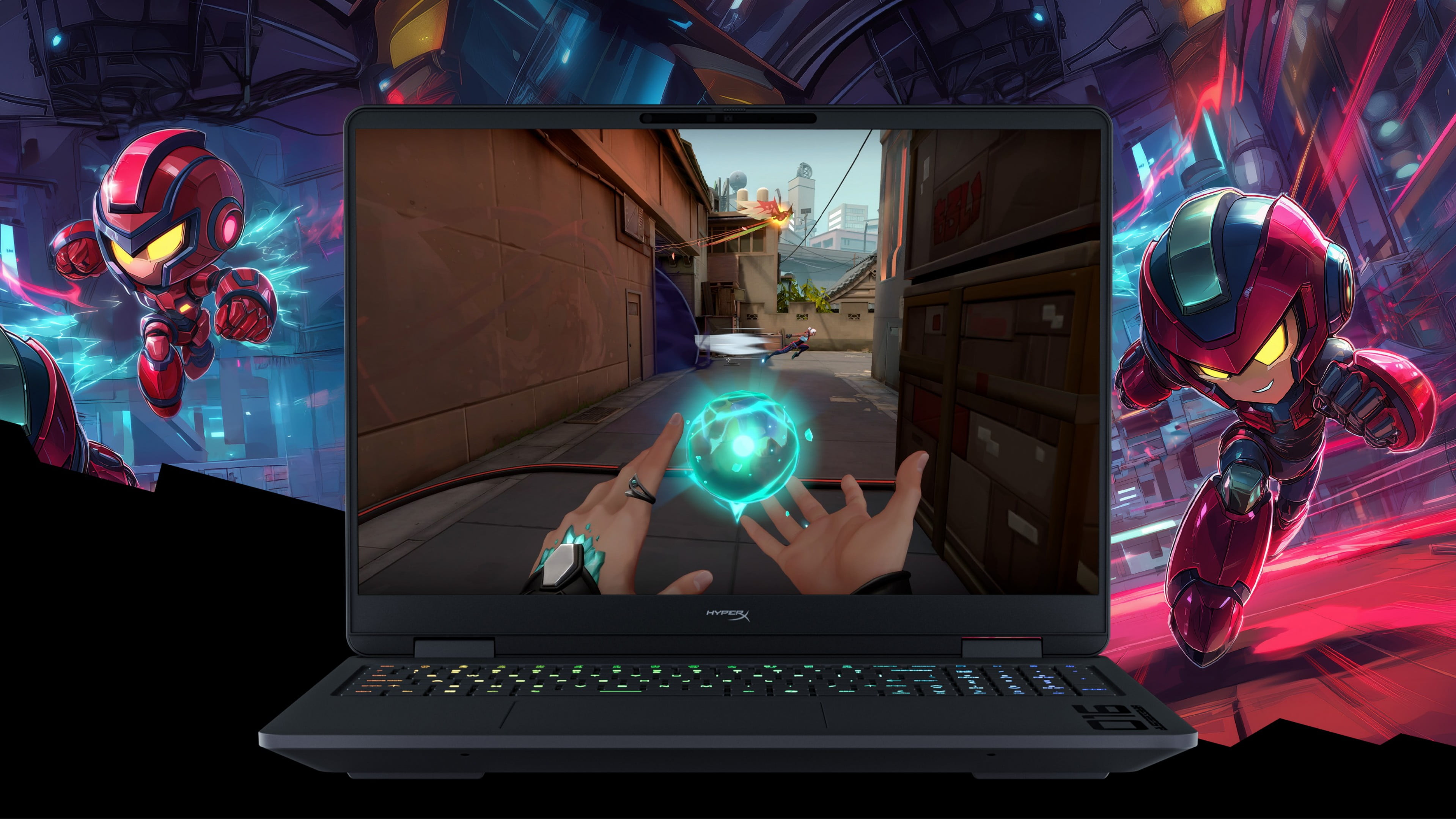
EXPAND YOUR WORLDS
While the OMEN 16’s vibrant and expansive OLED display provides plenty of space to best experience your favorite games, OMEN’s industry-leading monitors give you even more options. Whether you need an additional monitor(s) for streaming or just want to elevate your game to 4K, we’ve got you covered

OMEN 25 ESPORTS MONITOR (FOX)
The best gaming monitors are portals to other dimensions.
- 360Hz with 1MS response time
- 93% display P3 and 99.5% SRGB
- Swivel, tilt, pivot, and elevate
- VESA DISPLAYHDR® 400
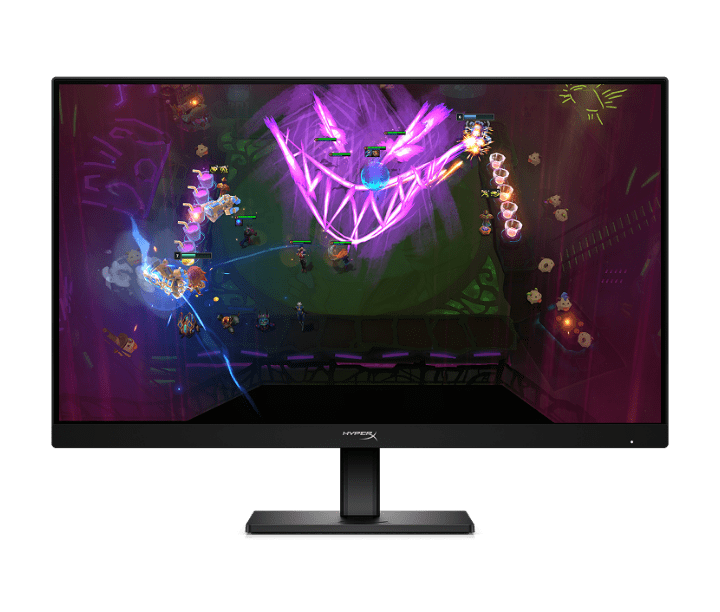
HYPERX OMEN OLED 27Q (LINK)
Level up gameday with HyperX OLED.
- 240Hz Refresh Rate with .03 Response Time
QHD QD-OLED Technology
99% sRGB + 99% DCI-P3
Factory Color Calibration
HyperX OLED Core Protect

OMEN TRANSCEND 32 OLED GAMING MONITOR
- 4K QD-OLED panel technology
- 240Hz refresh rate
- 1,500,000:1 contrast ratio
- AMD FreeSync™ Premium Pro & NVIDIA® G-SYNC® compatible

CONNECT AT WILL
- 2 Thunderbolt™ 4 with USB Type-C® 40Gbps signaling rate (USB Power Delivery 3.1, DisplayPort™ 2.1, HP Sleep and Charge)
- 2 USB Type-A 10Gbps signaling rate
- HDMI 2.1
- RJ45 ethernet connector
- AC smart pin
- Headphone/microphone combo

AN OFFICIAL TECHNOLOGY PARTNER OF RIOT GAMES

Product images are for illustration purposes only, product availability and colors may vary by country.
*Multi-core is designed to improve performance of certain software products. Not all customers or software applications will necessarily benefit from use of this technology. Performance and clock frequency will vary depending on application workload and your hardware and software configurations. Intel’s numbering, branding and/or naming is not a measurement of higher performance.
*Intel® Turbo Boost performance varies depending on hardware, software and overall system configuration. See http://www.intel.com/technology/turboboost/ for more information.
*Features and software that require a NPU may require software purchase, subscription or enablement by a software or platform provider, and third-party software may have specific configuration or compatibility requirements. Potential NPU inferencing performance varies by use, configuration, software and other factors.
*All performance specifications represent the typical specifications provided by HP's component manufacturers; actual performance may vary either higher or lower.
*Wireless access point and internet service required and sold separately. Availability of public wireless access points limited. Wi-Fi 6 is backwards compatible with prior 802.11 specs.
*Wi-Fi 6 is designed to support gigabit data rate when transferring files between two devices connected to the same router. Requires a wireless router, sold separately, that supports 80MHz and higher channels.
*Wi-Fi 6 (802.11ax) is not supported in Belarus where Wi-Fi settings will be optimized to local regulatory requirements (802.11ac).
*Wi-Fi 6E requires a Wi-Fi 6E router, sold separately, to function in the 6GHz band. Availability of public wireless access points limited. Wi-Fi 6E is backwards compatible with prior 802.11 specs. And available in countries where 6GHz is supported.
*Wi-Fi 6E is designed to support gigabit data rate when transferring files between two devices connected to the same router. Requires a wireless router, sold separately.
*Bluetooth® 5.4 operation requires Microsoft OS/Chrome OS support. Until Microsoft OS/Chrome OS support is available, Bluetooth® 5.4 will function as Bluetooth® 5.3 or lower.
*For optimal performance and battery chargeability while gaming and rendering, use the power adapter that ships with the PC. You can use the 100W/20V Type-C adapter or power bank when running light loading tasks. System-off charging is only supported on 20V Type-C adapter or power bank.
*For best results with HP Sleep and Charge, use a USB charging protocol standard cable or cable adapter with an external device.
00:00
00:00