Thank you for visiting the HONG KONG HP Store
-
Contact Us
CONTACT USChat with us
- Our specialist are here to help
- Live chat
- Sales
- 85264507529(WhatsApp)
-

- Post Sales
- 85230016720(WhatsApp)
Mon-Fri 8.30am - 5.30pm
(exc. Public Holidays)
Live product demo
Store finder Locate our storesSubmit feedback We value your opinion! - Location
- My Account

Search
Monthly Archives: November 2023

-
Posted: November 07, 2023
 Read more »For many, gaming is not just a hobby. It’s a passion that deserves a setup as unique as you are. That’s why personalizing your gaming HP gaming PC can be a rewarding journey where you can take your gaming experience to the next level and beyond. No matter your level of expertise, this guide will help you add your personal touch to your HP gaming desktop, making it functional and visually appealing.
Before discussing the specifics, let’s explore why customizing and fine-tuning your gaming PC is worth the time and highly essential in the modern gaming -
Posted: November 07, 2023
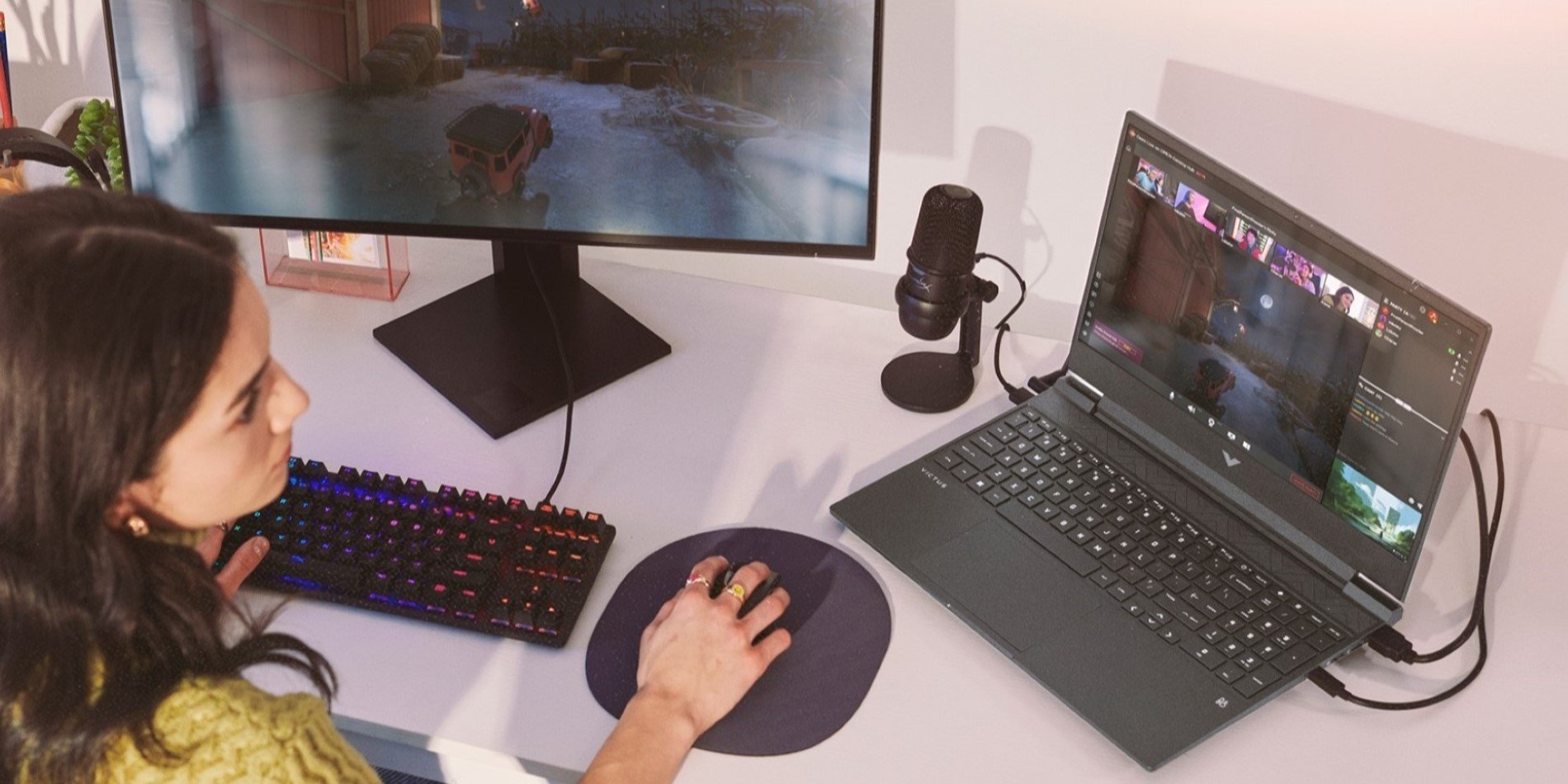 Read more »Gaming desktops are the mainstay of professional gamers owing to their upgradability and customizability. HP Victus is a well-respected name amongst gamers who crave nothing but the best that today’s computing hardware can offer to power gameplay.
The HP gaming PC brand is known for its power-packed specs that can rip through games and deliver class-leading performance in a small form factor. In this article, we’ll take a look at some of the best desktop gaming computers in the market and see what makes them truly stand out.Victus:
Recent Posts


Popular Posts




CONTACT US
Chat with us
- Our specialist are here to help
- Live chat
- Sales
- 85264507529(WhatsApp)
-
- Post Sales
- 85230016720(WhatsApp)
Mon-Fri 8.30am - 5.30pm
(exc. Public Holidays)
Live product demo
Store finder
Locate our stores
Submit feedback
We value your opinion!