Poly Rove 30 DECT Phone Handset
Other offers available with the product:
Financing options available for all credit scores
Extra $30 off select printers with any PC
25% off with code ANNIVERSARY25
HP Anniversary Sale
Product # 84H76AA#ABA
- Durable handsets
- You grow, we scaleSee all Specs
Can't find what you are looking for?
3% back in HP Rewards
Poly Rove 30 DECT Phone Handset
$0.00
Similar Products
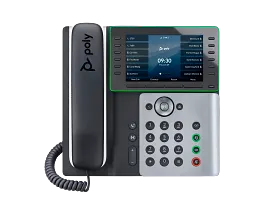
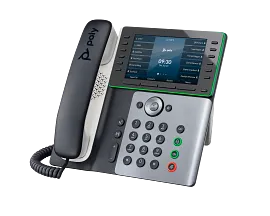
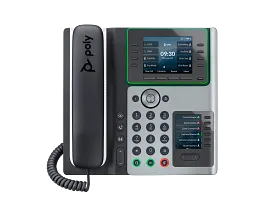
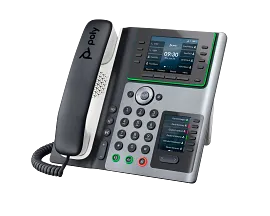
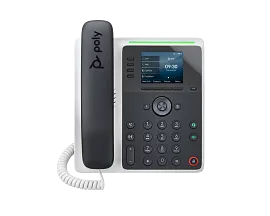
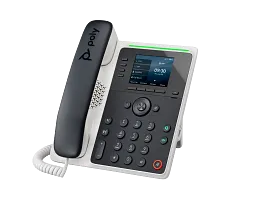
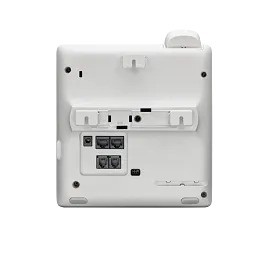
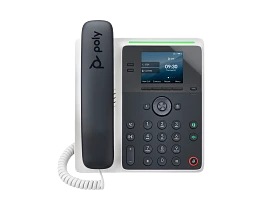
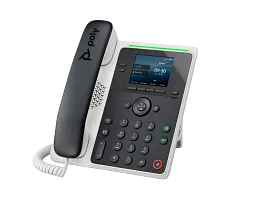
Poly Edge E500 IP Phone and PoE-enabled
Built to growIntegrated protectionEnterprise-quality sound
82M94AA
3% back in HP Rewards
3% back in HP Rewards
3% back in HP Rewards
25% off with code ANNIVERSARY25
3% back in HP Rewards
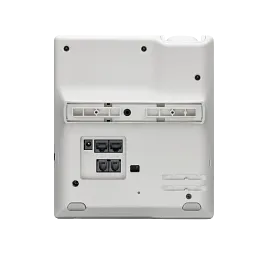
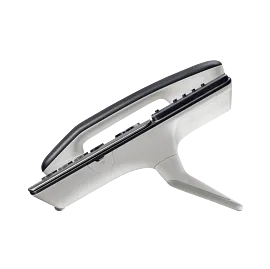

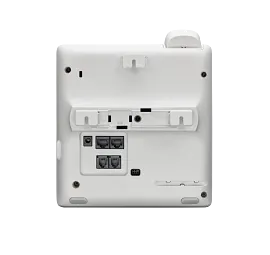
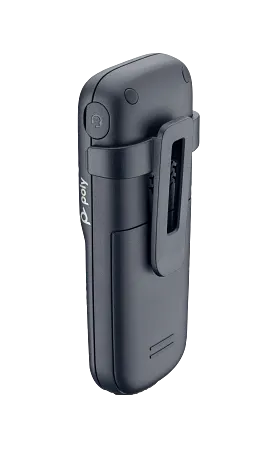
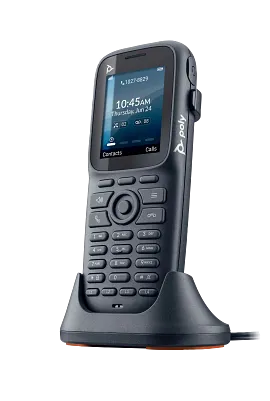
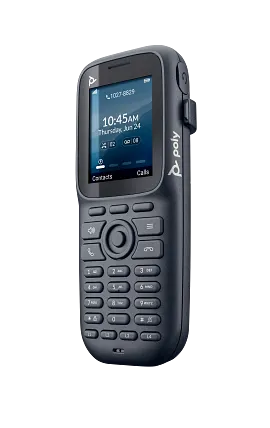
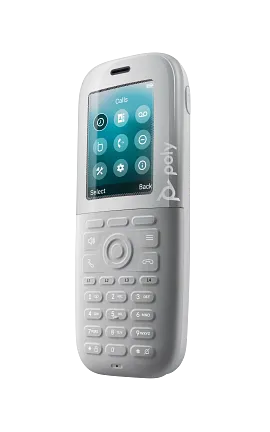
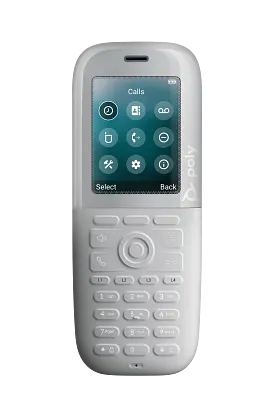
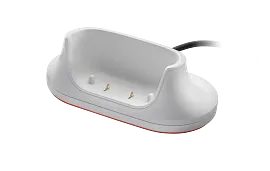
Guard your most critical conversations whenever, wherever in the office with the Poly Rove 30 wireless DECT™ IP phone solution.
Durable handsets
Keep your onsite employees productive with handsets that include ruggedized and antimicrobial protection built to withstand all that life throws at it. Drops, dust, water – these pro-grade handsets will go the distance[1].
You grow, we scale
You don’t have to worry about outgrowing your communication solution or feel held back by its options. Poly Rove 30 wireless DECT™ IP phone solution has flexibility to scale with handsets, bases, and repeaters as your organization grows.
Features
Durable IP65-rated handsets
Maintain confidence that your devices will last and that your investment is protected: The ruggedized handsets are drop proof and IP65 dust-tight and water resistant.[2]
Privacy is ensured
Conversations are safe and secure with DECT™ wireless security. And it doesn’t stop there - maintain DECT™ encryption even when you add a base or repeater to your solution.
Long-lasting battery power
Enable employees on the move to communicate more effectively, respond faster to requests and alerts, and be more productive with up to 18 hours of talk time and up to 300 hours of standby time.
Grab a Poly headset and go
Communicate hands-free with a Poly wired headset using the dedicated 3.5 mm connection. Perfect for users who feel more comfortable wearing a headset.[3]
Easy-to-clean handsets
Ideal for healthcare environments, these handsets are specifically designed for easy cleaning with smooth surfaces and no gaps between buttons.
Technical Specs
Reviews and Q&A
Return and exchange information
Most items may be returned within 30 days of delivery. Eligible returns do not include a restocking fee which may apply only in limited situations, such as purchases made for unauthorized resale or orders that do not meet our terms and conditions. For full details, please visit: https://www.hp.com/us-en/shop/cv/returnsandexchanges


