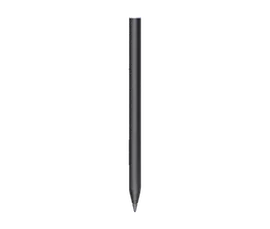
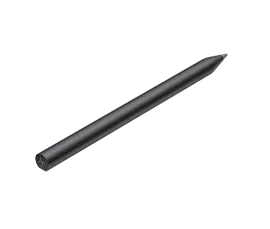
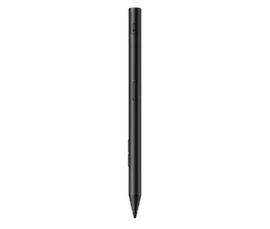
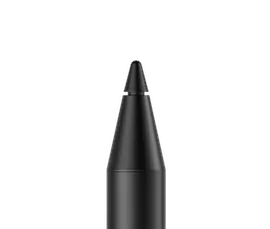
HP MPP 1.51 Pen
Other offers available with the product:
FREE Storewide Shipping
Financing options available for all credit scores
25% off with code HPDEAL25
Top deal!
Early Black Friday Sale
Product # 3V2X4AA#ABL
- Microsoft Compatible
- Custom Clicks
- Easy & Accurate
- Ink to Text
- Easy StoringSee all Specs
Can't find what you are looking for?
3% back in HP Rewards
Similar Products
HP Rechargeable MPP 2.0 Tilt Pen
Your smoothest writing experiencePen-point accuracyBe charged to create
3J122AA#ABL
25% off with code HPDEAL25 Top deal!
3% back in HP Rewards
1/6
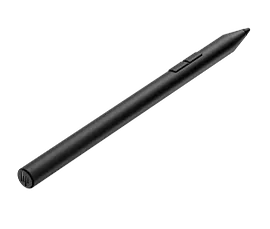
HP 700 Rechargeable Multi Pen
Works well with othersMade to match your movesStay in chargeDesigned with purpose
93Z27AA#ABA
Sustainability features
25% off with code HPDEAL25
3% back in HP Rewards
Microsoft Compatible
Draw, jot, or sign with a Microsoft compatible pen that works seamlessly with your HP laptop[1].
Custom Clicks
Customize buttons to seamlessly switch between functions.
Easy & Accurate
Edit, draw, write and doodle with a true-to-life feel pen that has a precision tip and pen-point accuracy.
Ink to Text
Write naturally while your PC instantly converts your handwriting to text.
Recommended Accessories
Top deal!
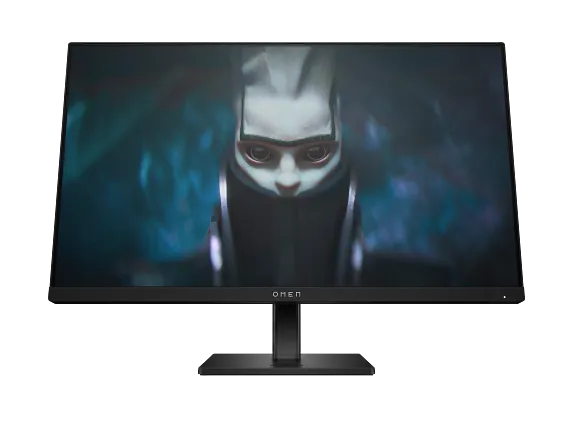
Reach new possibilities with the OMEN by HP 23.8-inch FHD 165Hz Gaming Monitor. Quick performance and vibrant color let you get lost in the games you love most, while the sleek design functions to look and feel great on your desk.
4.6/5
(94)
OMEN by HP 23.8 inch FHD 165Hz Gaming Monitor - OMEN 24
Top deal!
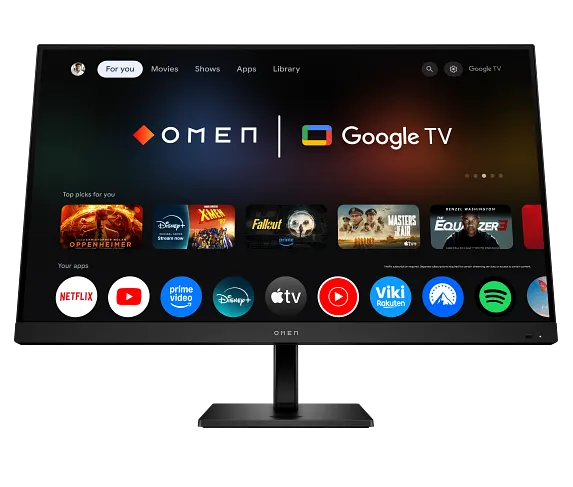
The OMEN 32x Smart Gaming Monitor redefines what it means to game, stream, and go live as you share content right from your screen and with enough options to connect everything you need – including Android™ phones. Embrace the future of gaming with the one smart monitor that meets all your needs.
4.5/5
(178)
OMEN by HP 31.5 inch UHD 144Hz Smart Gaming Monitor - OMEN 32x
Top deal!
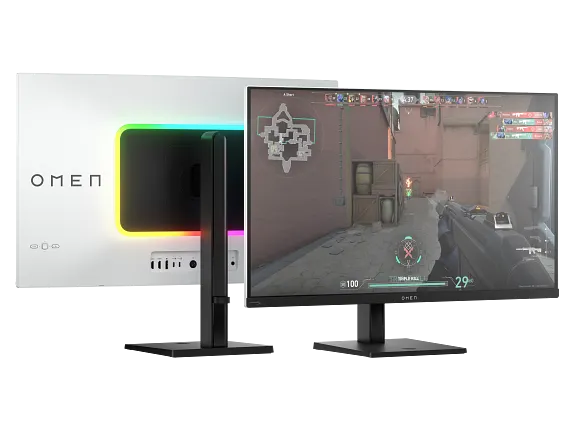
Experience amazing visuals and ultrafast gameplay with the OMEN Transcend 32 OLED Gaming Monitor. Play and create like never before with a QD-OLED, 4K UHD[2], color accurate display that offers a 240 Hz refresh rate[1] and .03ms response time. USB-C with 140W power delivery and OMEN Gear Switch enables you to seamlessly flow between gaming and working, making this a gamer's best friend and a boss's worst nightmare.
4.5/5
(178)
OMEN Transcend 31.5 inch UHD 240Hz OLED Gaming Monitor - OMEN Transcend 32
25% off with code HPDEAL25 Top deal!
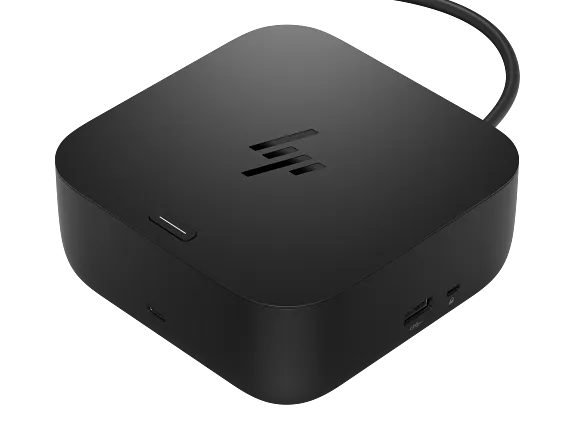
Kickstart your day with less hassle and more hustle. The HP USB-C 100W G6 Dock boots your ecosystem as you arrive, connects instantly[1] via a single USB-C® cable, and streamlines your setup with ample ports and seamless, secure connectivity—all while staying up to date with remote manageability.
3.2/5
(20)
HP USB-C 100W G6 Dock US for business
Top deal!
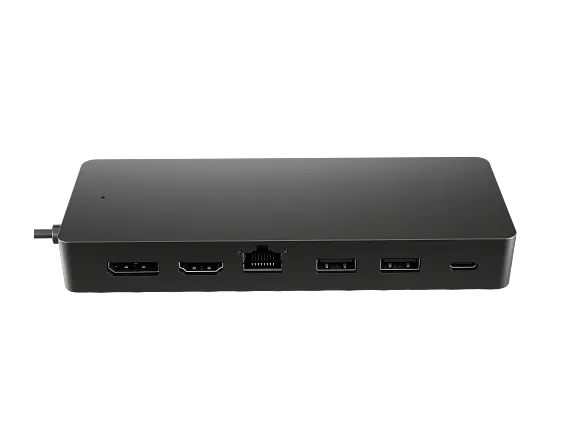
Unlock new possibilities with the HP Universal USB-C Multiport hub, now supporting any USB-C®[1] compatible PC. 7 ports, 1 power and data passthrough cable, and many peripherals to plug and play however you like. It also supports dual 4K[2] displays via HDMI 2.0 and 1 DisplayPort™ 1.2. This hub is all you need to stay connected.
3.5/5
(385)
HP Universal USB-C Multiport Hub for business
25% off with code HPDEAL25 Top deal!
Say goodbye to cable chaos with your desk’s new best friend—the HP USB-C® 100W G6 Dock. One USB-C[1] cable links your laptop[2] up with all your gear. More ports, less fuss, and everything just works so you can stay in the zone.
3.2/5
(20)
HP USB-C 100W G6 Dock
Top deal!
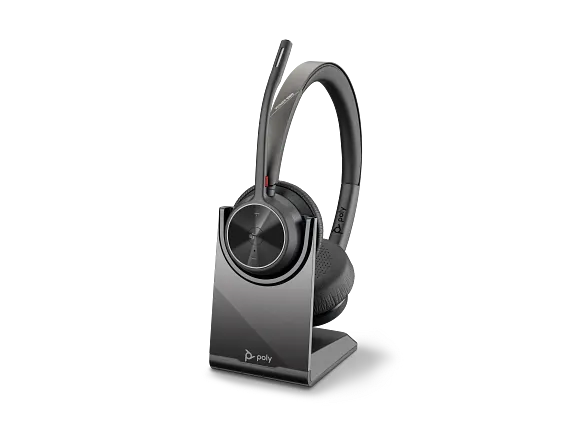
Free your workers from their desks with the entry-level Bluetooth® wireless headset. Meet the Voyager 4300 UC Series. It’s everything your teams need to stay productive and connect to all their devices whether at home or in the office.
4.6/5
(93)
Poly Voyager 4320-M Microsoft Teams Certified Headset with charge stand
Top deal!
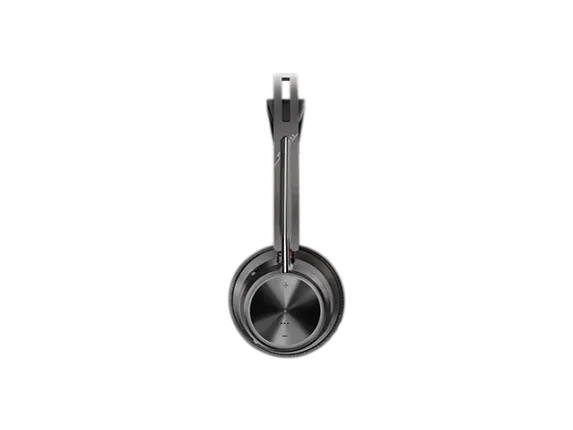
Create a focus zone around you with the Voyager Focus 2, stereo Bluetooth® headset. Smartly engineered for audio perfection – all you will hear is your call. And the focus stays on you, right where it belongs.
4.5/5
(10)
Poly Voyager Focus 2 USB-C-C Headset +USB-C/A Adapter +Charging Stand
Top deal!
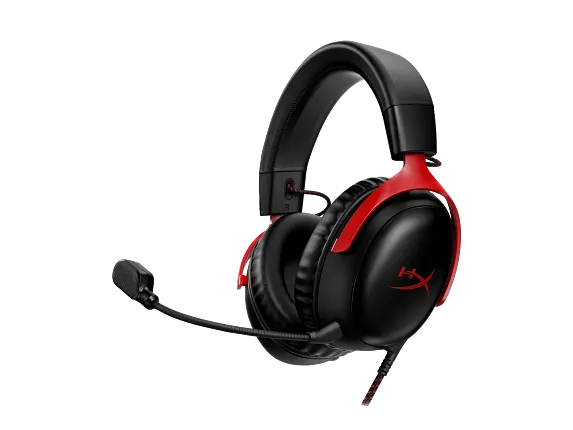
The HyperX Cloud III is an evolution of our legendary Cloud II, which is known for its comfort, sound quality, and durability. With plush HyperX signature memory foam in the headband and ear cushions, it provides a comfortable fit perfect for long gaming sessions. It also features new, retuned 53mm drivers that are angled for an optimal listening experience. The upgraded 10mm microphone captures crystal clear in-game voice chat and calls. Simple controls on the headset earcup allow you to have quick, direct access to mute your mic or adjust audio volume. The LED mic mute clearly shows when you’re muted. Compatible with PC, PS5, PS4, Xbox Series X|S, Xbox One, Nintendo Switch, Mac, and Mobile. Experience ultimate comfort and sound across your favorite platforms.
4/5
(54)
HyperX Cloud III - Gaming Headset - Black-Red
Top deal!
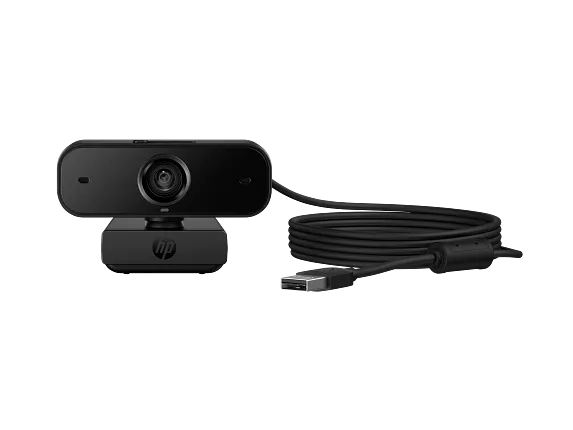
Learn, teach, and collaborate like you’re in person, no matter where you are. Present the real you and focus on what matters, not how you look, thanks to automatic focus, lighting, and color correction. This portable plug and play webcam includes dual mics that reduce background noise to keep you in focus and sounding great from anywhere.
4.4/5
(9)
HP 435 FHD Webcam
Top deal!
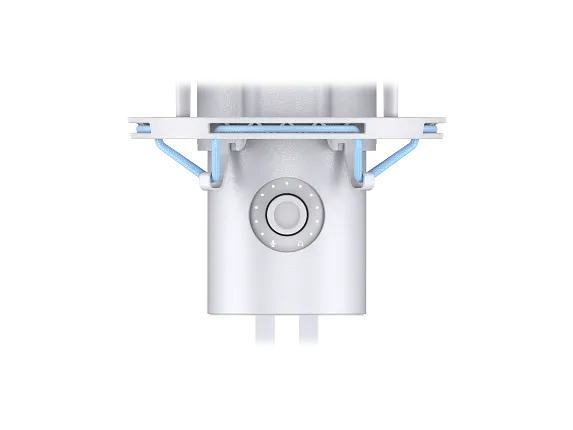
The HyperX QuadCast 2 refines everything that made the original such a favorite amongst gamers, streamers, and content creators around the world. All the fan-favorite features are still here: the iconic stunning lighting, the tap-to-mute sensor, 4 selectable polar patterns, 3.5mm headphone jack and included shock mount and desktop stand but now with a range of innovative additions and packaged in a new sleek, full aluminum silhouette. QuadCast 2 features upgraded 24-bit, 96kHz recording for a studio-quality recording experience. It also features a redesigned detachable shock mount with improved performance and innovative spring-loaded pins, making removal easy and allowing the use of universal shock mounts[1]. In response to our fan’s feedback, QuadCast 2 now includes a multi-function knob so you can do everything on board without needing to alt-tab. The knob allows users to choose between microphone gain, playback volume, microphone monitoring volume, and can also switch polar patterns. The LED indicator also makes it easy to determine the current mic status without the hassle of going into the software. Users can choose different lighting effects and tune their mic via HyperX NGENUITY. The HyperX QuadCast 2 – the new standard for streaming microphones.
4.6/5
(258)
HyperX QuadCast 2 - USB Microphone (Frost)
Top deal!
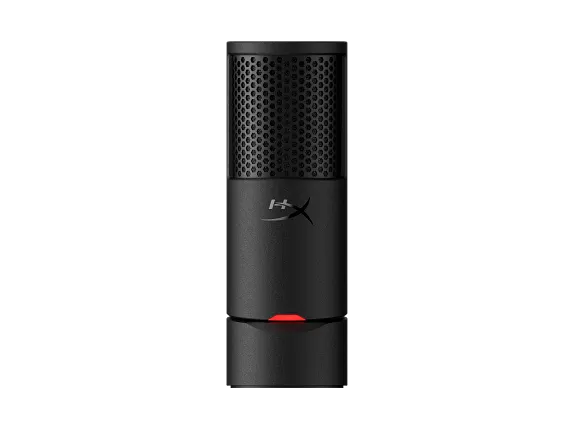
HyperX SoloCast 2 – an upgraded USB gaming microphone designed to make professional-grade voice capture simple and convenient. A smarter, sleeker upgrade from the previous iteration, it's been designed from the ground up to offer all the features you loved before, now with even more functionality, without the need for extra accessories. With a streamlined, compact form factor, this mic is fully functional and ready for use. It features an internal shock mount, built-in pop filter, and integrated mounting threads, eliminating the need to add separate accessories. Whether you're chatting with teammates or sharing gameplay, SoloCast 2 will simplify your setup without compromising performance. Unlock audio personalization with HyperX NGENUITY Software and easily switch between high-pass, low-pass, and voice enhancement filters that are saved between sessions. Combining plug-and-play simplicity with a cardioid pattern for focused vocal clarity, SoloCast 2 is your go-to microphone for gaming communications, streaming, and everything else.
4.8/5
(31)
HyperX Solocast 2 BLK Mic
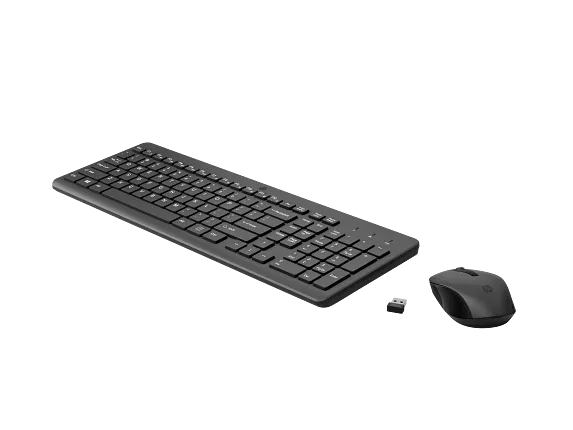
Pick up and go with these perfect wireless companions, a precise mouse and ergonomic keyboard with all the bells and whistles, including a number pad, for wherever your journey takes you.
4.2/5
(375)
HP 330 Wireless Mouse and Keyboard Combination.
Top deal!
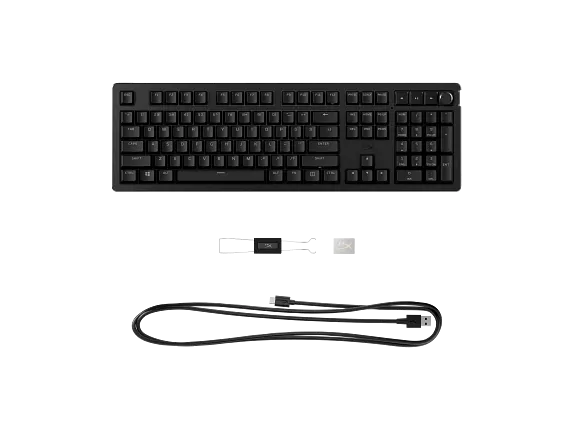
As the world's most customizable toolless mechanical gaming keyboard on the market[5], the HyperX Alloy Rise takes personalization to the next level. Not only can you hot swap in key switches, but also magnetic top plates, badges, and more. All that customization is built onto the Alloy Rise’s solid frame and ultra-responsive 8k polling rate. Out of the box, this keyboard features pre-lubed HyperX Linear Switches rated for up to 80 million keypresses1 as well as pre-installed HyperX PBT Keycaps. You’ll also get an upgraded RGB experience courtesy of the ambient light sensor that auto-adjusts the brightness, 10 keyboard profiles saved directly to the keyboard, and powerful customization via HyperX NGENUITY Software. Get one step closer to your endgame with the HyperX Alloy Rise.
4/5
(11)
HyperX Alloy Rise - Gaming Keyboards
Top deal!
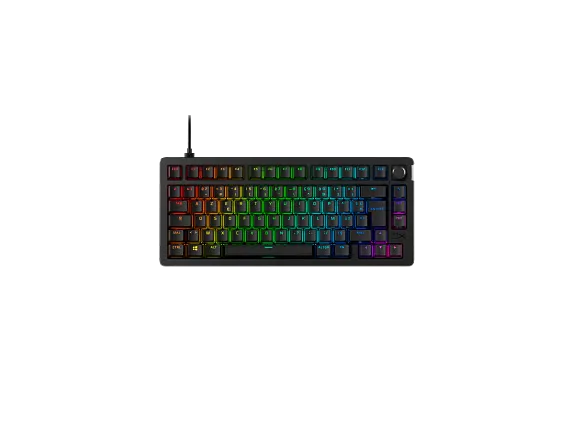
As the world's most customizable toolless mechanical gaming keyboard on the market5, the HyperX Alloy Rise 75 takes personalization to the next level. Not only can you hot-swap in key switches, but also magnetic top plates, badges, and more. All that customization is built onto its compact, solid frame and ultra-responsive 8k polling rate, giving you rapid keypress detection and more room. Out of the box, this keyboard features pre-lubed HyperX Linear Switches rated for up to 80 million keypresses1 as well as pre-installed HyperX PBT Keycaps. The 75% form factor is a great balance between compactness and function, providing dedicated arrow keys, navigation keys, and F keys. You’ll also get an upgraded RGB experience courtesy of the ambient light sensor that auto-adjusts the brightness, 10 keyboard profiles saved directly to the keyboard, and powerful customization via HyperX NGENUITY Software. Get one step closer to your endgame with the HyperX Alloy Rise 75.
4.3/5
(11)
HyperX Alloy Rise 75 - Gaming Keyboards
Top deal!
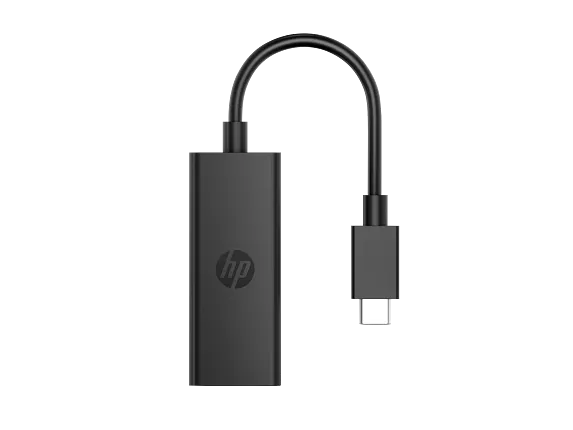
Unlock 8K[2] with one connection. The HP USB-C to DisplayPort Adapter G2 supports stunning displays with an easy-to-use plug-and-play[1] design. Gain the power of broad compatibility for an unrestricted workflow, anywhere you go.
5/5
(2)
HP USB-C to DisplayPort Adapter G2
25% off with code HPDEAL25 Top deal!
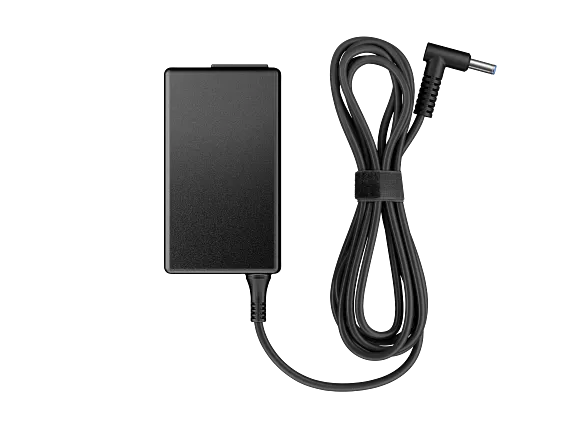
Conserve battery life, be productive, and get uninterrupted power with the HP 65W Smart AC Adapter, which detects and regulates the correct electrical current for your HP Business Notebook and select HP Docking Stations.[1]
4.7/5
(297)
HP 65W Smart AC Adapter
25% off with code HPDEAL25 Top deal!
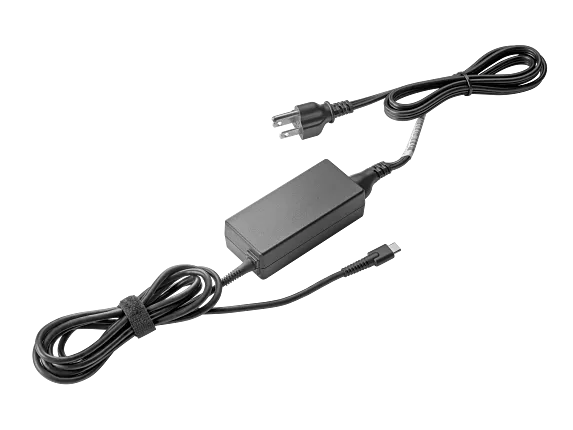
Power and charge your HP Chromebook[1] from its USB-C® port with the HP 45W USB-C LC Power Adapter.
3.8/5
(88)
HP 45W USB-C LC Power Adapter
Top deal!
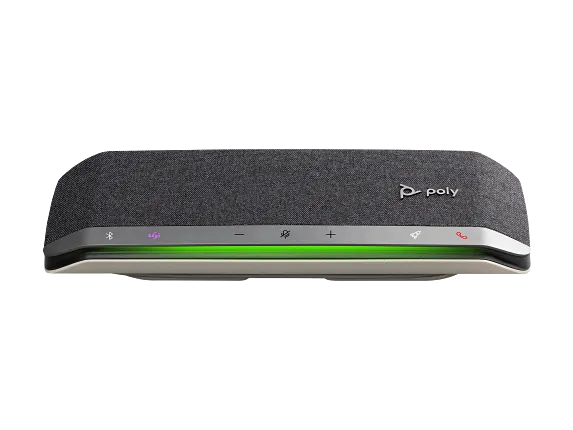
Business moves fast. Joining virtual meetings should be fast, too. Poly Sync 40 USB/Bluetooth® smart speakerphone lets users get straight to work. Hassle-free with quality audio – optimized for flexible and huddle workspaces.
3.5/5
(2)
Poly Sync 40 Microsoft Teams Certified Speakerphone
25% off with code HPDEAL25
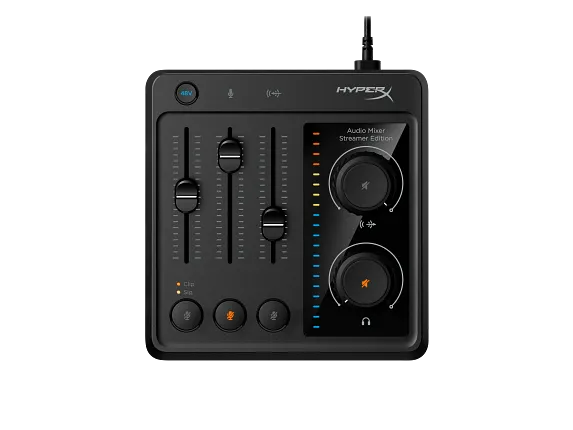
The HyperX Audio Mixer is built for streamers and creators who want fine-tuned control of their audio sources. It’s a simple solution for mixing up to three audio sources: an XLR microphone input, a 3.5mm microphone input, and a stereo 3.5mm line input. This compact USB 3-track mixer features simple, intuitive controls so you won’t bring your recording to an abrupt halt as you attempt to figure out a bunch of frustrating buttons. With 3 faders and individual volume knobs for line and headphone outputs, you can easily find your perfect balance of mic, voice chat, and game audio. With support for 24-bit/96kHz recording and support for the HyperX ProCast and most other XLR mics, you’ll get professional-quality sound from your recordings.
4.8/5
(10)
HyperX Audio Mixer
25% off with code HPDEAL25
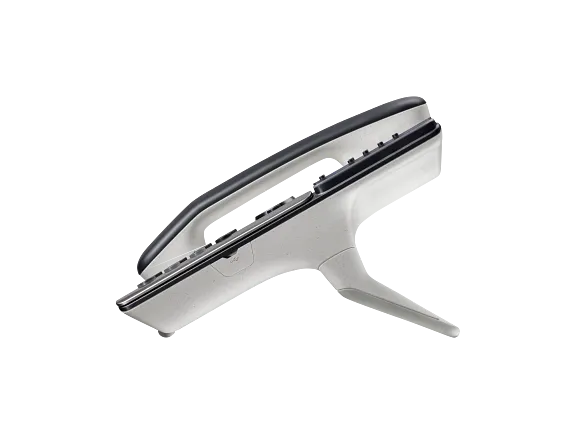
Easy to use and packed with features, the Poly Edge E300 Series pairs Poly noise reduction technology with cutting-edge design. Whether you’re hot-desking at work or calling from your home office, these phones bring style to any desktop.
3/5
(5)
Poly Edge E350 IP Phone and PoE-enabled
Top deal!
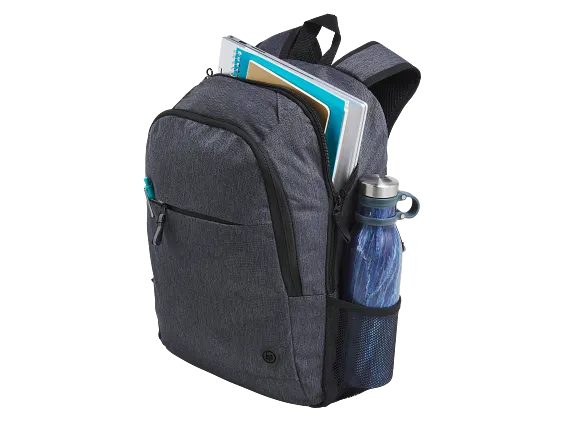
Commute with a stylish and durable backpack thoughtfully designed and made with recycled fabric[1]. The new HP Prelude Pro 15.6-inch Backpack with internal olive lining color comes with safety features for your peace of mind when you carry your devices from work to home and beyond.
4.3/5
(26)
HP Prelude Pro 15.6-inch Backpack
Top deal!
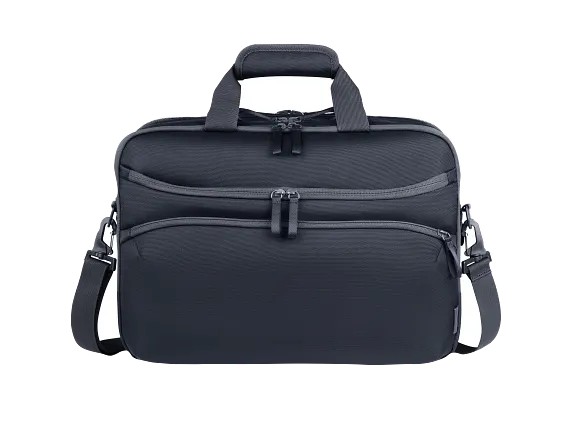
Simplify your journey with one bag that meets all your travel needs. This durable, thoughtfully designed backpack keeps you organized—from packing through the airport and beyond. Multiple compartments enable easy access for airport security convenience.
4.5/5
(11)
HP Travel Plus 22L 16-inch Laptop Bag
Top deal!
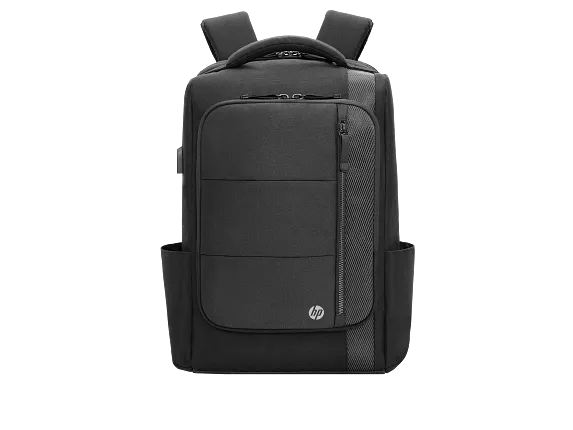
We've put an all-new spin on premium design and high quality materials. Crafted with functional style, this backpack expands to fit your work or life needs. Not that you'll run out of pockets to store all your devices, though. Keep what's important close to you. The external material containing 100% recycled plastics[1].
4/5
(6)
HP Renew Executive 16 Laptop Backpack

HyperX Clutch Tanto Mini Wired Gaming Controller for XBox Series X|S + HyperX Cloud Mini Kids Headset Bundle
25% off with code HPDEAL25
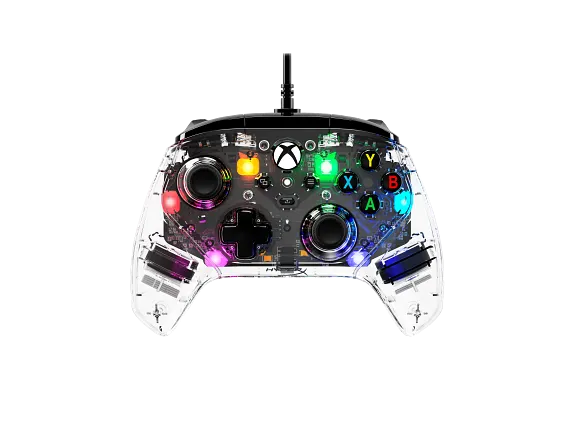
The HyperX Clutch Gladiate RGB Gaming Controller is built for Xbox players that want a precision controller with customizable controls. This officially licensed wired Xbox[1] controller features dual trigger locks and remappable rear buttons so you can take control your way. Powerful dual rumble motors and impulse triggers take immersion and force feedback to the next level. Showcase your style with 3 different effects and 7 different colors of lighting customization. It also features a 3.5mm stereo jack to connect your favorite wired headset.
4.5/5
(28)
HyperX Clutch Gladiate - Wired Gaming RGB Controller - Xbox
25% off with code HPDEAL25
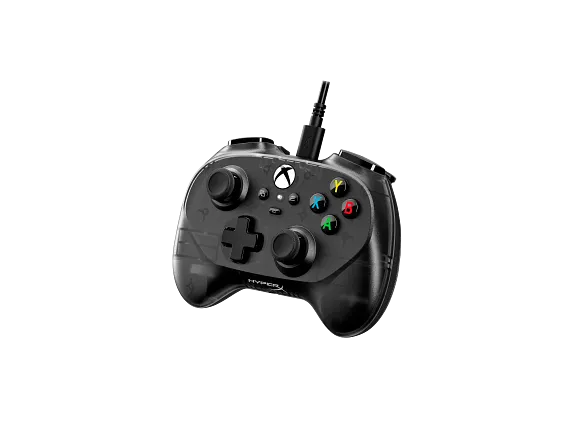
Younger Xbox players and gamers who just want a smaller, more portable controller, the HyperX Clutch Tanto is your weapon of choice. The HyperX Clutch Tanto Gaming Controller is a compact, officially licensed wired Xbox controller with room for all the standard buttons and controls. Weighing just 5.8 ounces (165g), it’s easy to fit in a backpack or pocket for some after-school battles. Plug it directly into Xbox Series X|S consoles using the USB-C to USB-A cable, and you can also use it to control your favorite games on PC, Steam Deck, or compatible Android devices1. It also features a 3.5mm stereo jack so you can easily connect your favorite wired headset, so you can be sure that you’ll have the setup you need to succeed, even when you’re not at home.
4.5/5
(28)
HyperX Clutch Tanto Mini WD Gaming Controller
Top deal!
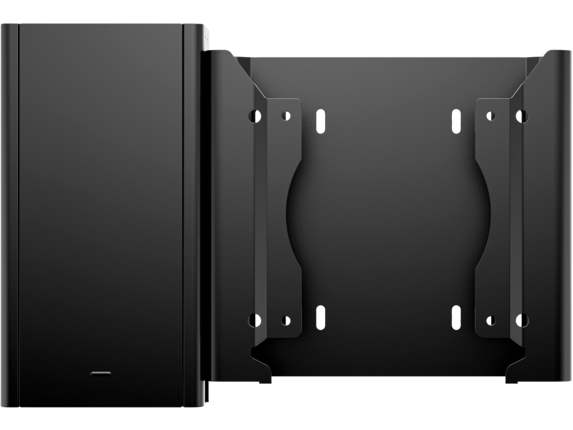
Adapt your PC to use removable hard drives with a removable hard drive enclosure from HP.
5/5
(2)
HP Desktop Mini v4+ VESA Sleeve with Power Supply Holder
Technical Specs
Battery
1 x AAAA
Battery life
Up to 18 months (2 hours usage per day)
Buttons
2 buttons
Pen Pressure Level
1024 levels
Special features
2 exchangeable tips
Color
Black
Minimum system requirements
MPP 1.51
Compatibility
Compatible with PCs with Microsoft Pen Protocol (MPP) supported devices. Available on select HP laptop models.
Warranty
One-year limited warranty.
What's in the box
HP MPP 1.51 Pen
1 additional pen tip
AAAA battery
Quick Start guide
Warranty card
1 additional pen tip
AAAA battery
Quick Start guide
Warranty card
Dimensions (W X D X H)
5.5 x 0.37 in
Weight
0.04 lb
Package Dimensions
7.48 x 3.62 x 1.06 in
Package Weight
0.17 lb
Reviews and Q&A
Return and exchange information
Most items may be returned within 30 days of delivery. Eligible returns do not include a restocking fee which may apply only in limited situations, such as purchases made for unauthorized resale or orders that do not meet our terms and conditions. For full details, please visit: https://www.hp.com/us-en/shop/cv/returnsandexchanges


