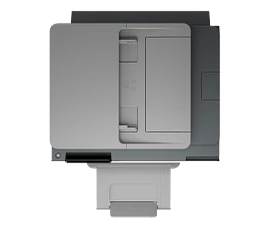
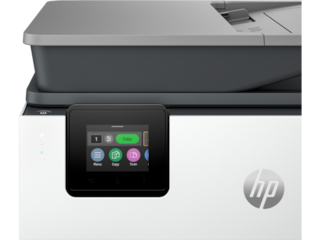
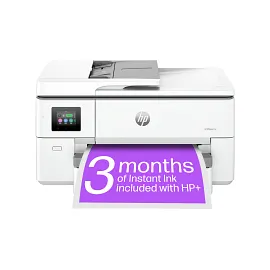
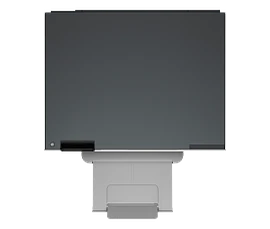
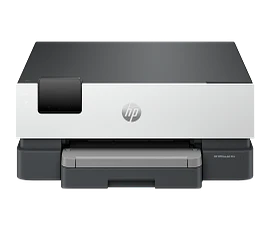
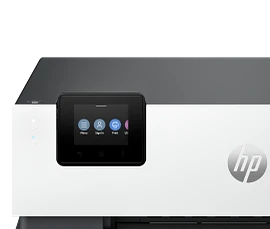
HP OfficeJet Pro 9730e Wide-format Printer with 3 Months free Instant Ink with HP+, Print, scan, copy up to 11"x17", AI-enabled



ENERGY STAR | Small medium business
Other offers available with the product:
FREE Storewide Shipping
$5 Instant Ink ecard on select printers
Get 1 additional month of Instant Ink free with code HOLIDAY25
Weekly Deals
Product # 537P6A#B1H
FunctionsPrint, copy, scan
- Print, scan and copy up to 11"x17"
- Get perfectly formatted prints with HP AI
- Includes 3 months of Instant Ink for free with HP+ [15]
- Print up to 22 pages per minute + 500 sheet paper capacity
- Dynamic security enabled printerSee all Specs
Can't find what you are looking for?
3% back in HP Rewards
Engineered for Sustainability
HP OfficeJet Pro 9730e Wide-format Printer with 3 Months free Instant Ink with HP+, Print, scan, copy up to 11"x17", AI-enabled
$0.00
Say hello to the wide format professional color inkjet printer for your growing business from America’s most trusted printer brand[16], paired with the easiest-to-use print app. Print and scan up to A3 with extra performance features.[1,2]
For small and medium businesses that want a wide format professional color inkjet printer to make their big ideas happen.
This printer is intended to work only with cartridges that have a new or reused HP chip, and it uses dynamic security measures to block cartridges using a non-HP chip. Periodic firmware updates will maintain the effectiveness of these measures and block cartridges that previously worked. A reused HP chip enables the use of reused, remanufactured, and refilled cartridges. More at:
http://www.hp.com/learn/ds
This is an HP+ enabled printer. Choose HP+ at product setup to activate benefits. HP+ requires an HP account, ongoing connection to the internet, and exclusive use of Original HP Ink cartridges for the life of the printer. More at:
http://www.hp.com/plus
For small and medium businesses that want a wide format professional color inkjet printer to make their big ideas happen.
This printer is intended to work only with cartridges that have a new or reused HP chip, and it uses dynamic security measures to block cartridges using a non-HP chip. Periodic firmware updates will maintain the effectiveness of these measures and block cartridges that previously worked. A reused HP chip enables the use of reused, remanufactured, and refilled cartridges. More at:
http://www.hp.com/learn/ds
This is an HP+ enabled printer. Choose HP+ at product setup to activate benefits. HP+ requires an HP account, ongoing connection to the internet, and exclusive use of Original HP Ink cartridges for the life of the printer. More at:
http://www.hp.com/plus
Easily achieve vibrant, screen-accurate prints
Print true-to-screen with the world’s first and only wide format printer with P3 for wider gamut vs. sRGB.[3] Scan/print/copy from your cloud storages like Google Drive or OneDrive with the easiest-to-use print app.[2] Drop, arrange, and print multi-size files up to 11x17" in just a few clicks with HP Smart Click.[5]
Our best technology to stay connected and secure[4]
Always be ready to print. Never run out of ink.[7]
recommended supplies & support
Technical details
HP OfficeJet Pro 9730e Wide-format Printer with 3 Months free Instant Ink with HP+, Print, scan, copy up to 11"x17", AI-enabled is rated
out of
5 by
207.
Rated 5 out of
5
by
HP lives from
Installing printer humbug
Terrific printer. However, setup was a 2 week effort because the wifi software not so good. HP tech were terrific once I got ahold of one that really knew what he was doing and finally fixed wifi hookup.
Date published: 2025-11-29
Rated 5 out of
5
by
Anonymous from
What else could you expect?
Good quality machine, high resolution printing, easy set-up, no issues during installation. What else could you expect?
Date published: 2025-10-15
Rated 1 out of
5
by
pheath85 from
Not Impressed
It’s ok. Requires restart daily to begin printing.
Date published: 2025-09-20
Rated 1 out of
5
by
jorjsal from
Wish I had not purchased
Support from HP sucks. They cannot tell me how to select the top or bottom tray
Date published: 2025-08-23
Rated 5 out of
5
by
Williamson Architecture from
Great value
Easy setup; user interface is easy to use while offering plenty of options; worth the price, especially compared to similar models from competing brands (cost of printer and cost of ink were major factors in purchasing this model).
Date published: 2025-08-22
Rated 2 out of
5
by
Anonymous from
hp 9030e
The purchase was made because of the printers ability to print 11 x 17 plain paper pages. I have not yet been able to get a full sized print in that format from the machine. Not overly pleased with with the wi-fi connection either.
Date published: 2025-08-10
Rated 4 out of
5
by
JoeVG from
Good little printer
All in all, this printer is a good printer. The only issue I have is that it is slower at processing data than my previous printer that was discontinued.
Date published: 2025-06-06
Rated 4 out of
5
by
Mr. Steve from
I decided to keep it
Windows 11 does recognize it as a network printer that i can print directly to in any MS office product
I'm disappointed that Windows 11 does not recognize it as a network scanner.
HP scan is slow loading up, but they did add File Date & Time to Base Name which is good for me.
Not impressed with tech support. They seem to be lacking in basic printer knowledge and terminology.
Date published: 2025-02-17
Does the paper tray fit the 11 x 17" paper or is it single sheet feed ?
Thank you for your question! Both paper trays on this HP OfficeJet Pro 9730e Wide-format Printer will be compatible with 11" by 17" printing.
Date published: 2024-11-10
When scanning 2-sided originals in the ADF, does it scan in one pass or two (automatically reversing the paper)?
Thank you for your question about the OfficeJet Pro 9730e. It will be a double pass where it automatically reverses the paper.
Date published: 2025-08-23
can it print on vinyl?
Thank you for your question! The HP OfficeJet Pro 9730e Wide-format Printer supports the following paper types: Plain; HP EcoFFICIENT; HP Premium Presentation Matte 120g; HP Tri-fold Brochure Glossy 180g; HP Brochure Matte 180g; HP Brochure Glossy 180g; HP Advanced Photo Papers; Light 60-74g
With the following paper weight requirements:
Recommended media weight
16 to 28 lb, bond
Supported media weight
9 to 66 lb bond (plain media)
Date published: 2025-02-18
I need a printer that does 8 1/2 x 11 and 11 x17
Thank you for your question, the HP OfficeJet Pro 9730e will support both of these sizes.
Date published: 2025-04-11
Does this machine have the ability to reverse the image?
Hello Claudia, and thank you for your question! Yes, to reverse an image on an HP printer using the HP Smart app, you can do the following:
Open the HP Smart app
Select the Print photos tile
Choose a photo or design file
Tap the photo on the Preview screen
Tap the Rotate icon at the bottom of the screen
Tap Flip H
Tap Done twice to create the mirror image
Date published: 2024-05-02
Does this printer plug into a wall outlet?
Thank you for your question, the HP OfficeJet Pro 9730e does plug into a wall outlet to get power.
Date published: 2025-02-14
Please take the second printer off my cart
Thank you for your question! For sales assistance, please get in touch with HP Store Customer Service at this link: https://www.hp.com/us-en/shop/cv/customerservice
Date published: 2025-05-27
Is this printer compatible with the instant ink program?
Thank you for your question, the HP OfficeJet Pro 9730e is compatible with Instant Ink.
Date published: 2024-06-13
SIMILAR PRODUCTS
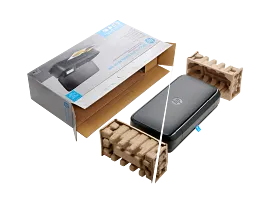

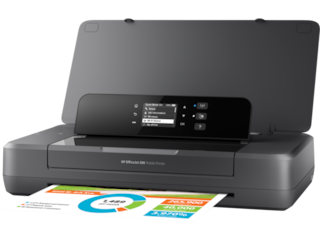
HP OfficeJet 250 Mobile All-in-One Printer
Mobile Print, Scan, CopyPrint speed ISO: Up to 10 ppm black, up to 7 colorLong battery lifeHighest ink cartridge page yield in class
CZ992A#B1H
ENERGY STAR | Small Office
3% back in HP Rewards
1/7
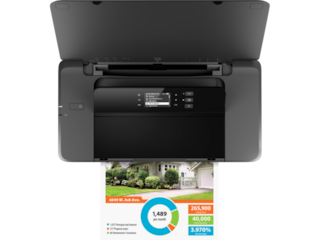
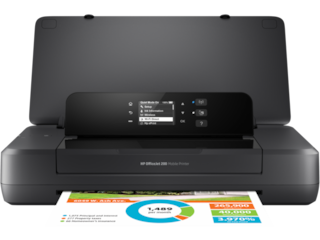
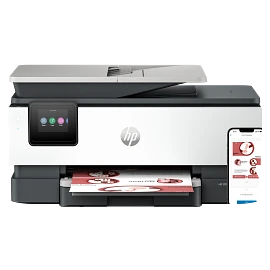
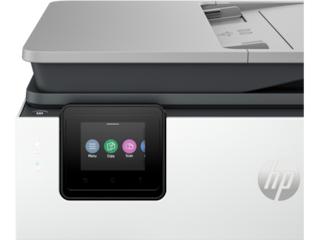
HP OfficeJet 200 Mobile Printer
Mobile PrintingPrint speed ISO: Up to 10 ppm black, up to 7 colorLong battery lifeHighest ink cartridge page yield in class
CZ993A#B1H
ENERGY STAR | Small Office
Engineered for Sustainability
3% back in HP Rewards

1/8
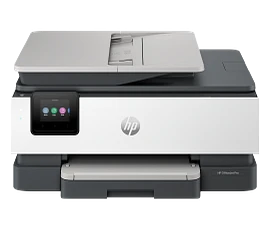
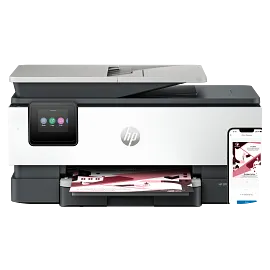
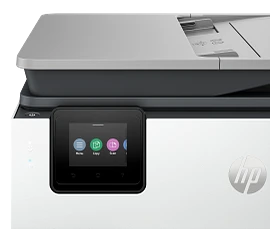
HP OfficeJet Pro 8135e Wireless All-in-One Printer with 3 Months of Instant Ink for free with HP+, AI-enabled
Next-Gen – Print for your business like a ProSupercharged performance for home officeFast color print, copy, scan, fax, 2-sided prints, mobile/wireless/ethernetGet perfectly formatted prints with HP AIHP's most reliable wi-fi and HP Wolf Essential SecurityDynamic security enabled printer
40Q35A#B1H
ENERGY STAR | Home and home office
Engineered for Sustainability
3% back in HP Rewards
1/8
HP OfficeJet Pro 8139e Wireless All-in-One Printer with 1 Full Year Instant Ink with HP+, AI-enabled
Next Gen - Print for your business like a ProSupercharged performance for home officeFast color print, copy, scan, fax, 2-sided prints, mobile/wireless/ethernetPrint up to 20 pages per minuteGet perfectly formatted prints with HP AIDynamic security enabled printer
40Q51A#B1H
ENERGY STAR | Home and home office
Engineered for Sustainability
3% back in HP Rewards




Return and exchange information
Eligible purchases from Nov 1 - Dec 25, 2025, can be returned or exchanged until Jan 15, 2026, or 30 days after delivery, whichever is later. A 15% restocking fee may apply. For details, please visit: https://www.hp.com/us-en/shop/cv/returnsandexchanges


