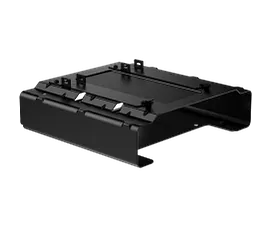
HP B560 PC Mounting Bracket
Other offers available with the product:
Financing options available for all credit scores
Extra $30 off select printers with any PC
HP Anniversary Sale
Product # 763U8AA
- Create a compact workspace with the HP B560 PC Mounting Bracket. Attach your HP Desktop Mini PC[1] behind select E-Series G5[2], Series 5 Pro[3], or Series 7 Pro[4] monitors for a fully adjustable, space-saving solution.See all Specs
Can't find what you are looking for?
3% back in HP Rewards
Sustainability features
HP B560 PC Mounting Bracket
$0.00
Similar Products
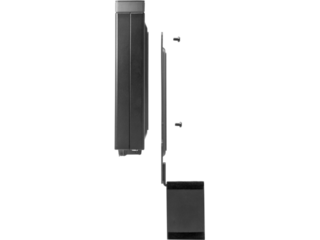
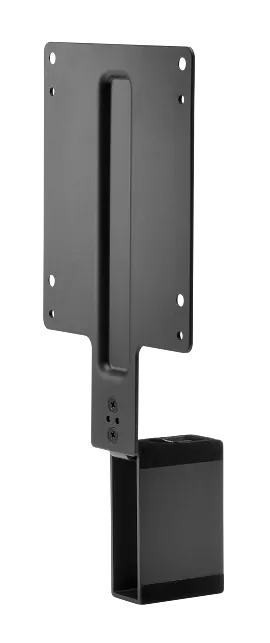
HP B300 PC Mounting Bracket
Customize an altogether better solution with the HP B300 PC Mounting Bracket, which lets you attach your HP Workstation, HP Desktop Mini, HP Chromebox or select HP Thin Client directly behind select 2017 and 2018 HP EliteDisplays and HP Z Displays.[1]
2DW53AA
Anniversary deal!
3% back in HP Rewards
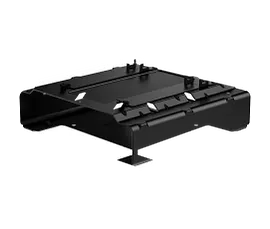
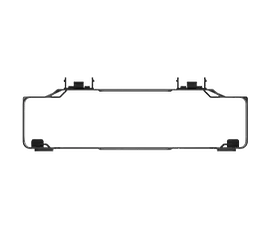
HP B200 PC Mounting Bracket
Create a compact, efficient workspace with the HP B200 PC Mounting Bracket. Simply attach the bracket to the base of your select P G5 Series monitor and easily slide in your select HP Desktop Mini PC[1] for an optimized space-saving solution that doesn’t interfere with port access or tilt adjustment.
762T5AT
3% back in HP Rewards
Simply Maximize your Desk
Give yourself more room to work with the HP B560 PC Mounting Bracket. Attach the bracket to the back of your monitor’s stand and your PC platform to the bracket--no tools needed. Plus, the added base support allows more compatibility with workstations.[1]
Free to Adjust
Since the bracket is directly attached behind the stand, you can adjust your monitor's height adjustment, tilt, swivel, and pivot settings freely to find a comfortable position to work.
Rest Easy
Get the reassurance of a one-year limited warranty.[5]
Technical Specs
Reviews and Q&A
Return and exchange information
Most items may be returned within 30 days of delivery. Eligible returns do not include a restocking fee which may apply only in limited situations, such as purchases made for unauthorized resale or orders that do not meet our terms and conditions. For full details, please visit: https://www.hp.com/us-en/shop/cv/returnsandexchanges


