See how WXP can enhance employee engagement and optimize your workforce.

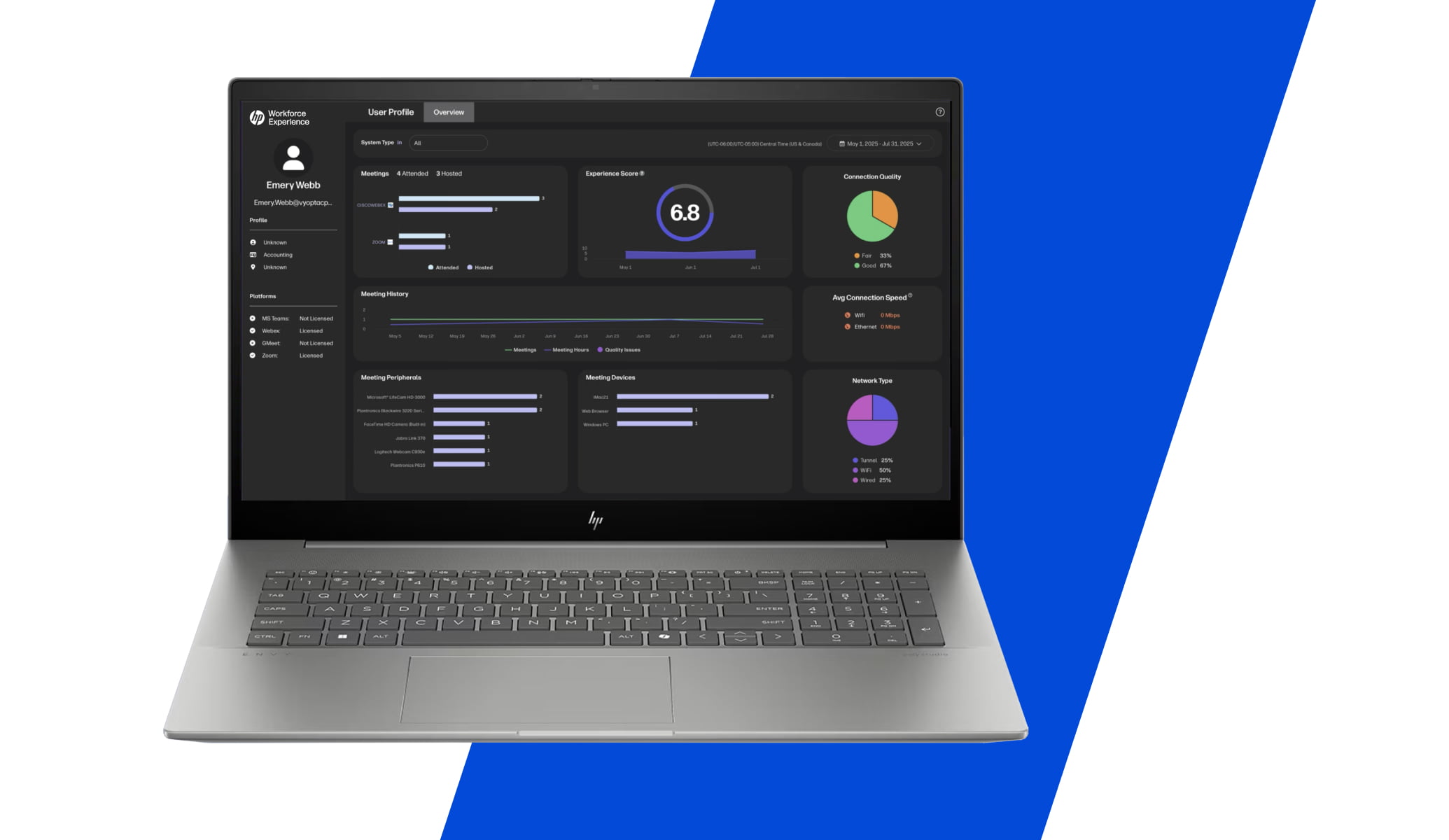

Know Your Spaces
WXP Collaboration’s Space Insights provides a single-pane-of-glass into meeting space utilization, allowing you to identify inefficiencies, understand trends, and make the right technology and space investments. Take the guesswork out and make data-driven decisions to optimize collaboration for hybrid and in-office workspaces. Know how your conference rooms and huddle spaces are being used and gain actionable insights to free up resources, stop inefficient behavior, optimize real estate spend, and intelligently plan future build-outs and deployments.

“We’ve stopped all manual reporting – it saves a single person a 40 hour work week every month.”
Steve McClellan, Conferencing Technology and Innovation Manager, AstraZeneca

People. Space. Technology.
Discover how people are using the spaces and ensure their needs are met. Can employees always find a place to meet? Are schedules disrupted by no-show bookings or meeting collisions? How many ad hoc spaces do you need? Identify trends by building, floor, room type, location, etc. Optimize room size and real estate investments. Are large conference rooms rarely holding more than 4-5 people? Are certain floors reaching capacity? Are huddle spaces being used at a higher rate than conference rooms? Understand how your technology investment is being used and where it could be optimized. Do employees have sufficient space to host their hybrid meetings? Are Webex rooms frequently dialing into Teams meetings (and vice versa).

How Does It Work?
With Space Insights, you can fully visualize and dissect the activity in your conference rooms and huddle spaces, empowering you to make data-driven decisions to increase the ROI on your real estate investment and improve workforce productivity. This is accomplished by combining three components of data into a single pane of glass, as displayed above.
- Room schedule (via O365/Exchange or Google Calendar)
- Improve Adoption & User Experience
- Optimize Operational Planning & ROI
Taken together, this data offers unparalleled visibility into the modern office space and provides the tools to ensure your investment is meeting the needs of the workforce. WXP Collaboration Space Insights keeps track of over 60 metrics, giving you accurate data down to the minute.

Optimize. Analyze. Collaborate.
Accelerate transformation, improve productivity, and increase ROI with WXP Collaboration Technology Insights, Space Insights, and vAnalytics.
Technology Insights
HP's powerful WXP Collaboration Technology Insights simplifies the most complex elements of your collaboration environment, across numerous platforms and endpoints, allowing you to quickly optimize technology performance.
Space Insights
WXP Collaboration’s Space Insights provides a single pane of glass into meeting space utilization, allowing you to identify inefficiencies, understand trends, and make the right technology and space investments for your hybrid and in-office workspaces.
vAnalytics
WXP Collaboration’s vAnalytics is powerful and intuitive system for on-prem environments that provides a single-pane-of-glass view for one or multiple UC vendors. Near real-time monitoring and alerts to quickly identify and resolve issues and call quality problems.

What We Cover


What We Cover


