Thank you for visiting the NEW ZEALAND HP Store
-
Contact Us
CONTACT USCall us
- Sales
- 0800 854 848
- Technical support
- +64 9884 8600
Mon-Fri 9.00am - 6.00pm
(exc. Public Holidays)
Chat with us- Our specialist are here to help
- Live chat
Mon-Fri 9.00am - 6.00pm
(exc. Public Holidays)
Submit feedback We value your opinion! - My Account

Search
Tech Takes

-
Posted: April 01, 2026Categories: Laptops
 Read more »
Whether you’re a freelance designer working from a Wellington co-working space or a content creator editing footage in Auckland, the demand for a laptop that keeps pace with AI-driven workflows has never been greater. The HP OmniBook X is built precisely for this moment — a thoughtful, capable machine that brings dedicated AI hardware to thin-and-light form factors. In this review, we take a close look at what makes the HP OmniBook X unique, including its specs, AI capabilities, and more.
-
Posted: March 25, 2026Categories: Laptops
 Read more »
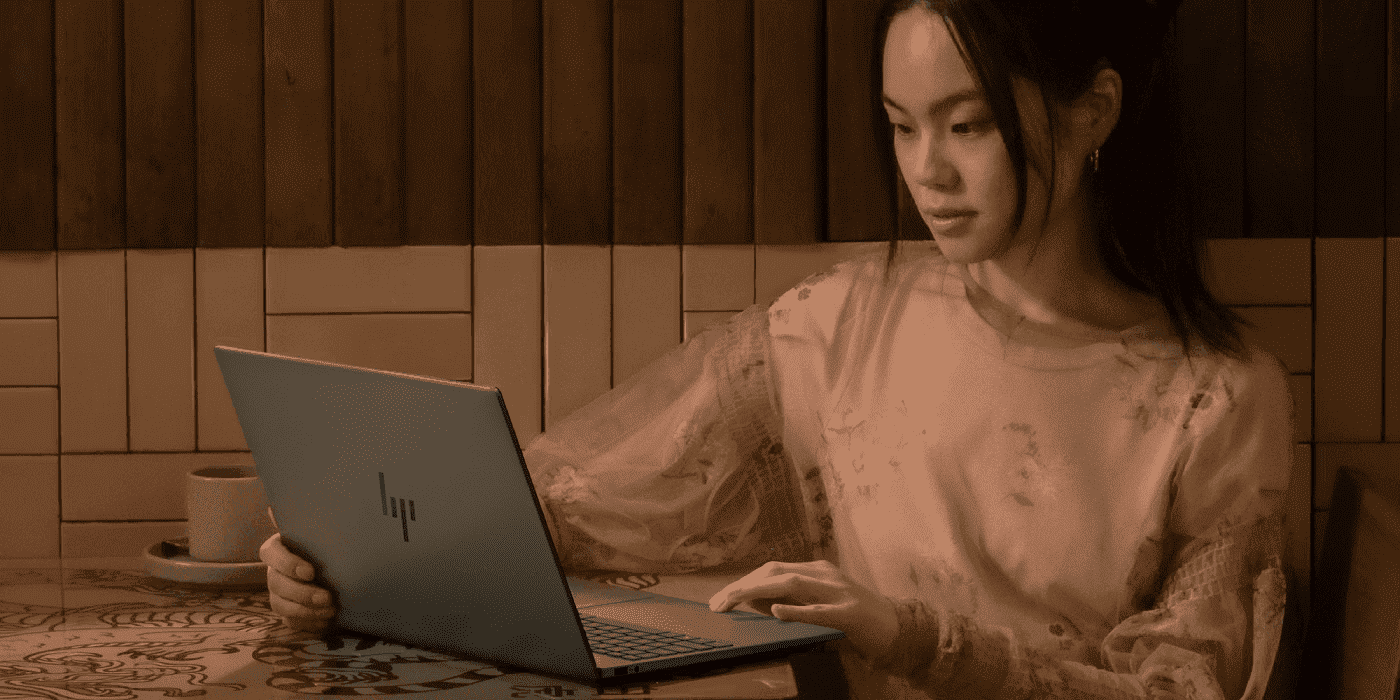
In an effort to streamline the buying process and upgrade its core products, HP recently introduced the all-new OmniBook line, offering users a range of hard-working, lightweight laptops. The OmniBook 7 replaces the well-loved Pavilion Plus and introduces new features including AI capabilities, military-grade durability, and numerous other updates — catering to professionals, students, and creative users alike.
-
Posted: March 16, 2026Categories: Laptops
 Read more »
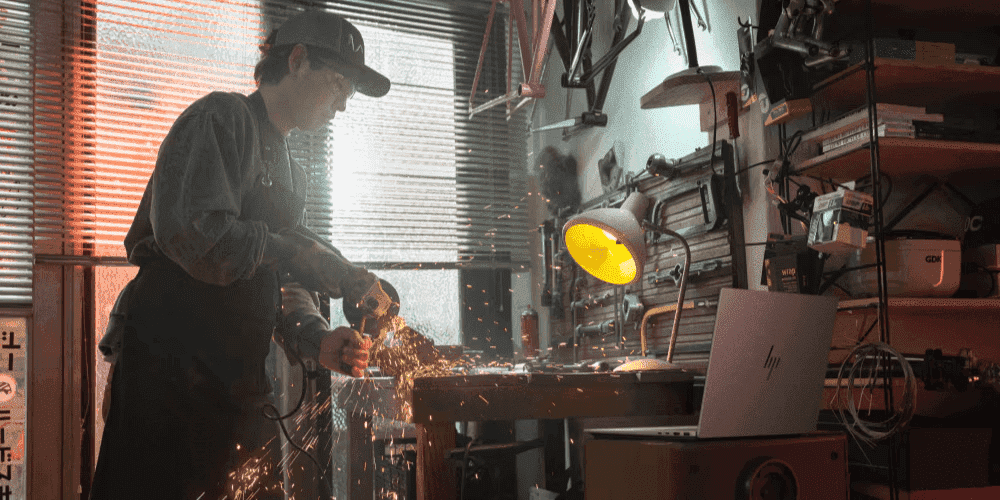
The business laptop market has long been dominated by the x86 duopoly. Leading a welcome leap to embrace ARM-based architecture and prioritise true mobility is HP’s new flagship — the HP OmniBook X. For Kiwi professionals who are constantly on the move — whether commuting between Auckland and Wellington or working remotely from the regions — a laptop that combines all-day battery life with serious AI muscle is no longer a luxury. It’s a necessity.
-
Posted: March 11, 2026Categories: Laptops
 Read more »
Mobile professionals across New Zealand — whether you’re hot-desking in Auckland’s CBD, commuting between Wellington offices, or working remotely from the regions — are always searching for that ideal balance between power and portability. The HP OmniBook Ultra Flip 14 has been engineered to deliver on both fronts. Weighing in at approximately three pounds, it combines AI-powered performance with up to 22 hours of battery life, making it one of the most compelling premium laptops available in New Zealand today.
-
Posted: March 04, 2026Categories: Laptops
 Read more »
For Kiwi professionals and creatives who have long relied on the HP Spectre line, exciting news is here. HP has evolved one of its most beloved premium laptop families into something even more powerful — the HP OmniBook Ultra series. Whether you work remotely from Wellington, create content in Auckland, or run a business from Christchurch, this next-generation platform is built to keep pace with the AI-powered world.
-
Posted: March 04, 2026Categories: Miscellaneous
 Read more »
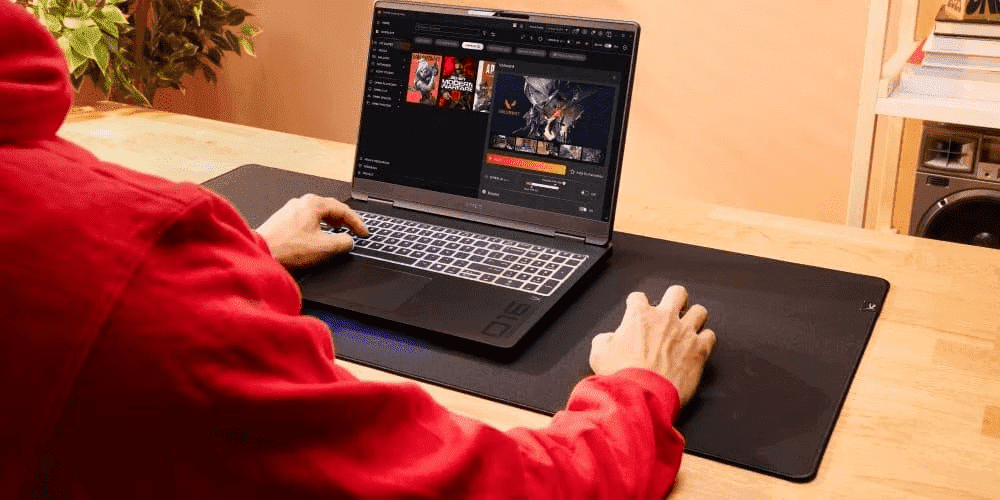
As a PC user in New Zealand, whenever you press Ctrl + Shift + Esc, you’re hoping for a solution to frozen browser tabs, lagging system processes, and game crashes. Task Manager helps, but performance keeps declining, background processes keep multiplying, and your PC exhibits stutters during everyday use. This happens because most users utilise less than 10% of what Task Manager can truly do—the rest remains hidden behind tabs and tools designed for IT professionals.
-
Posted: February 25, 2026
 Read more »
Quick Answer
No, modern laptops use Battery Management Systems (BMS) that prevent overcharging by cutting power to the battery at 100% charge. However, keeping batteries at extreme charge levels (0% or 100%) and exposing them to heat can accelerate degradation over time
-
Posted: February 20, 2026Categories: Laptops
 Read more »
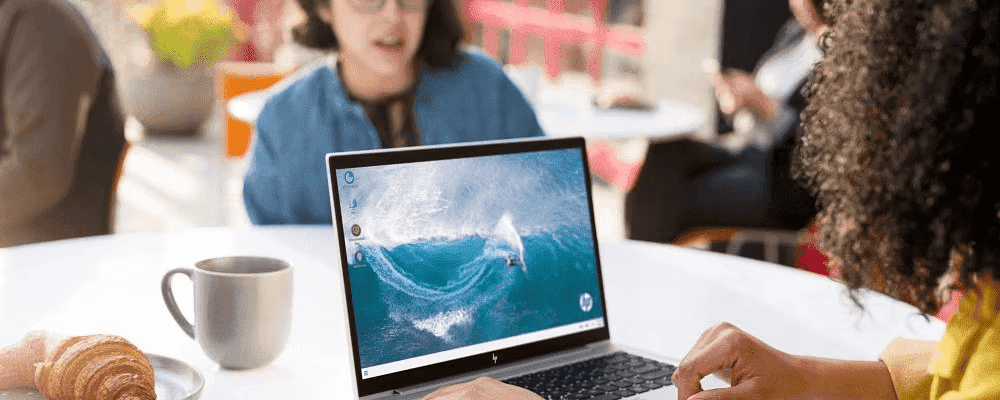
Upgrading to a new machine is exciting, especially when eyeing one of the latest HP laptops. For Kiwis looking to make the most of their technology investments, selling or recycling your old device is both economically sensible and environmentally responsible. But it’s also a little daunting. You want to participate in the circular economy by selling or recycling your old device, but you’re wary of handing it over with sensitive information still on it.
-
Posted: February 18, 2026Categories: Printer
 Read more »
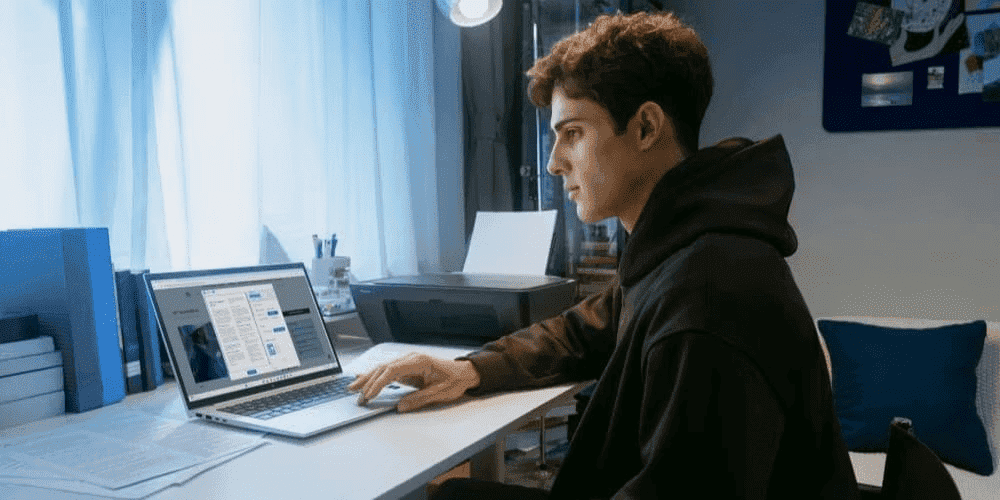
Every connected device in your home is a potential entry point for hackers. Your wireless printer, whilst often overlooked, can create a significant security gap in your network—especially if left with factory-default settings and unpatched firmware. For Kiwi households increasingly reliant on home office setups, understanding printer security has never been more crucial.
-
Posted: February 16, 2026Categories: Miscellaneous
 Read more »
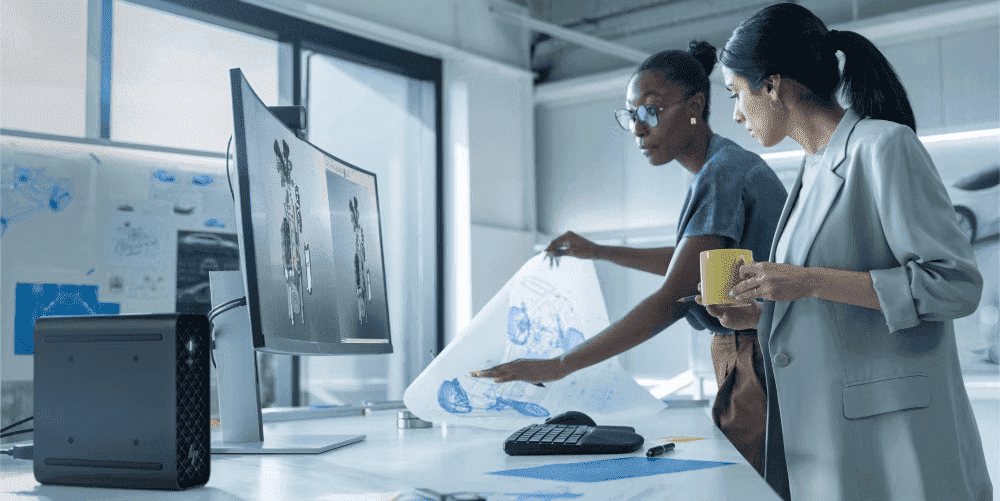
The AI era has arrived—and this transformative technology is now standard in laptops across the market. For New Zealand professionals, students, and tech enthusiasts, understanding the difference between NPUs and GPUs is increasingly important as we embrace AI-powered computing in our daily lives. This distinction matters especially for consumers shopping for new laptops where AI performance is a deciding factor.
Recent Posts
Popular Posts


Products purchased through this store are sold and fulfilled by Ingram Micro (NZ) LTD

CONTACT US
Call us
- Sales
- 0800 854 848
- Technical support
- +64 9884 8600
Mon-Fri 9.00am - 6.00pm
(exc. Public Holidays)
Chat with us
- Our specialist are here to help
- Live chat
Mon-Fri 9.00am - 6.00pm
(exc. Public Holidays)
Submit feedback
We value your opinion!