Selecting filters will refresh results and may change available options.
PRICE RANGE
$
$
PRODUCT TYPE
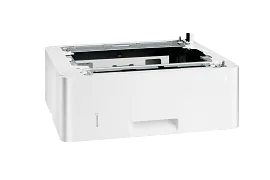
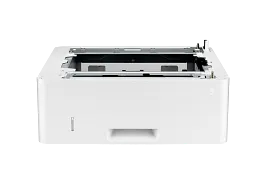
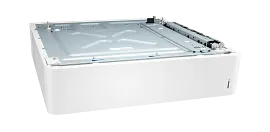
HP LaserJet Pro 550-sheet Feeder Tray
Reduce trips to the printer to reload paper with this paper input accessory. This 550-sheet input tray enables loading full reams of paper before the tray is empty. Print more pages without having to reload paper.Manage your business, not your printer. Save time by refilling your paper trays less often. Add this 550-sheet paper tray, for a total input capacity of 900-sheets, and print for longer without reloading paper.Added input capacity increases uptime. Individuals and small workteams will enjoy greater productivity and smoother workflow without having to manage paper resources.
D9P29A
3% back in HP Rewards

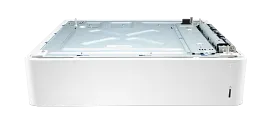
HP Color LaserJet 550 Sheet Paper Tray
Increase input capacityReduce user interventionIncrease productivity
28N93A
3% back in HP Rewards
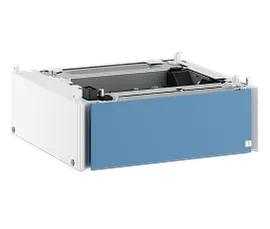
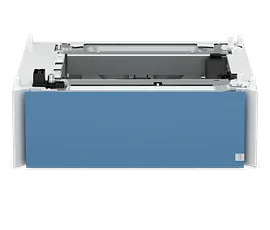
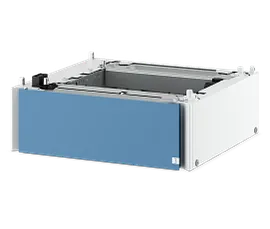
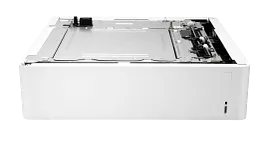
HP LaserJet 550-sheet Paper Tray
Reduce trips to the printer. With room for more paper and support for multiple sizes, your teams stay focused instead of stopping to reload.Print on different media types—plain sheets, brochures, or specialty paper—without pausing to swap trays. The printer automatically selects the right source for each job.
6C7M6A
NEW
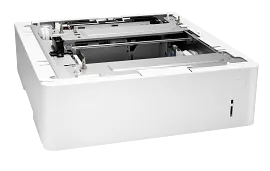
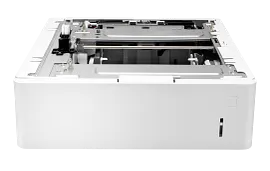
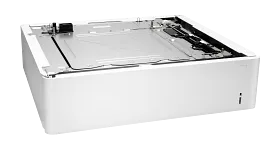
HP LaserJet 550-sheet Paper Tray
Reduce trips to the printer to reload paper with this paper feeder that supports paper sizes from A6 to legal. Print more pages without having to reload paper.Automatically print on up to six different types of paper without manually loading paper for each print job. Add up to five of these feeders to your printer for more flexibility.Help individuals and workteams save time and be more productive with additional paper capacity of 550 sheets. With more sheets of available paper, users spend less time refilling paper feeders.
L0H17A
3% back in HP Rewards
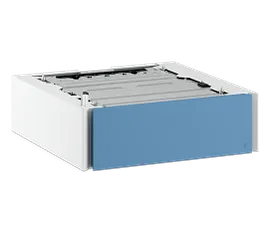
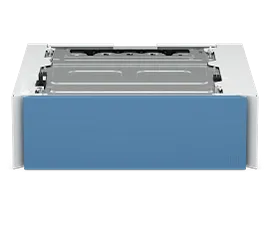
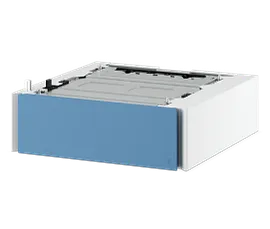
HP LaserJet 550-sheet Paper Tray
Reduce trips to the printer to reload paper with this paper input accessory. This 550-sheet input tray enables loading full reams of paper before the tray is empty. Print more pages without having to reload paper.Manage your business, not your printer. Save time by refilling your paper trays less often. Add this 550-sheet paper tray and print for longer without reloading paper.Added input capacity increases uptime. Individuals and small workteams will enjoy greater productivity and smoother workflow without having to manage paper resources.
BV1G1A
NEW
3% back in HP Rewards
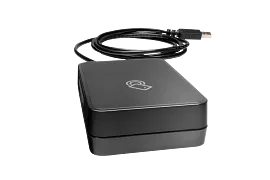
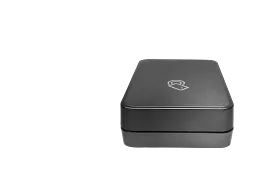
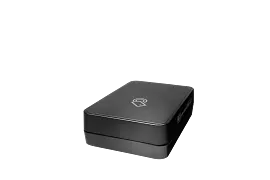
HP Jetdirect 3100w BLE/NFC/Wireless Accessory
802.11b/g/n/a with Dual Band wireless; Ethernet (2.4 GHz and 5 GHz); Wi-Fi Direct; BLE; NFC (near-field communication)
3JN69A
3% back in HP Rewards
HP Color LaserJet 550-sheet Media Tray
Reduce trips to the printer to reload paper with this paper feeder that supports paper sizes from A6 to legal.Help individuals and workteams save time and be more productive with additional paper capacity of 550 sheets. With more sheets of available paper, users spend less time refilling paper feeders.
6QN57A
3% back in HP Rewards


HP LaserJet 550-sheet Paper Tray
Save time and improve the performance of individuals and workteams with the increased paper capacity of this 550-sheet paper tray from HP. With more sheets of available paper, users spend less time refilling paper trays.
F2A72A
3% back in HP Rewards

HP LaserJet 550-sheet Feeder Tray
Reduce trips to the printer to reload paper with this paper input accessory. This 550-sheet input tray enables loading full reams of paper before the tray is empty. Print more pages without having to reload paper.Manage your business, not your printer. Save time by refilling your paper trays less often. Add this 550-sheet paper tray, for a total input capacity of 850 sheets, and print for longer without reloading paper.Added input capacity increases uptime. Individuals and small workteams will enjoy greater productivity and smoother workflow without having to manage paper resources.
CF404A
3% back in HP Rewards
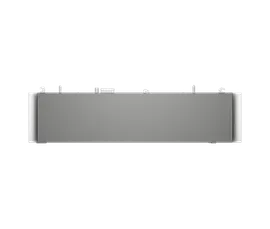
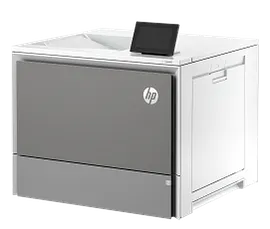
HP Color LaserJet Lunar Gray 550 sheet Paper Tray
Reduce trips to the printer to reload paper with this paper feeder that supports paper sizes from A6 to legal.Help individuals and workteams save time and be more productive with additional paper capacity of 550 sheets. With more sheets of available paper, users spend less time refilling paper feeders.
65A32A
3% back in HP Rewards

3% back in HP Rewards
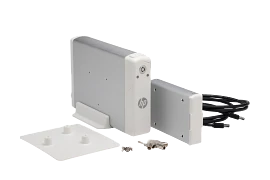
HP Jetdirect 3000w NFC/Wireless Accessory
802.11b/g Wireless Ethernet; NFC; Hi-Speed USB 2.0HP LaserJet M552, M553, M604, M605, M606
J8030A
3% back in HP Rewards
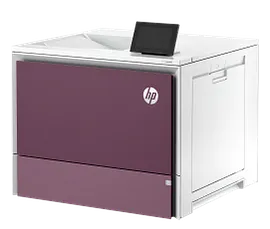
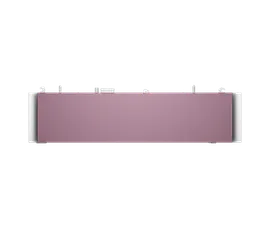
HP Color LaserJet Aurora Purple 550 sheet Paper Tray
Reduce trips to the printer to reload paper with this paper feeder that supports paper sizes from A6 to legal.Help individuals and workteams save time and be more productive with additional paper capacity of 550 sheets. With more sheets of available paper, users spend less time refilling paper feeders.
65A30A
3% back in HP Rewards
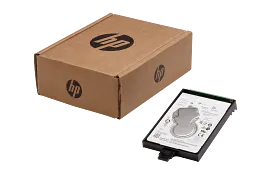
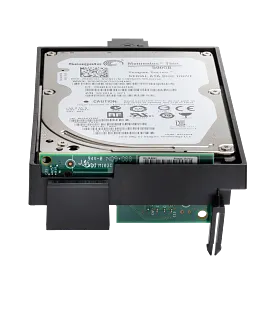
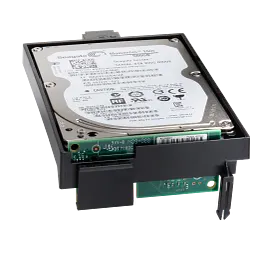
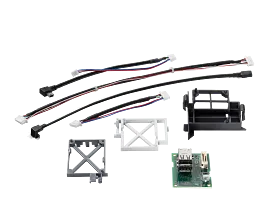
HP High-Performance Secure Hard Disk
HP High-Performance Secure Hard Disks are easy to install, manage, and maintain. A straightforward design, automatic key provisioning, and other management tools help you secure your printing network at the device.Help protect data at rest on your internal HP hard disk with an internal or EIO cryptographic solution validated to the FIPS 140-2 standard.[1] Hardware-based AES encryption provides added protection and assurance that information is safe.Make sure your investment is protected. The HP High-Performance Secure EIO Hard Disk includes an adapter for a physical security mechanism to further prevent theft of your hard disk and attempted access to your information assets.
B5L29A
3% back in HP Rewards
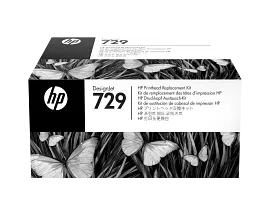
HP 729 DesignJet Printhead Replacement Kit, F9J81A
Produce crisp, clear CAD, general-purpose printsHelp reduce downtime and improve productivityEasy to use, easy to replace
F9J81A
3% back in HP Rewards
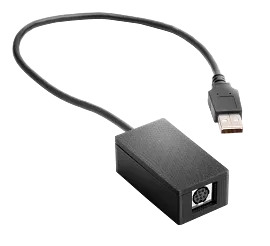
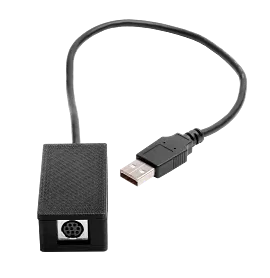
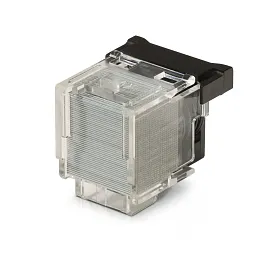
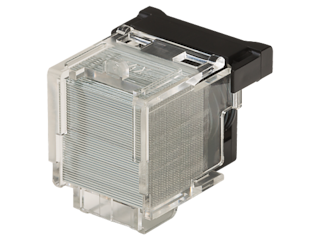
HP 2-pack 2000-staple Cartridge
Avoid job interruptions with the HP Staple Cartridge Refill. With 4000 staples in the refill cartridge and messages that indicate when the stapler is low on staples, you don’t have to worry about running out of staples in the middle of a print job.The HP Staple Cartridge Refill is easy to install and use, ensuring accurate stapling for professional-looking documents.With 4000 staples (2 x 2000), the HP Staple Cartridge Refill offers great value and the reliability you’ve come to expect from HP.
CC383A
3% back in HP Rewards
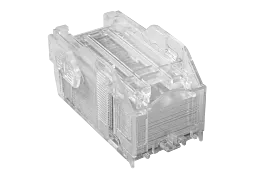
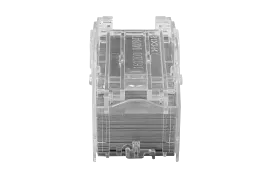
HP Staple Cartridge Refill
Avoid job interruptions with the HP Staple Cartridge Refill. With 5000 staples in the refill cartridge and messages that indicate when the stapler is low on staples, you don’t have to worry about running out of staples in the middle of a print job.The HP Staple Cartridge Refill is easy to install and use, ensuring accurate stapling for professional-looking documents.With 5000 staples, the HP Staple Cartridge Refill offers great value and the reliability you’ve come to expect from HP.
C8091A
3% back in HP Rewards
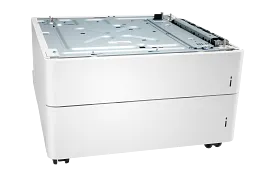
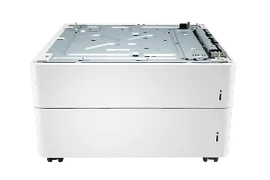
HP Color LaserJet 2x550-sheet Feeder and Stand
Reduce trips to the printer to reload paper with this 2x550-sheet paper feeder that supports paper sizes from A6 to legal. Print more pages without having to reload paper.This additional input source enables printing on two different types of paper without manually loading paper for each print job.Help workteams optimally position the printer so it is highly accessible while adding storage for extra paper and supplies. Use the wheeled stand to relocate the printer to where it's needed.
T3V29A
3% back in HP Rewards
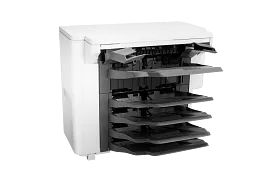
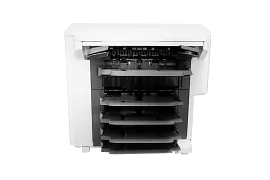
HP LaserJet Stapler/Stacker/Mailbox
Improve workflow management and accommodate multiple users by adding automatic stapling (up to 50 sheets) and stacking with job offset to your HP LaserJet printer.Monitor your printer less frequently with automatic print job stapling and stacking. This accessory expands the printer's total output to 1300 sheets with 6 separate bins.Allow multiple users to print to the same printer with automatic print job offset.
L0H20A
3% back in HP Rewards
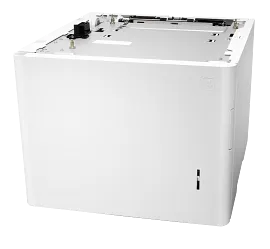
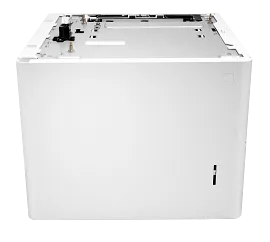
HP LaserJet 2100 Sheet Paper Tray
Reduce trips to the printer to reload paper with this paper input accessory. Print more pages without having to reload paper.This additional input source enables printing on two different types of paper without manually loading paper for each print job.Help individuals and workteams save time and be more productive with additional paper capacity of 2100 sheets. With more sheets of available paper, users spend less time refilling paper feeders.
L0H18A
3% back in HP Rewards
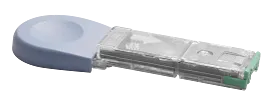
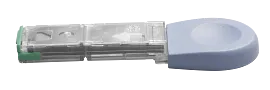
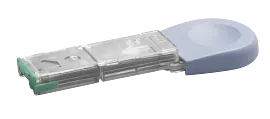
HP 1000-staple Cartridge
Avoid job interruptions with the HP Staple Cartridge Refill. With 1000 staples in the refill cartridge and messages that indicate when the stapler is low on staples, you don’t have to worry about running out of staples in the middle of a print job.Easy to install and use.With 1000 staples, the HP Staple Cartridge Refill offers great value and the reliability you’ve come to expect from HP.
Q3216A
3% back in HP Rewards
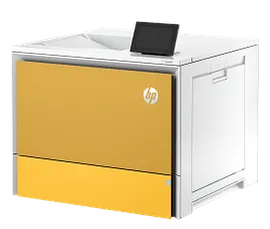
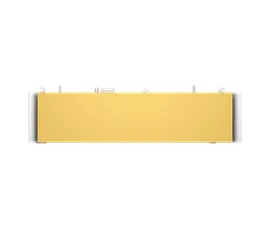
HP Color LaserJet Constellation Yellow 550 sheet Paper Tray
Reduce trips to the printer to reload paper with this paper feeder that supports paper sizes from A6 to legal.Help individuals and workteams save time and be more productive with additional paper capacity of 550 sheets. With more sheets of available paper, users spend less time refilling paper feeders.
65A28A
3% back in HP Rewards
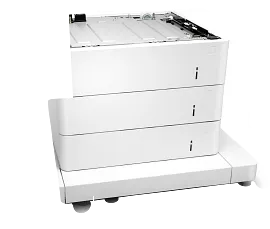
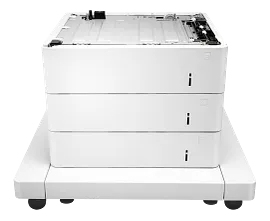
HP LaserJet 3x550-sheet Paper Feeder with Cabinet
Automatically print on up to four different types of paper without manually loading paper for each print job.Help individuals and workteams save time and be more productive with additional paper capacity of 1,650 sheets.Free up space on a desk or table when you add the HP LaserJet 3x550-sheet paper feeder with cabinet. Use the cabinet for convenient storage of extra paper or print supplies.
J8J93A
3% back in HP Rewards
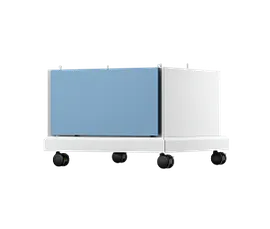
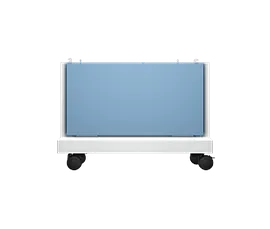
HP Color LaserJet Storage Stand
Position stand so the printer is accessibleStore supplies close to printer for quick accessStable design keeps your device safe and secure
9V9E6A
3% back in HP Rewards
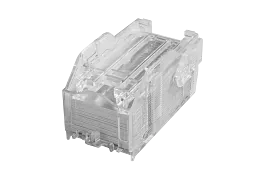
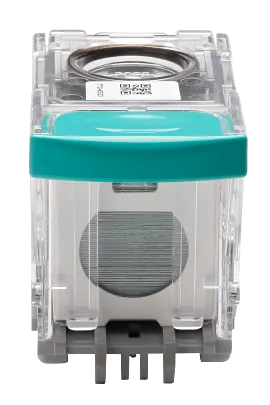
HP Staple Cartridge Refill
The HP Staple Cartridge Refill is easy to install and use, ensuring accurate stapling for professional-looking documents.With 5,000 staples, the HP Staple Cartridge Refill offers great value and the reliability you’ve come to expect from HP.Know if staples are running low before you start your print job. You'll see a message when the stapler is low so that, if needed, you can add another refill cartridge before the job starts.
J8J96A
3% back in HP Rewards
3% back in HP Rewards
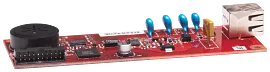
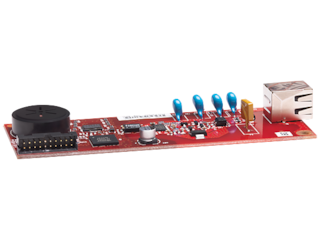
HP LaserJet MFP Analog Fax Accessory 500
This easy-to-install, internal fax card increases the functionality of your device and improves productivity. Enhance the value of your HP LaserJet MFP[1] with analog fax capability.Get industry-renowned HP LaserJet reliability you expect. This affordable and reliable analog fax accessory efficiently processes jobs with V.34 (up to 33.6 kbps), while providing standard JBIG compression to save time and money by shortening calls.Enjoy secure faxing on your device with manual and scheduled memory lock. This convenient feature keeps sensitive information confidential by ensuring that faxed documents are only printed for authorized personnel.
CC487A#B1H
3% back in HP Rewards
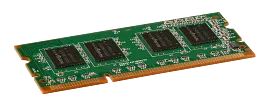
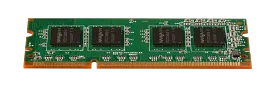
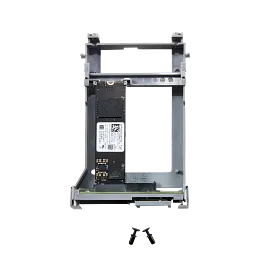
HP LaserJet 512 GB SED-TAA Solid State Drive
Use the Solid State Drive to securely store documents on your MFP or printer.Increase the performance of your device with faster boot times and OCR.Upgrading to the Solid State Drive noticeably increases the responsiveness of your device.
766R7A
3% back in HP Rewards
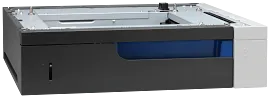
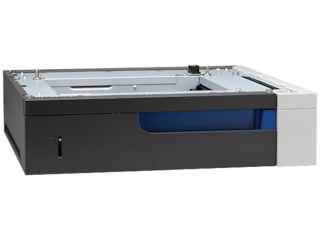
HP Color LaserJet 500-sheet Paper Tray
Reduce trips to the printer to reload paper with this paper input accessory. Print more pages without having to reload paper.Automatically print on two different types of paper such as plain paper and glossy brochure paper without manually loading paper trays for each print job.Save time and improve the performance of individuals and workteams with the increased paper capacity of this 500-sheet paper tray from HP. With more sheets of available paper, users spend less time refilling paper trays.
CE860A
3% back in HP Rewards
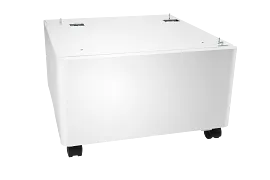
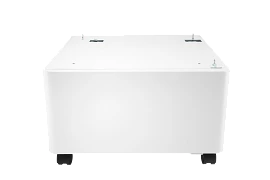
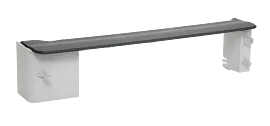
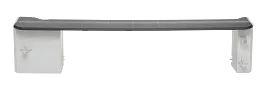
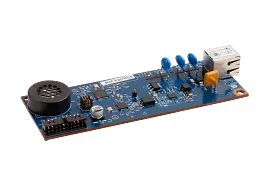
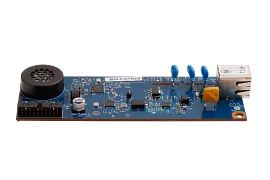
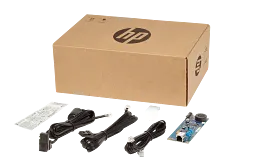
HP MFP Analog Fax Accessory 700
Enjoy secure faxing on your device with manual and scheduled memory lock. This convenient feature keeps sensitive information confidential by ensuring that faxed documents are only printed for authorized personnel.
2EH31A
3% back in HP Rewards
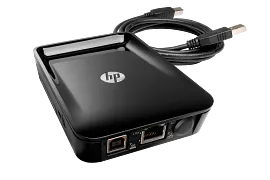
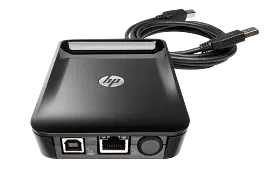
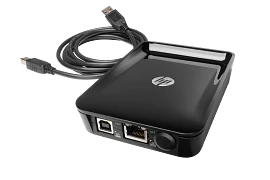
HP Jetdirect LAN Accessory
Ethernet; Fast Ethernet; Gigabit Ethernet; 802.3; RJ-45 (10/100Base-TX/1000T); Hi-Speed USB 2.0
8FP31A
3% back in HP Rewards
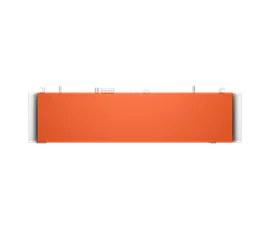
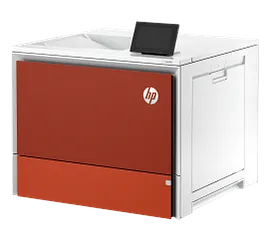
HP Color LaserJet Comet Red 550 sheet Paper Tray
Reduce trips to the printer to reload paper with this paper feeder that supports paper sizes from A6 to legal.Help individuals and workteams save time and be more productive with additional paper capacity of 550 sheets. With more sheets of available paper, users spend less time refilling paper feeders.
65A31A
3% back in HP Rewards
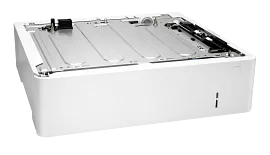
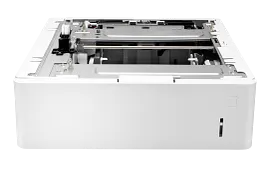
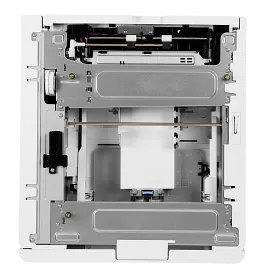
HP LaserJet Envelope Feeder
Help improve productivity and reduce printer interaction by eliminating the need to manually load envelopes.Simplifying business mailings by printing envelops quickly and efficiently with this feeder that holds 75 envelopes.Add two HP Envelope Feeders and print up to 150 professional looking envelopes at a time.
L0H21A
3% back in HP Rewards
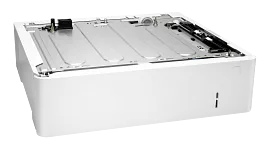
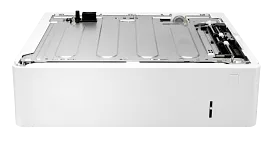
HP LaserJet 550-sheet Feeder Tray
Reduce trips to the printer to reload paper with this paper feeder that supports paper sizes from A6 to legal. Print more pages without having to reload paper.Automatically print on up to three different types of paper without manually loading paper for each print job. Add up to two of these feeders to your printer for more flexibility.Help individuals and workteams save time and be more productive with additional paper capacity of 550 sheets. With more sheets of available paper, users spend less time refilling paper feeders.
J8J89A
3% back in HP Rewards
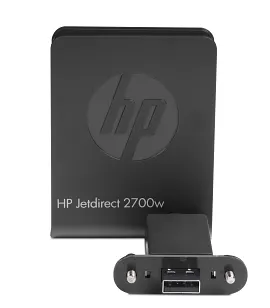
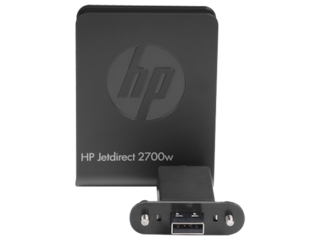
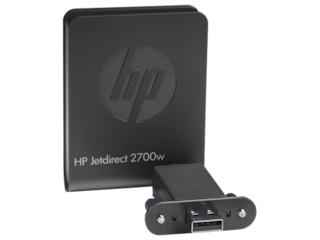
HP Jetdirect 2700w USB Wireless Print Server
802.11b/g/n; USB 2.0HP LaserJet printers: LaserJet Enterprise 600 M601, M602, and M603 printer series; HP Color LaserJet printers: LaserJet Enterprise 500 color M551 printer series; HP LaserJet MFPs: LaserJet Enterprise 500 color MFP M575 series
J8026A
3% back in HP Rewards
3% back in HP Rewards
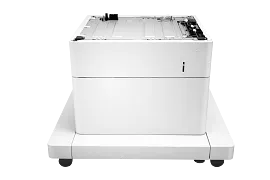
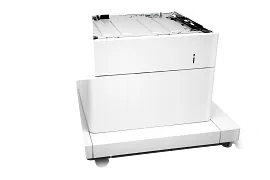
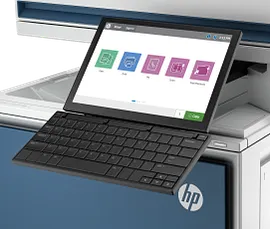
HP LaserJet 1x550 Paper Feeder and Cabinet
Increase flexibility with one accessory that combines an additional 500-sheet paper feeder and a convenient storage cabinet.Automatically print on up to three different types of paper without manually loading paper for each print job. Add up to two of these feeders to your printer for more flexibility.Free up space on a desk or table when you add the HP LaserJet 1x550-sheet paper feeder with cabinet. Use the convenient cabinet to store extra paper or printer supplies.
J8J91A
3% back in HP Rewards
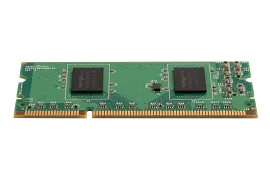

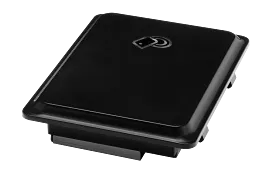
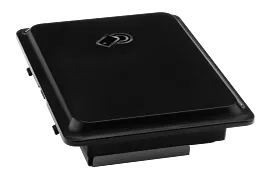
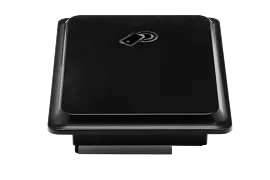
HP Jetdirect 2800w NFC/Wireless Direct Accessory
Hi-Speed USB 2.0HP LaserJet M806, M830, M880, M855, M651, M680, M525, M525c, M575, M575c, M551, M775, M712 and M725 Series
J8029A
3% back in HP Rewards


