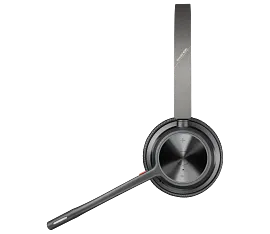
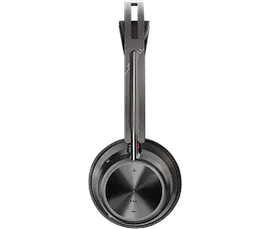
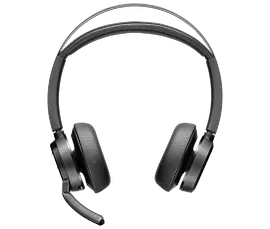
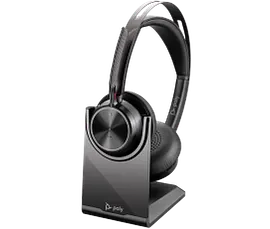
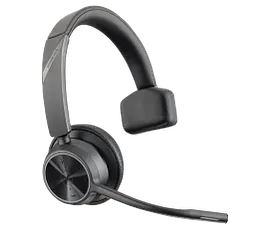
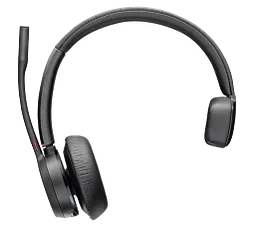
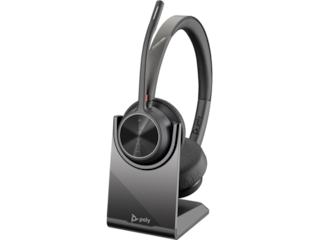
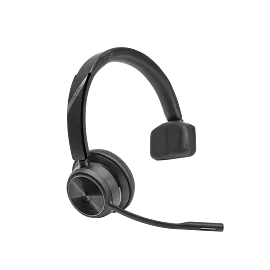
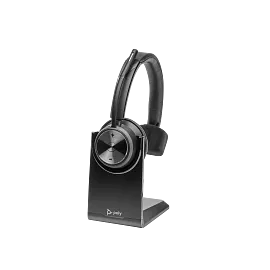
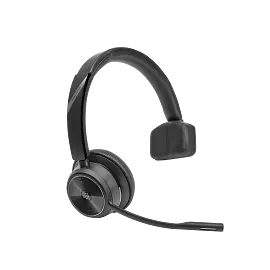
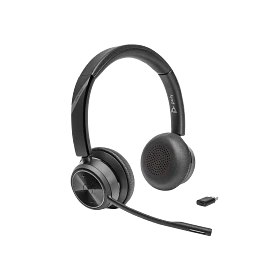
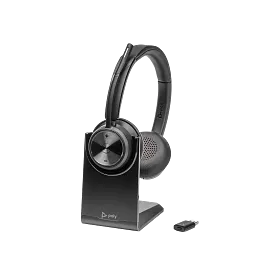
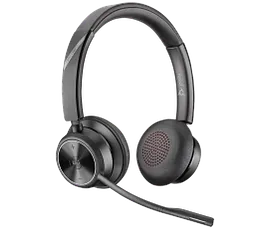
Poly Voyager 4310-M Microsoft Teams Certified Headset with charge stand
Other offers available with the product:
FREE Storewide Shipping
Weekly Deals
Product # 77Y93AA
3% back in HP Rewards
Poly Voyager 4310-M Microsoft Teams Certified Headset with charge stand
$0.00
Free your workers from their desks with the entry-level Bluetooth® wireless headset. Meet the Voyager 4300 UC Series. It’s everything your teams need to stay productive and connect to all their devices whether at home or in the office.
Freedom to work
Move freely between all your workspaces with this portable headset. Roam with ease with up to 50 m / 164 ft of wireless range. Reduce background noise and control your conversations with Acoustic Fence technology.
Round-the-clock efficiency
Boost your productivity with continuous comfort, up to 24 hours of talk time, and connectivity to multiple devices. Extend your talk time by using the desktop charge stand or by using the headset in the corded USB mode.[1,2]
recommended accessories
Escape your desk
Walk-and-talk with ease with up to 50 meters / 164 feet of Bluetooth® wireless range with included BT700 USB adapter.
It’s your call
Stay productive with up to a full 24 hours of wireless talk time.[3]
On-call indicator
Give those around you a visual cue that you’re busy — an on-call indicator flashes on the ear cup when you’re on a call.
No need for battery anxiety
Keep your headset fully charged using a desktop charging stand. You can also extend the battery life by using it corded, with audio over USB mode.
Easy management via Poly Lens
Take control of your deployment from anywhere via remote management with Poly Lens cloud-based device management software.
Certified for Microsoft Teams
Full Microsoft Teams certification takes your Microsoft Teams experience to the next level with a button for instant access to the app and more.
Technical details
Poly Voyager 4310-M Microsoft Teams Certified Headset with charge stand is rated
out of
5 by
69.
Rated 5 out of
5
by
CarlaM from
Totally Recommended
I did a lot of research on which headset to buy for WFH and came across this one. Let me tell you it was worth every penny! Would totally recommend it
Date published: 2023-01-16
Can i use this headset with my VOIP phone system
Thank you for your question! The question is not very clear. However, this Poly Voyager 4310-M Microsoft Teams Certified Headset will be compatible via Bluetooth or USB connection-A connection. The minimum system OS requirements are Windows 11; Windows 10; macOS; Android™; and iOS. If you were referring to whether this would be compatible with connecting directly to a VOIP system and not through a PC via a VOIP system, it is recommended to contact the VOIP hardware manufacturer. Hopefully, this answer helped. If not please visit Poly technical support at this link: https://support.hp.com/us-en/poly
Date published: 2024-10-25
how to connect to poly edge E220 the wireless form?
Thank you for your question! For Poly technical support, please visit this link: https://support.hp.com/us-en/poly
Date published: 2025-05-06
How do I connect to my galaxy 15
Thanks for your question. You will need to use the included BT700 USB-A Bluetooth adapter and connect the device to your phone with Bluetooth.
Date published: 2025-01-03
Specs for 4310 state compatible with Windows 10, I see the 4320 2 earpiece version headset is compatible with Windows. Will this work with Windows 11?
Is this compatible with Xbox 1 s series console?
The sound channels in the headset for this model, is it Mono or Stereo? Our office had issues with the Webex 571 model, where using that headset to listen to a recorded call will not play the sound channels in Stereo so we cannot hear both sides of call.
how do i see the battery life
How do you turn the mute off on the headset?
SIMILAR PRODUCTS
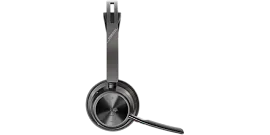
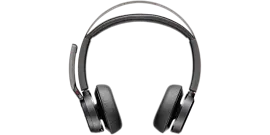
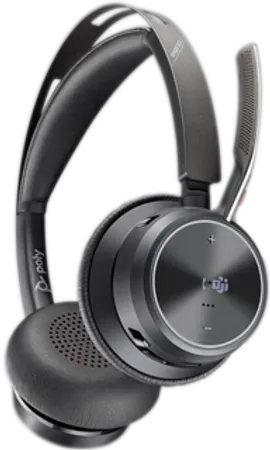
Poly Voyager Focus 2 Microsoft Teams Certified USB-C-C Headset +USB-C/A Adapter +Charging Stand
Wireless: Bluetooth®, USB Type-C® BT700, USB Type-C®/A adapterNoise cancellingHybrid Active noise cancellation (ANC); Rotate microphone boom to mute; Microphone noise cancellation with Acoustic Fence technology
9T9J6AA#AC3
3% back in HP Rewards
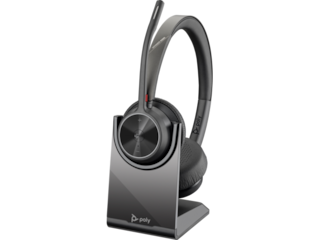
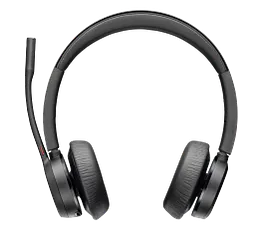
Poly Voyager 4320-M Microsoft Teams Certified Headset +BT700 dongle +Charging Stand
On-ear (stereo)Wireless: Bluetooth®, USB Type-C® BT700Noise cancellingMicrosoft Teams Open Office certified; Microphone noise cancellation with Acoustic Fence technology
77Z32AA
3% back in HP Rewards
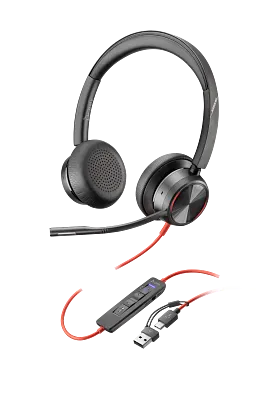
Poly Blackwire 8225 Stereo Microsoft Teams Certified USB-C Headset +USB-C/A Adapter
On-ear (stereo)Wired: USB Type-C®, USB Type-C®/A adapterNoise cancellingHybrid Active noise cancellation (ANC); Microsoft Teams Open Office certified; Microphone noise cancellation with Acoustic Fence technology
8X225AA
3% back in HP Rewards

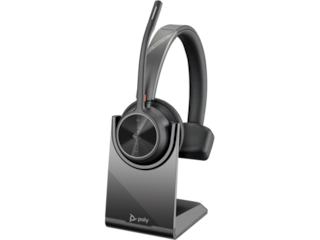
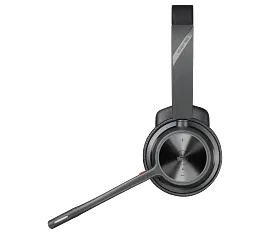
Poly Voyager 4310 Microsoft Teams Certified USB-C Headset with charge stand
On-ear (stereo)Wireless: Bluetooth®, USB Type-C® BT700Noise cancellingMicrosoft Teams Open Office certified; Microphone noise cancellation with Acoustic Fence technology
77Y97AA
3% back in HP Rewards



Return and exchange information
Eligible purchases from Nov 1 - Dec 25, 2025, can be returned or exchanged until Jan 15, 2026, or 30 days after delivery, whichever is later. A 15% restocking fee may apply. For details, please visit: https://www.hp.com/us-en/shop/cv/returnsandexchanges


