Selecting filters will refresh results and may change available options.
PRICE RANGE
$
$
20% off with code TREAT20
3% back in HP Rewards
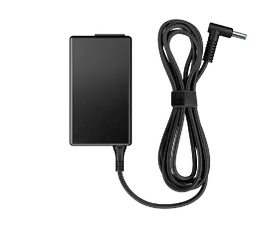
20% off with code TREAT20
3% back in HP Rewards
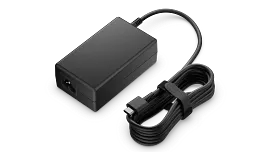
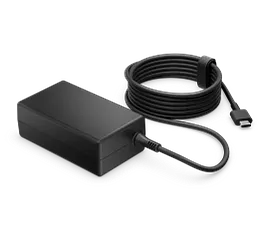
HP 65W GaN USB-C LC Power Adapter
Reliable performance for everyday chargingUniversal USB-C® compatibility[3,4]Quick power with HP Fast Charge[6]Contains at least 25% post-consumer recycled plastic[7]
D36ZXAA#ABA
Sustainability features
Top deal!
3% back in HP Rewards
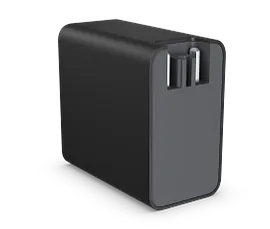
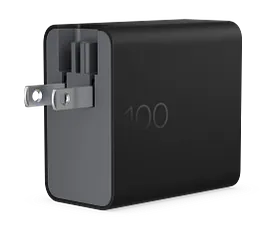
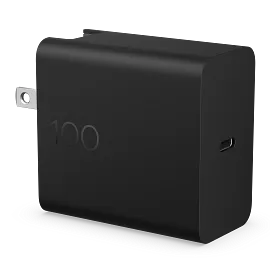
HP 100W GaN Wall Charger
Charge efficiently and safely.Smaller, lighter, and more versatile.2 m USB-C® cable included.Contains at least 90% post-consumer recycled plastic (PCR).[7]
CS9V7UT#ABA
Sustainability features
20% off with code TREAT20
3% back in HP Rewards
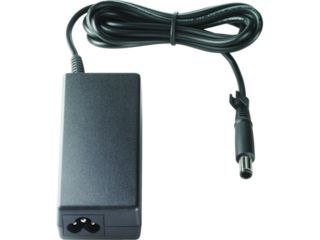
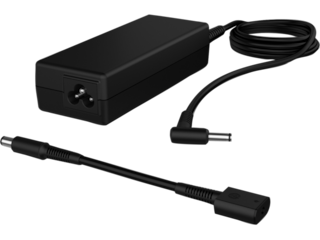
HP 90W Smart AC Adapter
Great for travelInterchangeable charging tipsDual charging90 W of power
H6Y90AA#ABA
Top deal!
3% back in HP Rewards
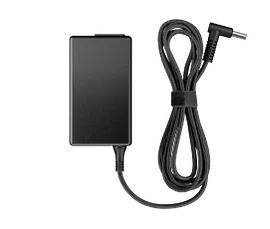
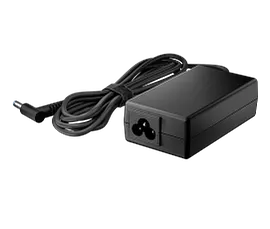
HP 65W Smart AC Adapter
Conserve battery lifeRegulates electrical currentCompact and lightweight
H6Y89AA#ABA
20% off with code TREAT20
3% back in HP Rewards
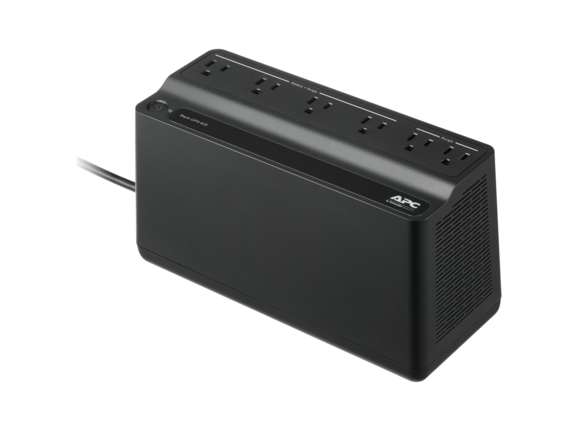
APC Back-UPS 425VA, 120V, 6 NEMA outlets (2 surge), Battery not user replaceable
APC Back-UPS 425VA, 120V, 6 NEMA outlets (2 surge), Battery not user replaceable - Tower - 8 Hour Recharge - 3 Minute Stand-by - 120 V Input - 120 V AC Output - Single Phase - Square Wave - 2 x NEMA 5-15R Surge, 4 x NEMA 5-15R Receptacle(s) - 6 x Battery/Surge OutletTower - 8 Hour Recharge - 3 Minute Stand-by - 120 V Input - 120 V AC Output - Single Phase - Square Wave - 2 x NEMA 5-15R Surge, 4 x NEMA 5-15R Receptacle(s) - 6 x Battery/Surge Outlet
7J9937
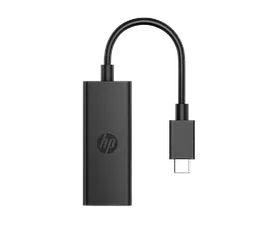
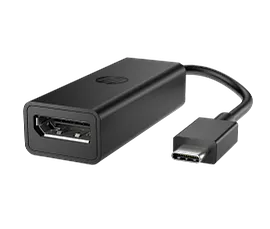
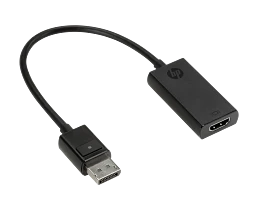
HP USB-C to DisplayPort Adapter G2
DisplayPort 1.4™ and 8K display support[1]Unstoppable workflow with multi-OS support[3]Ultra-lightweight for travel-ready 8K[2] connectionMade with at least 80% post-consumer recycled materials[4]
8Y8Y1AA
Sustainability features
20% off with code TREAT20
3% back in HP Rewards
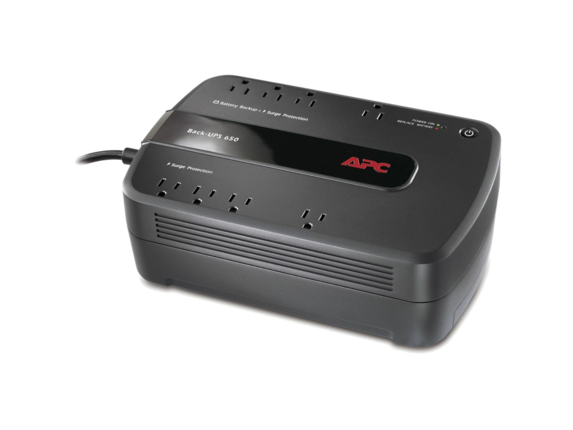
APC Back-UPS 650VA, 120V, 8 NEMA outlets (4 surge)
APC Back-UPS 650VA, 120V, 8 NEMA outlets (4 surge) - Tower - 1 Day Recharge - 3 Minute Stand-by - 120 V Input - 120 V AC Output - Single Phase - Stepped Approximated Sine Wave - USB - 4 x NEMA 5-15R, 4 x NEMA 5-15R Surge Receptacle(s) - 8 x Battery/Surge OutletTower - 1 Day Recharge - 3 Minute Stand-by - 120 V Input - 120 V AC Output - Single Phase - Stepped Approximated Sine Wave - USB - 4 x NEMA 5-15R, 4 x NEMA 5-15R Surge Receptacle(s) - 8 x Battery/Surge Outlet
KZ6637
1/7
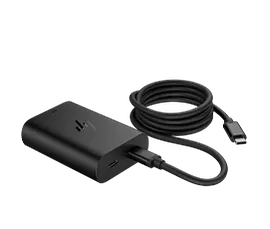
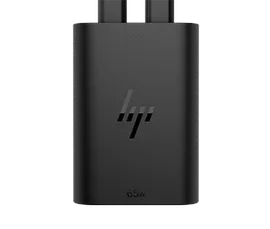
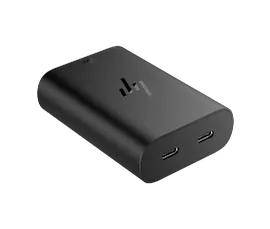
HP 65W GaN USB-C Laptop Charger
Compact, efficient chargerFast, USB-C® charging2 simultaneous charging portsContains 30% recycled plastics
600Q8UT#ABA
Sustainability features
3% back in HP Rewards
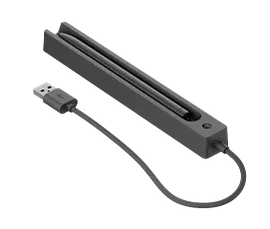
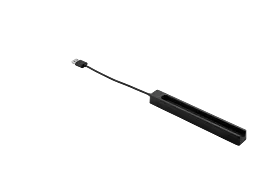
HP Slim Rechargeable Pen Charger
USB wired chargerCharges the HP Slim Rechargeable PenEasy, quick charging
4X491AA#AC3
3% back in HP Rewards
20% off with code TREAT20
3% back in HP Rewards
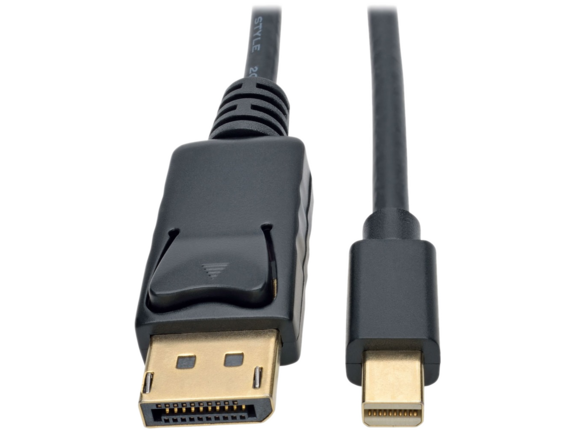
Eaton Tripp Lite Series Mini DisplayPort to DisplayPort Adapter Cable, 4K 60Hz (M/M), DP Latching Connector, Black, 3 ft. (0
Eaton Tripp Lite Series Mini DisplayPort to DisplayPort Adapter Cable, 4K 60Hz (M/M), DP Latching Connector, Black, 3 ft. (0.9 m) - DisplayPort/Mini DisplayPort for Audio/Video Device, Notebook, Monitor, TV, Projector - 2.70 GB/s - 2.95 ft - 1 x DisplayPort Male Digital Audio/Video - 1 x Mini DisplayPort Male Digital Audio/Video - Gold Plated Connector - Gold Plated Contact - Black
9K7474
20% off with code TREAT20
3% back in HP Rewards
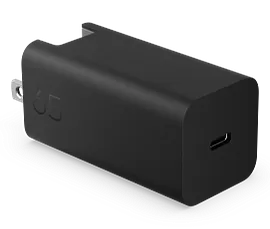
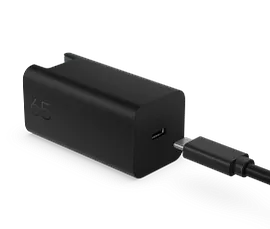
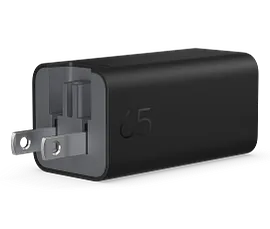
HP 65W GaN Wall Charger
Charge efficiently and safelySmaller, lighter, and more versatile2 m USB-C® cable includedContains at least 90% post-consumer recycled plastic (PCR)[7]
C90CKUT#ABA
Sustainability features
Top deal!
3% back in HP Rewards
3% back in HP Rewards
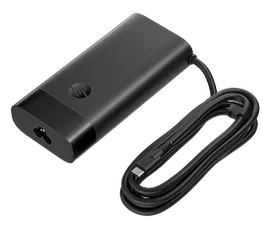
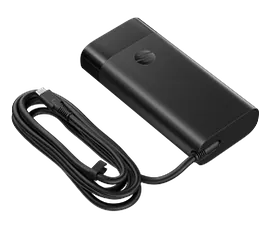
HP 140W USB-C Laptop Charger for business
Up to 140W output with dynamic charging[1]Portable and compatible with most USB-C® devicesBuilt-in protection for safe chargingContains at least 80% PCR plastic[3]
B7NK0AA#ABA
Sustainability features
Top deal!
3% back in HP Rewards

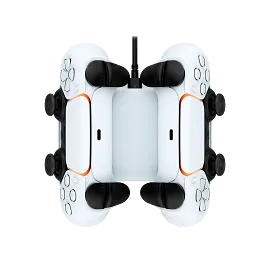
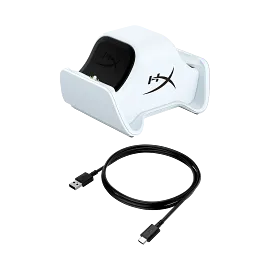
HyperX ChargePlay Duo - Controller Charging Station for PS5
Charges 2 DualSense™ wireless controllers simultaneouslyWeighted base for secure dockingCompact and sleek design
51P68AA
3% back in HP Rewards
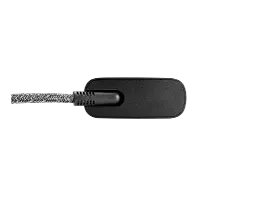
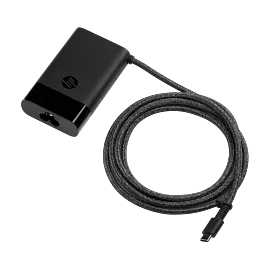
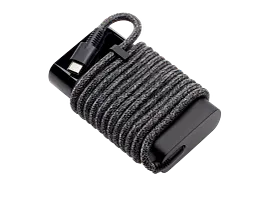
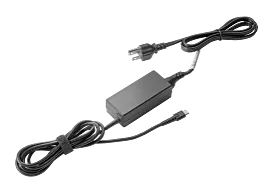
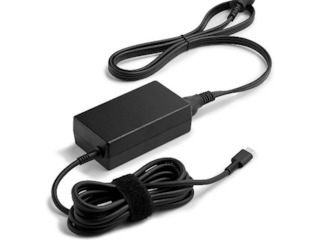
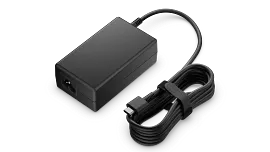
HP USB-C 65W Laptop Charger
Charge most USB-C® devicesCompact and lightweightUp to 65 W of power
671R2AA#ABA
3% back in HP Rewards


