Ready for anything. The HP Chromebook.

HP Chromebook & Chromebook Plus laptops

HP Chromebooks are fast, secure laptops designed for simple, reliable everyday computing. They start quickly, update automatically, and include built-in security to help protect your data. A sharp 2K displayCF FOOTNOTE 2.0 * lets you see more detail, making it easier to browse, work, and stream.

HP Chromebook laptop on a bright workspace, designed for flexible, everyday productivity at home or on the go.

Benefits of HP Chromebooks

Simple line icon of a laptop with the letters “AI” on the screen, representing artificial intelligence on a computer.

Boost your productivity with reliable performance and easy access to GeminiCF FOOTNOTE 2.0 * and NotebookLMCF FOOTNOTE 2.0 * for faster writing, research, and organized notes

Simple line icon of a shield with a star in the center, representing security, protection, or trusted quality.

Tested for life’s daily demands: Reliability, inside and out. A tough frame designed to handle daily bumps and built-in security to keep your data safe.

Simple line icon of an open laptop with a reflective highlight on the screen, representing a generic computer or device.

High-resolution display and clear video for work and calls: Enjoy sharp detail and lifelike connections for work and play with a 2K displayCF FOOTNOTE 2.0 *  and FHD cameraCF FOOTNOTE 2.0 *.

Simple line icon of an open laptop with a reflective highlight on the screen, representing a generic computer or device

Built for a better tomorrow: This thoughtfully designed Chromebook is EPEAT SilverCF FOOTNOTE 2.0 *  with Climate+ and ENERGY STAR® certifiedCF FOOTNOTE 2.0 *.

Compare HP Chromebook & Chromebook Plus laptops

Meet the HP Chromebook lineup. From everyday laptops to Chromebook Plus models with premium displays and Google AI tools, there’s an HP Chromebook designed for how you work, learn, and unwind.

Chromebook

HP Chromebook laptop with a clean design, supporting reliable productivity for daily tasks.

Lightweight, secure ChromeOS simplicity for fast browsing, streaming, and everyday tasks.

Best for

Best for students and everyday users who want an easy, portable laptop for web, schoolwork
and entertainment.

Key Specifications

Processor: Up to Intel® N250 Processor or Up to MediaTek Kompanio 540

Display: Up to 2K LCD

Memory: Up to 8GB

Storage: Up to 256 GB SSD Storage

Chromebook Plus

HP Chromebook Plus laptop with a refined design, supporting more advanced everyday productivity.

Adds Intel® Core™ power, 8GB memory, more storage, and Google Al tools for faster multitasking.

Best for

Best for multitaskers who need stronger performance, sharper visuals, and Al tools for work, school, and streaming.

Key Specifications

Processor: Up to Intel® Core™ i3 Processor

Display: Up to 2K LCD

Memory: Up to 8GB

Storage: Up to 512 GB SSD Storage

Looking to compare all HP Chromebook laptops?

Explore Chromebook features

HP Chromebook displayed in a real‑world setting, enabling focused work and easy collaboration.

1 of 4

Select to SearchCF FOOTNOTE 2.0 * 

Quickly identify objects and get information from images or videos. Simply long-press the launcher to search without leaving what you're doing.
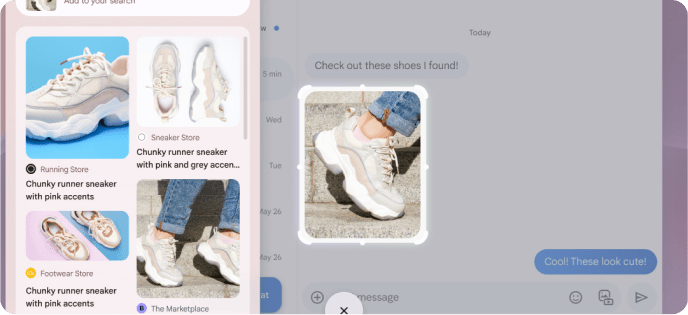
Document reader interface showing a page about tree communication with a photo of green leaves, highlighted text, and contextual options such as summarize, simplify, and help me read displayed on the screen.

2 of 4

AI at Your FingertipsCF FOOTNOTE 2.0 * 

Tap the Quick Insert key* to Insert emojis, GIFs, recent links, files, screenshots and more anywhere you need – all without switching tabs or windows.

Gmail inbox and compose window open on a laptop screen, showing an email being written with AI-assisted options like image creation and writing help, alongside a keyboard shortcut overlay.

3 of 4

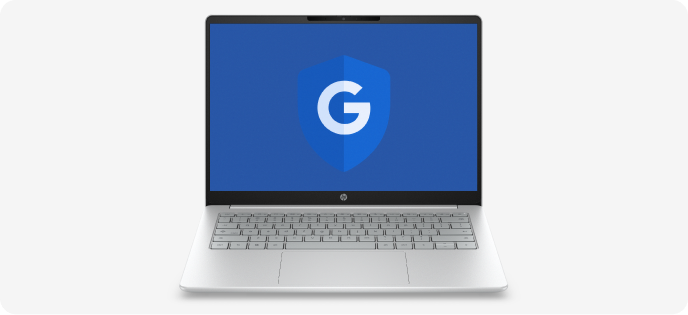
Worry-Free Security

Try never-had-a-virusCF FOOTNOTE 2.0 * good. Layers of built-in protection help keep viruses out and prevent little issues from becoming big headaches—no extra software needed.

Silver HP laptop with a blue screen displaying a shield icon with a white “G” symbol.

4 of 4

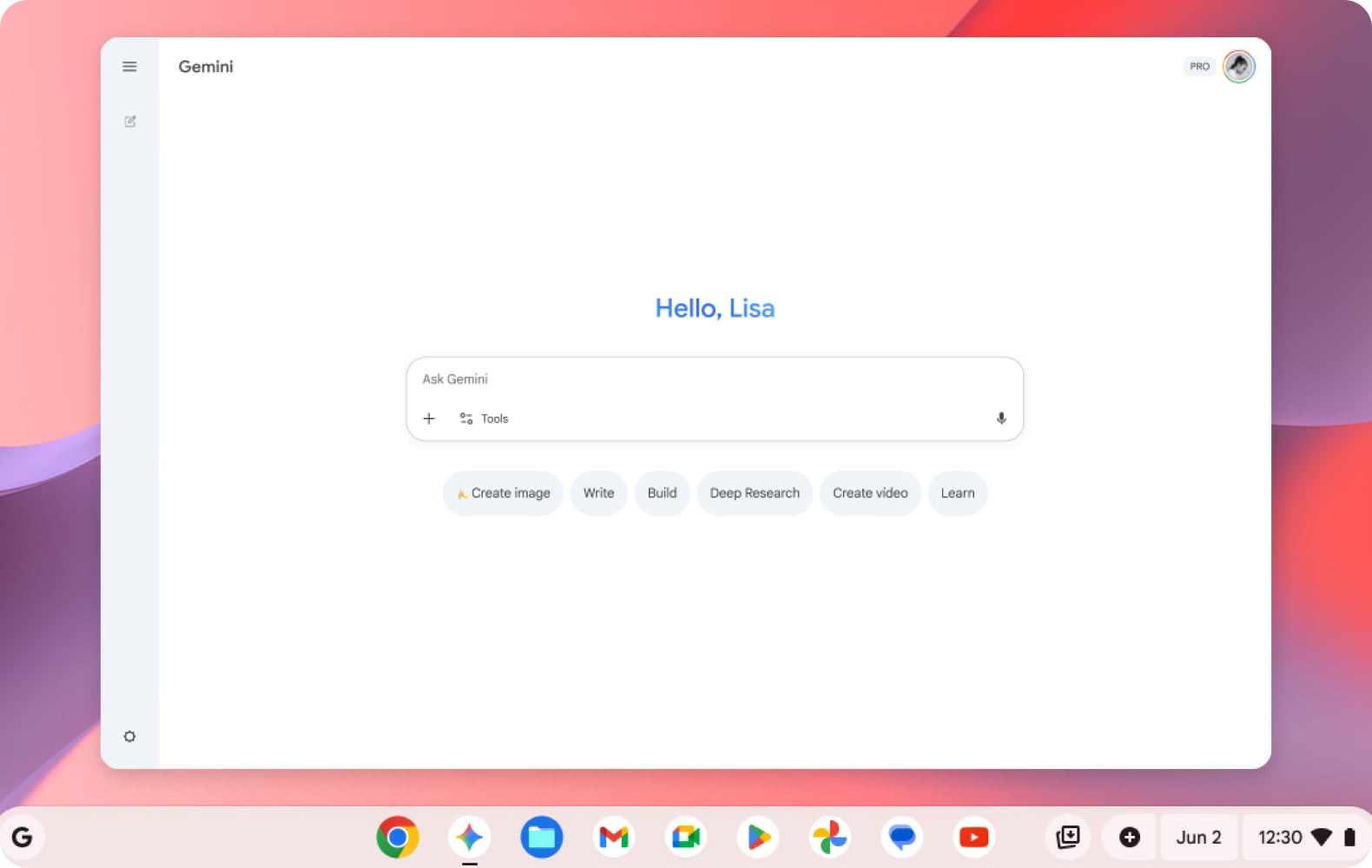
Chat with Gemini to supercharge your ideas

Chat with Gemini* to supercharge your ideas, right from your home screen. With just a tap on the Gemini icon, you can get help planning, writing, learning, and more.
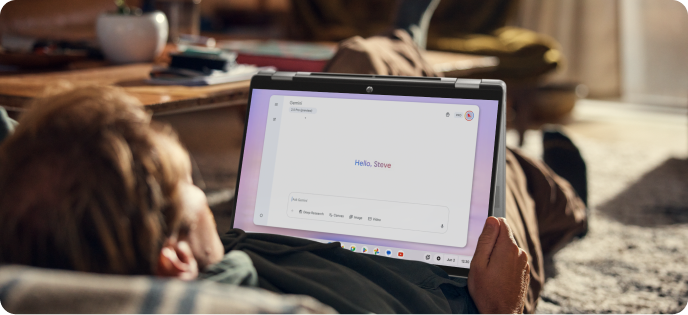
HP 2‑in‑1 laptop in tent mode with a colorful wave graphic displayed on the screen.
-

Discover new HP Software experiences

Subscriptions and resources

HP AI PC illustrating intelligent tools created to support modern, AI‑powered work.

What is an Al PC?​

An AI PC is a new class of computer designed with built-in AI capabilities. It includes specialized hardware like neural processing units (NPUs) to run AI tasks faster, smarter, and more securely—right on your device.
 

Person using a laptop in a modern home workspace, highlighting flexible work supported by a subscription model.

Try a laptop plan that evolves with you.

The HP Laptop Subscription is a monthly service that provides access to the latest HP laptops, dedicated support, and upgrade options to keep you up and running with reliable, up-to-date technology.

HP laptop paired with a natural landscape, symbolizing responsible design for a better tomorrow.

Built for a better tomorrow

Sustainability is embedded in what we do—from how we innovate, to how we operate, to how we engage with our communities. It is not a separate initiative, but a core element of our strategy to grow responsibly and create lasting value for all our stakeholders.

Support

Quick access to drivers and troubleshooting resources.

Download icon.

Software and drivers

Get the latest software and drivers for your HP device.

Tools icon.

Support and troubleshooting

Common issues that we can solve in a flash.

Frequently asked questions

Who are HP Chromebooks designed for?

What is the difference between an HP Chromebook and an HP Chromebook Plus?

What can I do with an HP Chromebook for work or school?

Do HP Chromebooks include built-in security?

What Google AI features are available on HP Chromebook Plus models?

Can I use an HP Chromebook without an internet connection?

What should I consider when choosing between HP Chromebook models?