Thank you for visiting the NEW ZEALAND HP Store
-
Contact Us
CONTACT USCall us
- Sales
- 0800 854 848
- Technical support
- +64 9884 8600
Mon-Fri 9.00am - 6.00pm
(exc. Public Holidays)
Chat with us- Our specialist are here to help
- Live chat
Mon-Fri 9.00am - 6.00pm
(exc. Public Holidays)
Submit feedback We value your opinion! - My Account

Search
Page 43 - Tech Takes

-
Posted: October 28, 2020Categories: Laptops
 Read more »Some batteries can hold a greater voltage than others, and batteries with the larger voltage typically take longer to refill.
 -
Posted: October 28, 2020
 Read more »If you’ve joined a Zoom meeting to collaborate with colleagues, you know that meeting face-to-face even if you are a thousand miles apart can get things done faster and more efficiently than numerous emails back and forth.
 -
Posted: October 28, 2020Categories: Laptops
 Read more »Fixing a flickering laptop screen doesn’t necessarily require a trip to the PC repair shop. Solutions as simple as lowering and raising the screen repeatedly or updating your graphics card drivers may solve your blinking screen dilemma.
 -
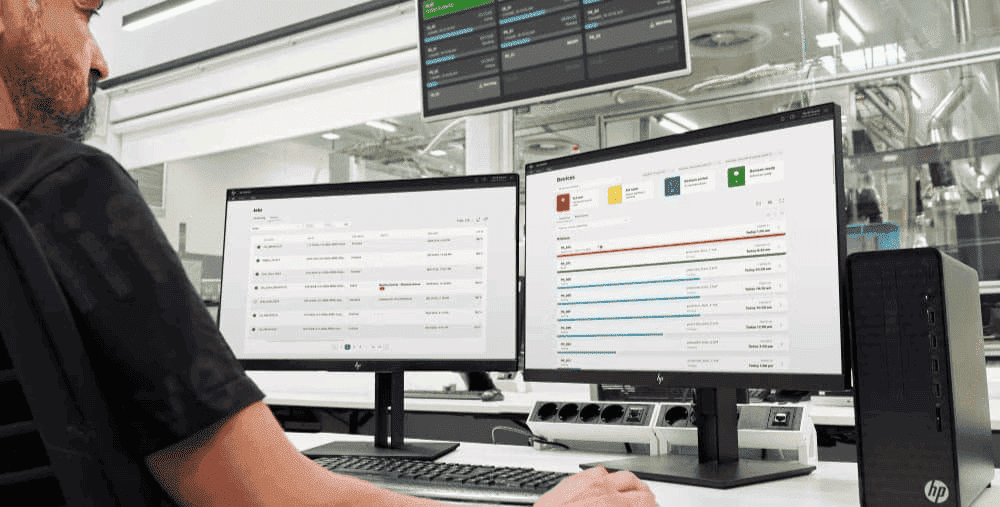
 Read more »Whether you’re a student, a CEO, or a just a casual PC user, setting up an external monitor for a laptop is one of the best hacks for improving your overall productivity.
 -
 Read more »Some gaming PC decisions are easy. For instance, the answer to the question of whether you should upgrade the storage space on your hard disk drive or your solid state drive is most likely an enthusiastic “Yes!” to either.
 -
Posted: October 26, 2020
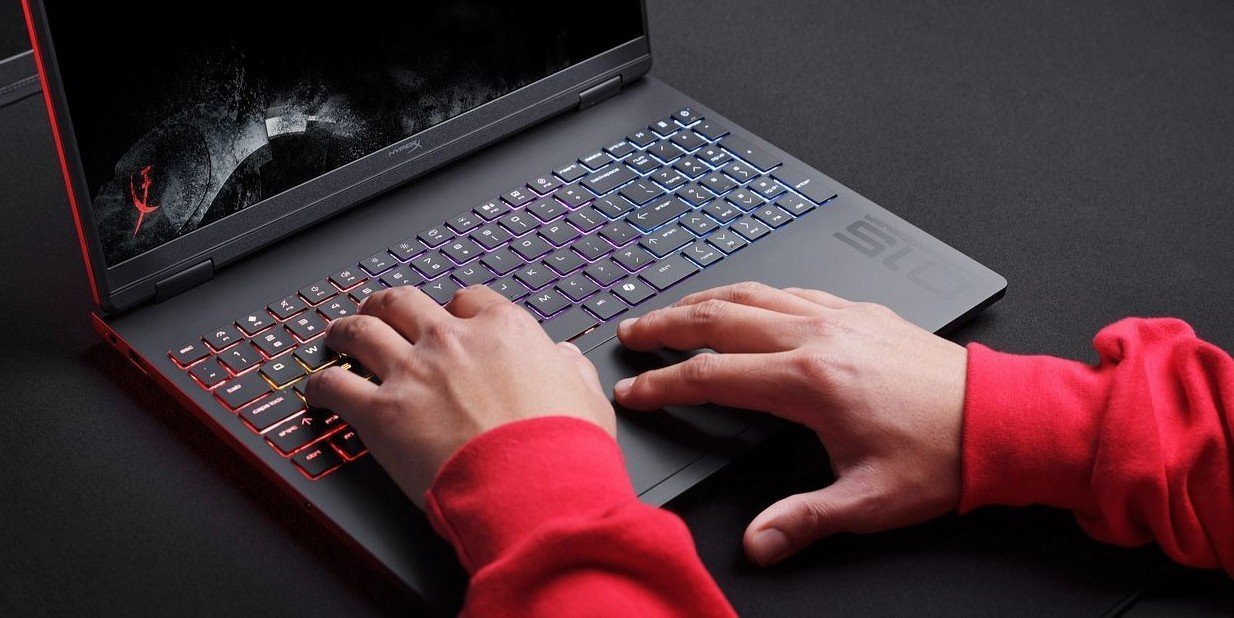
 Read more »When the sun goes down and you’ve still got hours of work to go, you’ll want to know how to turn on keyboard lighting so you can soldier on through the night.
 -
Posted: October 19, 2020Categories: Laptops
 Read more »Even if you are extremely careful with your hardware, it can be unavoidable at times to run into issues such as a cracked or broken computer screen. Just because you’re experiencing problems with your display doesn’t mean that your laptop is beyond saving, however.
 -
 Read more »In our digital age, printing comes in two forms - wired and wireless. We’ll walk you through how to connect a printer to your computer, laptop, or handheld device.
 -
 Read more »Here is some additional information on what makes the Chromecast a unique and suitable tool for streaming all kinds of media, as well as how to handle the most common troubleshooting questions.
 -
 Read more »In the following guide, we’ll explain the basic steps for how to replace a hard drive, as well as the best way to get the operating system up and running again. This guide works for both replacing a defective hard drive and for swapping out an outdated one for something with more space and speed.
Recent Posts


Popular Posts




Products purchased through this store are sold and fulfilled by Ingram Micro (NZ) LTD

CONTACT US
Call us
- Sales
- 0800 854 848
- Technical support
- +64 9884 8600
Mon-Fri 9.00am - 6.00pm
(exc. Public Holidays)
Chat with us
- Our specialist are here to help
- Live chat
Mon-Fri 9.00am - 6.00pm
(exc. Public Holidays)
Submit feedback
We value your opinion!