Thank you for visiting the NEW ZEALAND HP Store
-
Contact Us
CONTACT USCall us
- Sales
- 0800 854 848
- Technical support
- +64 9884 8600
Mon-Fri 9.00am - 6.00pm
(exc. Public Holidays)
Chat with us- Our specialist are here to help
- Live chat
Mon-Fri 9.00am - 6.00pm
(exc. Public Holidays)
Submit feedback We value your opinion! - My Account

Search
Page 40 - Tech Takes

-
Posted: December 11, 2020
 Read more »This article shares the top 7 ways to use a laptop with a stylus, including note-taking, creating more engaging presentations, better communication, drawing, and doing more robust work.
 -
 Read more »So what can you do with a Chromebook today? Things have probably changed since you last tried one of these versatile, affordable machines. You can now get one with beefier specs, better software picks, and a range of offline options.
 -
Posted: December 11, 2020Categories: Miscellaneous
 Read more »If you’ve experienced a blue screen with a message from Windows that your hard drive is locked, it can be a bit unnerving. Will your data be OK? Is there an easy fix?
 -
 Read more »Here are five reasons why you should consider adding some curve to your existing PC setup.
 -
Posted: December 02, 2020Categories: Miscellaneous
 Read more »What are the different types of encryption? While the most common are AES, RSA, and DES, there are other types being used as well.
 -
Posted: December 02, 2020Categories: Monitor
 Read more »You could improve your gaming experience by optimizing your current monitor without having to shell out big bucks.
 -
Posted: December 02, 2020Categories: Monitor
 Read more »VSync is one of the latest and greatest visual-enhancement technologies that work to bring your favorite video game scapes to vibrant life. But what exactly is VSync?
 -
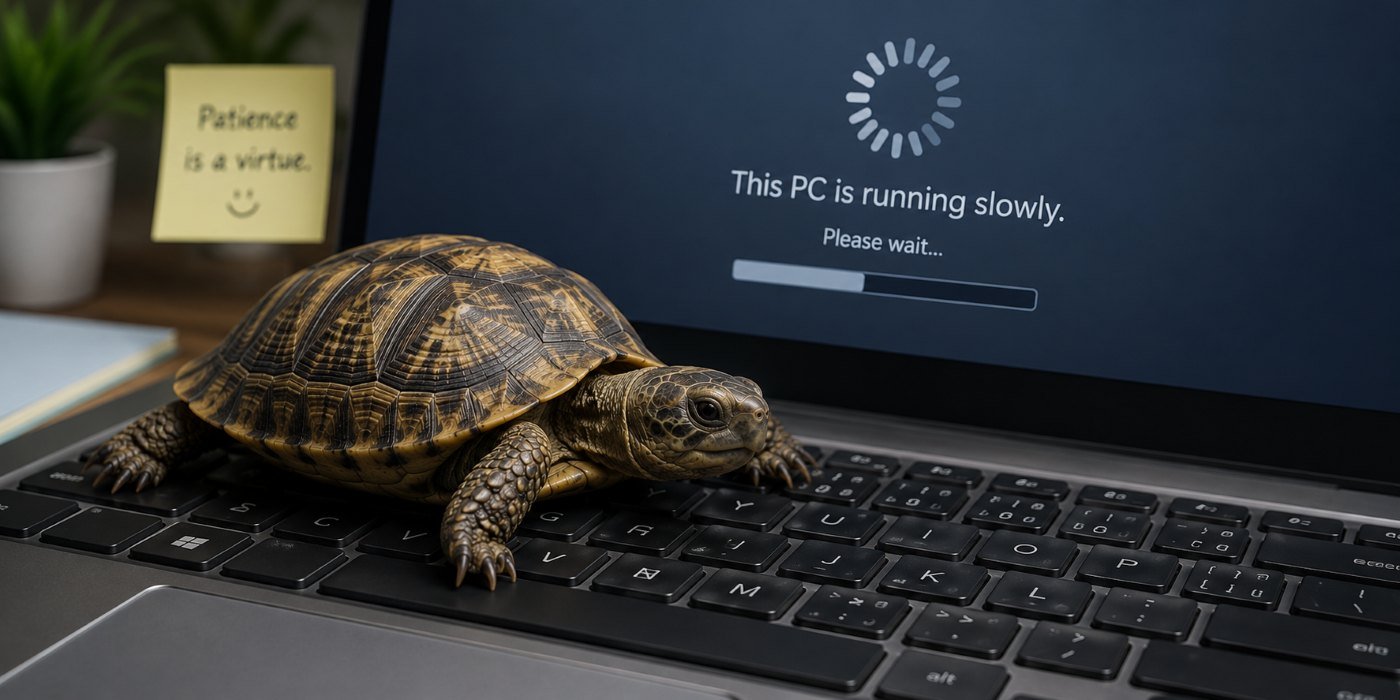
 Read more »If you’ve owned your laptop for several years, it’s possible your computer is malfunctioning because the CMOS battery died. The CMOS battery is a piece of hardware that’s unique to laptops. When it dies, it could cause your laptop to encounter problems booting up.
 -
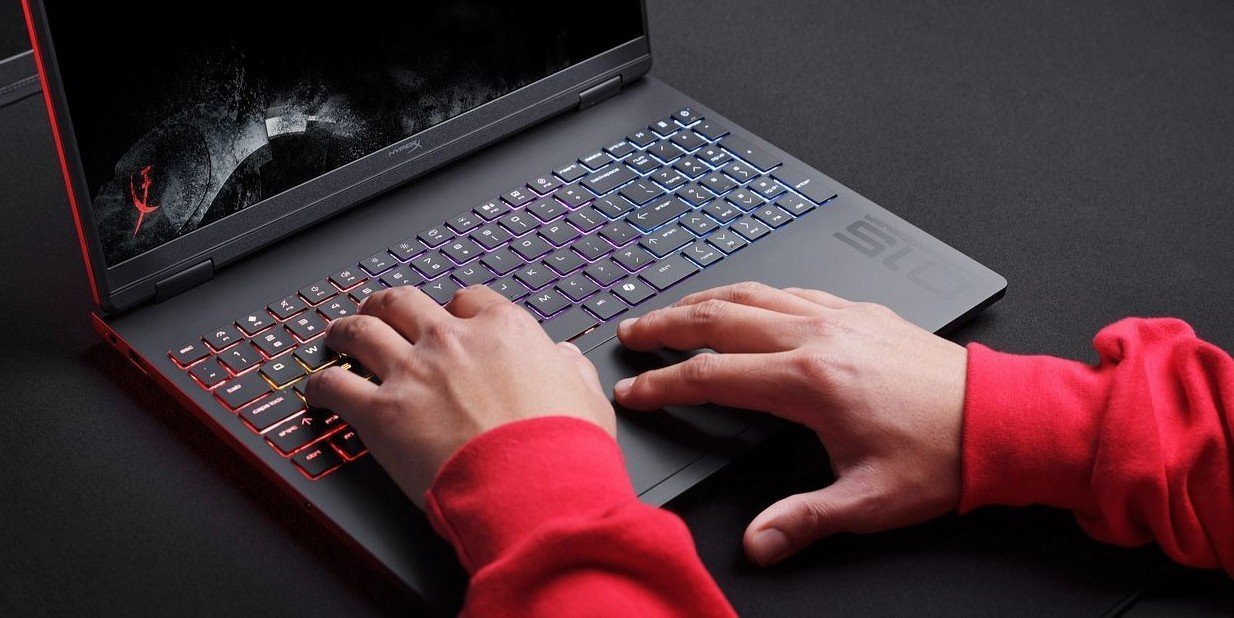
 Read more »If you’re interested in increasing the speed at which your computer receives and processes information, here’s a breakdown of the various components that will need altering and how overclocking works.
 -
 Read more »Windows makes it easy to create a print screen on your desktop PC or laptop. Follow these steps to create an image of your screen that you can keep or share with others.
Recent Posts


Popular Posts




Products purchased through this store are sold and fulfilled by Ingram Micro (NZ) LTD

CONTACT US
Call us
- Sales
- 0800 854 848
- Technical support
- +64 9884 8600
Mon-Fri 9.00am - 6.00pm
(exc. Public Holidays)
Chat with us
- Our specialist are here to help
- Live chat
Mon-Fri 9.00am - 6.00pm
(exc. Public Holidays)
Submit feedback
We value your opinion!