Thank you for visiting the NEW ZEALAND HP Store
-
Contact Us
CONTACT USCall us
- Sales
- 0800 854 848
- Technical support
- +64 9884 8600
Mon-Fri 9.00am - 6.00pm
(exc. Public Holidays)
Chat with us- Our specialist are here to help
- Live chat
Mon-Fri 9.00am - 6.00pm
(exc. Public Holidays)
Submit feedback We value your opinion! - My Account

Search
Page 13 - Tech Takes

-
Posted: August 13, 2025Categories: Desktops
 Read more »
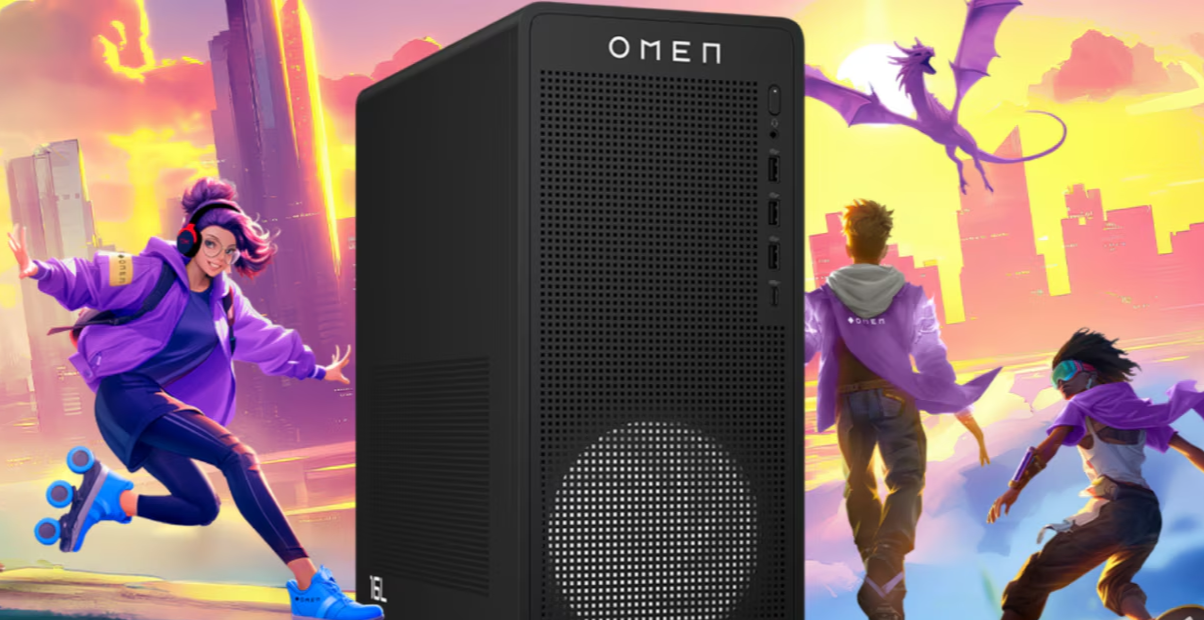
Last Epoch has emerged as one of the most demanding Action RPGs of 2024, captivating New Zealand gamers with its complex environments like the Arena and Monolith of Fate that push gaming hardware to its limits. The game’s robust crafting system, deep character customisation, and intensive skill tree navigation require both processing power and graphical performance to deliver the smooth, responsive gameplay that ARPG enthusiasts across New Zealand demand.
-
Posted: August 13, 2025
 Read more »
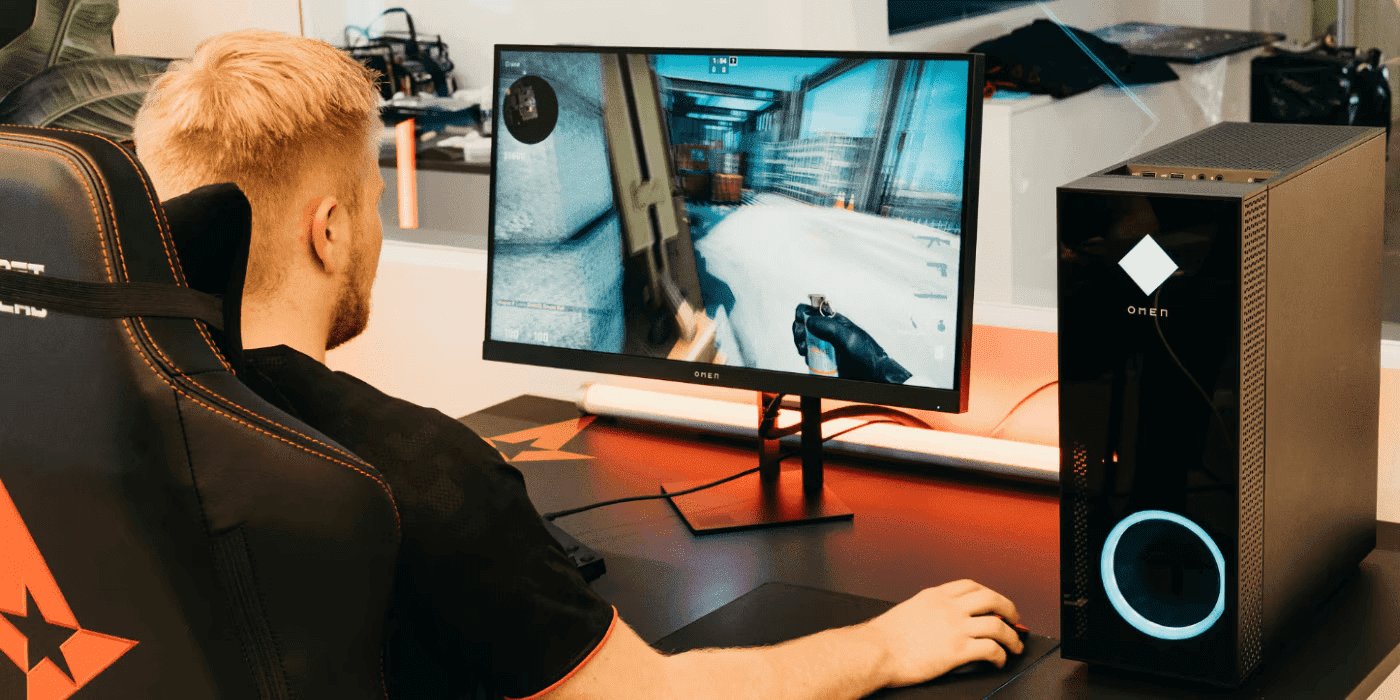
For Kiwi gamers, every frame and every millisecond can determine whether you climb the leaderboards or fall deeper into the MMR trenches. From Auckland esports cafes to Wellington gaming communities, New Zealand’s competitive gaming scene demands peak performance. Traditionally, achieving optimal gaming performance meant countless hours wrestling with manual optimisations, setting tweaks, and performance monitoring—all in pursuit of that perfect balance between visual quality and smooth gameplay.
-
Posted: August 12, 2025Categories: Laptops
 Read more »
HP and Qualcomm’s partnership to integrate the Snapdragon X Elite into HP’s line of selected laptops represents a fresh chapter in mobile computing technology, particularly relevant for New Zealand’s mobile-first professional landscape. Qualcomm’s Snapdragon isn’t your typical processor, but a system-on-chip that includes a CPU, graphics card, and AI processing all in one efficient package. Mobile devices like smartphones and tablets are constantly evolving, thanks to new advancements in AI processors.
-
 Read more »
Gaming laptops have transformed portable gaming across New Zealand, with HP OMEN leading the charge in delivering desktop-level performance in compact form factors. Whether you’re gaming in Auckland’s humid summers or Christchurch’s variable climate, packing high-performance hardware into tight spaces creates significant thermal challenges that require smart cooling solutions to maintain peak performance and prevent hardware damage.
-
Posted: August 08, 2025Categories: Laptops
 Read more »
Finding a reliable laptop that balances portability with power is increasingly important for today’s mobile workforce across New Zealand. As many Kiwi businesses continue to embrace hybrid and remote work environments, it’s essential to find devices that can keep up with demanding workloads without weighing you down during your daily commute through Auckland, Wellington, or Christchurch.
-
Posted: August 07, 2025Categories: Laptops
 Read more »
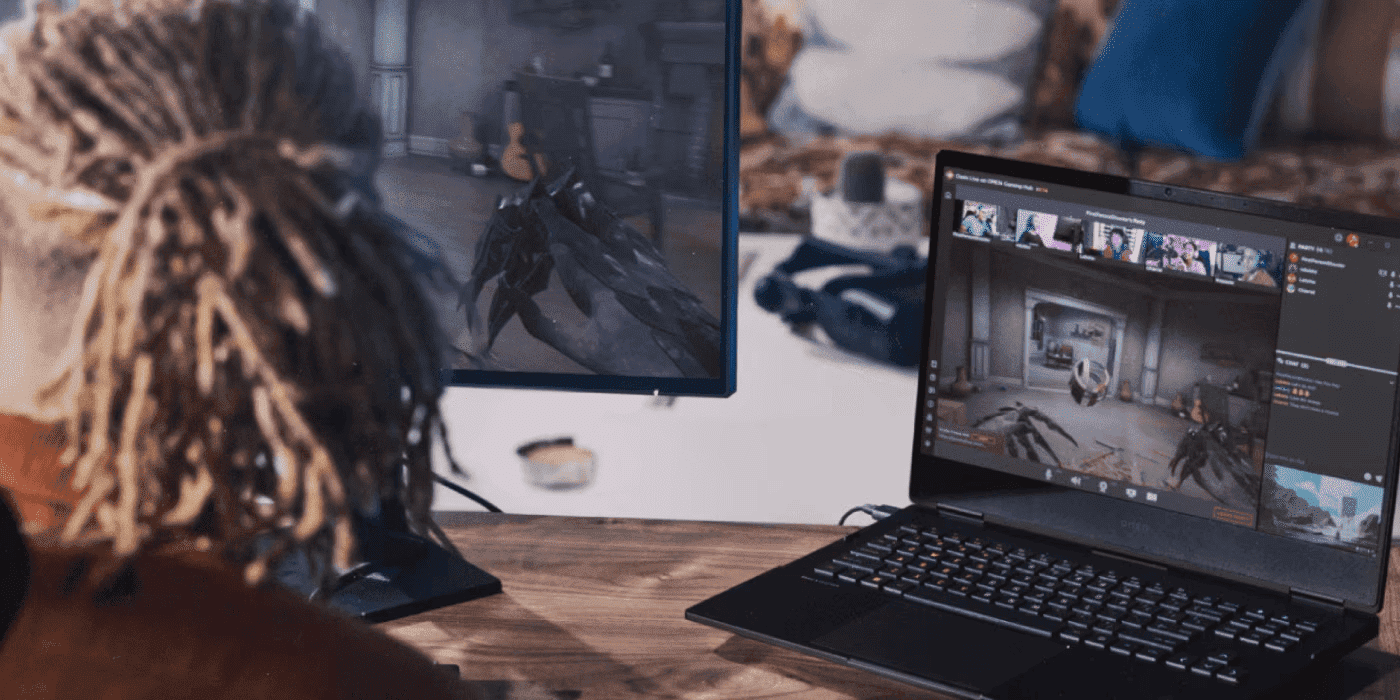
The PC gaming landscape in New Zealand is evolving rapidly, where split-second reactions separate champions from contenders. Whether you’re lining up the perfect headshot in Call of Duty, coordinating epic raids in Baldur’s Gate 3, or outmanoeuvring opponents in League of Legends, your hardware isn’t just equipment—it’s your competitive advantage. From Auckland esports venues to Wellington gaming cafés, Kiwi gamers are discovering that the right laptop can transform their gaming experience entirely.
-
Posted: August 07, 2025Categories: Laptops
 Read more »
For architects and engineers across New Zealand—from Auckland’s bustling construction sites to Wellington’s earthquake-resistant building projects—having the right mobile workstation is crucial for running resource-demanding AEC software programs like AutoCAD, Revit, 3ds Max, ArchiCAD, Rhino, Navisworks, Civil 3D, and Procore. Whether you’re designing sustainable housing solutions for New Zealand’s growing urban centres or engineering infrastructure projects that can withstand our unique seismic conditions, your computing tools will largely determine the speed and efficiency of creating and editing graphical designs, rendering complex models, running structural analyses, and delivering successful civil engineering projects.
-
Posted: August 06, 2025
 Read more »
If you reckon you need more space for games or believe it’s time to boost system performance, upgrading to an SSD may be the smartest investment you can make. Modern games can require a substantial amount of storage space, and for Kiwi gamers with slower internet connections in some regions, managing that storage efficiently becomes even more critical. For example, the Call of Duty series requires around 120-150 GB of space to install, and with updates this can increase to up to 200 GB.
-
Posted: August 05, 2025Categories: Laptops
 Read more »
In today’s performance-driven work environments across New Zealand, ordinary laptops simply cannot meet the demands of professional technical work. Design professionals in Auckland’s creative quarter, engineers working on Christchurch’s rebuild projects, and data scientists at New Zealand’s research institutions require hardware that delivers workstation-class performance in mobile form factors. HP’s ZBook mobile workstations provide precisely this capability.
-
Posted: August 05, 2025Categories: Laptops
 Read more »
Artificial intelligence development and machine learning require exceptionally powerful hardware capable of handling large datasets, complex computations, and intensive model training. For AI professionals across New Zealand’s thriving tech sector—from Auckland’s innovation hubs to Wellington’s research institutions—choosing the right workstation can make the difference between efficient development and frustrating bottlenecks.
Recent Posts



Popular Posts





Products purchased through this store are sold and fulfilled by Ingram Micro (NZ) LTD

CONTACT US
Call us
- Sales
- 0800 854 848
- Technical support
- +64 9884 8600
Mon-Fri 9.00am - 6.00pm
(exc. Public Holidays)
Chat with us
- Our specialist are here to help
- Live chat
Mon-Fri 9.00am - 6.00pm
(exc. Public Holidays)
Submit feedback
We value your opinion!