Thank you for visiting the NEW ZEALAND HP Store
-
Contact Us
CONTACT USCall us
- Sales
- 0800 854 848
- Technical support
- +64 9884 8600
Mon-Fri 9.00am - 6.00pm
(exc. Public Holidays)
Chat with us- Our specialist are here to help
- Live chat
Mon-Fri 9.00am - 6.00pm
(exc. Public Holidays)
Submit feedback We value your opinion! - My Account

Search
bios

-
Posted: December 02, 2025
 Read more »
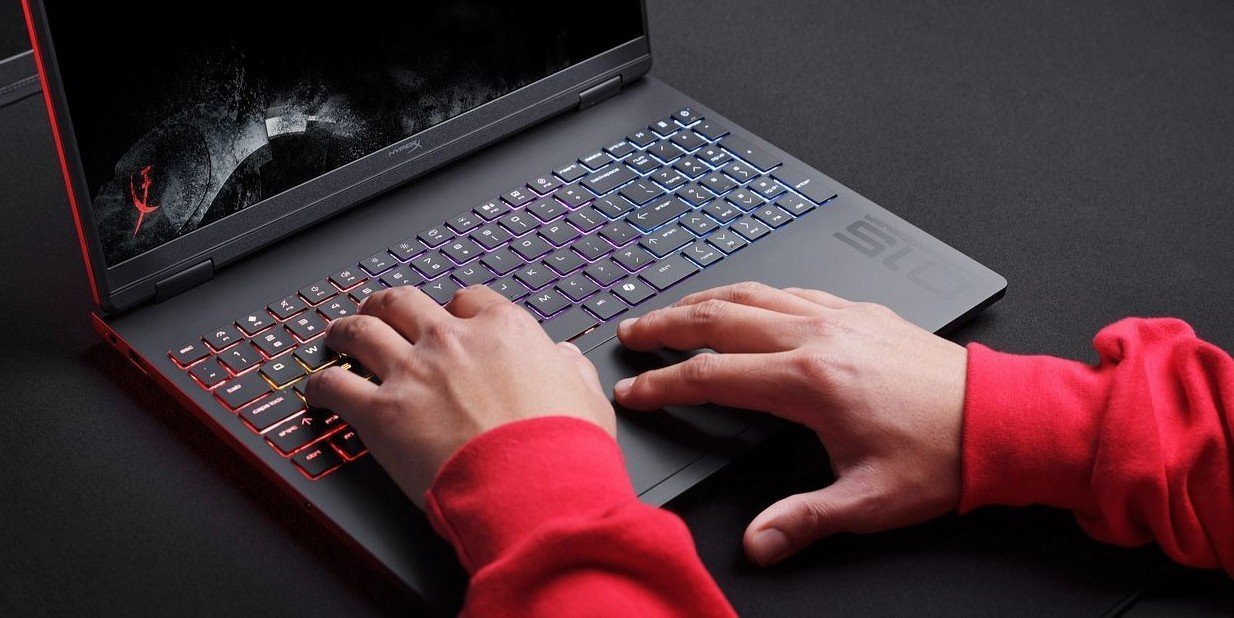
Resetting BIOS on your HP laptop helps resolve performance issues, hardware glitches, and boot errors without touching personal files. Whether you’re troubleshooting a stubborn boot failure or optimising your system’s performance, understanding how to safely reset your laptop’s BIOS is an essential skill for New Zealand users. If you’re wondering “how can I reset BIOS on your device”, this guide will walk you through when a BIOS reset is required, how to perform it, and provide helpful tips along the way. Rest assured, resetting the BIOS preserves your data and maintains system integrity, so your laptop remains secure and functional throughout the process.
-
Posted: May 01, 2023Categories: Desktops
 Read more »
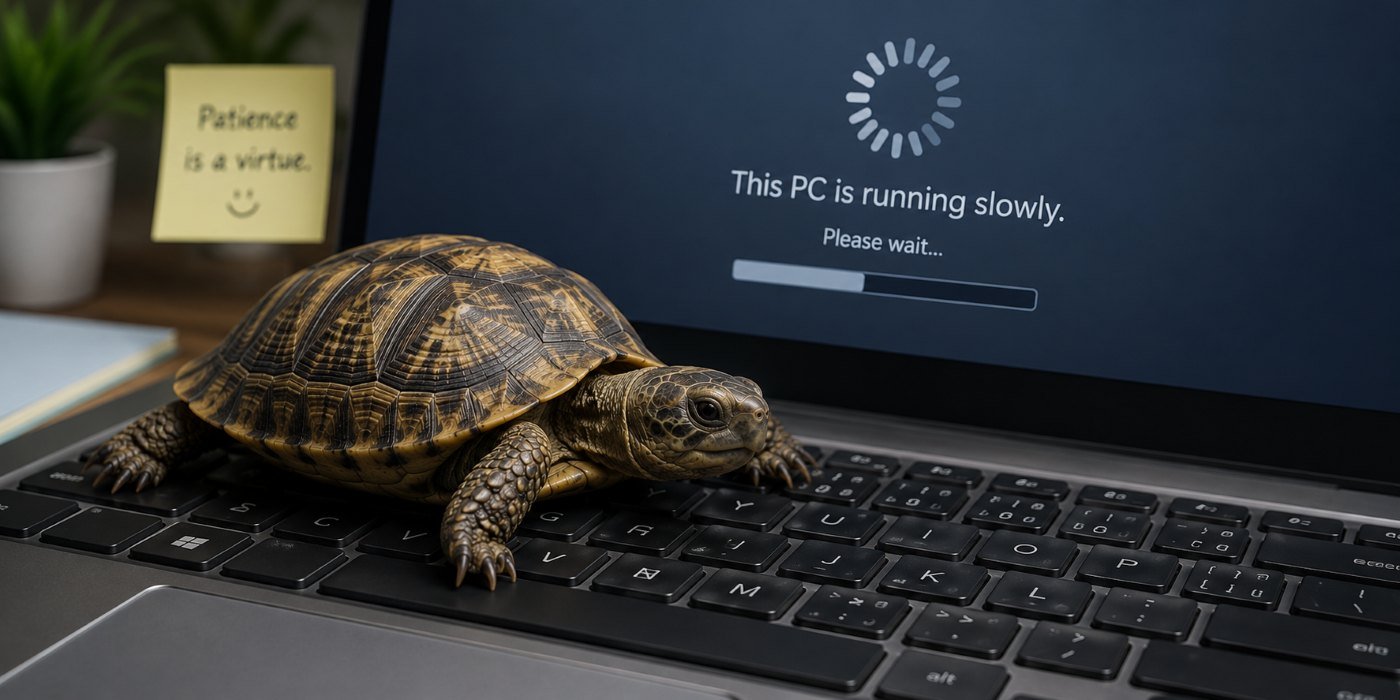
Your PC’s BIOS software is one of the most important elements that control the operation of your computer. BIOS is the system that prompts your computer’s operating system to start up when you turn on your computer. The BIOS is generally embedded in a chip on your computer’s motherboard. You can think of BIOS as your computer’s first responder, activating the operating system that allows you to connect with different applications and functions on your computer. This is an essential part of your PC’s functionality, and keeping it updated can help improve your system’s responsiveness and resolve existing software bugs. Now that you know what BIOS software does, let’s discuss when you might want to initiate a BIOS update, and how to update BIOS on Windows 10.
-
Posted: September 11, 2020Categories: Miscellaneous
 Read more »Whether you need to update your BIOS or sweep it clean of systematic bugs, knowing how to enter BIOS is essential for PC users. In order to access BIOS on a Windows PC, you must press your BIOS key set by your manufacturer which could be F10, F2, F12, F1, or DEL.
Recent Posts


Popular Posts




Products purchased through this store are sold and fulfilled by Ingram Micro (NZ) LTD

CONTACT US
Call us
- Sales
- 0800 854 848
- Technical support
- +64 9884 8600
Mon-Fri 9.00am - 6.00pm
(exc. Public Holidays)
Chat with us
- Our specialist are here to help
- Live chat
Mon-Fri 9.00am - 6.00pm
(exc. Public Holidays)
Submit feedback
We value your opinion!