
Simple. Intuitive. Powerful.
Conversations stay on track with a simple and intuitive user interface with one-touch access to your contacts and meetings.

Command the conversation
Count on quality audio with Poly Acoustic Fence technology to reduce distracting background noise for more productive conversations.

Dial up your productivity
Get to work fast with the 7-in color touchscreen, Bluetooth® connectivity, integrated Wi-Fi, and Android powered performance.

Always ready, always easy
Simple, intuitive interface with one-touch access to contacts and meetings.
Feature focus
Learn about the features of the Poly CCX 600 all-in-one video bar.

Learn about the features of the Poly CCX 600 all-in-one video bar.
Simple touch-access to contacts, meetings, and voicemails—with the largest screen in the portfolio line up.
Hear every nuance with award-winning Poly audio technology
Headset options suit workers’ style with many ways to connect (Bluetooth, USB, RJ9 and EHS ports)
Fast, responsive scrolling, Dark UI Option
Full duplex performance with advance NoiseBlock AI technology
Message waiting indicator lets you know you when have a voicemail
Install anywhere with integrated Wi-Fi
Dedicated Microsoft Teams button (Teams edition) or Application button (Open SIP)—ready to launch the newest advanced features
We work everywhere you do
CCX 600 is compatible with leading collaboration platforms.
Certified for Microsoft Teams
Certified for Zoom

Poly Lens software
Gain intelligent insights and scalable management and get the most out of your Poly devices.
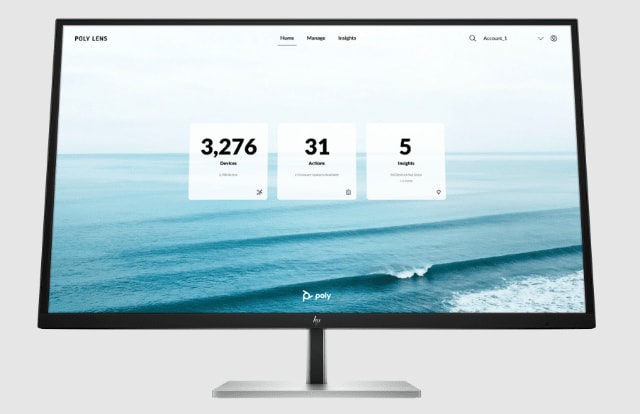

Poly Lens software
Gain intelligent insights and scalable management and get the most out of your Poly devices.
Get to know Poly desk phones
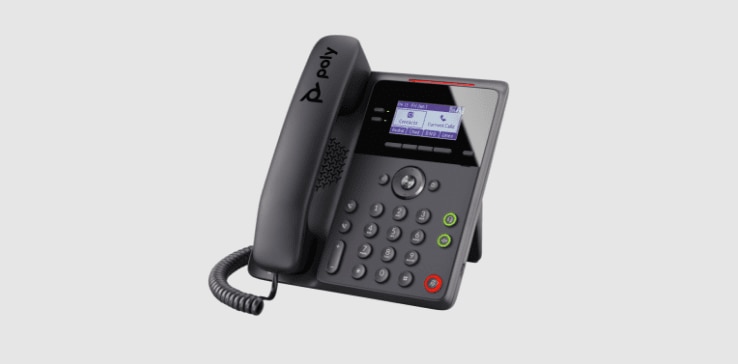
Poly Edge B Series
IP desk phone
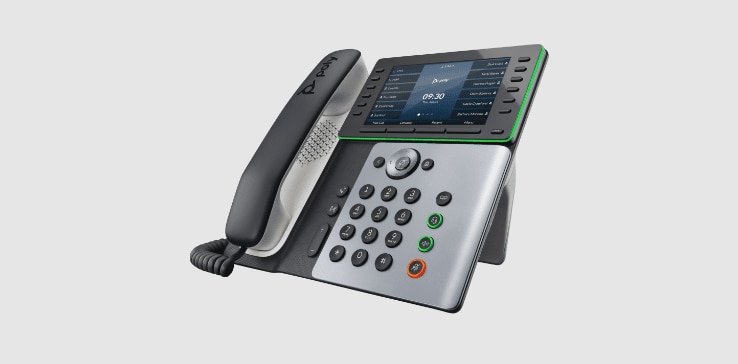
Poly Edge E500 Series
IP desk phone
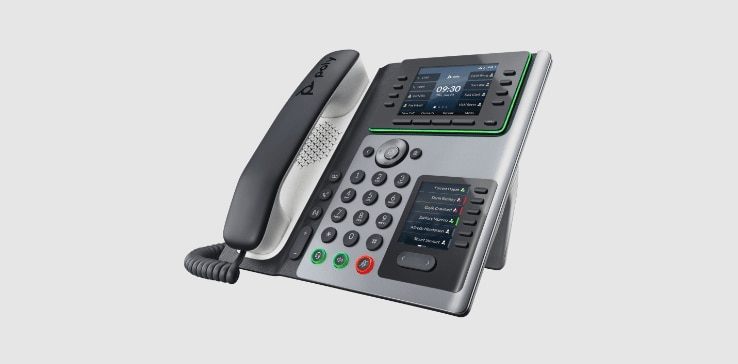
Poly Edge E400 Series
IP desk phone
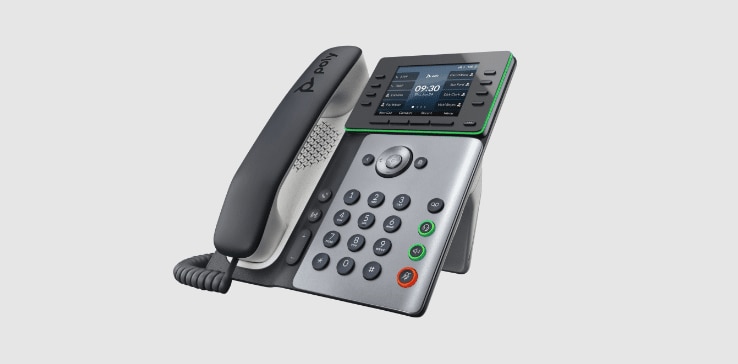
Poly Edge E300 Series
IP desk phone
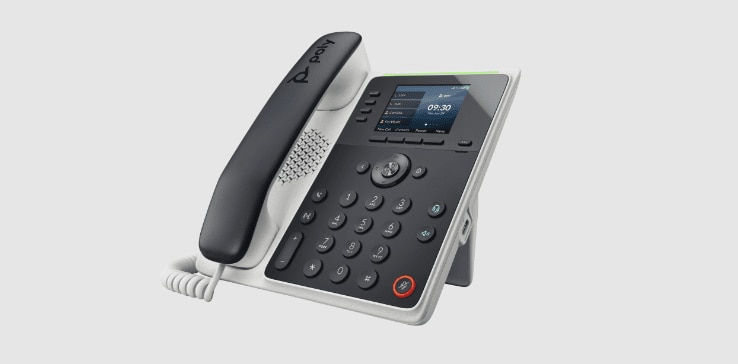
Poly Edge E100/E220
IP desk phones
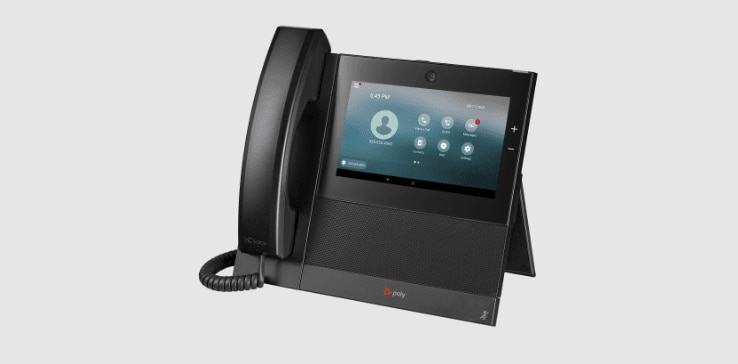
CCX 700
Video with your performance business media desk phone
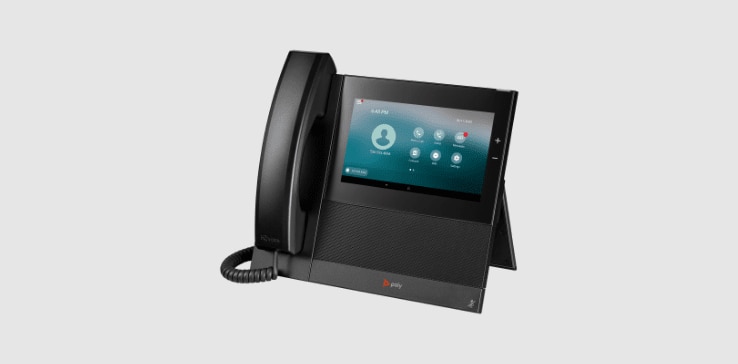
CCX 600
Performance business media desk phone with large color touchscreen
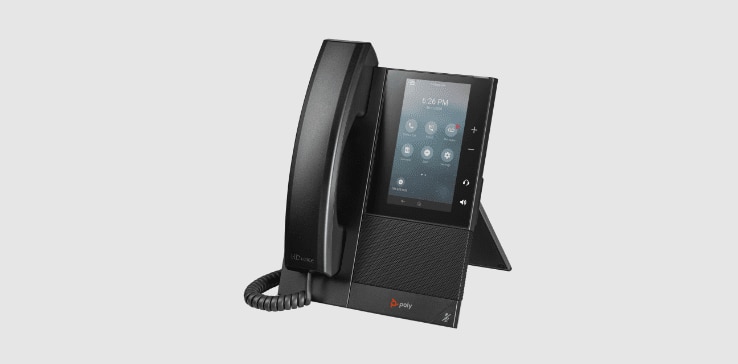
CCX 500/505
Mid-range business media desk phone with color touchscreen
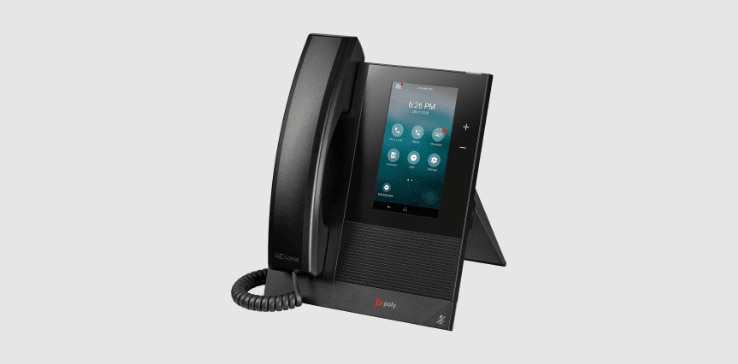
CCX 400
Entry-level business media desk phone with color touchscreen
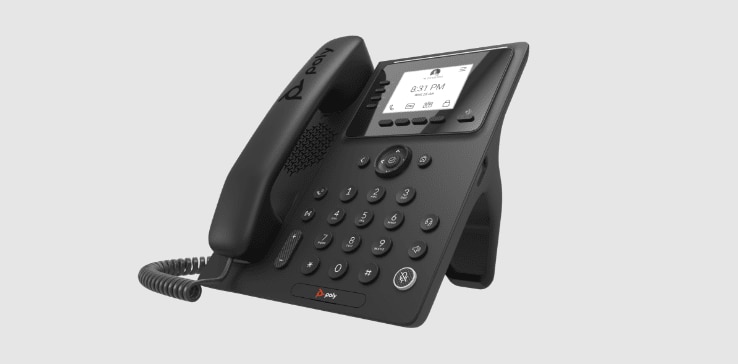
CCX 350
Entry-level IP desk phone
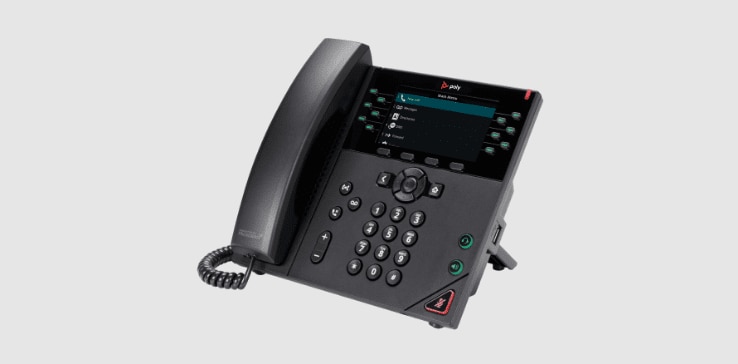
VVX 450
Twelve-line, color IP desk phone
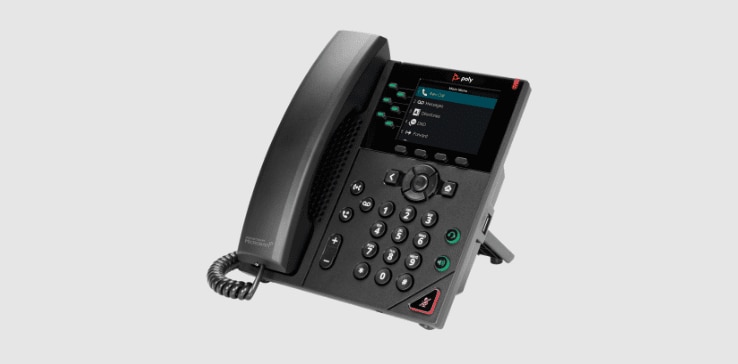
VVX 350
Six-line, mid-range IP Desk phone
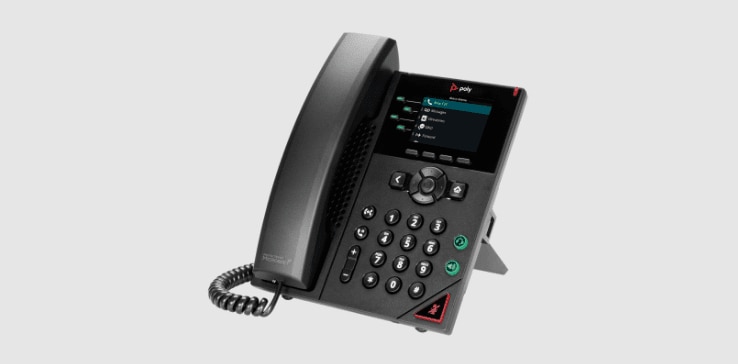
VVX 250
Four-line, IP Desk phone
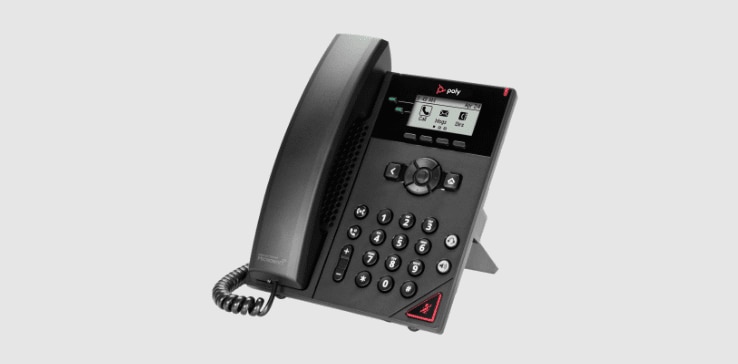
VVX 150
Two-line, IP Desk phone
No results found.
Resources
CCX 600 data sheet
Learn about the features and benefits and technical specifications of the CCX 600