The last printer you’ll ever need

HP Smart Tank

Enjoy years of refillable, cartridge-free printing1 from the World’s #1 Printer Company.2

HP Smart Tank

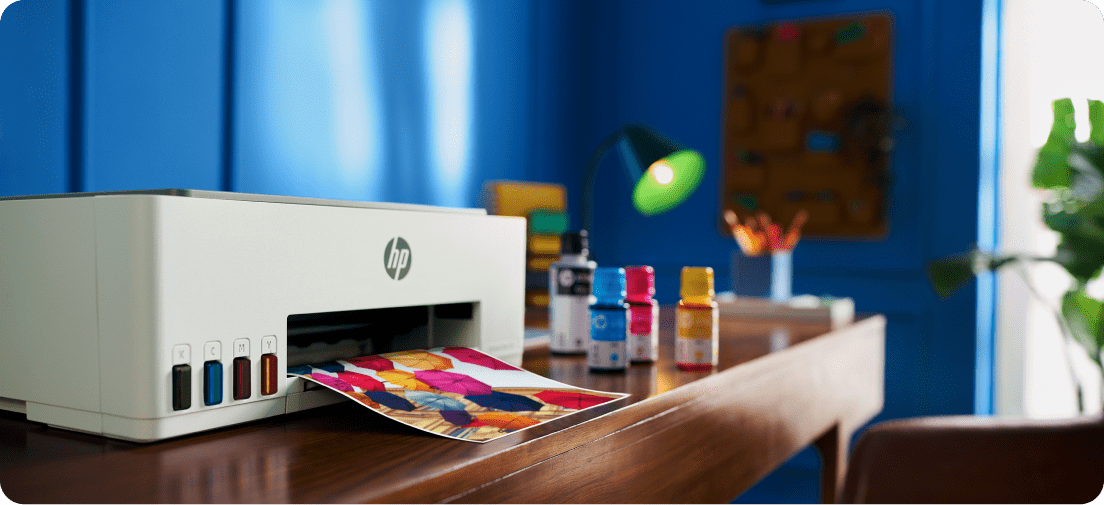
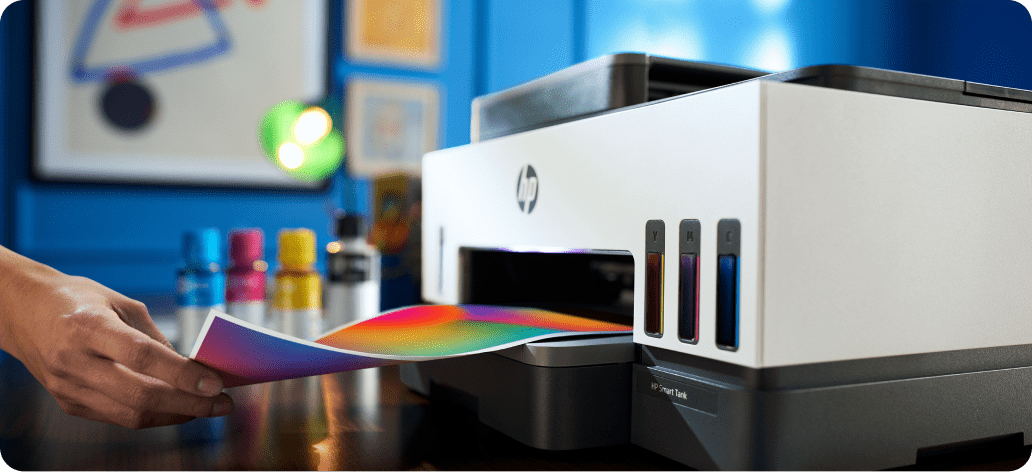
Smart Tank printers are inkjet printers that use refillable ink tanks instead of disposable cartridges, providing high page yields and lower long‑term printing costs. 

Benefits of HP Smart Tank Printers

Lasting durability icon

Built to Last. Set up one and print with confidence. No complex maintenance.

Incredible value icon

Ink for Years.1 Not Months. Get up to 8,700 colour pages of cartridge-free printing - up to 3 years of ink included.

Best print quality icon

Best Print Quality3. Sharper text. Richer colours. 31% higher average print quality rating.3

Trusted reliability icon

Innovation You Can Trust. Cartridge-free printing with fewer interruptions.

Compare Smart Tank Printers

£20 Cashback on HP Smart Tank 5107*

HP Smart Tank 5100 Series

HP Smart Tank 580/5000/5100 Series

Best for Learning and Everyday Printing

Key Specifications

Print/Scan/Copy

Automatic Document Feeder (ADF)
N/A

Manual 2-sided printing

Print speed (page per minute - ppm)
12 ppm (Black) / 5 ppm (Colour)

Capacity
100‑sheet input / 30‑sheet output

Connectivity
Self‑healing Wi‑Fi®, USB

Control Panel
1.2" icon LCD

£30 Cashback on HP Smart Tank 7005*

HP Smart Tank 7000 Series

HP Smart Tank 720/7000 Series

Best for Busy Households

Key Specifications

Print/Scan/Copy

Automatic Document Feeder (ADF)
N/A

Automatic 2‑sided printing

Print speed (page per minute - ppm)
15 ppm (Black) / 9 ppm (Colour)

Capacity
250‑sheet input/100‑sheet output

Connectivity
Dual‑band self‑healing Wi‑Fi® + USB

Control Panel
2‑line icon LCD

£50 Cashback on HP Smart Tank 7606*

HP Smart Tank 7600 Series

HP Smart Tank 790/7600 Series

Best For Home and Work Productivity

Key Specifications

Print/Scan/Copy/Fax

Automatic Document Feeder (ADF)
Yes

Automatic 2‑sided printing

Print speed (page per minute - ppm)
15 ppm (Black) / 9 ppm (Colour)

Capacity
250‑sheet input/100‑sheet output

Connectivity
Dual‑band self‑healing Wi‑Fi®, USB, Ethernet

Control Panel
3.1" magic touch panel

Looking for other Smart Tank Printers?

Explore HP Smart Tank

Explore HP Smart Tank

Easiest-to-Use Tank Printer4

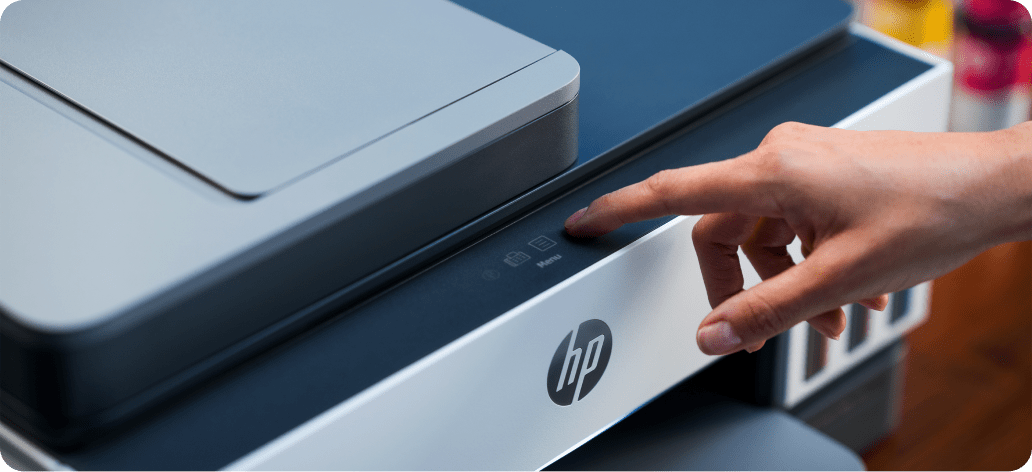
Fastest setup, easy print and scan, reliable Wi-Fi®5, intuitive touchscreen controls and smart-guided lighting, and an app that makes it all easy.6

Easiest-to-Use Tank Printer

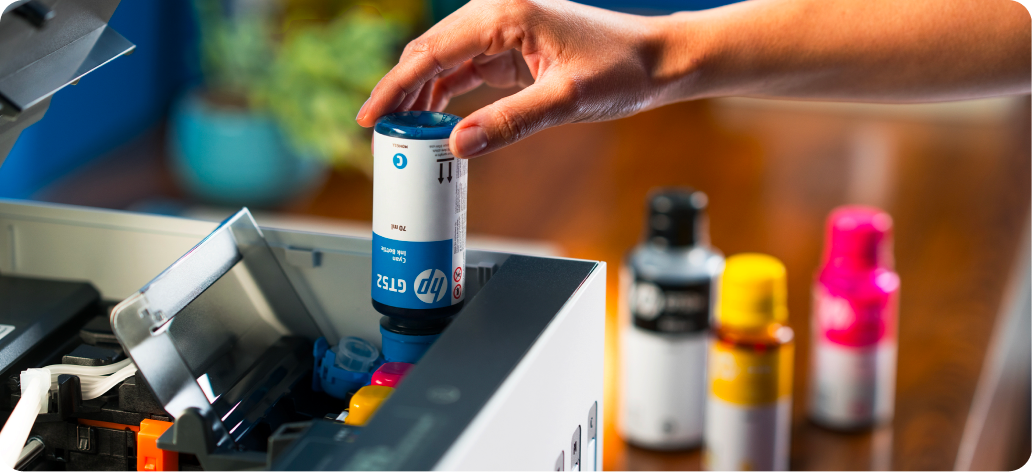
Mess-Free Refill5

HP’s easy-access, spill-free refill system lets you refill fast — no squeezing, no spilling.

Mess-Free Refill

Smart Ink Sensor

Get notified before you run out. HP Smart Tank detects and alerts when ink is low.

Low-on-ink and paper sensors

Consistent Prints Over Time

Updated black ink stays fresh, delivering stand-out prints even after not printing for 12 weeks.7

Industry-leading ink formulation
Looking for other HP home printers?

Supplies and Resources

Software And Drivers icon

HP Supplies

HP Supplies are crafted with a commitment to quality and sustainability, ensuring that every product not only meets high performance standards but also minimises environmental impact. From ink cartridges to paper, each item is designed to enhance productivity and efficiency, making them a reliable choice for both home and office use.

Software And Drivers icon

Built For A Better Tomorrow

HP Supplies are crafted with a commitment to quality and reliability, ensuring that every product meets HP’s high performance standards. From ink cartridges to paper, each item is designed to enhance productivity and efficiency, making them a reliable choice for both home and office use.

Support

Quick access to drivers and troubleshooting resources.

Software And Drivers icon

Software And Drivers

Get the latest software and drivers for your HP device.

Support And Troubleshooting icon

Support And Troubleshooting

Common issues that we can solve in a flash.

Frequently Asked Questions

What is a tank printer, and how does it differ from a traditional cartridge printer?

How does the HP Smart Tank compare to other printers in its class?

What do you do with the printer once you have used all the ink?

How do I set up the HP Smart Tank printer for the first time?

How many pages can I print with the included ink bottles?

Is the HP Smart Tank suitable if I have low to medium print needs?

Disclamers