Save up to 71%
Weekly Deals
on our best weekly deals.
Save up to 71% on select products, free shipping storewide.
Get extra 25% off select HP, HyperX, and Poly accessories with code: SETUP25.

Accessories

Apply Quick Filters :

Selecting filters will refresh results and may change available options.

PRICE RANGE

$
$
Rating

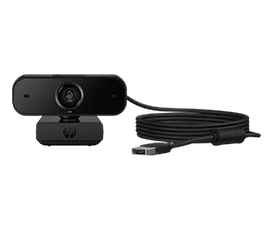
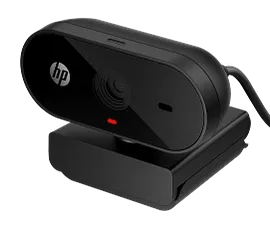
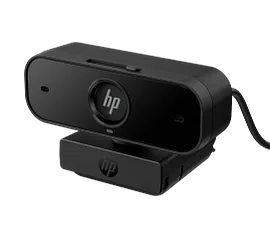
HP 435 FHD Webcam
1/6

HP 435 FHD Webcam

Automatic adjustment keeps you looking your bestA compact, portable webcam with built-in privacy coverPlug and play simplicity with Zoom and Works With Chromebook Certifications[1,2]Contains 65% post-consumer recycled plastic[4] and plastic-free packaging
77B10AA#ABA
Engineered for Sustainability
Get 25% off with code SETUP25
3% back in HP Rewards
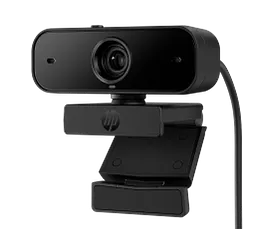
HP 320 FHD Webcam

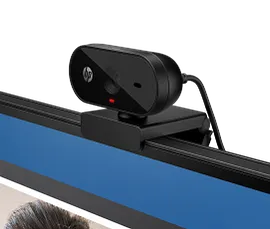
HP 320 FHD Webcam

Auto-adjusts to environmentFull HD 1080p[3], integrated mic, and 66º wide-angle360º swivel and tripod support[4]Works seamlessly with your Chromebook[1,2]
53X26AA#ABL
3% back in HP Rewards
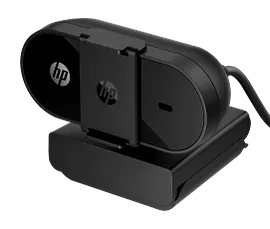
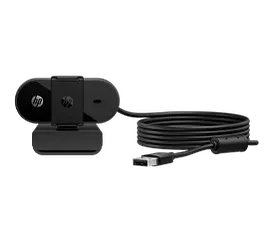
HP 325 FHD Webcam for business
1/6

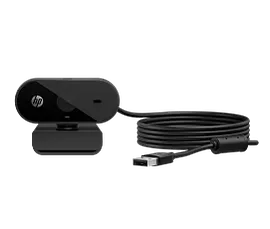
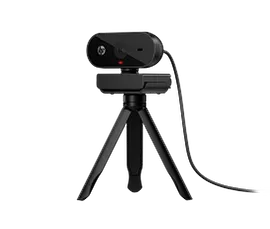
HP 325 FHD Webcam for business

Auto-adjusts to environmentFull HD 1080p[3], integrated mic, and 66º wide-angle360º swivel and tripod support[4]Works seamlessly with your Chromebook[1,2]
53X27AA
Get 25% off with code SETUP25
3% back in HP Rewards
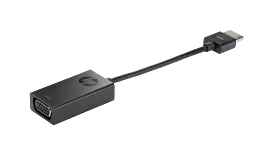
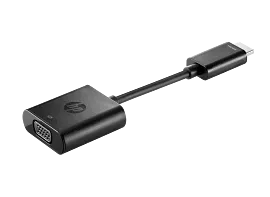
HP HDMI to VGA Adapter

HP HDMI to VGA Adapter

Converts HDMI to VGAEasy to carryOne-cable solution
H4F02AA#ABA
Get 25% off with code SETUP25
3% back in HP Rewards
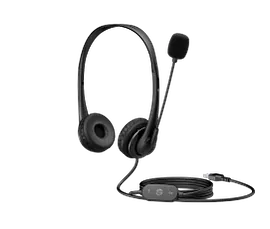
HP Stereo USB Headset G2

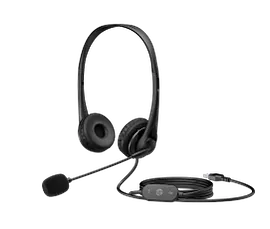
HP Stereo USB Headset G2

Noise-cancelling micIn-line volume controlsAdjustable head strapUSB-A Connection
428K6AA
Get 25% off with code SETUP25
3% back in HP Rewards
Related articles

How to Transfer Files from PC to PC: Step-by-Step Methods

Learn 6 proven methods to transfer files from PC to PC with our step-by-step guide. Discover the best techniques for moving data between computers quickly and securely.

Read more

How to Turn Keyboard Lighting On and Off on HP Laptops

Learn how to turn on and off your HP laptop’s keyboard light. Easy steps for HP Envy, Pavilion, OMEN, and more. Troubleshoot common issues and adjust settings.

Read more

How to Connect AirPods to a Windows Laptop

Easily connect your AirPods™ to your Windows laptop! Our simple guide shows how to pair AirPods™ with your PC, troubleshooting included. Works for all models.

Read more

USB-C vs Thunderbolt Port: What’s the Difference?

Explore the differences between USB-C and Thunderbolt. Discover the best connection for your needs based on speed, features, and cost. Learn more today!

Read more

What Watt Charger Do You Need? HP Laptop Charging Guide (45W vs 65W vs 110W)

Choose the right HP laptop charger with our guide to 45W vs 65W. Learn USB-C Power Delivery, compatibility, and how to find the correct wattage for your device.

Read more

What is the Best Monitor Size for Working from Home

Find the best monitor size for working from home. Compare 24, 27, and 32-inch displays by job type, desk space, and budget.

Read more

Mechanical vs. Membrane Keyboard: What’s the Difference?

What's actually different between mechanical and membrane keyboards? We break down how each works, how they feel to type on, the noise difference, maintenance, and which type fits your daily use — not just gaming.

Read more

How to Organize Cables and Keep Your Desk Setup Clean

Tangled cables ruining your desk? Learn step-by-step how to manage cords for any setup — home office, gaming, or dual monitors — using cable ties, raceways, docking stations, and wireless upgrades.

Read more