Thank you for visiting the NEW ZEALAND HP Store
-
Contact Us
CONTACT USCall us
- Sales
- 0800 854 848
- Technical support
- +64 9884 8600
Mon-Fri 9.00am - 6.00pm
(exc. Public Holidays)
Chat with us- Our specialist are here to help
- Live chat
Mon-Fri 9.00am - 6.00pm
(exc. Public Holidays)
Submit feedback We value your opinion! - My Account

Search
Page 2 - Laptops

-
Posted: April 08, 2026Categories: Laptops
 Read more »
Choosing the best laptop for graphic design or video editing is challenging when you have so many options available. Many creatives face a common problem: underpowered laptops that lag, freeze, or stutter during resource-intensive projects.
-
Posted: April 08, 2026Categories: Laptops
 Read more »
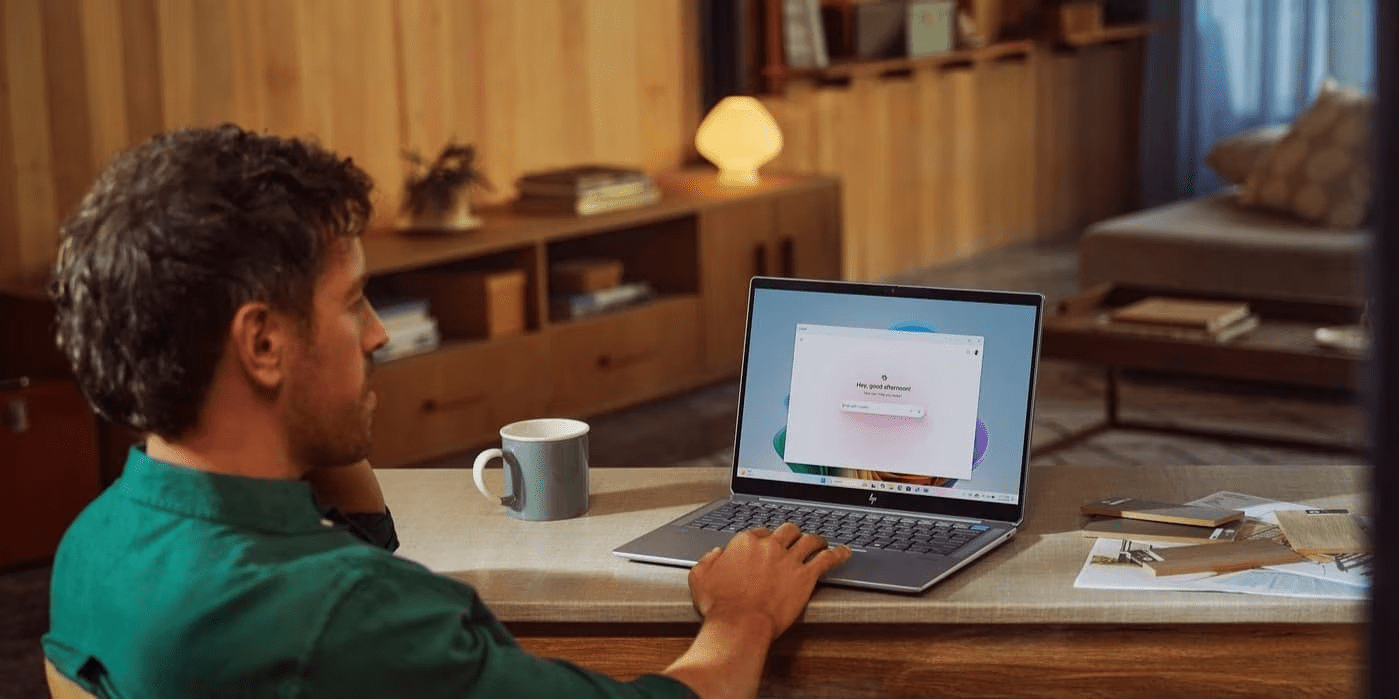
We’ve entered a new era of AI-powered computing, and the HP OmniBook Ultra leads the way. Whether you’re working from a café in Auckland or collaborating remotely from Wellington, professionals and creators now have access to next-generation technology that sets a higher standard for performance and intelligence. Continuing the legacy of the HP Spectre, the OmniBook Ultra combines top-tier performance, adaptive AI, and portable elegance into a single machine.
-
Posted: April 06, 2026Categories: Laptops
 Read more »
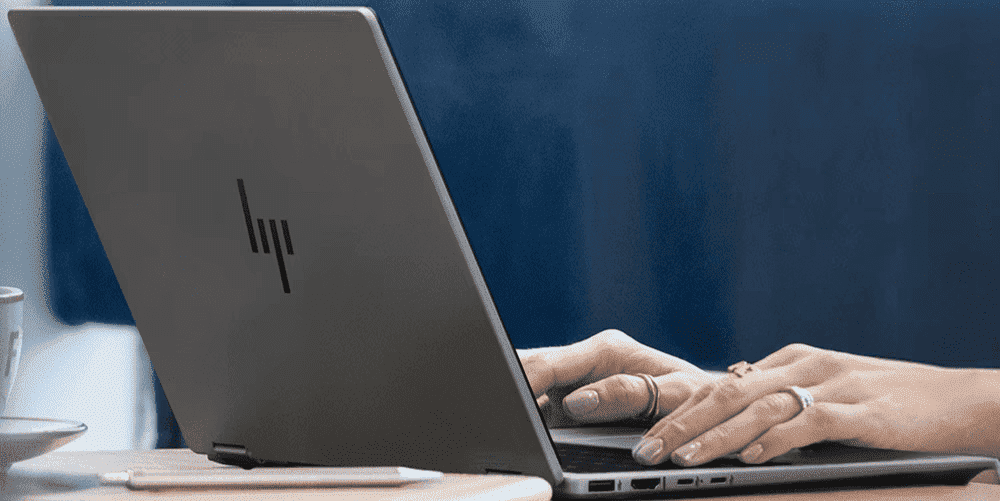
Over the past few years, creative professionals across New Zealand — from Auckland design studios to Wellington’s thriving film and media scene — have faced a crucial decision that would significantly impact the way they conduct business: adopt AI and enhance productivity, or risk being left behind. Here at HP, we have recognised this need and have incorporated Microsoft Copilot with the HP OmniBook X and the HP AI Companion to deliver hardware and software capabilities directly to creatives, allowing them access to practical and powerful applications.
-
Posted: April 03, 2026Categories: Laptops
 Read more »
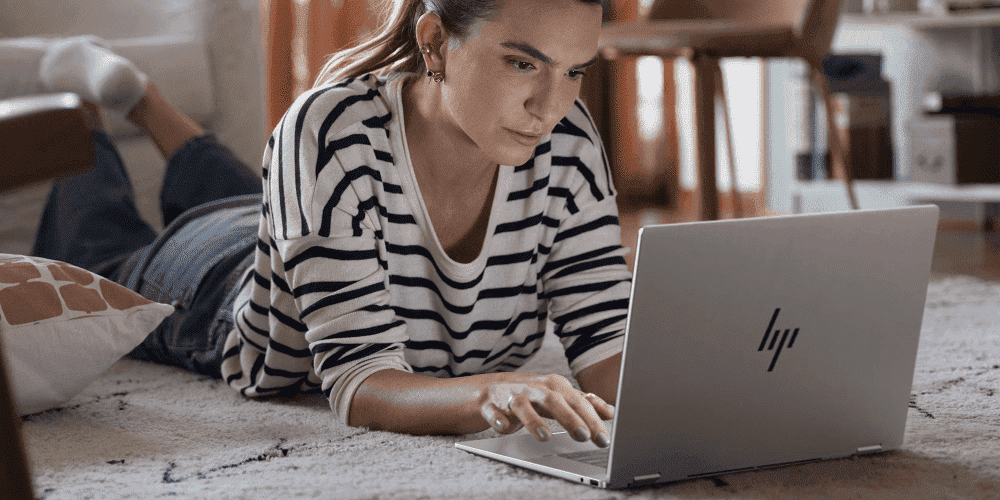
Whether you’re working from a Wellington café or commuting across Auckland, New Zealand’s professionals demand a laptop that keeps pace with every task, every environment, and every ambition. Say hello to the HP OmniBook X Flip, a bold reimagining of what a premium laptop can deliver. As the successor to HP’s iconic Spectre series, the OmniBook X Flip has big shoes to fill — and it does so through a transformative approach to premium features, AI intelligence, and versatile design. This next generation of flagship laptops brings a new era of intelligent computing, backed by the powerful Intel® Core™ Ultra 7 258V processor and a breathtaking 3K OLED touch display.
-
Posted: April 02, 2026Categories: Laptops
 Read more »
The HP ENVY series redefined what premium thin-and-light laptops could be. Now the HP OmniBook X continues that legacy with AI-powered features built for modern creative professionals and business users. Whether you’re working from an Auckland design studio, a Wellington co-working space, or catching up on projects from a Queenstown café, the OmniBook X arrives as a significant step forward.
-
Posted: April 01, 2026Categories: Laptops
 Read more »
Whether you’re a freelance designer working from a Wellington co-working space or a content creator editing footage in Auckland, the demand for a laptop that keeps pace with AI-driven workflows has never been greater. The HP OmniBook X is built precisely for this moment — a thoughtful, capable machine that brings dedicated AI hardware to thin-and-light form factors. In this review, we take a close look at what makes the HP OmniBook X unique, including its specs, AI capabilities, and more.
-
Posted: March 25, 2026Categories: Laptops
 Read more »
In an effort to streamline the buying process and upgrade its core products, HP recently introduced the all-new OmniBook line, offering users a range of hard-working, lightweight laptops. The OmniBook 7 replaces the well-loved Pavilion Plus and introduces new features including AI capabilities, military-grade durability, and numerous other updates — catering to professionals, students, and creative users alike.
-
Posted: March 16, 2026Categories: Laptops
 Read more »
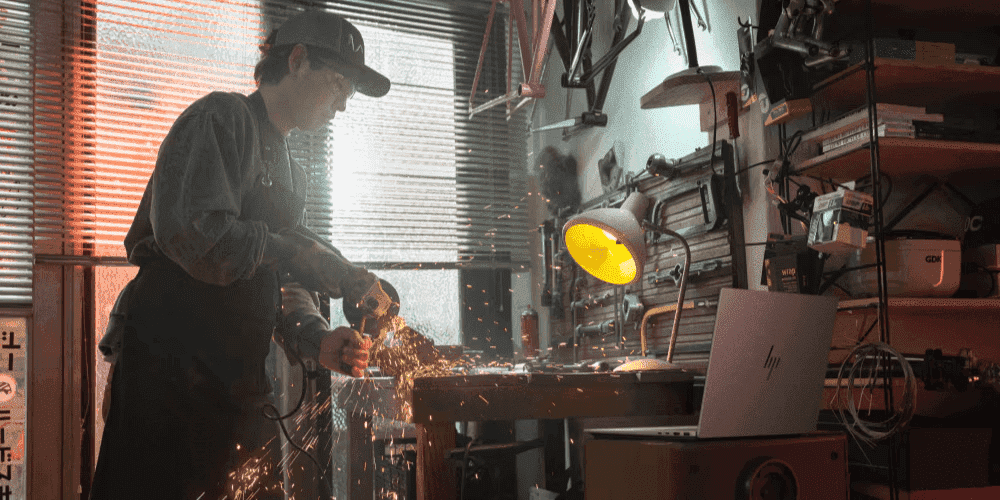
The business laptop market has long been dominated by the x86 duopoly. Leading a welcome leap to embrace ARM-based architecture and prioritise true mobility is HP’s new flagship — the HP OmniBook X. For Kiwi professionals who are constantly on the move — whether commuting between Auckland and Wellington or working remotely from the regions — a laptop that combines all-day battery life with serious AI muscle is no longer a luxury. It’s a necessity.
-
Posted: March 11, 2026Categories: Laptops
 Read more »
Mobile professionals across New Zealand — whether you’re hot-desking in Auckland’s CBD, commuting between Wellington offices, or working remotely from the regions — are always searching for that ideal balance between power and portability. The HP OmniBook Ultra Flip 14 has been engineered to deliver on both fronts. Weighing in at approximately three pounds, it combines AI-powered performance with up to 22 hours of battery life, making it one of the most compelling premium laptops available in New Zealand today.
-
Posted: March 04, 2026Categories: Laptops
 Read more »
For Kiwi professionals and creatives who have long relied on the HP Spectre line, exciting news is here. HP has evolved one of its most beloved premium laptop families into something even more powerful — the HP OmniBook Ultra series. Whether you work remotely from Wellington, create content in Auckland, or run a business from Christchurch, this next-generation platform is built to keep pace with the AI-powered world.
Recent Posts

Popular Posts


Products purchased through this store are sold and fulfilled by Ingram Micro (NZ) LTD

CONTACT US
Call us
- Sales
- 0800 854 848
- Technical support
- +64 9884 8600
Mon-Fri 9.00am - 6.00pm
(exc. Public Holidays)
Chat with us
- Our specialist are here to help
- Live chat
Mon-Fri 9.00am - 6.00pm
(exc. Public Holidays)
Submit feedback
We value your opinion!