

HP Poly Studio 會議空間運算的優勢

讓會議順暢推進的 AI 效能。HP Poly Studio 5 和 7 Room Compute 專為 AI 驅動協作而打造,可提供可靠、高效率的 Microsoft Teams1 與 Zoom Rooms2 會議體驗。

部署簡單。易於擴充。透過與 HP Poly TC103 快速自動配對,以及可隨需求演變輕鬆重新配置會議空間的模組化設計,簡化會議空間設定。

會議室管理觸手可及。透過 Poly Lens Cloud4 的裝置健全狀態監控、警示與分析功能,遠端設定、監控及更新會議室。
哪款 HP Poly Studio Room Compute 最適合您?
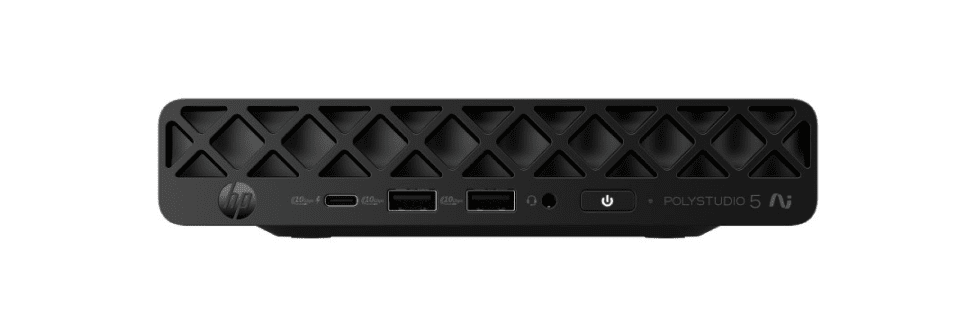
HP Poly Studio 5 Room Compute with Microsoft Teams Rooms
Microsoft Teams Rooms
適用於各種規模 Microsoft Teams Rooms 標準設定(1-2部攝影機)的 Room Compute
主要規格
處理器
Intel ® Core™ Ultra 5-3355 ,最高可達 47 NPU TOPS5
RAM
16 GB
推薦 USB 音訊/視訊條
HP Poly Studio V12(小型會議室)
HP Poly Studio V52(中型會議室)
HP Poly Studio V72(大型會議室)
建議搭配的 USB 攝影機(無音訊)
HP Poly Studio E60(大型會議室)
HP Poly Studio E70(大型會議室)
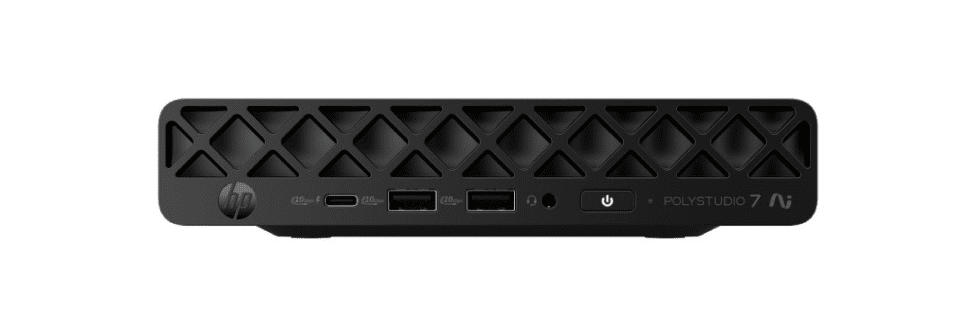
HP Poly Studio 7 Room Compute with Microsoft Teams Rooms
Microsoft Teams Rooms
適用於大型(多部攝影機)及可自訂 Microsoft Teams Rooms 的 Room Compute
主要規格
處理器
Intel ® Core™ Ultra 7-366H5 ,最高可達 50 NPU TOPS5
RAM
32 GB
推薦 USB 音訊/視訊條
HP Poly Studio V12(小型會議室)
HP Poly Studio V52(中型會議室)
HP Poly Studio V72(大型會議室)
建議搭配的 USB 攝影機(無音訊)
HP Poly Studio E60(大型會議室)
HP Poly Studio E70(大型會議室)
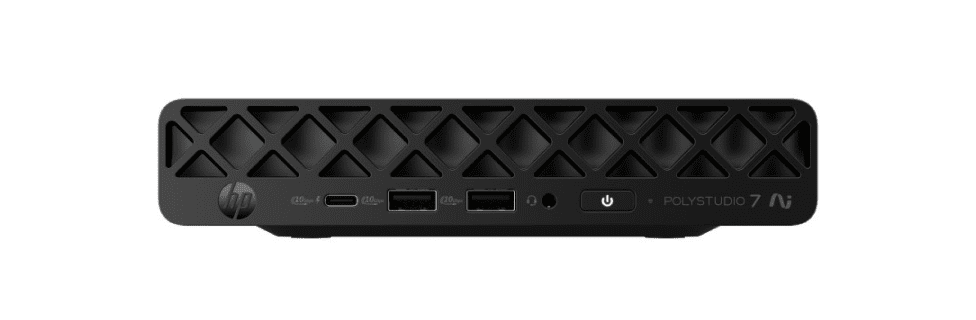
HP Poly Studio 7 Room Compute with Zoom Rooms
Microsoft Teams Rooms
適用於大型(多部攝影機)及可自訂 Zoom Rooms 的 Room Compute
主要規格
處理器
Intel® Core™ Ultra 7-366H5 ,最高可達 50 NPU TOPS5
RAM
32 GB
推薦 USB 音訊/視訊條
HP Poly Studio V12(小型會議室)
HP Poly Studio V52(中型會議室)
HP Poly Studio V72(大型會議室)
建議搭配的 USB 攝影機(無音訊)
HP Poly Studio E60(大型會議室)
HP Poly Studio E70(大型會議室)


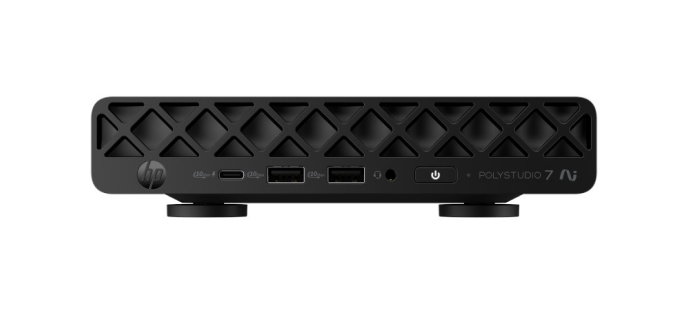
探索 HP Poly Studio Room Compute 功能
顯示 HP Poly Studio 7 Room Compute 正面的機型圖。

開箱即用,設定順暢
HP Poly Studio Room Compute 配備顏色標示連接埠、觸控控制器3 自動配對和磁吸固定座,讓設定更輕鬆。

內建耐用性
Room Compute 經過 HP Total Test Process9 和 MIL-STD 810 測試10,讓您更安心。
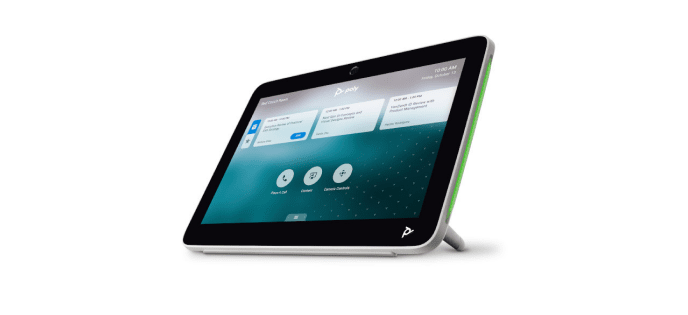
HP Poly TC103 觸控控制器
自動與 HP Poly Studio Room Compute 配對進行設定。透過另售的本地 PoE8 交換器連接最多四個觸控控制器,方便在會議室內各處使用。
從韌體攻擊中自動復原
韌體攻擊可能對您的運算設備造成嚴重破壞。HP Sure Start11 是可自我修復的 BIOS,能在遭受攻擊或毀損時自動復原,協助維持防護。



常見問題
什麼是 HP Poly Studio 5 與 7 Room Compute?
支援哪些機型和會議空間平台?
這個解決方案是為誰設計的?
部署與擴充有多容易?
會議室如何管理和保護?
免責聲明