Thank you for visiting the NEW ZEALAND HP Store
-
Contact Us
CONTACT USCall us
- Sales
- 0800 854 848
- Technical support
- +64 9884 8600
Mon-Fri 9.00am - 6.00pm
(exc. Public Holidays)
Chat with us- Our specialist are here to help
- Live chat
Mon-Fri 9.00am - 6.00pm
(exc. Public Holidays)
Submit feedback We value your opinion! - My Account

Search

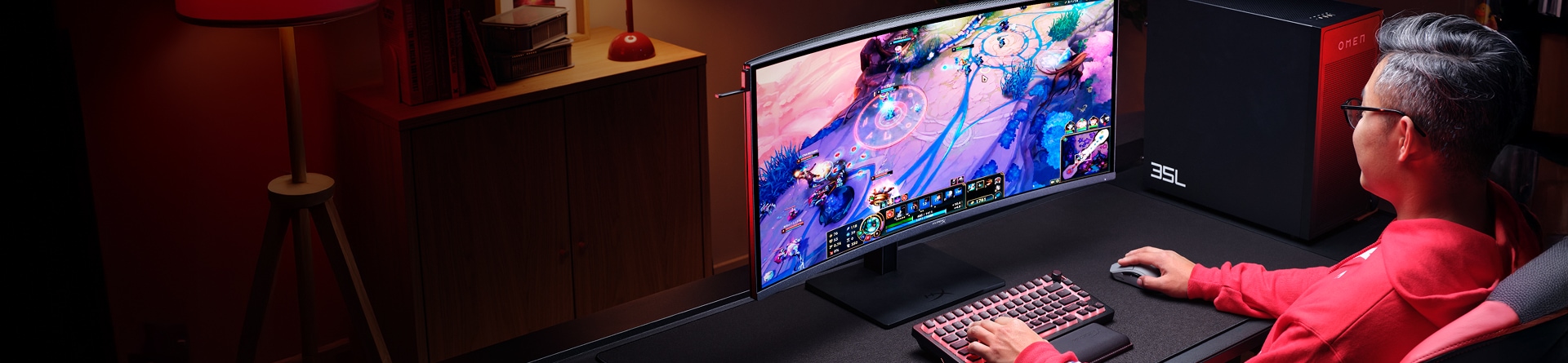


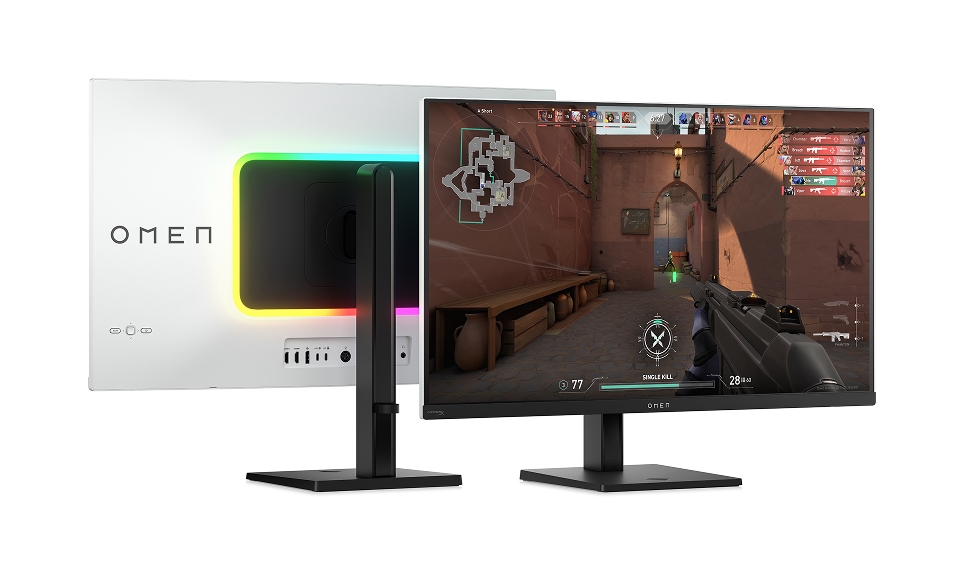
HP OMEN
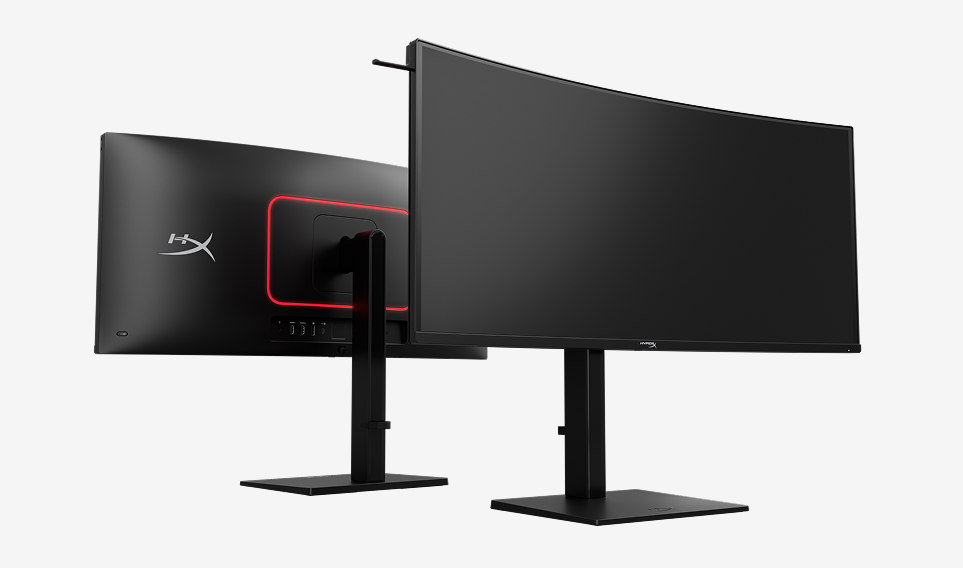
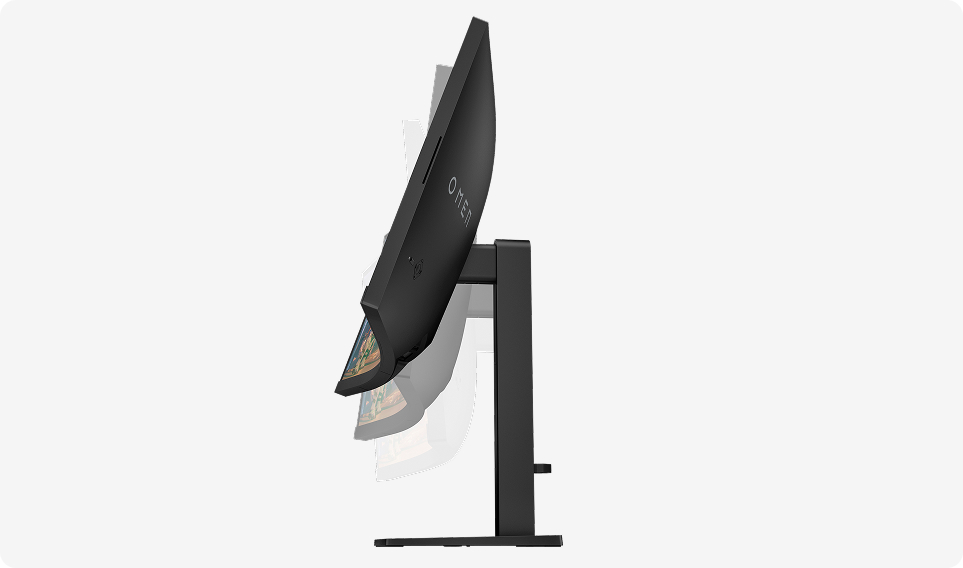
HP OMEN gaming monitors deliver ultra‑smooth performance, vivid color accuracy, and fast responsiveness for deeply immersive gameplay.
Shop now
Your gaming domination starts here
*Features below are available on select HP OMEN monitors only


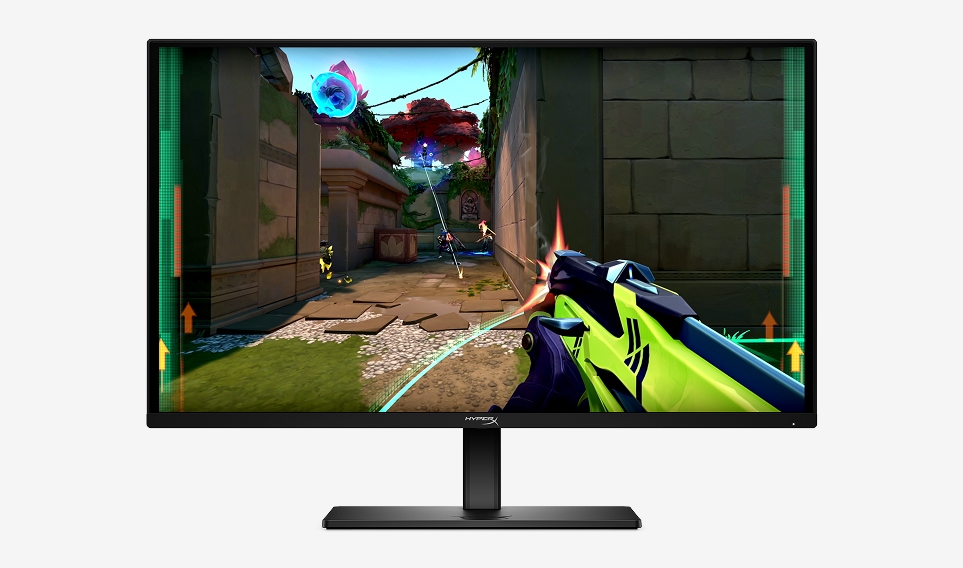
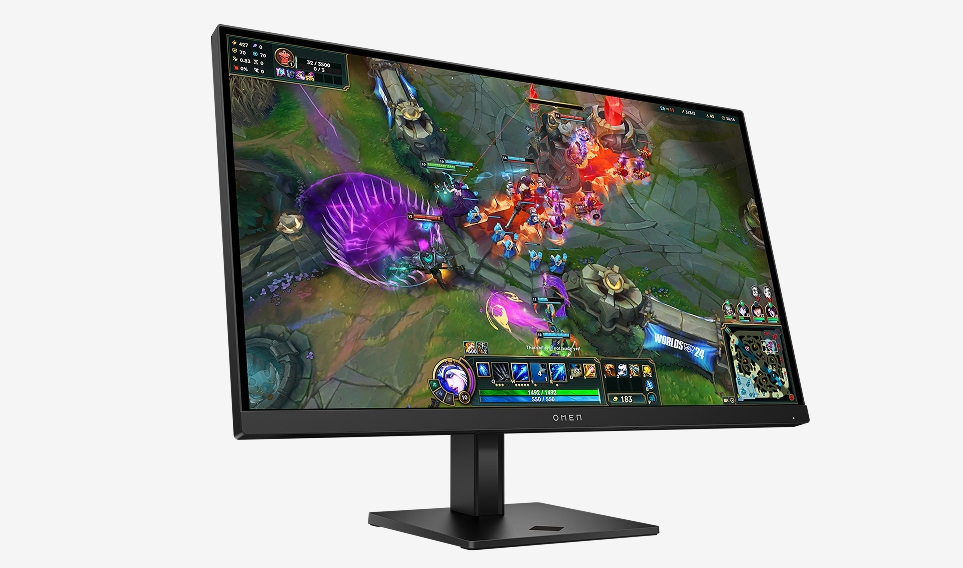
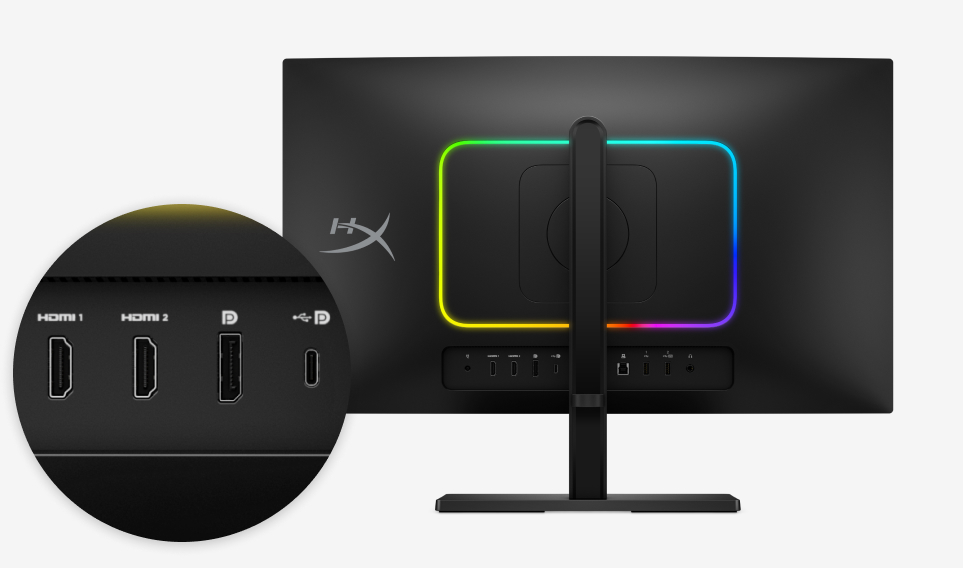
Gaming Console Compatible
Built to sync perfectly with PlayStation and Xbox using HDMI connectivity.*
Integrated Speakers
Integrated sound keeps you battle‑ready without extra gear or clutter.*
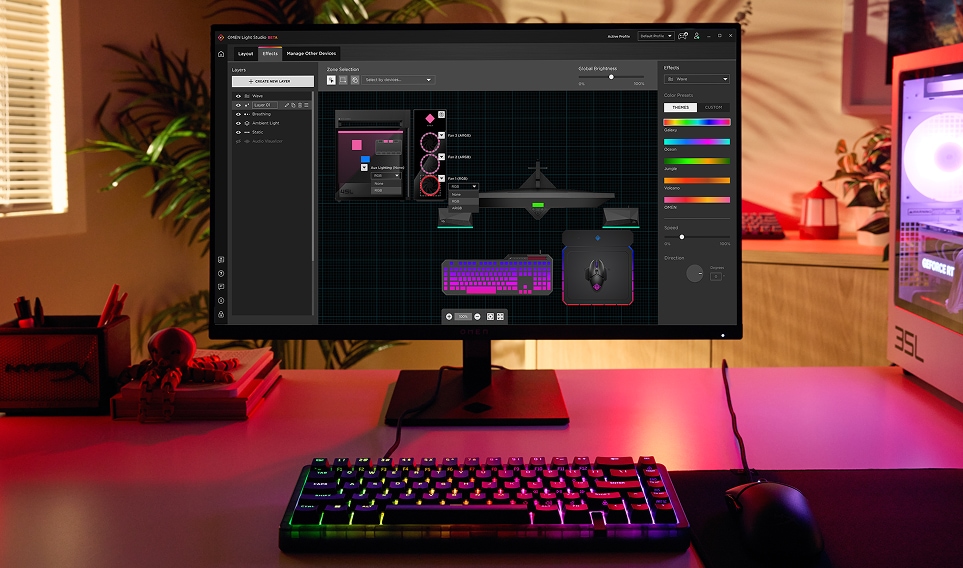

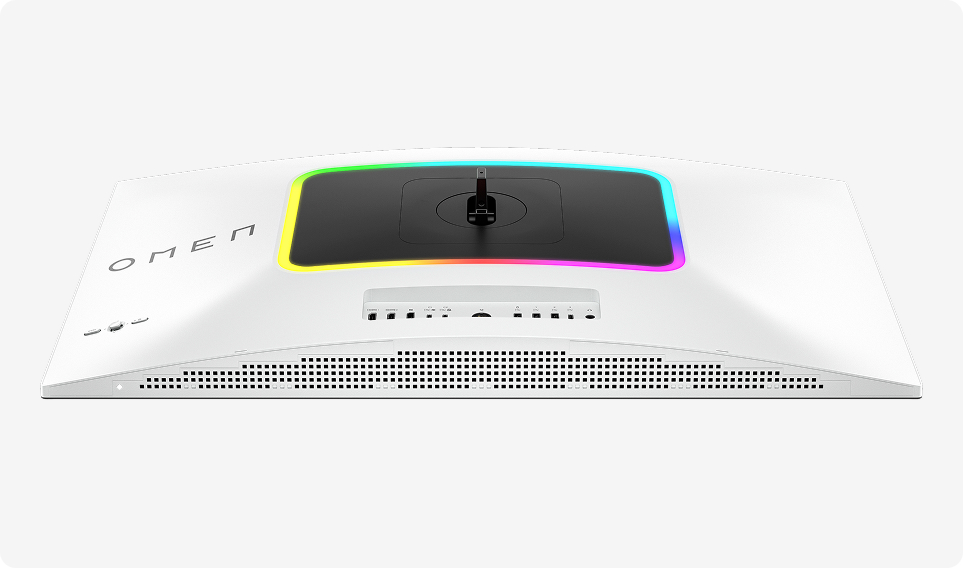
OMEN Gaming Hub
Coordinate colour scheme; easily sync lighting effects across your PC and compatible accessories with Light Studio, a feature available in OMEN Gaming Hub.
Download nowBest sellers


FAQs
What specs matter most when choosing a gaming monitor?
The three most important specs to focus on are refresh rate, resolution, and response time. Refresh rate (measured in Hz) determines how smoothly motion appears on screen — 144Hz is a good baseline for gaming, and 240Hz or higher is ideal for competitive shooters. Resolution affects image clarity and detail — FHD (1080p) is the minimum for gaming, while QHD (1440p) and 4K offer sharper visuals if your graphics card can keep up. Response time (measured in milliseconds) affects how quickly pixels change colour — 5ms or lower is recommended, with 1ms being ideal for fast-paced games where ghosting can be a problem.
Should I get a curved or flat gaming monitor?
It comes down to what you play and how immersive you want the experience to be. Curved monitors wrap your peripheral vision and reduce distortion at the edges of the screen, which makes them excellent for open-world games, racing titles, and anything where immersion matters. They also reduce eye strain during long sessions by directing light more evenly toward your eyes. Flat monitors work well for competitive gaming where precise, undistorted visuals are preferred, and they're also easier to set up in multi-monitor configurations. Both options are available across the HP OMEN range.
What refresh rate do I actually need for gaming?
It depends on the type of games you play. For competitive shooters and fast-paced multiplayer games, a higher refresh rate like 240Hz or 360Hz gives you noticeably smoother motion and a real advantage in reacting to on-screen action. For single-player games, RPGs, and story-driven titles, 144Hz to 180Hz provides a smooth and enjoyable experience without needing the most powerful GPU to keep up. Keep in mind that your graphics card needs to produce enough frames per second to match your monitor's refresh rate — a 360Hz monitor won't look any different from a 144Hz one if your system is only pushing 120fps.
What is AMD FreeSync and why does it matter?
AMD FreeSync is an adaptive sync technology that synchronises your monitor's refresh rate with your graphics card's frame output in real time. Without it, mismatches between the two can cause screen tearing (visible horizontal lines), stuttering, and input lag. With FreeSync enabled, the display only refreshes when a new frame is ready, which eliminates these issues and delivers a much smoother visual experience. It's especially valuable in games where frame rates fluctuate. FreeSync is available across HP's OMEN gaming monitor range.
How do I choose the right monitor size for gaming?
Monitor size affects both immersion and practical desk setup. Screens in the 24 to 27 inch range are the most popular for gaming — they're large enough for detailed visuals while still allowing you to see the entire screen without moving your head, which is important for competitive play. Monitors 31.5 inches and above are great for immersive single-player gaming and multitasking, but you'll want to sit a bit further back for a comfortable viewing experience. Consider your desk depth and how close you sit when deciding — a massive screen at close range can actually work against you in fast-paced games.
Do I need a different monitor for console gaming vs PC gaming?
Not necessarily. Any gaming monitor with an HDMI input will work with modern consoles like PlayStation and Xbox. The key thing to check is that your monitor's specs align with what your console can output. Current-generation consoles support up to 120fps in some games, so a monitor with a 120Hz or higher refresh rate will let you take advantage of that. For PC gaming, you'll generally get more benefit from higher refresh rates and adaptive sync technologies like FreeSync, since PCs can push frame rates much higher than consoles in most games.


Products purchased through this store are sold and fulfilled by Ingram Micro (NZ) LTD

CONTACT US
Call us
- Sales
- 0800 854 848
- Technical support
- +64 9884 8600
Mon-Fri 9.00am - 6.00pm
(exc. Public Holidays)
Chat with us
- Our specialist are here to help
- Live chat
Mon-Fri 9.00am - 6.00pm
(exc. Public Holidays)
Submit feedback
We value your opinion!