Benefits of HP Smart Tank Printers

Prrint up to 8,000 colour pages out of box, starting as low as RM0.004 per page.9

Best Print Quality10. Crisp fast-drying docs and frame-worthy photos with vivid, true to life colour printing. Black ink quick-drying technology: waterproof and smear-resistant.

Save up to 70% on maintenance costs12. A self-replaceable printhead and ink-pad-free design reduce servicing needs and long-term maintenance expenses as compared to competitors.

Print in variety of paper types11. HP Printer works well with many types of paper so you can enjoy quality printing from documents to coloured photos.
Compare Smart Tank Printers


HP Smart Tank 720 series

Best For Affordable Everyday Prints
Key Specifications
Print/Scan/Copy
Pages Included
6,000 black/8,000 colour
Connectivity
USB, Wireless dual-band Wi-Fi®
Print speed
15 black/9colour pages per minute
Duplex
Automatic 2-sided printing
Automatic Document Feeder (ADF)
Flat bed scanner
HP Smart Tank 750 series

Best For Affordable Everyday Prints
Key Specifications
Print/Scan/Copy
Pages Included
6,000 black/8,000 colour
Connectivity
USB, Wireless dual-band Wi-Fi®
Print speed
15 black/9 colour pages per minute
Duplex
Automatic 2-sided printing
Automatic Document Feeder (ADF)
35-page Auto Document Feeder
HP Smart Tank 790 series

Best For Home And Work Productivity
Key Specifications
Print/Scan/Copy/Fax
Pages Included
6,000 black/8,000 colour
Connectivity
Wireless dual-band Wi-Fi®
Print speed
15 black/9 colour pages per minute
Duplex
Automatic 2-sided printing
Automatic Document Feeder (ADF)
35-page Auto Document Feeder
Explore HP Smart Tank Features

1 of 6
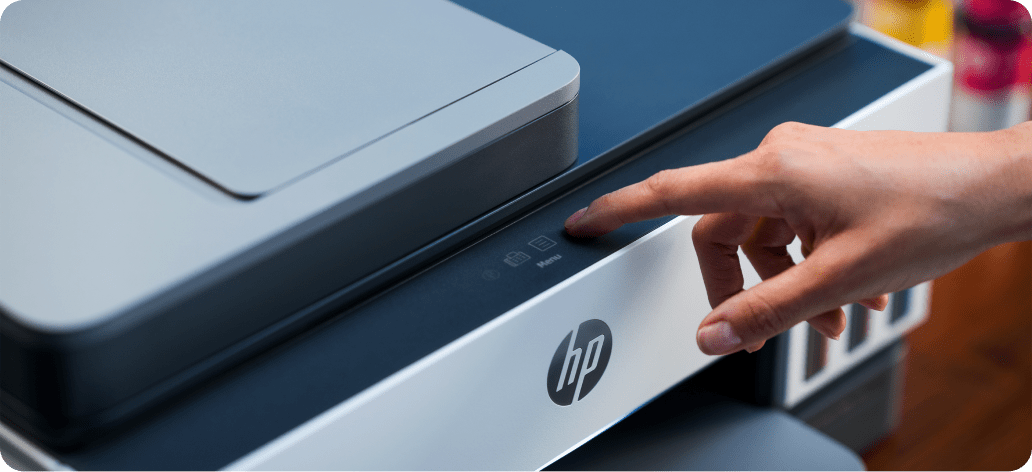
Easiest-to-Use Tank Printer3
Fastest setup, reliable Wi-Fi®4, intuitive touchscreen controls, and smart-guided lighting make it all easy to print and scan.
2 of 6
The Best of HP, All in One Place
Print, scan, and copy from anywhere with our easy-to-use app.5

3 of 6
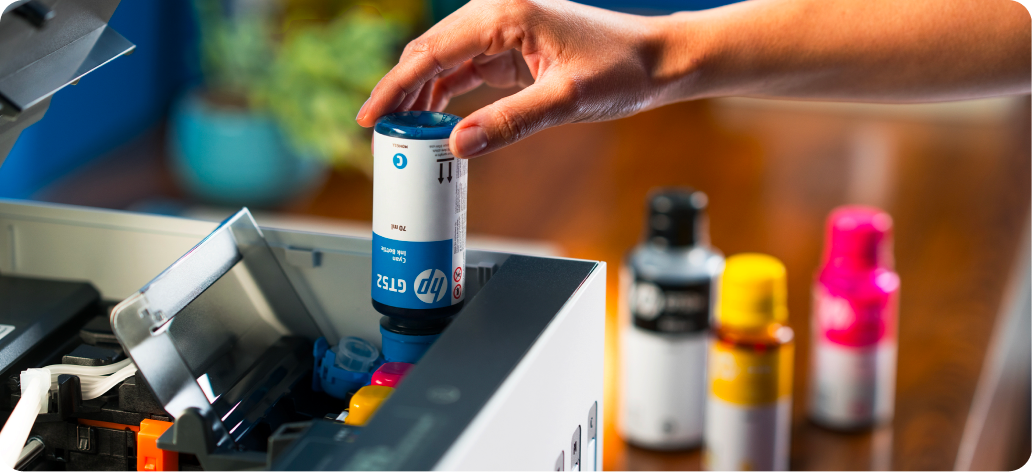
Mess-Free Refill6
Spill-free ink bottle system with simple, clean refill process.
4 of 6
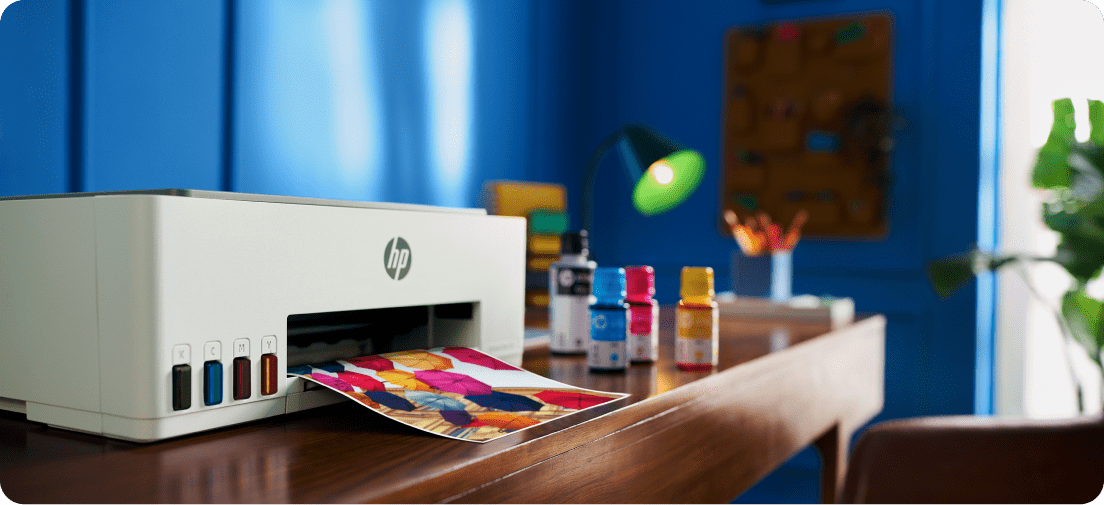
Most Reliable Connectivity
Dual-band Wi-Fi® with self-healing that detects and fixes network issues automatically.4
5 of 6
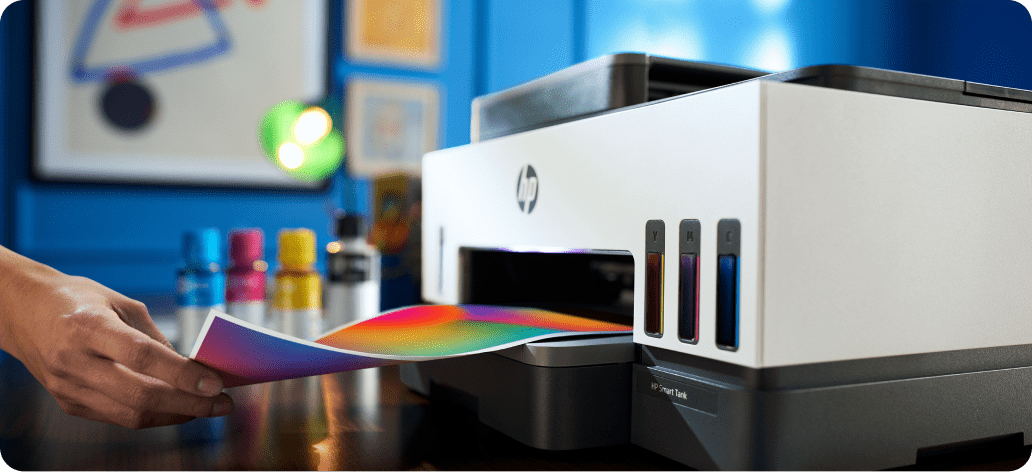
Consistent Prints Over Time
Updated black ink stays fresh, delivering stand-out prints even after not printing for 12 weeks.7
6 of 6
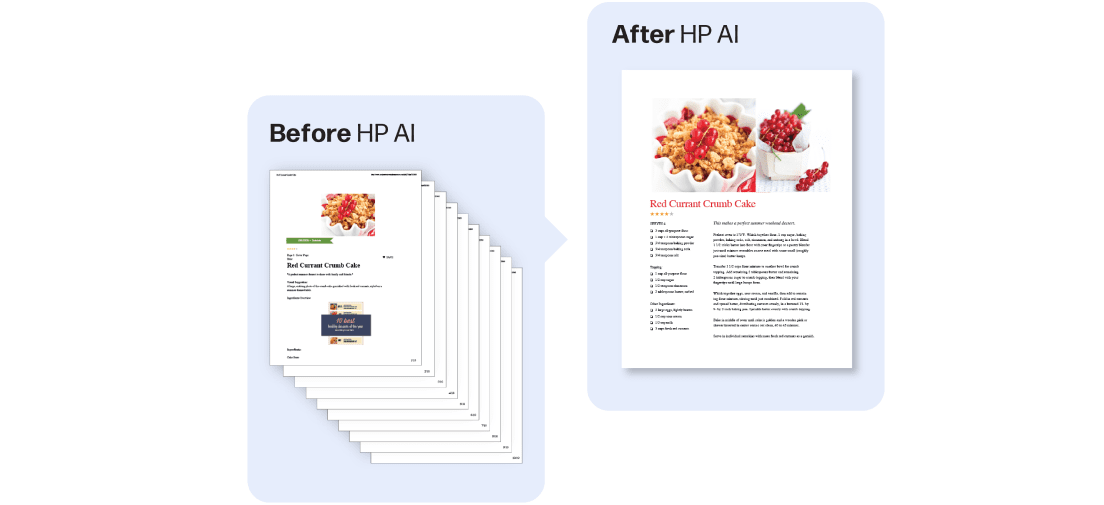
HP AI Capable8
Simplify tasks with HP AI and unlock the power of smart print and scan.

Sustainability
Built For A Better Tomorrow
Sustainability is embedded in what we do—from how we innovate, to how we operate, to how we engage with our communities. It is not a separate initiative, but a core element of our strategy to grow responsibly and create lasting value for all our stakeholders.