Connecting Your World: HP Docking Stations
Hey there! Are you looking for a way to supercharge your workflow and simplify your setup? A docking station might be just what you need. These handy devices let you connect all your peripherals – monitors, keyboards, mice, printers – to your HP laptop with one easy connection. It's like having a mini desktop setup, without the hassle of multiple cables.
Think about it: you’re working on a project, and suddenly you need to switch between your laptop screen and a larger monitor. With an HP docking station, that’s a simple click away. No more fumbling with cables, no more lost connections. Just seamless productivity.
Why Choose an HP Docking Station?
HP docking stations are designed to work seamlessly with your HP laptop. We’ve built them with quality and compatibility in mind, ensuring a smooth and reliable experience. Many of our docking stations offer features like fast charging, multiple display support, and USB ports for all your devices. This makes them incredibly versatile for various needs and setups.
What to Consider When Choosing a Docking Station
Choosing the right docking station depends on your needs. Do you need multiple monitor support? How many USB ports do you require? Do you need fast charging capabilities? Consider these factors to find the perfect fit for your workflow.
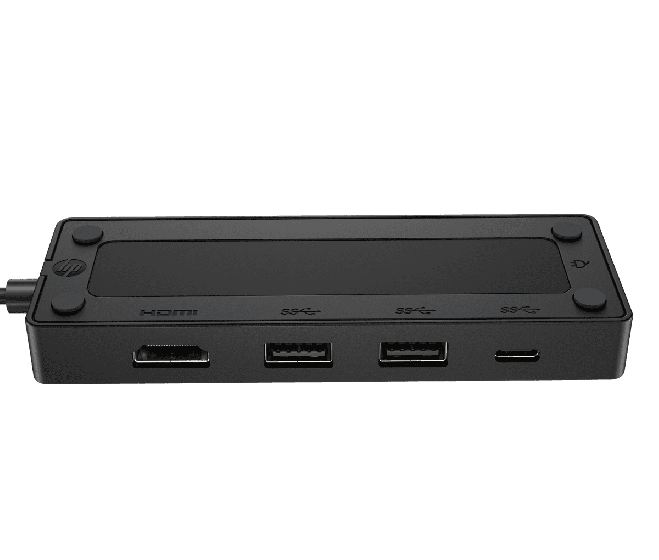
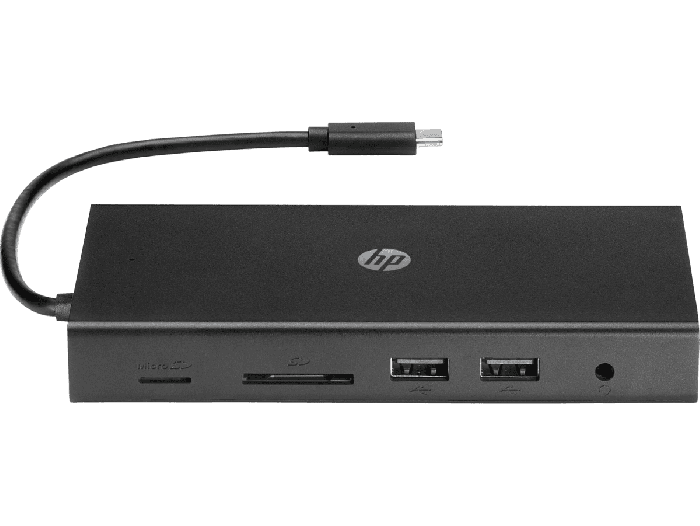
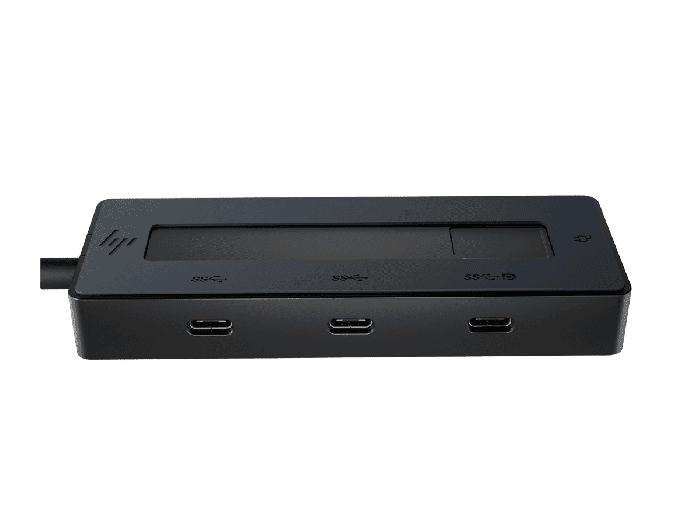
- Number of Ports: Think about how many devices you need to connect. Some docking stations offer a vast array of ports, including USB-A, USB-C, Ethernet, and even audio jacks.
- Display Support: If you work with multiple monitors, make sure the docking station supports the number of displays you need. Some can support up to three monitors for an immersive experience.
- Charging Speed: Fast charging capabilities are essential for keeping your HP laptop powered up throughout the day. Look for models that offer fast and efficient charging.
- Connectivity: Consider the type of connection your laptop uses (Thunderbolt, USB-C, etc.) and choose a docking station that is compatible.
User Experiences: Making Your Life Easier
We hear from many users about how much easier our docking stations make their lives. They appreciate the streamlined setup, the improved productivity, and the convenience of having everything connected in one place. People love the convenience of having a clutter-free workspace, and the ability to quickly transition between a portable and desktop setup.
Popular Styles and Features
HP offers a range of docking stations to suit different needs and preferences. From compact and portable options to those with extensive connectivity, you're sure to find one that fits your style. Many of our docking stations are designed for portability, making them ideal for those who work on the go. Others are more robust and offer a wider range of connectivity options for those who prefer a more permanent setup.
Making the Right Choice for You
Ultimately, the best docking station for you will depend on your specific needs and preferences. By considering the factors discussed above, you can find the perfect HP docking station to enhance your productivity and simplify your workspace in السعودية. Remember to consider your laptop's connection type and your peripheral needs to ensure a seamless integration into your existing setup. With a little thought, you'll find yourself enjoying a much more efficient and organized workspace.