Thank you for visiting the INDONESIA HP Store

-
Contact Us
CONTACT USCall us
- Sales
- 007 803 331 5068
- Technical support
- 6272 5300
- 007 803 331 5032 (TOLL FREE)
- 622150890573 (WhatsApp)
Mon-Fri 9.00am - 6.00pm
(exc. Public Holidays)
Chat with us- Our specialist are here to help
- Live chat
- Sales
- +62 215 086 4288 (Whatsapp ONLY)
-

Mon-Fri 9.00am - 6.00pm
(exc. Public Holidays)
Store finder Locate our storesSubmit feedback We value your opinion! - Location
- My Account

Search
Without Screen Windows 11 Home Single Language Black Desktops

-
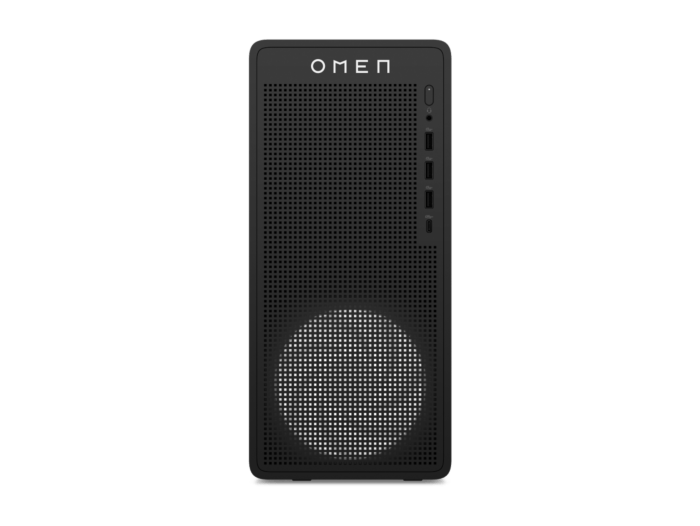
OMEN 16L Gaming Desktop PC TG03-1760d
Your new era of gaming- Intel® Core™ i7 14th generation processor
- Windows 11 Home Single Language
- NVIDIA® GeForce RTX™ 5060 Ti
- 16 GB DDR5-5600 RAM
- 1 TB SSD Hard Drive
CompareD96KLPAStarting fromRp 36.000.000Rp 35.000.000Interest free installment starting fromRp 2.916.667/m* -
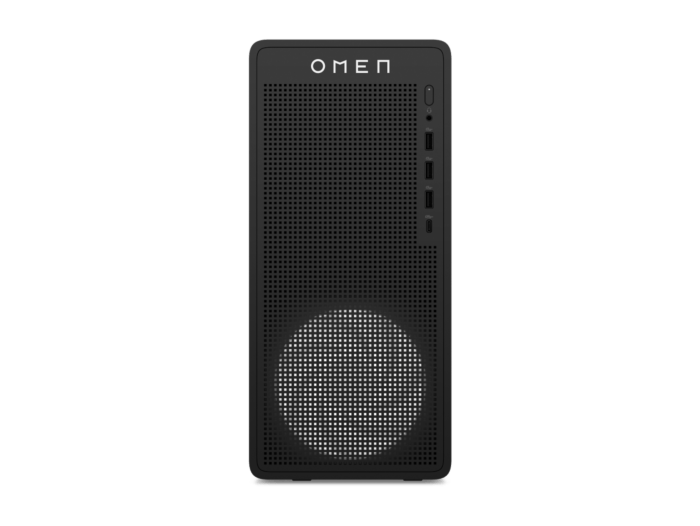
OMEN 16L Gaming Desktop PC TG03-1001d
Your new era of gaming- Intel® Core™ i9 14th generation processor
- Windows 11 Home Single Language
- AMD Radeon™ RX 9060 XT Graphics
- 16 GB DDR5-5600 RAM
- 1 TB SSD Hard Drive
CompareD97BJPAStarting fromRp 41.000.000Rp 40.000.000Interest free installment starting fromRp 3.333.333/m* -
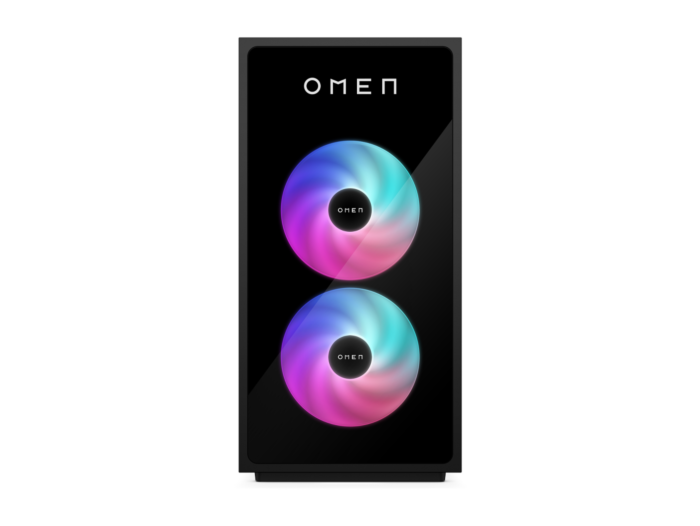
OMEN 35L Gaming Desktop GT16-0971d
Take the key to your gaming performance- Intel® Core™ Ultra 9 processor
- Windows 11 Home Single Language
- NVIDIA® GeForce RTX™ 5070 Ti
- Kingston FURY 32 GB DDR5-6000 RAM
- 1 TB SSD Hard Drive
CompareD96K6PAStarting fromRp 71.000.000Rp 70.000.000Interest free installment starting fromRp 5.833.333/m* -
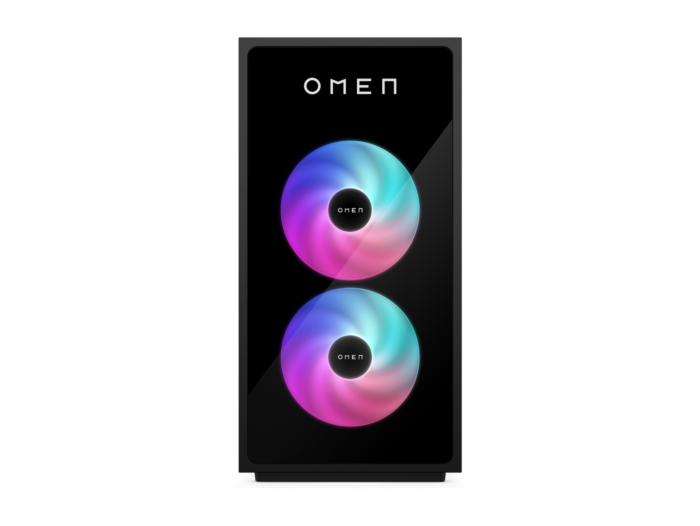
OMEN 35L Gaming Desktop GT16-0986d
Take the key to your gaming performance- Intel® Core™ Ultra 9 processor
- Windows 11 Home Single Language
- NVIDIA® GeForce RTX™ 5080
- Kingston FURY 32 GB DDR5-6000 RAM
- 1 TB SSD Hard Drive
CompareD96K7PAStarting fromRp 81.000.000Rp 80.000.000Interest free installment starting fromRp 6.666.667/m* -
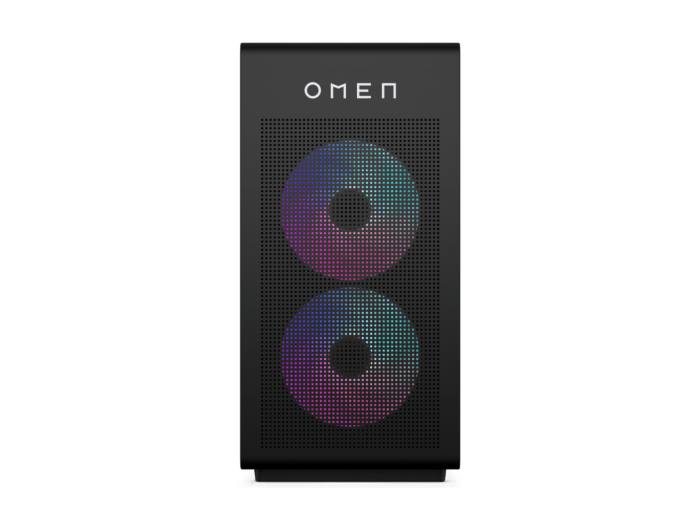
OMEN 35L Gaming Desktop GT16-1989d
Your gaming performance awaits- AMD Ryzen™ 9 processor
- Windows 11 Home Single Language
- NVIDIA® GeForce RTX™ 5080
- Kingston FURY 64GB DDR5-6000 RAM
- 1 TB SSD Hard Drive
CompareD96KHPAStarting fromRp 100.000.000Rp 99.000.000Interest free installment starting fromRp 8.250.000/m* -
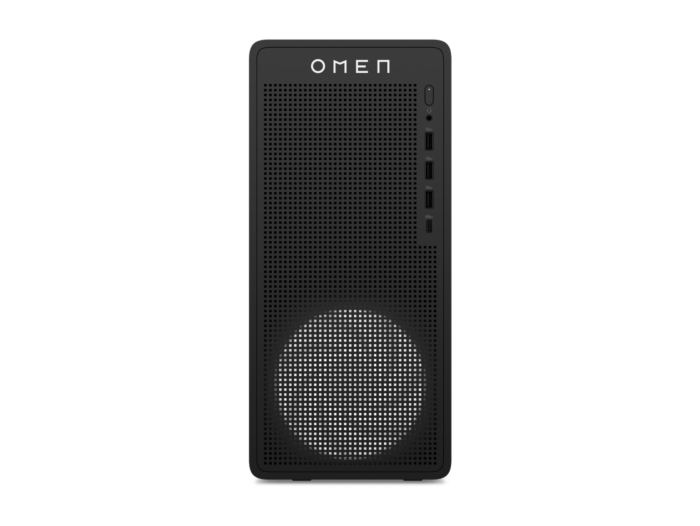
OMEN 16L Gaming Desktop PC TG03-1762d
Your new era of gaming- Intel® Core™ i7 14th generation processor
- Windows 11 Home Single Language
- NVIDIA® GeForce RTX™ 5060 Ti
- 16 GB DDR5-5600 RAM
- 1 TB SSD Hard Drive
CompareD96KMPAStarting fromRp 33.000.000Rp 32.000.000Interest free installment starting fromRp 2.666.667/m* -

OMEN 35L Gaming Desktop GT16-0965d
Take the key to your gaming performance- Intel® Core™ Ultra 9 processor
- Windows 11 Home Single Language
- NVIDIA® GeForce RTX™ 5060 Ti
- Kingston FURY 32 GB DDR5-6000 RAM
- 1 TB SSD Hard Drive
CompareD96K5PAStarting fromRp 59.000.000Rp 58.000.000Interest free installment starting fromRp 4.833.333/m* -
OMEN 35L Gaming Desktop GT16-0989d
Take the key to your gaming performance- Intel® Core™ Ultra 9 processor
- Windows 11 Home Single Language
- NVIDIA® GeForce RTX™ 5080
- Kingston FURY 64 GB DDR5-6000 RAM
- 1 TB SSD Hard Drive
CompareD96K8PAStarting fromRp 96.000.000Rp 95.000.000Interest free installment starting fromRp 7.916.667/m*
Compare Products
0/4
-
-
Add
Product -
Clear allNo product added to compare list


CONTACT US
Call us
- Sales
- 007 803 331 5068
- Technical support
- 6272 5300
- 007 803 331 5032 (TOLL FREE)
- 622150890573 (WhatsApp)
Mon-Fri 9.00am - 6.00pm
(exc. Public Holidays)
Chat with us
- Our specialist are here to help
- Live chat
- Sales
- +62 215 086 4288 (Whatsapp ONLY)
-
Mon-Fri 9.00am - 6.00pm
(exc. Public Holidays)
Store finder
Locate our stores
Submit feedback
We value your opinion!